
MM Academy 電腦版
Addmen IT Solutions
用GameLoop模拟器在電腦上玩MM Academy
MM Academy 電腦版
來自發行商 Addmen IT Solutions 的 MM Academy 能夠在安卓系統上運行。
現在,您可以在電腦上使用 GameLoop 模擬器流暢地玩 MM Academy。
在 GameLoop 遊戲庫或搜索結果中下載。 不需要再暢玩遊戲時盯著電池電量或被令人懊惱的來電打斷。
只需在電腦大屏幕上免費下載暢玩MM Academy 電腦版!
MM Academy 簡介
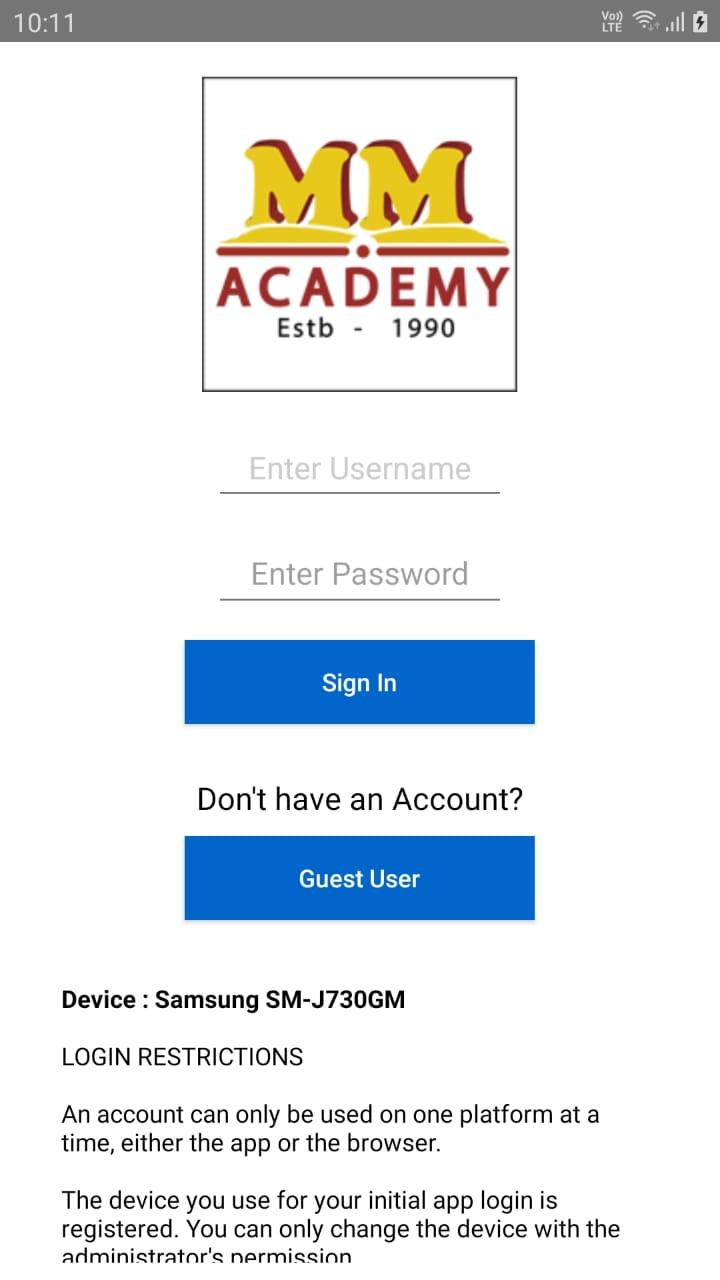
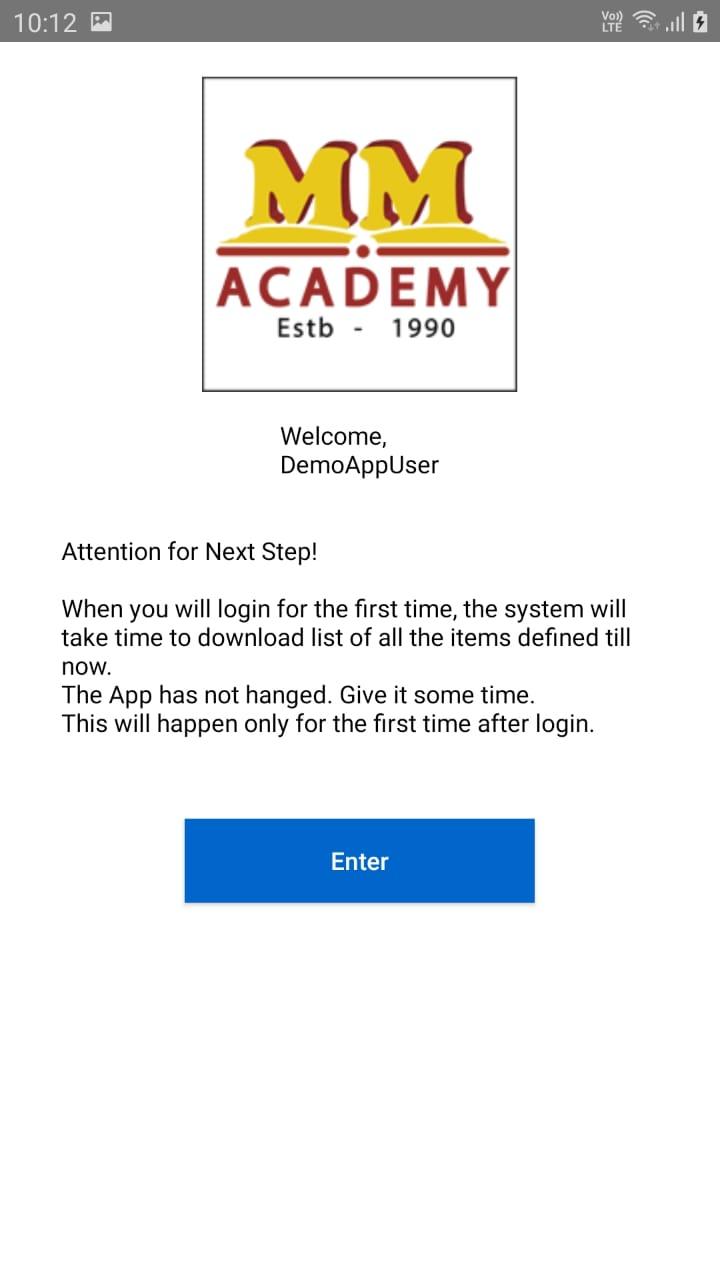
A Learning Management System (LMS) app for students simplifies the educational experience by providing a centralized platform for accessing recorder video, submitting tests, and tracking Performance Analytics.
Key Features of a Learning Management System (LMS) App for Students:
Secure Testing Environment: Features like randomized questions, browser lockdown, and proctoring to ensure academic integrity.
User-Friendly Interface: Intuitive design makes it easy for students to navigate and take tests efficiently.
Offline Mode: Download tests and complete them offline, then upload results once reconnected to the internet.
Performance Analytics: Analyze results with insights on strengths, weaknesses, and areas for improvement.
Mobile Accessibility: Take tests, Study and complete coursework on-the-go with a fully responsive app compatible with smartphones and tablets.
Notifications and Reminders: Stay informed about upcoming tests, deadlines and important updates with push notifications and reminders.
This LMS app streamlines your educational journey, making it easier to stay organized, engaged, and on track to academic success.
預覽
標籤
教育訊息
開發商
Addmen IT Solutions
最新版本
25.06.27.1030
更新時間
2025-07-26
類別
教育
同時可用
Google Play
更多
如何在電腦上用 GameLoop 玩 MM Academy
1. 從官網下載GameLoop,然後運行exe文件安裝GameLoop
2. 打開GameLoop,搜索“MM Academy”,在搜索結果中找到MM Academy,點擊“安裝”
3. 享受在 GameLoop 上玩 MM Academy 的樂趣
Minimum requirements
OS
Windows 8.1 64-bit or Windows 10 64-bit
GPU
GTX 1050
CPU
i3-8300
Memory
8GB RAM
Storage
1GB available space
Recommended requirements
OS
Windows 8.1 64-bit or Windows 10 64-bit
GPU
GTX 1050
CPU
i3-9320
Memory
16GB RAM
Storage
1GB available space