MimioMobile 電腦版
Mimio
用GameLoop模拟器在電腦上玩MimioMobile
MimioMobile 電腦版
來自發行商 Mimio 的 MimioMobile 能夠在安卓系統上運行。
現在,您可以在電腦上使用 GameLoop 模擬器流暢地玩 MimioMobile。
在 GameLoop 遊戲庫或搜索結果中下載。 不需要再暢玩遊戲時盯著電池電量或被令人懊惱的來電打斷。
只需在電腦大屏幕上免費下載暢玩MimioMobile 電腦版!
MimioMobile 簡介
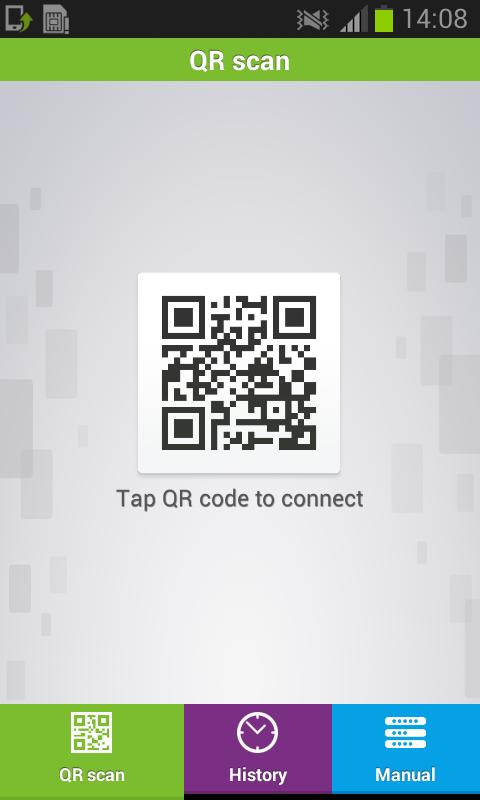
With the MimioMobile™ application, classrooms using MimioStudio™ software can get the most from their mobile devices by using them for truly collaborative learning and ongoing formative assessment. Every student with a mobile device can interact with the lesson displayed on the interactive whiteboard, for a truly collaborative learning environment.
Collaborative learning and formative assessment have never been more easily implemented or more affordable for schools. Simply purchase an annual MimioMobile license for the teacher’s classroom computer or laptop, and every mobile device in the classroom can download the app – for no additional fee.
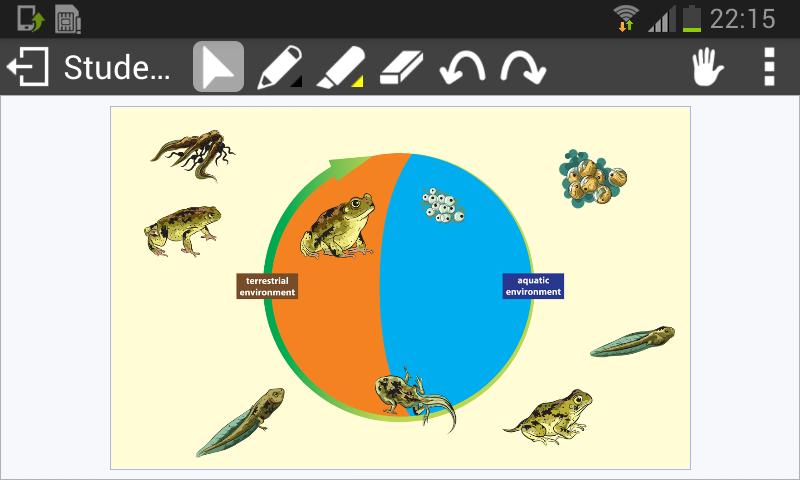
Teachers can use the MimioMobile app to control their interactive whiteboard and display lessons in MimioStudio classroom software from anywhere in the room. They can easily hand off control to any student using a tablet or smartphone equipped with the free MimioMobile app. Using the Collaborate feature of MimioStudio software, students can work interactively in small groups on their mobile devices, and their work will be displayed on the interactive whiteboard in up to nine collaborative spaces. The MimioMobile app can also be used by students for multiple choice and open-response assessment.
MimioStudio software customers who already have MimioPad™ wireless pen tablets can use tablets and smartphones with the MimioMobile app at the same time. Current users of MimioVote™ assessment can also use their mobile devices with the MimioMobile app together for assessment.
預覽
標籤
教育訊息
開發商
Mimio
最新版本
3.2.5
更新時間
2018-06-06
類別
教育
同時可用
Google Play
更多
如何在電腦上用 GameLoop 玩 MimioMobile
1. 從官網下載GameLoop,然後運行exe文件安裝GameLoop
2. 打開GameLoop,搜索“MimioMobile”,在搜索結果中找到MimioMobile,點擊“安裝”
3. 享受在 GameLoop 上玩 MimioMobile 的樂趣
Minimum requirements
OS
Windows 8.1 64-bit or Windows 10 64-bit
GPU
GTX 1050
CPU
i3-8300
Memory
8GB RAM
Storage
1GB available space
Recommended requirements
OS
Windows 8.1 64-bit or Windows 10 64-bit
GPU
GTX 1050
CPU
i3-9320
Memory
16GB RAM
Storage
1GB available space