
LernSax 電腦版
DigiOnline GmbH
用GameLoop模拟器在電腦上玩LernSax
LernSax 電腦版
來自發行商 DigiOnline GmbH 的 LernSax 能夠在安卓系統上運行。
現在,您可以在電腦上使用 GameLoop 模擬器流暢地玩 LernSax。
在 GameLoop 遊戲庫或搜索結果中下載。 不需要再暢玩遊戲時盯著電池電量或被令人懊惱的來電打斷。
只需在電腦大屏幕上免費下載暢玩LernSax 電腦版!
LernSax 簡介
Important note: This older LernSax app is no longer being developed and will be removed from the Play Store shortly. Please switch to the new app "LernSax Messenger" which can be installed via the Play Store. The new LernSax Messenger app is being continuously developed and will soon be the central LernSax app.
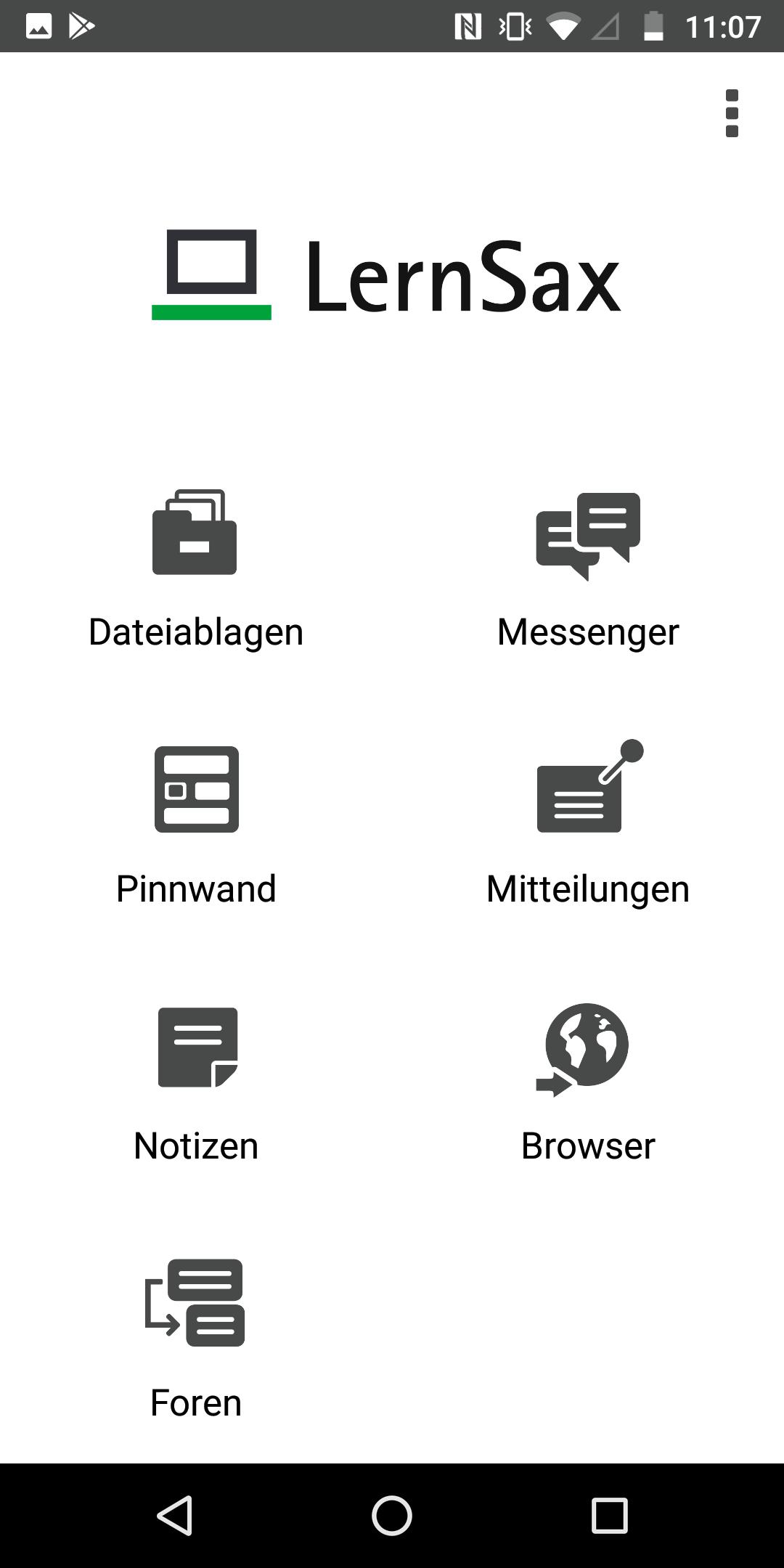
The LernSax app allows users of the school-oriented organization, communication and learning platform "LernSax" to conveniently use functions on smartphones and tablets with the Android operating system (from version 4). The current version of the app has the following functions:
- File trays
- Messenger
- bulletin board
- Messages
- Browsers
- Notes
- forums
Use of the app requires activated access to LernSax, which Saxon schools can apply for according to the information at www.lernsax.de. Furthermore, the users must have been given the necessary rights to use the individual functions. Either the operator of the platform or an institution administrator who set up and manages the member access is responsible for setting the rights
Private Device vs. Shared Device
When first started, the app asks whether a private device is being used. If the device is not a private device but one that is shared with other people, push notifications and the saving of logins in the app are not available for data protection reasons. This setting makes sense, among other things, if the mobile devices are provided to learners by an institution (e.g. school).
Log in
Access to LernSax via the LernSax app requires the same login as for the platform login in the browser. Logins can be saved in the app. The user can select the desired login after starting the app via "Select login" or delete logins that are no longer required. For security reasons, the user can prevent the app from logging in on a device via the platform himself at any time by deleting the app entry in his private area under "Settings", "External services", "Devices and services". This is useful, for example, if the device in question was lost or stolen.
push notifications
When logging in on a private device, push notifications are automatically activated. You will then receive notifications about new messages and system messages at any time until you log out of the app or manually deactivate the push notification in the Android settings for the app.
Website & imprint LernSax: https://www.lernsax.de
Contact & Support: support@digionline.de
Copyright© DigiOnline GmbH
預覽

標籤
教育訊息
開發商
DigiOnline GmbH
最新版本
2.2.6
更新時間
2023-04-18
類別
教育
同時可用
Google Play
更多
如何在電腦上用 GameLoop 玩 LernSax
1. 從官網下載GameLoop,然後運行exe文件安裝GameLoop
2. 打開GameLoop,搜索“LernSax”,在搜索結果中找到LernSax,點擊“安裝”
3. 享受在 GameLoop 上玩 LernSax 的樂趣
Minimum requirements
OS
Windows 8.1 64-bit or Windows 10 64-bit
GPU
GTX 1050
CPU
i3-8300
Memory
8GB RAM
Storage
1GB available space
Recommended requirements
OS
Windows 8.1 64-bit or Windows 10 64-bit
GPU
GTX 1050
CPU
i3-9320
Memory
16GB RAM
Storage
1GB available space