
Learn Android App UI Design 電腦版
Guddu Bhasme
用GameLoop模拟器在電腦上玩Learn Android App UI Design
Learn Android App UI Design 電腦版
來自發行商 Guddu Bhasme 的 Learn Android App UI Design 能夠在安卓系統上運行。
現在,您可以在電腦上使用 GameLoop 模擬器流暢地玩 Learn Android App UI Design。
在 GameLoop 遊戲庫或搜索結果中下載。 不需要再暢玩遊戲時盯著電池電量或被令人懊惱的來電打斷。
只需在電腦大屏幕上免費下載暢玩Learn Android App UI Design 電腦版!
Learn Android App UI Design 簡介
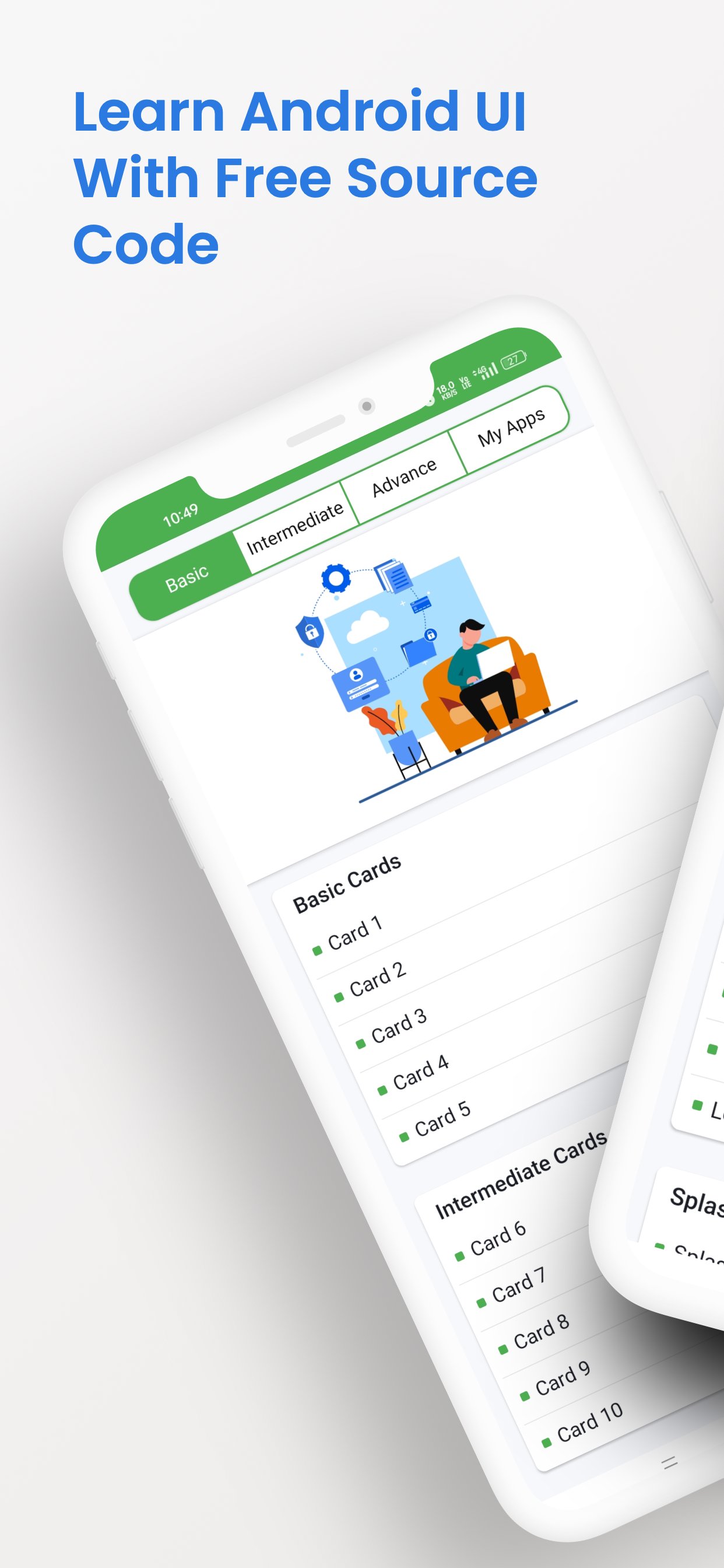
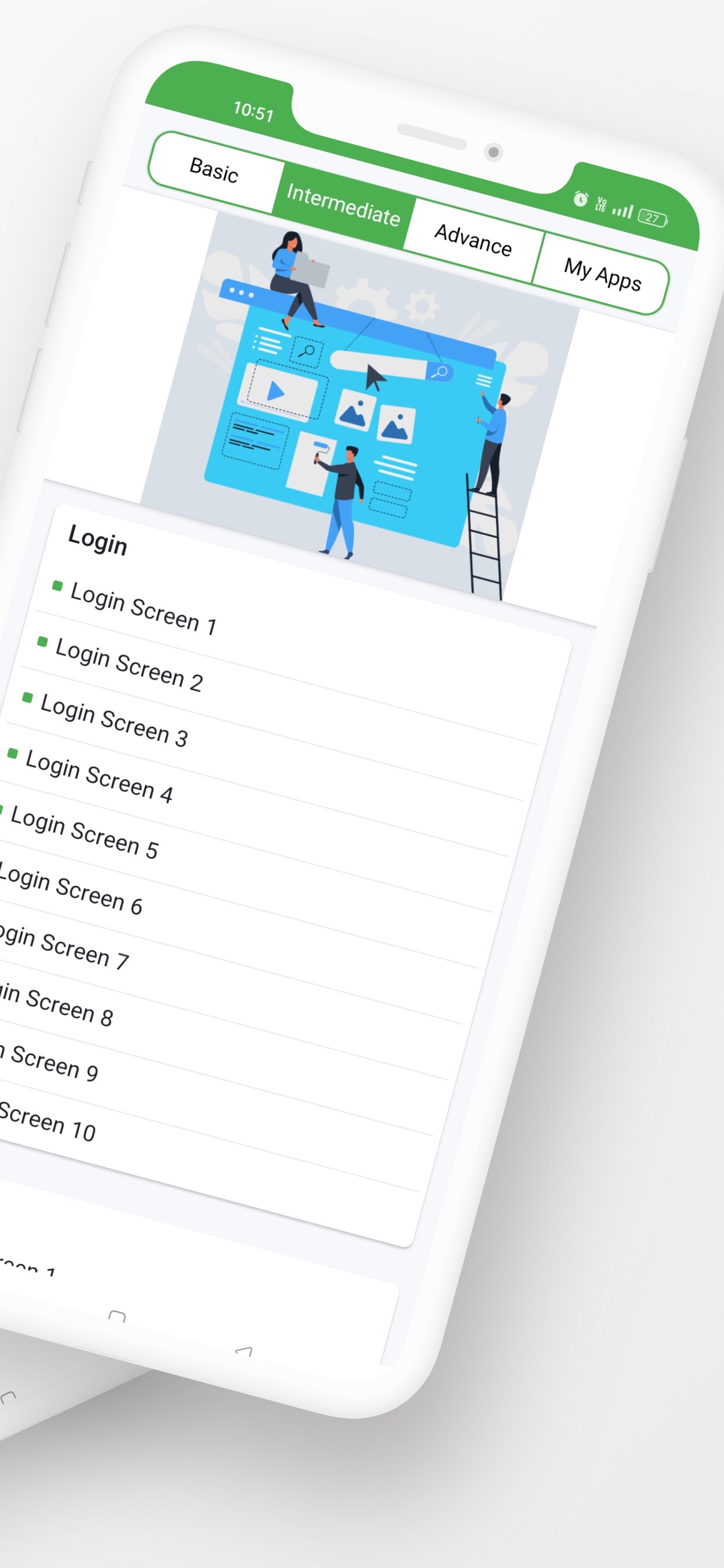
Learn Android App UI - Design Tutorials & Masterclass
Unlock the secrets of stunning Android app design with Learn Android App UI, the ultimate app for mastering UI/UX design, Material Design, and Jetpack Compose. Whether you're a beginner or an experienced developer, our step-by-step tutorials, real-world examples, and best practices will help you create beautiful, responsive, and user-friendly Android apps. Stay ahead of the curve with insights into 2025 Android UI trends, including modern design systems, AI-powered tools, and interactive user experiences.
Why Choose Learn Android App UI?
Comprehensive Tutorials: Learn Android UI design from scratch with easy-to-follow lessons.
Material Design & Jetpack Compose: Master the latest Android UI frameworks and design principles.
Real-World Examples: Explore modern Android UI patterns, animations, and layouts used in top apps.
Beginner-Friendly: Perfect for students, freelancers, and aspiring developers.
Offline Access: Learn Android UI design anytime, anywhere, without an internet connection.
Future-Ready: Get insights into 2025 Android UI trends, including dark mode design, responsive layouts, and AI-driven prototyping tools.
What You’ll Learn
Android UI Basics: Understand core components like buttons, text fields, and layouts.
Material Design 3: Create visually appealing apps with Google’s design system.
Jetpack Compose: Build dynamic UIs with Android’s modern toolkit.
Responsive Design: Design apps that work seamlessly on all screen sizes.
UI Animations: Add interactivity and polish to your apps.
Dark Mode Design: Learn how to implement dark mode in your apps.
App Prototyping: Turn your ideas into functional prototypes.
2025 Trends: Explore emerging trends like AI-powered design tools, cross-platform UI design, and immersive user experiences.
Features
Step-by-Step Tutorials: Learn at your own pace with detailed guides.
Interactive Examples: Practice with real-world Android UI examples.
Quizzes & Challenges: Test your knowledge and improve your skills.
Offline Mode: Download lessons and learn without an internet connection.
Regular Updates: Stay ahead with the latest Android UI trends for 2025.
Community Support: Join a growing community of designers and developers to share ideas and feedback.
Who Is This App For?
Beginners: Start your journey in Android app design with easy-to-understand lessons.
Developers: Enhance your skills with advanced UI/UX techniques.
Students: Learn Android UI design as part of your coursework.
Freelancers: Build a portfolio of stunning app designs.
Designers: Transition from graphic design to mobile app design.
Professionals: Stay updated with 2025 Android UI trends and tools to remain competitive in the industry.
Download Now and Start Learning!
Join thousands of users who are mastering Android app design with Learn Android App UI. Whether you're designing your first app or refining your skills, this app is your go-to resource for creating modern, user-friendly, and visually stunning Android apps. With a focus on 2025 trends, you’ll be prepared to design apps that stand out in a competitive market.
Get started today and take your Android UI design skills to the next level!
預覽
標籤
教育訊息
開發商
Guddu Bhasme
最新版本
11.0
更新時間
2026-01-30
類別
教育
同時可用
Google Play
更多
如何在電腦上用 GameLoop 玩 Learn Android App UI Design
1. 從官網下載GameLoop,然後運行exe文件安裝GameLoop
2. 打開GameLoop,搜索“Learn Android App UI Design”,在搜索結果中找到Learn Android App UI Design,點擊“安裝”
3. 享受在 GameLoop 上玩 Learn Android App UI Design 的樂趣
Minimum requirements
OS
Windows 8.1 64-bit or Windows 10 64-bit
GPU
GTX 1050
CPU
i3-8300
Memory
8GB RAM
Storage
1GB available space
Recommended requirements
OS
Windows 8.1 64-bit or Windows 10 64-bit
GPU
GTX 1050
CPU
i3-9320
Memory
16GB RAM
Storage
1GB available space