
KU App 電腦版
Kasetsart University
用GameLoop模拟器在電腦上玩KU App
KU App 電腦版
來自發行商 Kasetsart University 的 KU App 能夠在安卓系統上運行。
現在,您可以在電腦上使用 GameLoop 模擬器流暢地玩 KU App。
在 GameLoop 遊戲庫或搜索結果中下載。 不需要再暢玩遊戲時盯著電池電量或被令人懊惱的來電打斷。
只需在電腦大屏幕上免費下載暢玩KU App 電腦版!
KU App 簡介
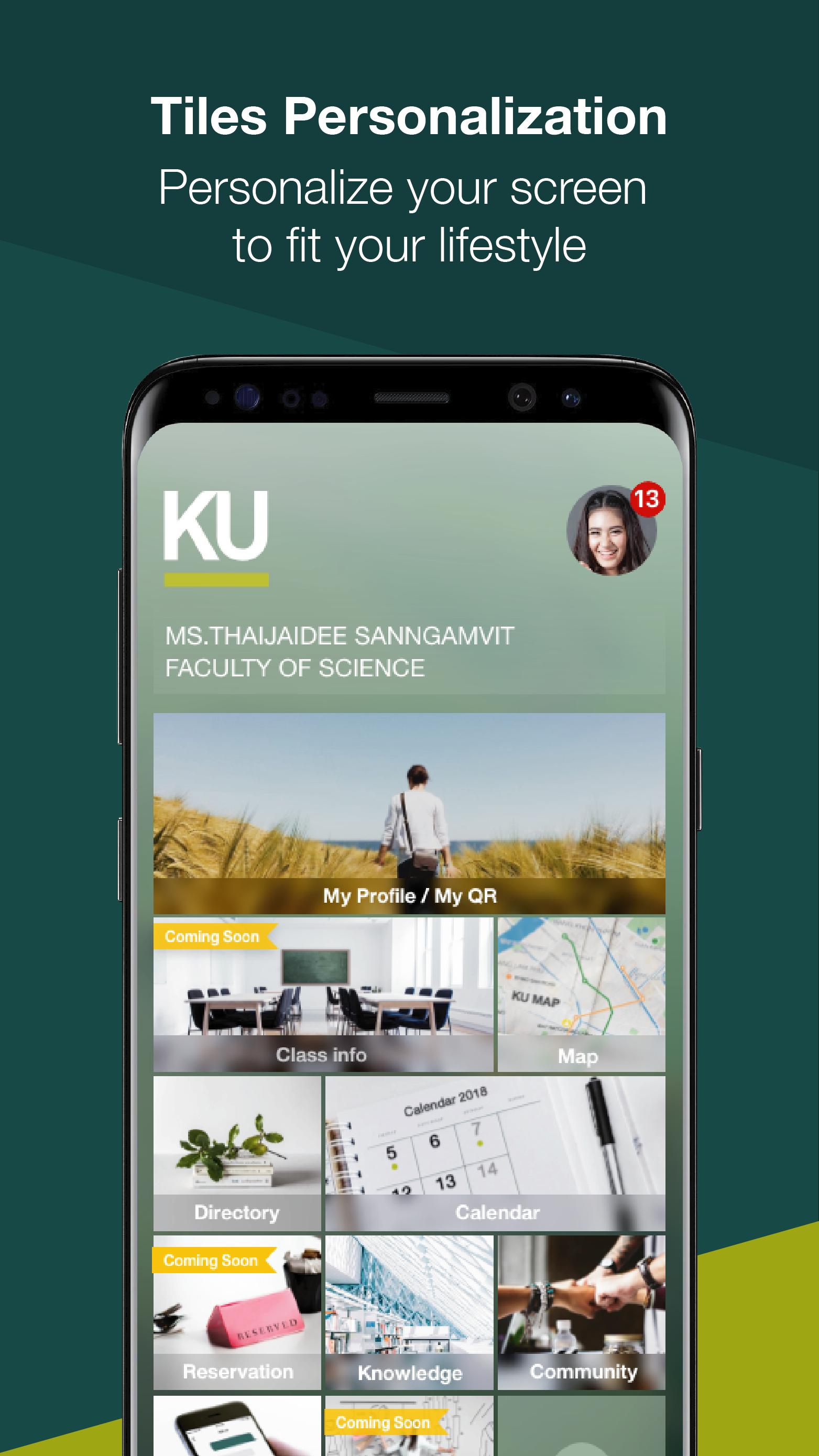
KU App is a mobile application for students, faculty, staff and visitors. A tool to facilitate the users in question. As part of the university to keep pace with the digital age and strategic policies of developing countries, Thailand 4.0 by KU App is available on iOS and Android platforms that are open to the general public can download to use. Each type of user is eligible to use different appropriate KU App includes functions such as.
• Calendar Subscribers can use the calendar to determine the timetable and schedule of activities. Including the ability to add and set.
Reminder to Calendar
• Using the QR Code QR Code Requests can be made by such functions. To do list The University has also signed on to.
• A detailed study enrolled. Subscribers can check the details. The study enrolled as Code Subject general information on courses and credits.
• booking facilities on campus. Subscribers can reserve facilities, such as conference rooms and equipment by the applicant booking facilities already. Applicant must show QR Code of the request for access to such facilities.
• Overview of the university. Subscribers can search for related information such as a list of the personnel department, agency phone number.
• To offer information and news. Subscribers have access to resources, knowledge and information. The university prepared
• Use maps to find and display the requested locations. Information on university campuses such search. University of Search university faculty, etc.
預覽
標籤
教育訊息
開發商
Kasetsart University
最新版本
3.2.1
更新時間
2019-04-10
類別
教育
同時可用
Google Play
更多
如何在電腦上用 GameLoop 玩 KU App
1. 從官網下載GameLoop,然後運行exe文件安裝GameLoop
2. 打開GameLoop,搜索“KU App”,在搜索結果中找到KU App,點擊“安裝”
3. 享受在 GameLoop 上玩 KU App 的樂趣
Minimum requirements
OS
Windows 8.1 64-bit or Windows 10 64-bit
GPU
GTX 1050
CPU
i3-8300
Memory
8GB RAM
Storage
1GB available space
Recommended requirements
OS
Windows 8.1 64-bit or Windows 10 64-bit
GPU
GTX 1050
CPU
i3-9320
Memory
16GB RAM
Storage
1GB available space