PDF Reader AI: Scanner, Editor 電腦版
Arkay Apps
用GameLoop模拟器在電腦上玩PDF Reader AI: Scanner, Editor
PDF Reader AI: Scanner, Editor 電腦版
來自發行商 Arkay Apps 的 PDF Reader AI: Scanner, Editor 能夠在安卓系統上運行。
現在,您可以在電腦上使用 GameLoop 模擬器流暢地玩 PDF Reader AI: Scanner, Editor。
在 GameLoop 遊戲庫或搜索結果中下載。 不需要再暢玩遊戲時盯著電池電量或被令人懊惱的來電打斷。
只需在電腦大屏幕上免費下載暢玩PDF Reader AI: Scanner, Editor 電腦版!
PDF Reader AI: Scanner, Editor 簡介
PDF Reader AI: Scanner, Editor is a practical PDF scanner and document management app that helps you scan, create, read, organize and work with documents directly from your device.
Scan documents, books, IDs and photos using your camera, or import images from your gallery. Automatic edge detection helps find document boundaries, while manual cropping, filters and batch scanning make it easy to prepare multiple pages.
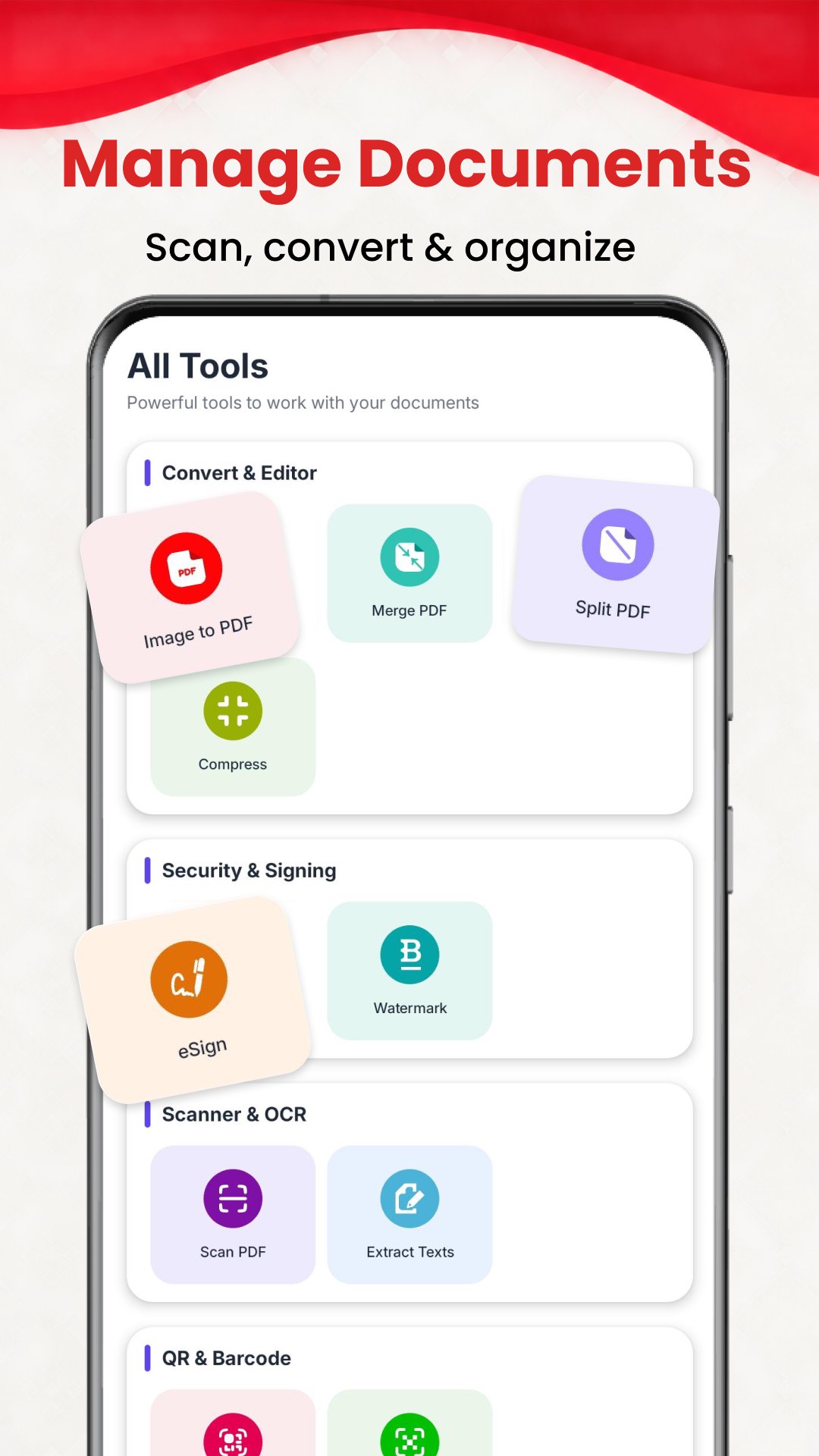
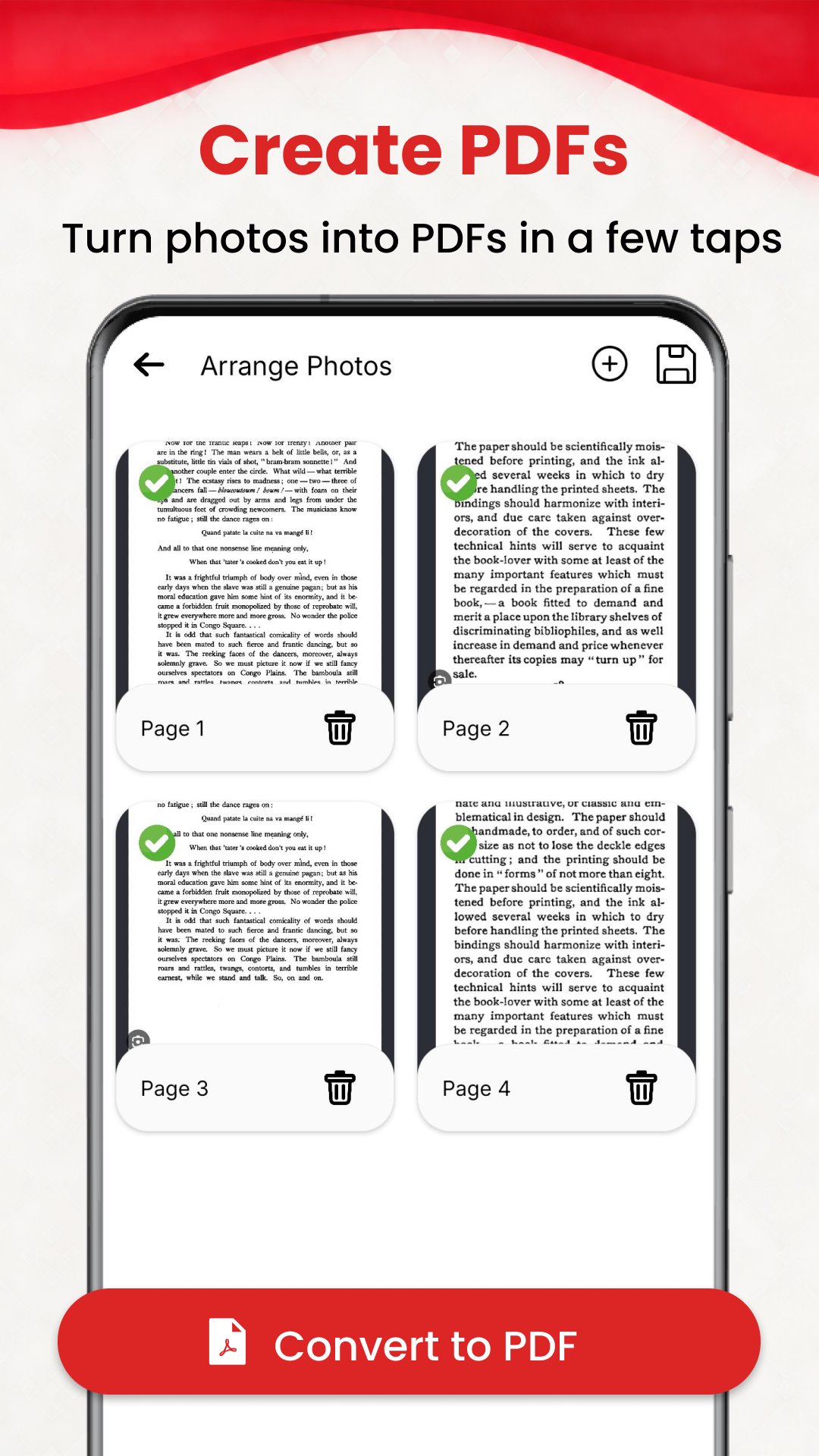
Create PDF files from images, merge documents, split PDFs, add watermarks and use PDF compression tools when needed. Manage your documents easily from one convenient place.
Use built-in OCR to extract text from scanned documents directly on your device. Capture text, then copy or share the extracted content without manually typing it.
Sign documents with the built-in eSign tools. Draw and save your signature, then apply it to supported PDFs and documents whenever needed.
Scan QR codes in real time or create QR codes from text, URLs, vCards and MeCards.
Keep your documents organized with tags, folders, favorites and search. Move, copy or delete files, add rich-text notes, and protect important favorites with PIN or biometric locking where supported.
Key Features
• PDF Scanner – Scan documents, books, IDs and photos
• Document Scanner – Automatic edge detection and manual cropping
• Batch Scanning – Scan and manage multiple pages
• Gallery Import – Import images and create documents
• Image to PDF – Convert images into PDF files
• PDF Merge – Combine multiple PDF documents
• PDF Split – Separate PDF pages
• PDF Watermark – Add watermarks to supported PDFs
• PDF Compression – Compress supported PDF documents
• OCR Scanner – Extract text from scanned documents
• Capture to Text – Copy or share extracted text
• eSign PDF – Draw, save and apply signatures
• QR Scanner – Scan QR codes with your camera
• QR Generator – Create QR codes for text, URLs, vCards and MeCards
• Document Manager – Search, move, copy and delete documents
• Tags & Folders – Organize documents your way
• Favorites – Quickly access important documents
• PIN & Biometric Lock – Protect selected favorites
• Notes – Add rich-text notes to documents
• ID Card Tools – Arrange and present ID card images
• Dark Mode – Use the app comfortably in low-light conditions
From scanning documents and creating PDFs to extracting text, signing files, scanning QR codes and organizing your documents, PDF Reader AI: Scanner, Editor brings essential document tools together in one app.
Download and enjoy with free pdf reader
預覽
標籤
教育訊息
開發商
Arkay Apps
最新版本
205.0
更新時間
2026-09-08
類別
教育
同時可用
Google Play
更多
如何在電腦上用 GameLoop 玩 PDF Reader AI: Scanner, Editor
1. 從官網下載GameLoop,然後運行exe文件安裝GameLoop
2. 打開GameLoop,搜索“PDF Reader AI: Scanner, Editor”,在搜索結果中找到PDF Reader AI: Scanner, Editor,點擊“安裝”
3. 享受在 GameLoop 上玩 PDF Reader AI: Scanner, Editor 的樂趣
Minimum requirements
OS
Windows 8.1 64-bit or Windows 10 64-bit
GPU
GTX 1050
CPU
i3-8300
Memory
8GB RAM
Storage
1GB available space
Recommended requirements
OS
Windows 8.1 64-bit or Windows 10 64-bit
GPU
GTX 1050
CPU
i3-9320
Memory
16GB RAM
Storage
1GB available space