
K12 電腦版
K12 inc.
用GameLoop模拟器在電腦上玩K12
K12 電腦版
來自發行商 K12 inc. 的 K12 能夠在安卓系統上運行。
現在,您可以在電腦上使用 GameLoop 模擬器流暢地玩 K12。
在 GameLoop 遊戲庫或搜索結果中下載。 不需要再暢玩遊戲時盯著電池電量或被令人懊惱的來電打斷。
只需在電腦大屏幕上免費下載暢玩K12 電腦版!
K12 簡介
At K12, we offer tuition-free online public schools and tuition-based private schools. Explore K12 on your smartphone or tablet. With the K12 app, finding the right school, enrolling your student, preparing for the first day, and monitoring your school student’s academic progress is even easier.*
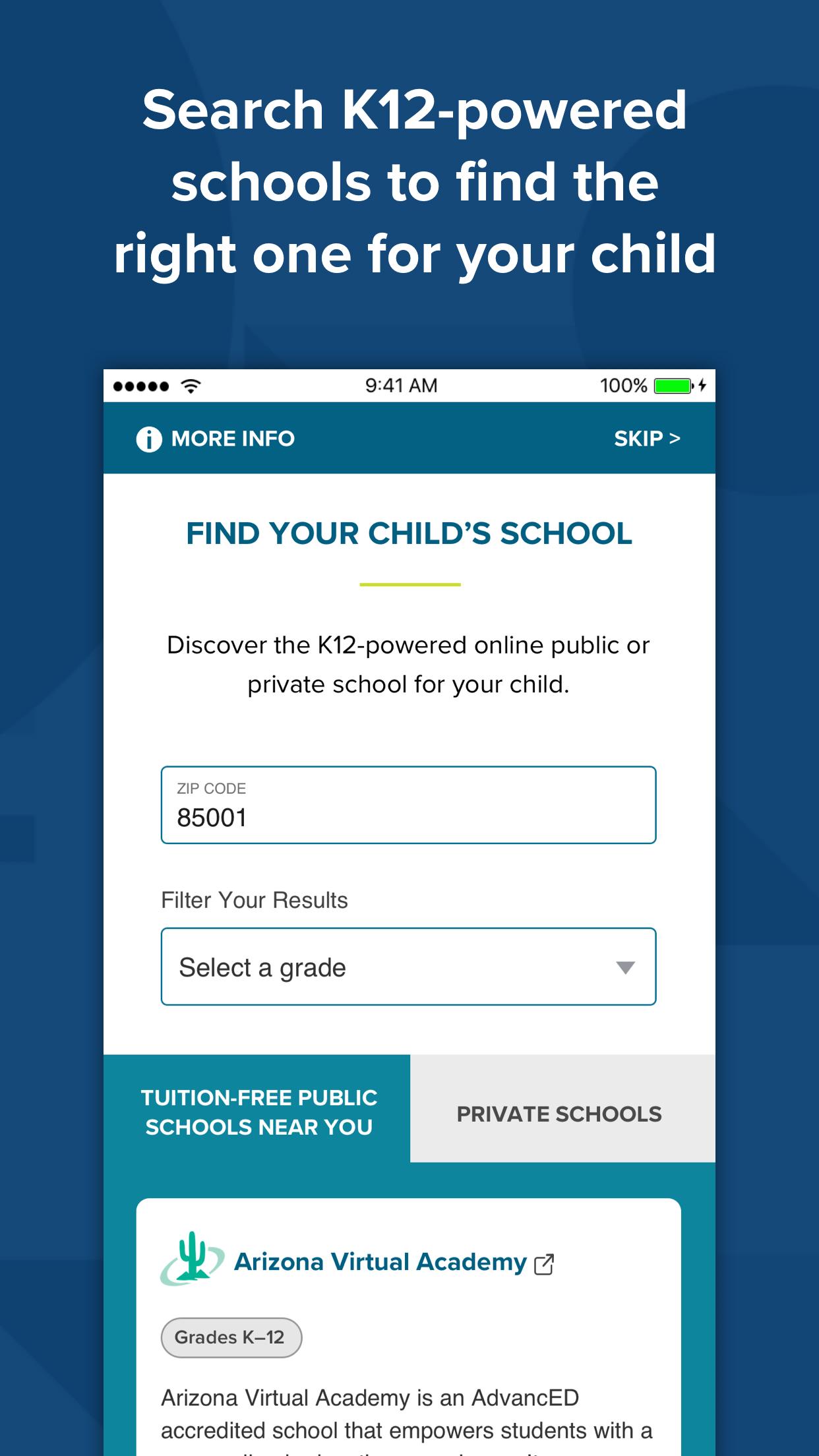
Find a School
Simply type in your zip code or state to see a list of K12-powered schools near you.
Enroll Your Student
Submit enrollment information and documents, and track and complete the
enrollment process in all one place.
Create Parent and Student School Accounts
A mobile-friendly way to set up your parent and student school accounts.
Receive Alerts and Notifications
Each step of the way, you’ll receive real-time updates‒such as when your student’s
materials have shipped, when courses and teachers have been assigned, and more.
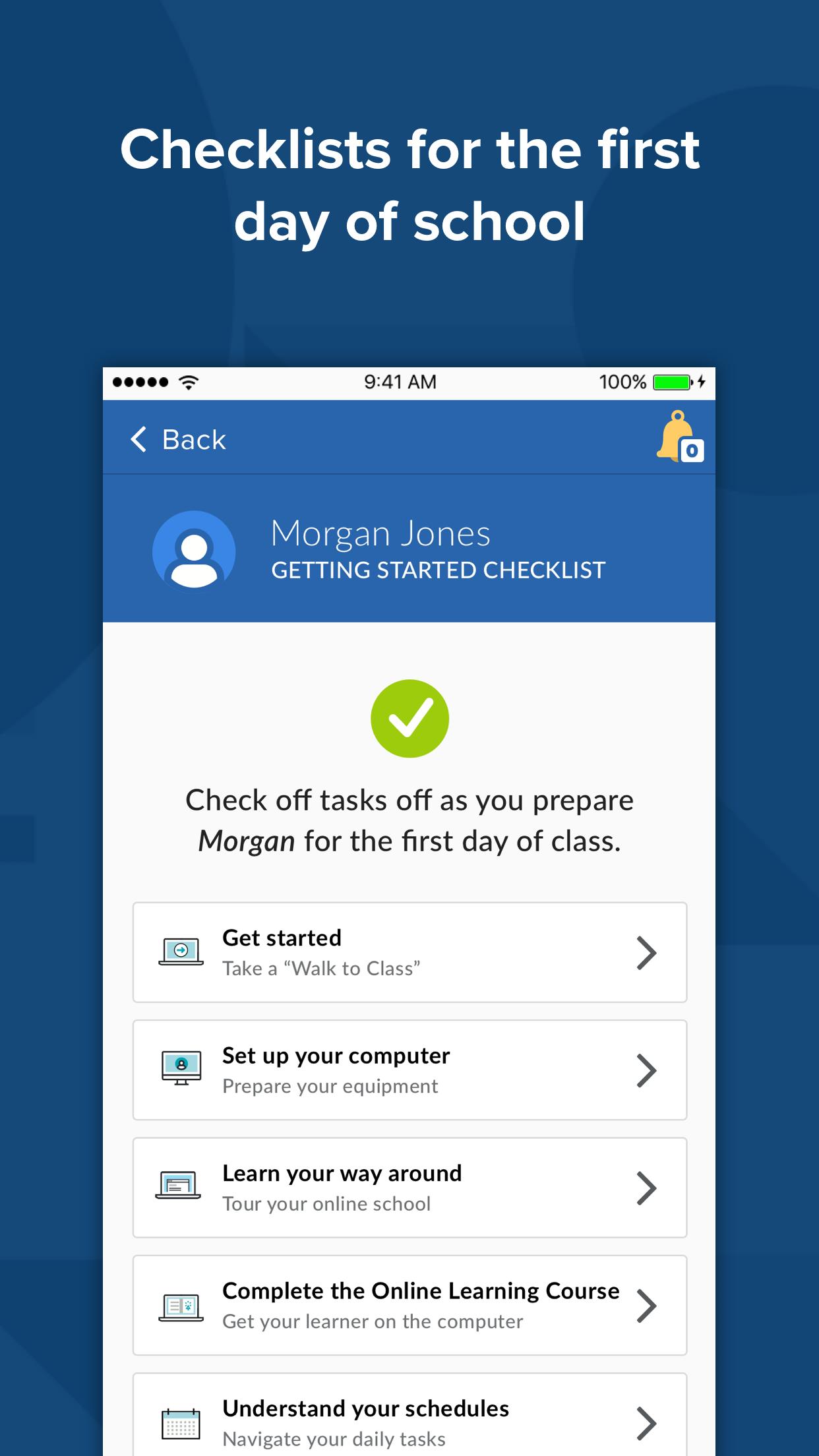
Prepare for the First Day of School
Easy-to-access videos and online orientation sessions help prepare you and your
student for the first day of school.
Monitor Progress
Parents can access information about your student’s grades, course programs, and
overdue assignments.*
View Daily Schedule
Stay up to date about your student’s online school experience with the schedule
viewing feature.*
Log Attendance**
Submit student’s daily attendance.*
Stay in Touch
Contact information for your school and teachers are conveniently indexed for you.
Re-Register
Parents can easily re-register students for the next term directly from the app.
The K12 app experience may vary by school. If you have questions, call 866.571.4316 for information.
Stay tuned! We are continually adding new app features.
*This feature is currently available for all MS and HS families, and many elementary families as well.
**Feature is only applicable to schools that require Learning Coach added attendance.
Most K12 app features are available for K12-powered online public schools and some K12-powered private schools at this time.
Please refer to K12’s Privacy Policy for more information regarding K12’s collection and use of your information.
預覽
標籤
教育訊息
開發商
K12 inc.
最新版本
1.21.80
更新時間
2024-08-20
類別
教育
同時可用
Google Play
更多
如何在電腦上用 GameLoop 玩 K12
1. 從官網下載GameLoop,然後運行exe文件安裝GameLoop
2. 打開GameLoop,搜索“K12”,在搜索結果中找到K12,點擊“安裝”
3. 享受在 GameLoop 上玩 K12 的樂趣
Minimum requirements
OS
Windows 8.1 64-bit or Windows 10 64-bit
GPU
GTX 1050
CPU
i3-8300
Memory
8GB RAM
Storage
1GB available space
Recommended requirements
OS
Windows 8.1 64-bit or Windows 10 64-bit
GPU
GTX 1050
CPU
i3-9320
Memory
16GB RAM
Storage
1GB available space