
Exam Reader-Optical Test Grade 電腦版
BEBYAZ
用GameLoop模拟器在電腦上玩Exam Reader-Optical Test Grade
Exam Reader-Optical Test Grade 電腦版
來自發行商 BEBYAZ 的 Exam Reader-Optical Test Grade 能夠在安卓系統上運行。
現在,您可以在電腦上使用 GameLoop 模擬器流暢地玩 Exam Reader-Optical Test Grade。
在 GameLoop 遊戲庫或搜索結果中下載。 不需要再暢玩遊戲時盯著電池電量或被令人懊惱的來電打斷。
只需在電腦大屏幕上免費下載暢玩Exam Reader-Optical Test Grade 電腦版!
Exam Reader-Optical Test Grade 簡介
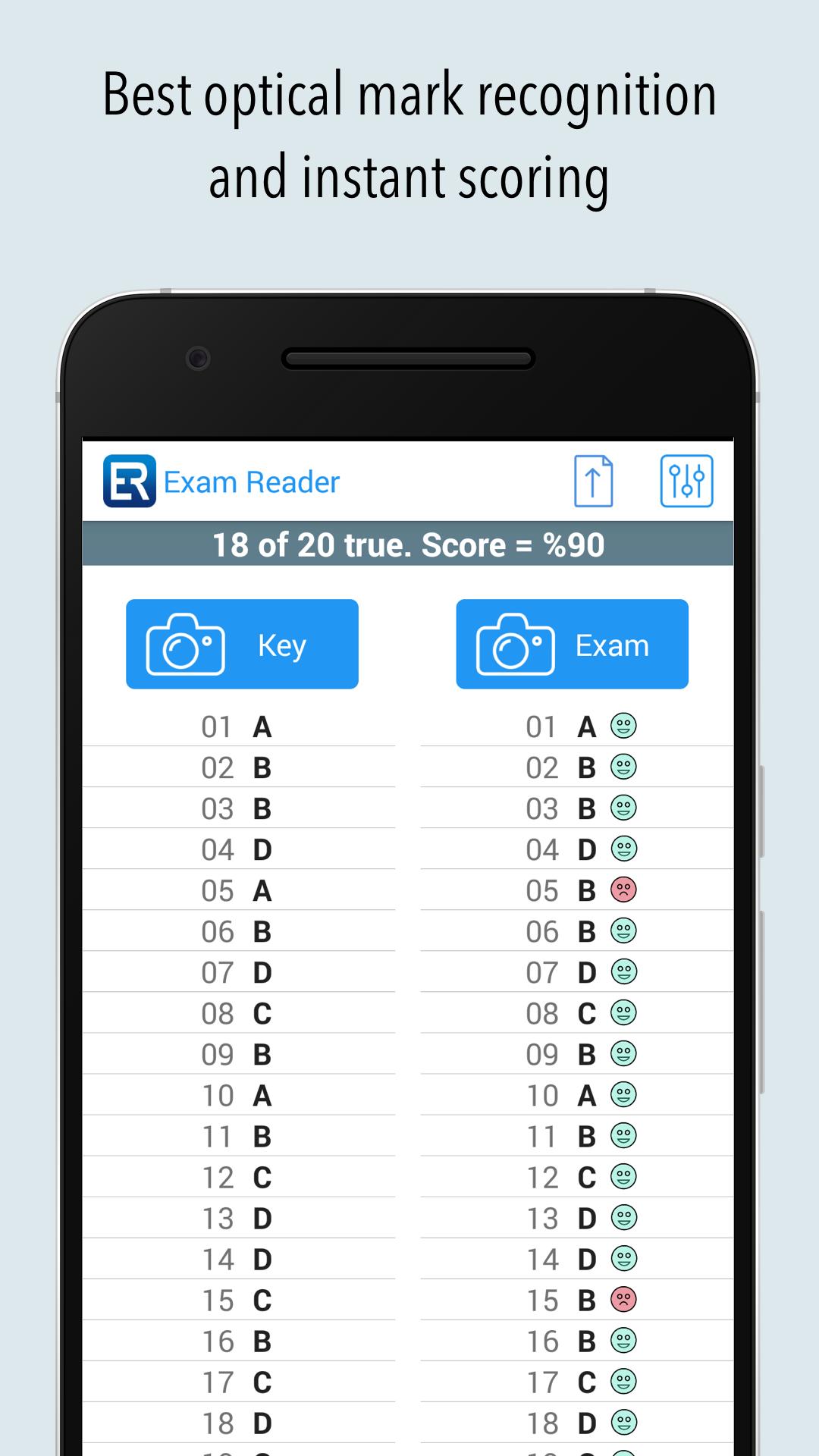
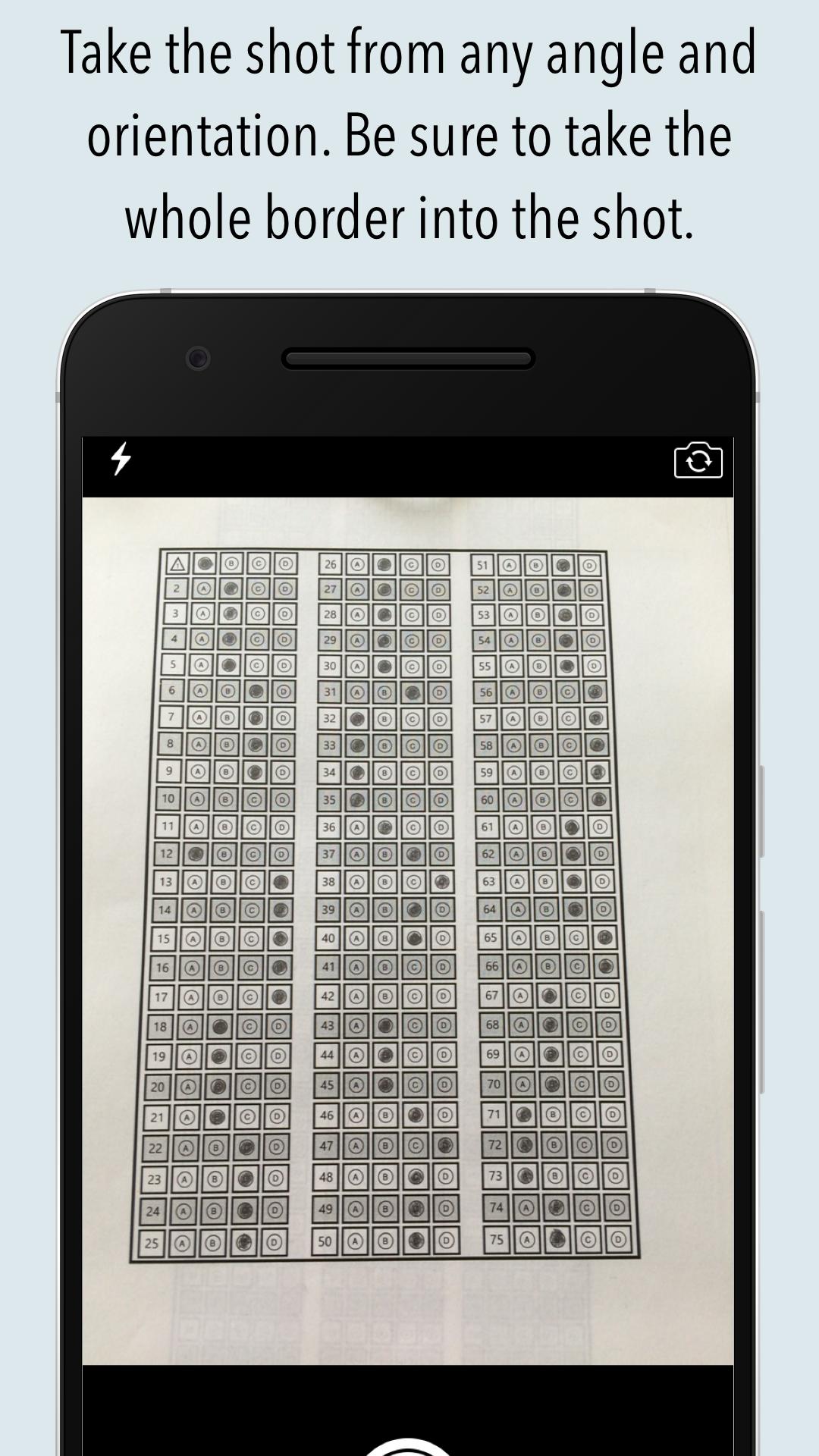
Grade multiple choice tests, quizzes, and assessment papers by using your phone's or tablet's camera as a grading scanner. It can also read over-written marks.
%100 success rate if used as described. Supports from 5 to 200 questions and 2 to 7 choices. Both horizontal and vertical sheets can be used (it is a first in this kind of application). Teachers and students can make their own sheets with our answer sheet generator (also a first). Right to left sheets (Arabic) support (again a first). Now with griddable questions support also.
Commercial users can publish exams that can be graded by the students themselves to see their ranks among the participants that took the same exam.
Please watch the tutorial videos for learning the basic usage of the mobile and cloud parts from our website.
You can decrease the size of the answer sheet to use less paper.
If you have trouble scanning the paper, you can send the last picture taken to us from the upload menu. We will analysis the paper and return to you ASAP (only app that gives this kind of support).
The best app alternative to ZipGrade, Quick Key or similar applications.
Great for assessments or regular quizzes. Giving teachers and students the flexibility to grade papers instantly anywhere. We're working hard to improve the product and need feedback from teachers & students like you. Write bulent@bebyaz.com with any feedback or suggestions. You can also use the build-in chat system for both online and offline messaging.
Supported languages: Dutch, English, French, German, Greek, Hindi, Indonesian, Italian, Japanese, Korean, Portuguese, Russian, Spanish, Thai, Turkish.
預覽
標籤
教育訊息
開發商
BEBYAZ
最新版本
4.0.2
更新時間
2025-09-12
類別
教育
同時可用
Google Play
更多
如何在電腦上用 GameLoop 玩 Exam Reader-Optical Test Grade
1. 從官網下載GameLoop,然後運行exe文件安裝GameLoop
2. 打開GameLoop,搜索“Exam Reader-Optical Test Grade”,在搜索結果中找到Exam Reader-Optical Test Grade,點擊“安裝”
3. 享受在 GameLoop 上玩 Exam Reader-Optical Test Grade 的樂趣
Minimum requirements
OS
Windows 8.1 64-bit or Windows 10 64-bit
GPU
GTX 1050
CPU
i3-8300
Memory
8GB RAM
Storage
1GB available space
Recommended requirements
OS
Windows 8.1 64-bit or Windows 10 64-bit
GPU
GTX 1050
CPU
i3-9320
Memory
16GB RAM
Storage
1GB available space