English Proficiency Test 電腦版
Apps2all
用GameLoop模拟器在電腦上玩English Proficiency Test
English Proficiency Test 電腦版
來自發行商 Apps2all 的 English Proficiency Test 能夠在安卓系統上運行。
現在,您可以在電腦上使用 GameLoop 模擬器流暢地玩 English Proficiency Test。
在 GameLoop 遊戲庫或搜索結果中下載。 不需要再暢玩遊戲時盯著電池電量或被令人懊惱的來電打斷。
只需在電腦大屏幕上免費下載暢玩English Proficiency Test 電腦版!
English Proficiency Test 簡介
English Proficiency Test – Free & Offline
Learn and practice English step by step from beginner (A1) to advanced (C1). Improve grammar, vocabulary, reading, writing, listening, and speaking with 10,000+ free exercises. Perfect for daily learning, school exams, or test prep for TOEIC®, TOEFL®, and IELTS®. Works fully offline – study anytime, anywhere.
🌟 Why choose this English learning app?
✔ Covers all English levels A1–C1 in one structured platform.
✔ 10,000+ grammar & vocabulary exercises with clear explanations.
✔ TOEIC®, TOEFL®, IELTS® practice tests included.
✔ Works 100% offline – learn English without internet.
✔ Placement test & progress tracking to know your real level.
✔ Personalized study plan to improve faster.
✔ Designed for students, professionals, and self-learners.
📚 Key Features
• Level Practice A1–C1
✔ A1–A2: daily communication & basic grammar.
✔ B1–B2: intermediate vocabulary, writing, listening.
✔ C1: advanced grammar, academic & business English.
• Exam Preparation
✔TOEIC®: 1,000+ listening & reading tasks.
✔ TOEFL®: 1,000+ speaking, writing, comprehension.
✔ IELTS® Academic & General Training.
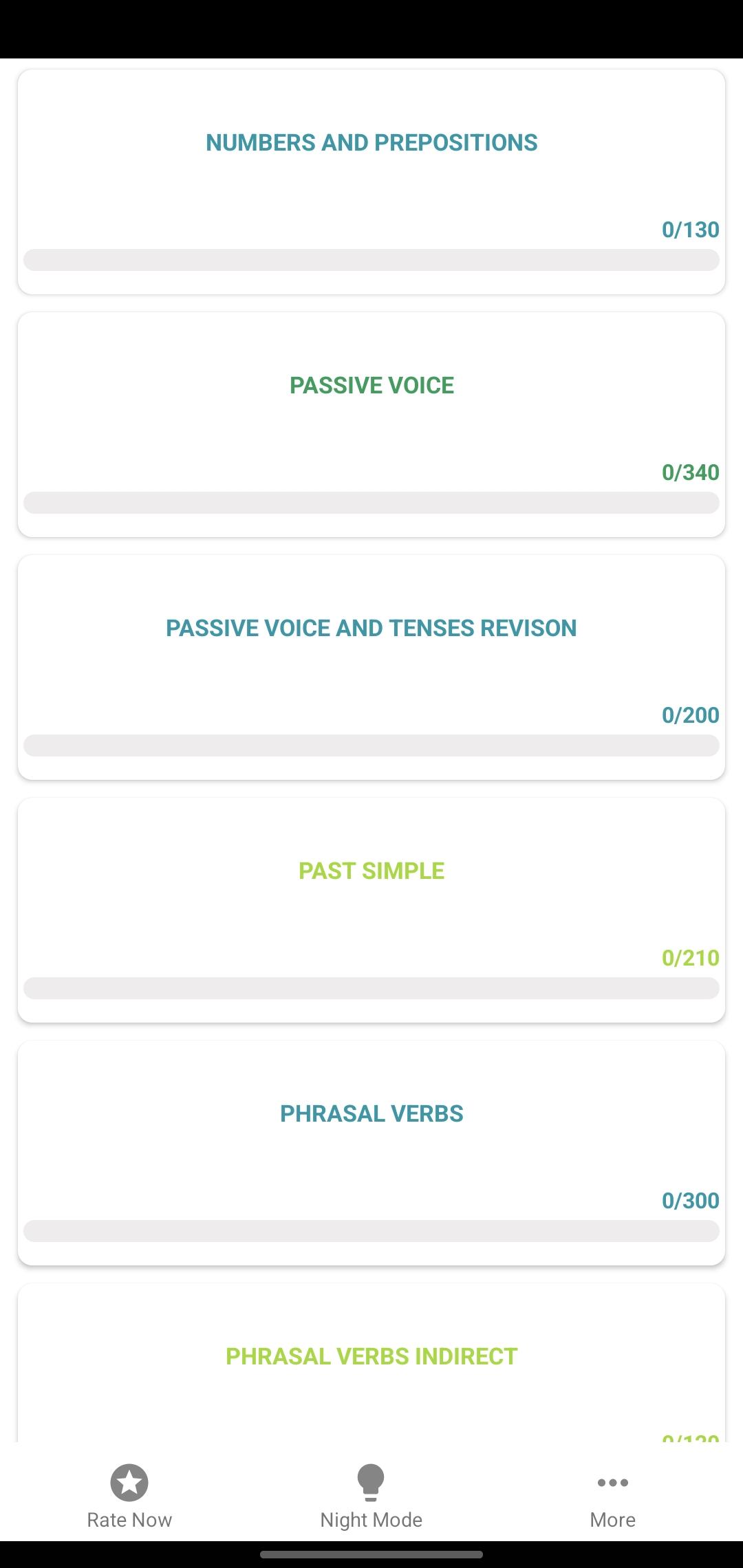
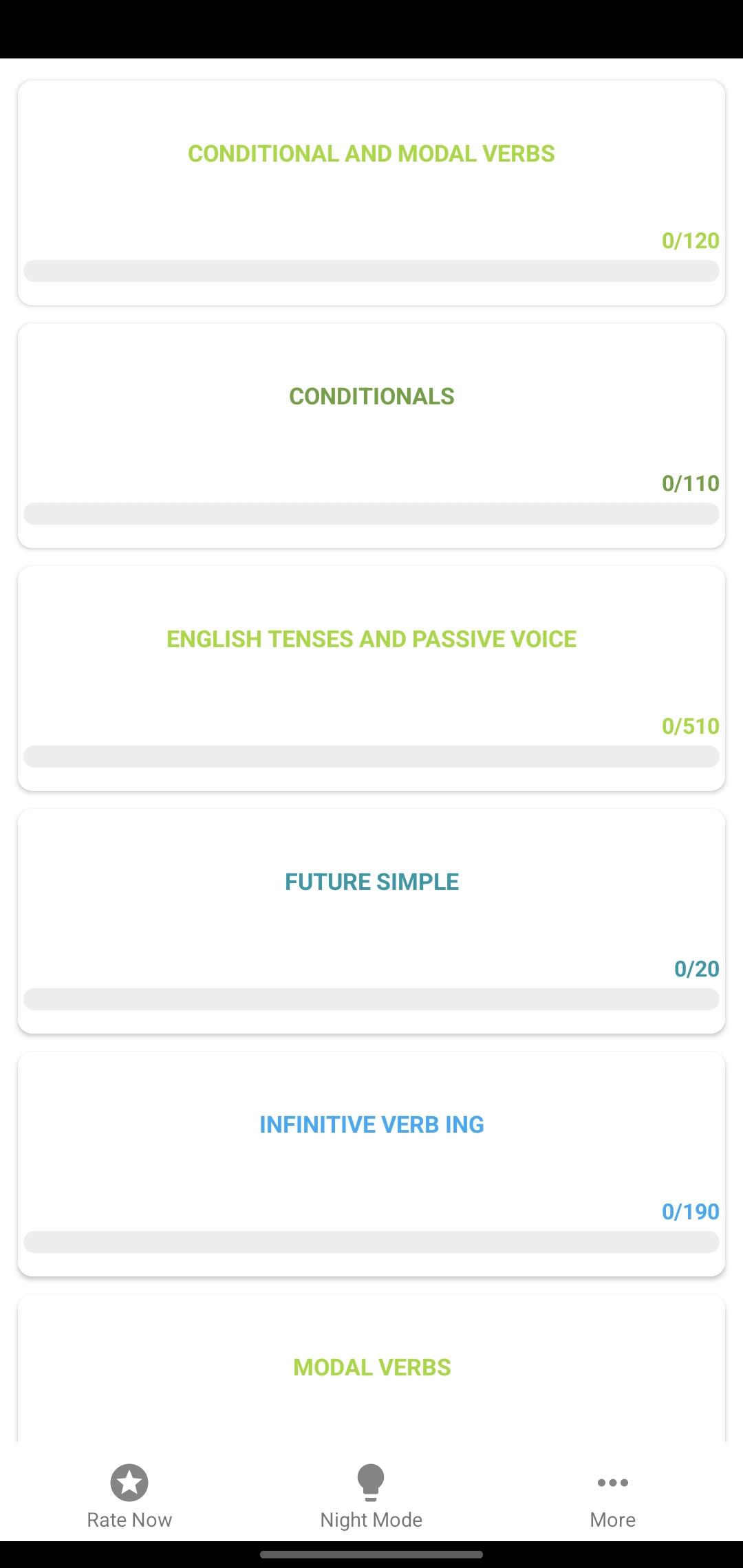
• Grammar Tests – 7,000+ quizzes on verbs, tenses, sentences.
• Vocabulary Builder – essential words, phrases, collocations.
• Four Skills Training – reading, writing, listening, speaking.
🎯 Who is this app for?
• Learners preparing for school exams & English certificates.
• Professionals improving English for career & communication.
• Students practicing English daily with step-by-step levels.
🚀 Benefits
• Learn anywhere, anytime – even offline.
• Build confidence gradually from A1 beginner to C1 advanced.
• Boost exam scores with real practice tests.
• Track progress with detailed reports & study tips.
👉 Start your English learning journey today with English Proficiency Test – Free & Offline. Practice daily, prepare for exams, and improve fluency step by step!
預覽
標籤
教育訊息
開發商
Apps2all
最新版本
20.10.25
更新時間
2025-10-18
類別
教育
同時可用
Google Play
更多
如何在電腦上用 GameLoop 玩 English Proficiency Test
1. 從官網下載GameLoop,然後運行exe文件安裝GameLoop
2. 打開GameLoop,搜索“English Proficiency Test”,在搜索結果中找到English Proficiency Test,點擊“安裝”
3. 享受在 GameLoop 上玩 English Proficiency Test 的樂趣
Minimum requirements
OS
Windows 8.1 64-bit or Windows 10 64-bit
GPU
GTX 1050
CPU
i3-8300
Memory
8GB RAM
Storage
1GB available space
Recommended requirements
OS
Windows 8.1 64-bit or Windows 10 64-bit
GPU
GTX 1050
CPU
i3-9320
Memory
16GB RAM
Storage
1GB available space