
Division Calculator: Remainder 電腦版
Digital D, LLC
用GameLoop模拟器在電腦上玩Division Calculator: Remainder
Division Calculator: Remainder 電腦版
來自發行商 Digital D, LLC 的 Division Calculator: Remainder 能夠在安卓系統上運行。
現在,您可以在電腦上使用 GameLoop 模擬器流暢地玩 Division Calculator: Remainder。
在 GameLoop 遊戲庫或搜索結果中下載。 不需要再暢玩遊戲時盯著電池電量或被令人懊惱的來電打斷。
只需在電腦大屏幕上免費下載暢玩Division Calculator: Remainder 電腦版!
Division Calculator: Remainder 簡介
Master Math Step-by-Step: The Ultimate Long Division and Multiplication Tutor
Stop struggling with how the answer was found. Whether you are a student tackling homework, a parent trying to explain new math, or a teacher looking for a visual aid, our app transforms abstract numbers into clear, animated steps.
Most calculators just give you a result. We show you the work.
SEE THE MATH MOVE: ANIMATED SOLUTIONS
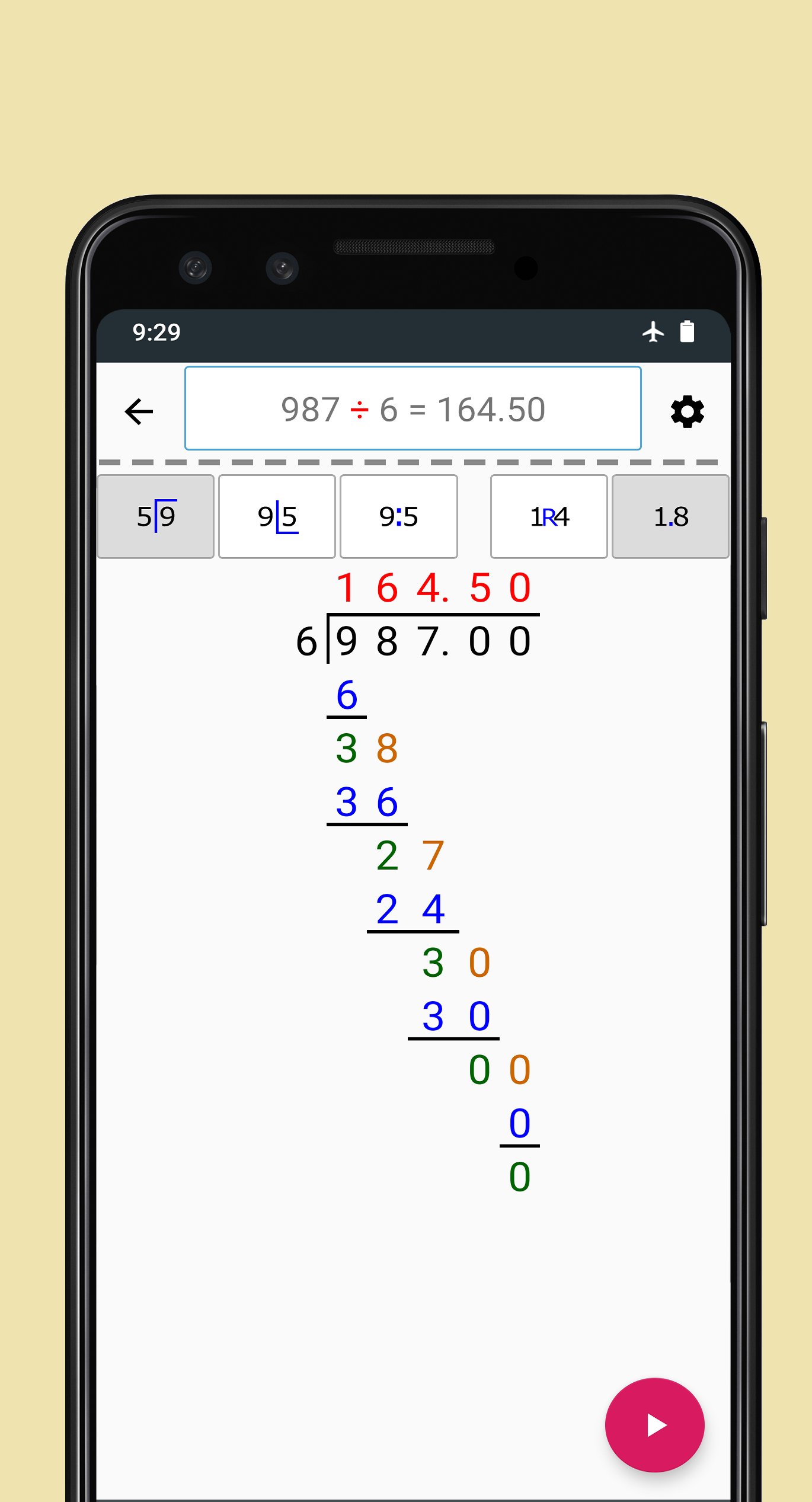
The heart of our app is the Play button. Simply enter your problem and press play to watch a step-by-step animation of the entire calculation.
Visualize the Process: See exactly where the remainder comes from or how carrying works in multiplication.
Pause and Learn: Follow along at your own pace to understand how each step relates to the next.
Build Confidence: Perfect for visual learners who need to see the logic behind the numbers.
MASTER LONG DIVISION (GLOBAL NOTATIONS)
Long division is taught differently around the world. We are one of the few apps that let you customize the layout to match exactly what is being taught in your classroom.
Three Layout Options:
Standard (US, UK, India): Dividend on the right, divisor on the left.
European Style: Dividend on the left, divisor on the right.
German/International Style: Dividend and divisor separated by a (÷).
Flexible Results:
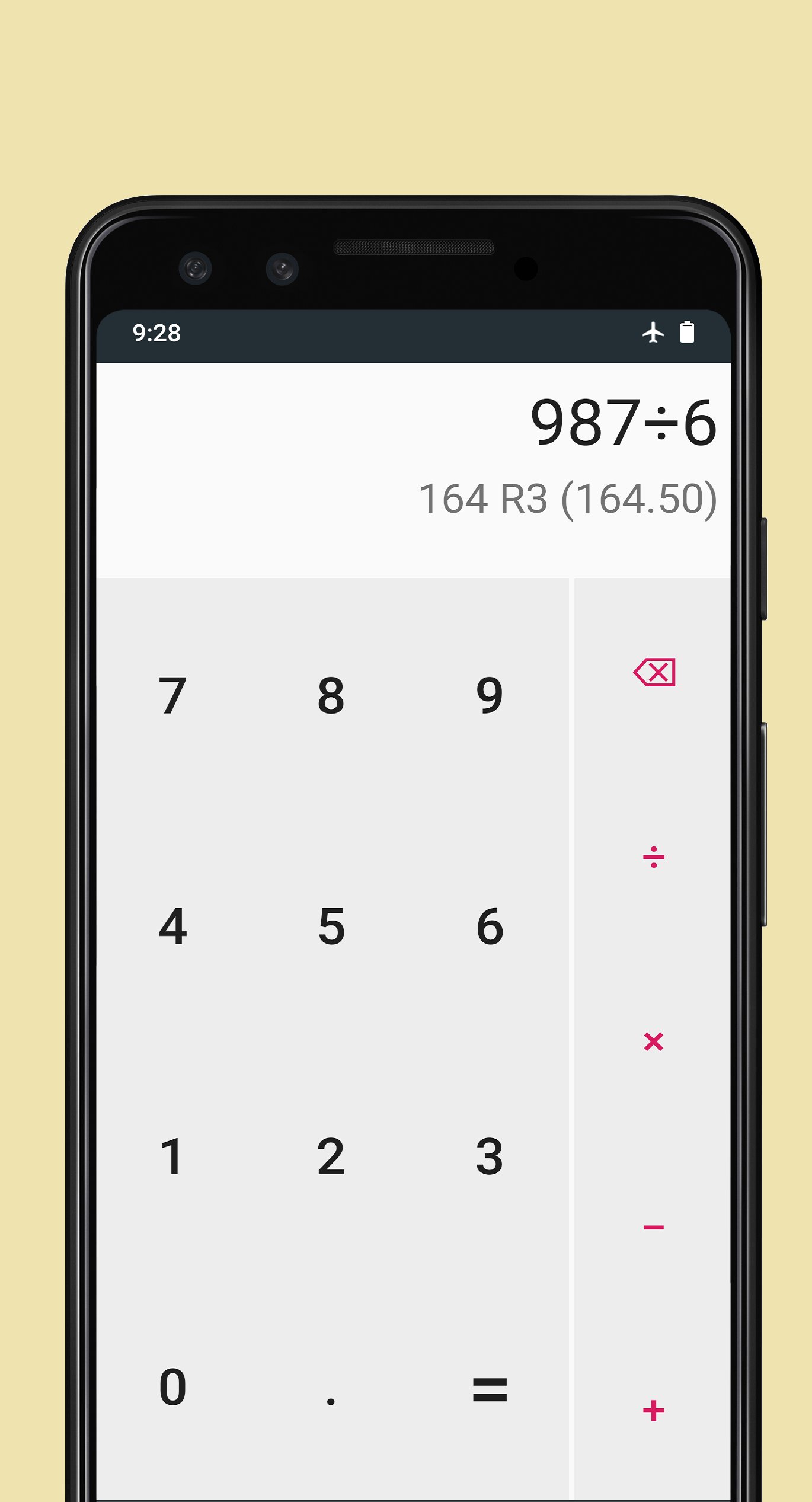
Remainder Mode: Get classic answers (example: 9 / 5 = 1 R4).
Decimal Mode: Get precise answers (example: 9 / 5 = 1.80).
New! Precision Control: You can now manually set the number of decimal places for division, ensuring your answer is as simple or as detailed as you need.
MULTIPLICATION MADE SIMPLE
We provide two powerful ways to tackle multiplication, making it easier to handle large numbers:
Long Multiplication: The traditional method used for generations.
Grid Multiplication (Area Model): A modern pedagogical approach where operands are broken down into smaller, manageable parts (example: 25 x 12 becomes 20+5 x 10+2) before being summed up. Great for understanding the why behind the math!
BUILT FOR YOUR COMFORT
Addition and Subtraction: Includes full step-by-step support for all basic arithmetic.
New! Dark and Light Themes: Whether you are studying in a bright classroom or doing late-night homework, switch between themes to reduce eye strain and personalize your experience.
Clean, Ad-Free Focus: Designed with a minimal interface so you can focus on learning without distractions.
WHY CHOOSE US?
Math should not be a mystery. By breaking down complex division and multiplication into bite-sized, animated chunks, we help bridge the gap between getting the answer and understanding the math.
Download today and turn math frustration into math mastery!
WHAT IS NEW IN THIS VERSION:
Custom Decimal Places: Total control over division precision.
Dark Mode Support: A sleek new look for low-light environments.
Enhanced Animations: Smoother transitions for a better learning experience.
預覽
標籤
教育訊息
開發商
Digital D, LLC
最新版本
2.0.10
更新時間
2026-04-29
類別
教育
同時可用
Google Play
更多
如何在電腦上用 GameLoop 玩 Division Calculator: Remainder
1. 從官網下載GameLoop,然後運行exe文件安裝GameLoop
2. 打開GameLoop,搜索“Division Calculator: Remainder”,在搜索結果中找到Division Calculator: Remainder,點擊“安裝”
3. 享受在 GameLoop 上玩 Division Calculator: Remainder 的樂趣
Minimum requirements
OS
Windows 8.1 64-bit or Windows 10 64-bit
GPU
GTX 1050
CPU
i3-8300
Memory
8GB RAM
Storage
1GB available space
Recommended requirements
OS
Windows 8.1 64-bit or Windows 10 64-bit
GPU
GTX 1050
CPU
i3-9320
Memory
16GB RAM
Storage
1GB available space