
Computer Graphics 電腦版
Softecks
用GameLoop模拟器在電腦上玩Computer Graphics
Computer Graphics 電腦版
來自發行商 Softecks 的 Computer Graphics 能夠在安卓系統上運行。
現在,您可以在電腦上使用 GameLoop 模擬器流暢地玩 Computer Graphics。
在 GameLoop 遊戲庫或搜索結果中下載。 不需要再暢玩遊戲時盯著電池電量或被令人懊惱的來電打斷。
只需在電腦大屏幕上免費下載暢玩Computer Graphics 電腦版!
Computer Graphics 簡介
Computer Graphics is an educational app for students, beginners, computer science learners and anyone who wants to understand how images, shapes, animations and visual elements are created using computers. The app explains the core ideas of computer graphics in a simple and organized way, helping learners build a strong foundation.
Computer graphics combines mathematics, geometry, algorithms, visualization and digital design. It is used to create and display images, diagrams, interfaces, models, animations and many other visual outputs. This app presents the subject as a clear learning resource for classroom study, exam revision and self-learning.
LEARN COMPUTER GRAPHICS STEP BY STEP
Start with the basic meaning of computer graphics and understand how computers represent visual information. Learn how points, lines, circles, polygons and other graphical objects are generated and displayed. The content is arranged topic by topic so beginners can follow the subject easily.
The app focuses on essential concepts behind graphical output and explains how algorithms create different shapes and visual structures. It can be useful for students studying computer science, information technology, engineering, multimedia, animation or related subjects.
CORE TOPICS INCLUDED
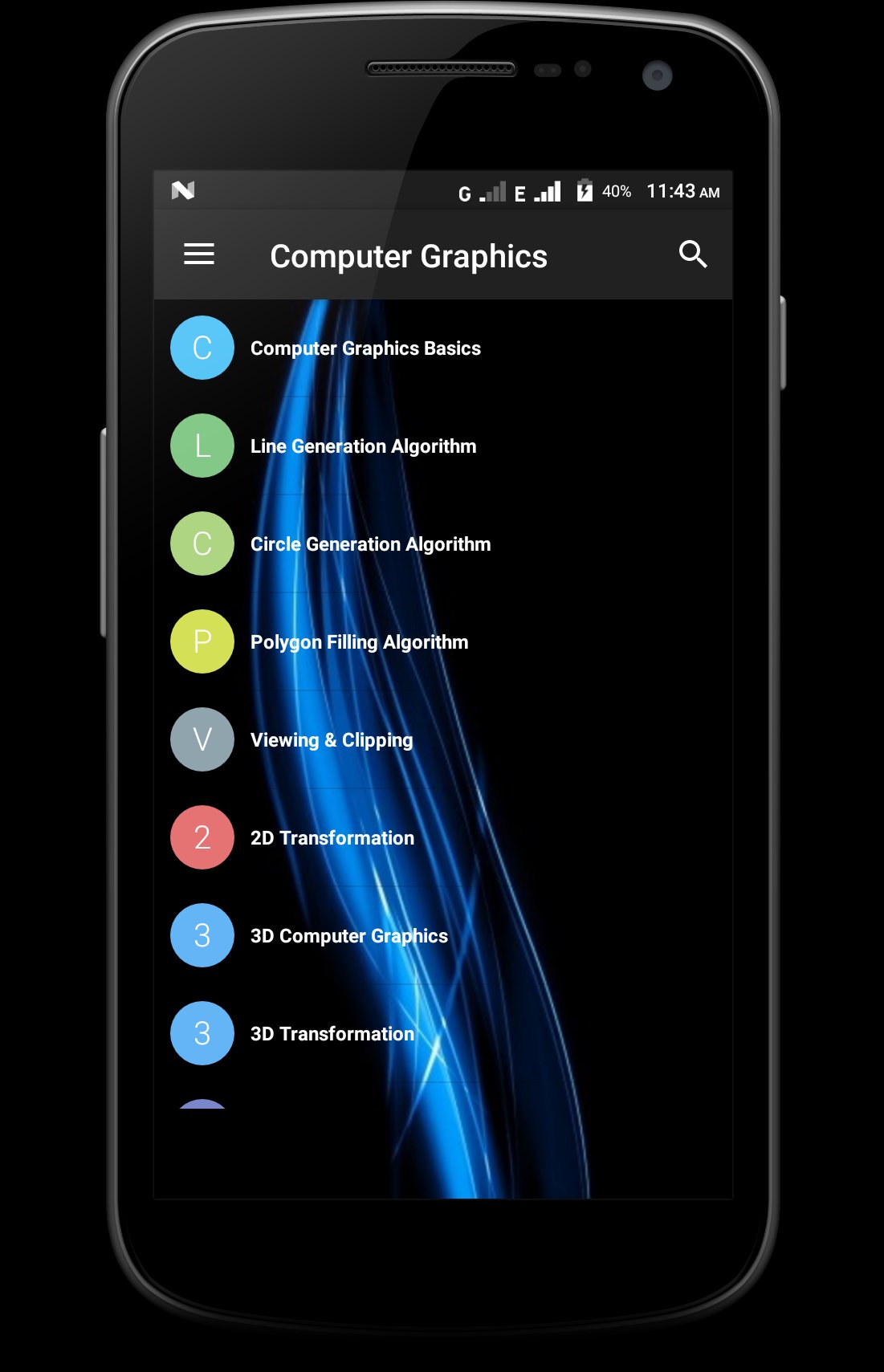
Computer Graphics Basics introduces the purpose, scope and fundamental ideas of computer-generated visuals.
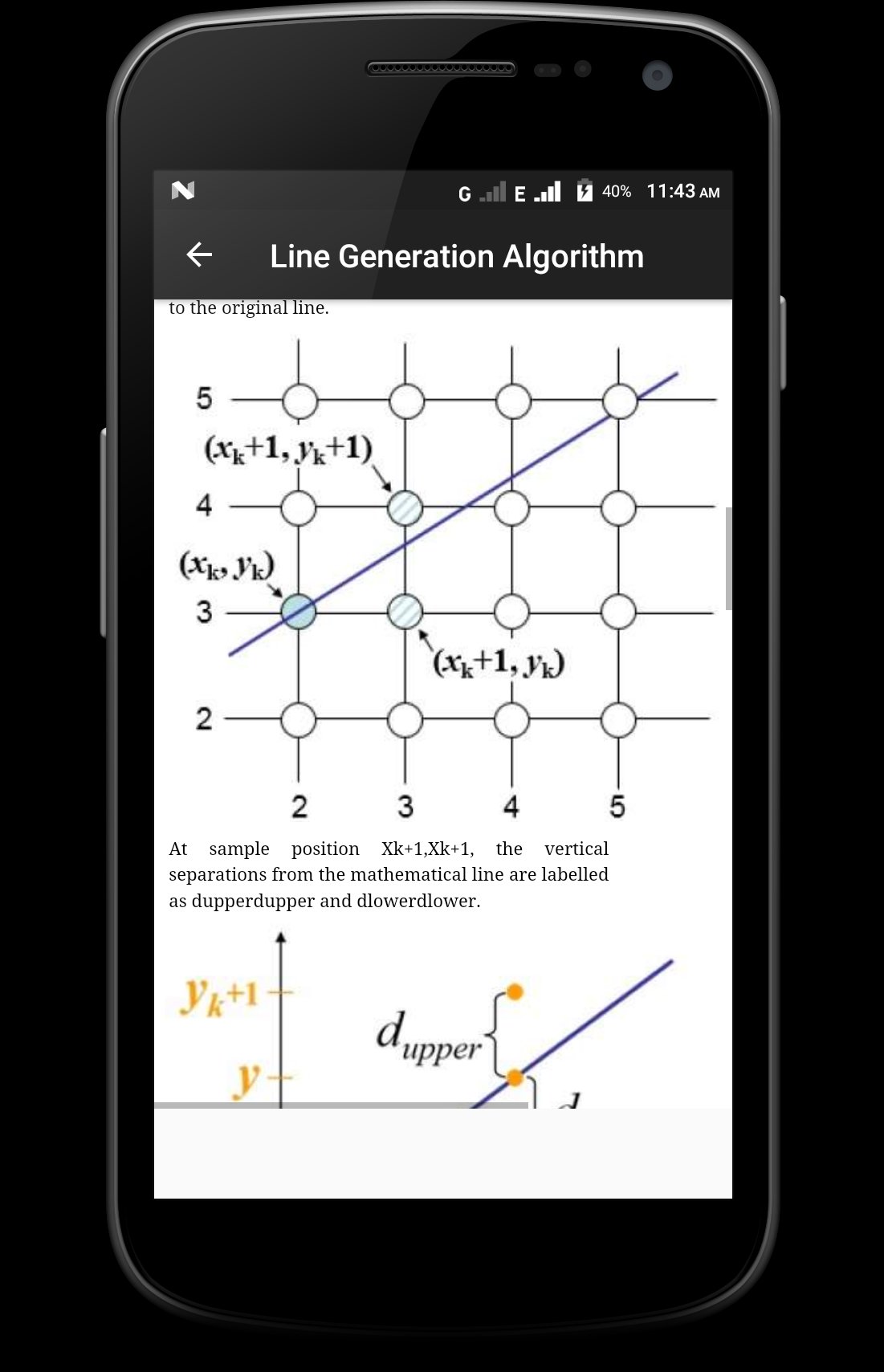
Line Generation Algorithms explain how straight lines are produced on a digital display using computational methods.
Circle Generation Algorithms cover the principles used to generate circular shapes in pixel-based graphics.
Polygon Filling Algorithms explain how closed shapes are filled and displayed.
Viewing and Clipping introduces methods used to select visible regions and remove unwanted parts of graphical objects.
2D Transformations cover operations used to move, rotate, resize and transform two-dimensional objects.
3D Computer Graphics introduces three-dimensional representation, depth and spatial form.
3D Transformations explain how objects are translated, rotated, scaled and positioned in three-dimensional space.
Computer Graphics Curves presents the ideas behind smooth curves used in digital drawing and modeling.
Computer Graphics Surfaces introduces surface representation and graphical form.
Visible Surface Detection explains how a computer decides which parts of an object should appear in a scene.
Computer Graphics Fractals introduces repeating patterns and mathematical structures used to create complex visuals.
Computer Animation explains the principles of producing movement through sequences of graphical frames.
APP FEATURES
• Structured computer graphics lessons
• Simple explanations for beginners
• Topic-wise learning and easy navigation
• Topic-wise navigation for quick revision
• Readable mobile layout for focused study
• Clean reading interface for regular study
• General computer graphics updates when available
• Useful for revision and exam preparation
WHO CAN USE THIS APP?
Computer Graphics is suitable for school and college students, diploma learners, computer science and IT students, engineering learners, beginners in animation and multimedia, and anyone interested in visual computing.
Use the app to learn definitions, revise algorithms, understand graphical transformations and build familiarity with two-dimensional and three-dimensional concepts. It can also support learners preparing for university examinations, technical interviews, competitive tests or classroom discussions.
WHY THIS APP IS USEFUL
Computer graphics can appear difficult because it includes algorithms, coordinate systems, geometry and visualization. This app organizes the subject into manageable sections so users can study one concept at a time. The mobile-friendly format makes revision easier whenever needed.
Download Computer Graphics and begin learning how computers generate lines, shapes, transformations, curves, surfaces and animations.
預覽
標籤
教育訊息
開發商
Softecks
最新版本
3.6
更新時間
2025-10-30
類別
教育
同時可用
Google Play
更多
如何在電腦上用 GameLoop 玩 Computer Graphics
1. 從官網下載GameLoop,然後運行exe文件安裝GameLoop
2. 打開GameLoop,搜索“Computer Graphics”,在搜索結果中找到Computer Graphics,點擊“安裝”
3. 享受在 GameLoop 上玩 Computer Graphics 的樂趣
Minimum requirements
OS
Windows 8.1 64-bit or Windows 10 64-bit
GPU
GTX 1050
CPU
i3-8300
Memory
8GB RAM
Storage
1GB available space
Recommended requirements
OS
Windows 8.1 64-bit or Windows 10 64-bit
GPU
GTX 1050
CPU
i3-9320
Memory
16GB RAM
Storage
1GB available space