
UTKARSH CLASSES 電腦版
ProcreateProgress3
用GameLoop模拟器在電腦上玩UTKARSH CLASSES
UTKARSH CLASSES 電腦版
來自發行商 ProcreateProgress3 的 UTKARSH CLASSES 能夠在安卓系統上運行。
現在,您可以在電腦上使用 GameLoop 模擬器流暢地玩 UTKARSH CLASSES。
在 GameLoop 遊戲庫或搜索結果中下載。 不需要再暢玩遊戲時盯著電池電量或被令人懊惱的來電打斷。
只需在電腦大屏幕上免費下載暢玩UTKARSH CLASSES 電腦版!
UTKARSH CLASSES 簡介
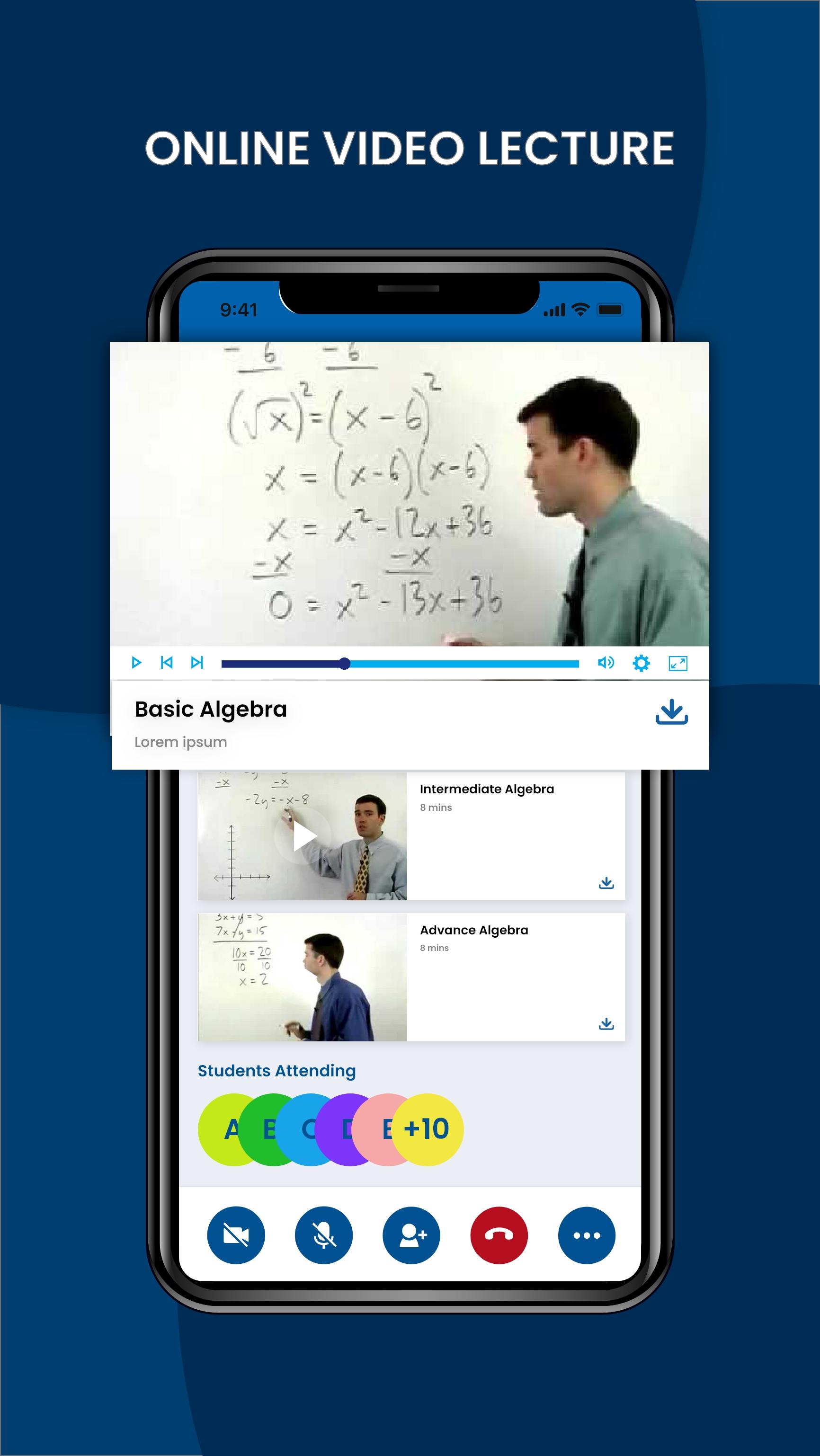
Video lecturing platform:
It is secured and you can use it with any video lecturing format like Zoom, GoogleMeet, Gotomeeting etc. You are assured of safety and privacy.
Best substitute of Tests:
Schedule offline tests for students where the test paper will appear only for the stipulated time and will be removed later.
Students have to compulsorily solve it at that time. The answer sheets can be uploaded by students on the app for the teacher to view and check.
Saves time and efforts of creating links:
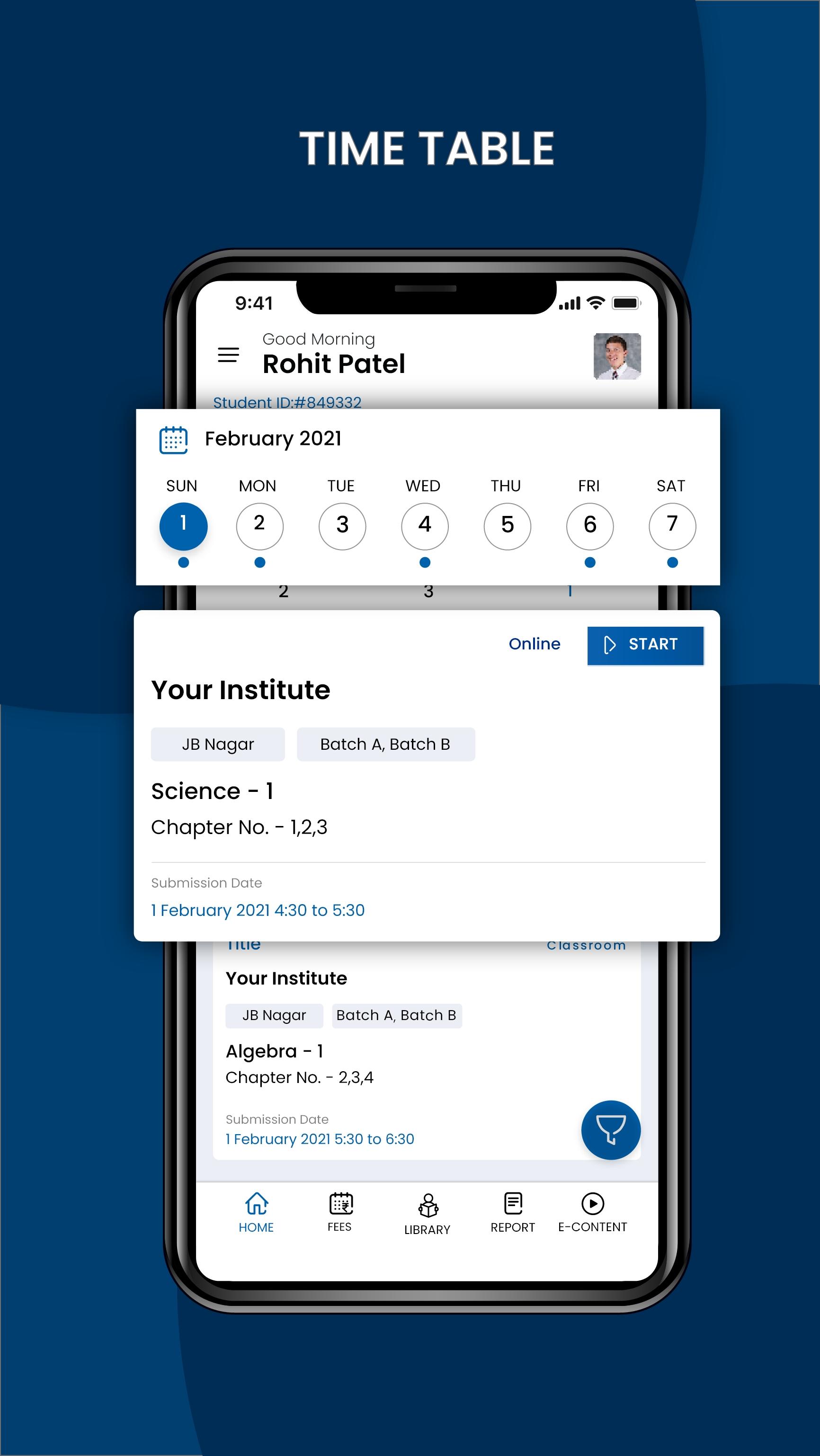
Teachers and students directly connect on the app as per the schedule. No need for your teachers to create and monitor multiple links for every batch and every lecture.
Maintains logbook of every teacher:
APP has multiple features like Online & offline, which will help you evaluate teachers & students‘ performance.
Prepares detailed attendance report:
It has the provision of auto attendance. It also creates a detailed attendance report for every class which includes information about students joining late, exiting early or missing some portions of lectures due to bad bandwidth.
Makes recall and recap easier:
Students can be sent MCQs after every session to recall what they learnt. The APP then shows the performance of every student and helps teachers to decide the topics and time for recall in the next lecture.
Provision for sending Recorded Lecture:
Teachers can also directly send videos to students for revision.
Facilitates access to every session:
Being an admin or host you can enter and exit the system in any class to suggest teachers on ways to improve their online teaching, thus enhancing their productivity as online teaching might not be easy for every teacher.
It’s a great amalgamation of simple user interface design and exciting features; greatly loved by students, parents, and tutors.
預覽
標籤
教育訊息
開發商
ProcreateProgress3
最新版本
7.0
更新時間
2022-11-03
類別
教育
同時可用
Google Play
更多
如何在電腦上用 GameLoop 玩 UTKARSH CLASSES
1. 從官網下載GameLoop,然後運行exe文件安裝GameLoop
2. 打開GameLoop,搜索“UTKARSH CLASSES”,在搜索結果中找到UTKARSH CLASSES,點擊“安裝”
3. 享受在 GameLoop 上玩 UTKARSH CLASSES 的樂趣
Minimum requirements
OS
Windows 8.1 64-bit or Windows 10 64-bit
GPU
GTX 1050
CPU
i3-8300
Memory
8GB RAM
Storage
1GB available space
Recommended requirements
OS
Windows 8.1 64-bit or Windows 10 64-bit
GPU
GTX 1050
CPU
i3-9320
Memory
16GB RAM
Storage
1GB available space