Text to Handwriting Converter 電腦版
Softo Ltd
用GameLoop模拟器在電腦上玩Text to Handwriting Converter
Text to Handwriting Converter 電腦版
來自發行商 Softo Ltd 的 Text to Handwriting Converter 能夠在安卓系統上運行。
現在,您可以在電腦上使用 GameLoop 模擬器流暢地玩 Text to Handwriting Converter。
在 GameLoop 遊戲庫或搜索結果中下載。 不需要再暢玩遊戲時盯著電池電量或被令人懊惱的來電打斷。
只需在電腦大屏幕上免費下載暢玩Text to Handwriting Converter 電腦版!
Text to Handwriting Converter 簡介
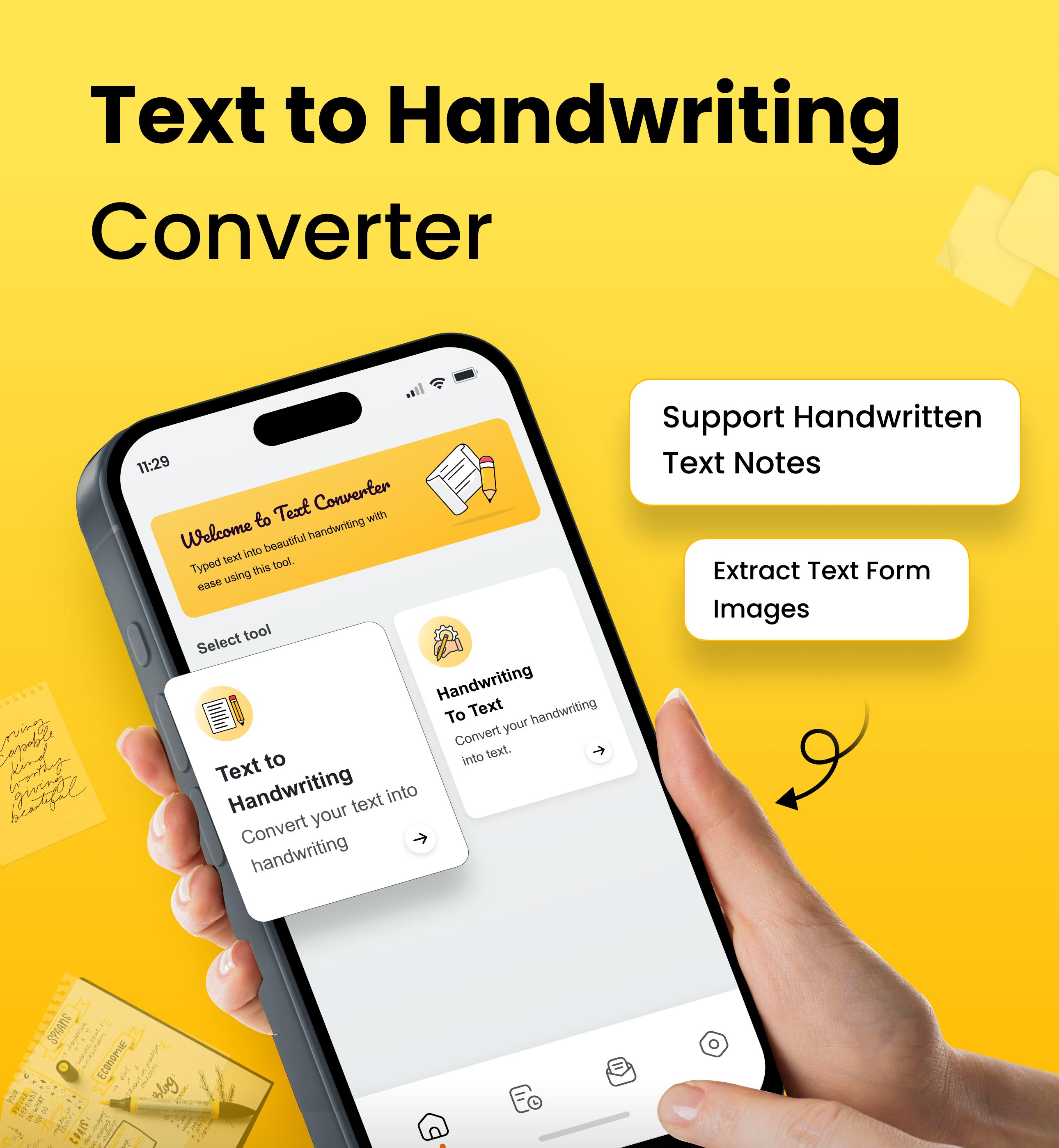
Text to Handwriting with OCR Text Scanner app allows you to automatically convert computerized text into handwritten notes to add a personal touch. You can upload digitally prepared assignments, documents, letters, and applications, and make them look like handwriting.
It offers a handwriting to text tool as well, allowing you to extract text from images of handwritten notes, to do lists, whiteboard content, etc.
How to Use Text to Handwriting Converter App?🔄
Open the app and you’ll see two tools: Text to Handwriting and Handwriting to Text.
↪ Steps to Use Handwriting to Text:
1. Upload the image from the “Gallery” or directly capture the image of handwriting using the “Camera” option.
2. Adjust the image orientations using Crop, Flip, and Rotate options.
3. Then, click the “Done” button.
4. Our app will automatically recognize text from the image and extract it.
5. Now, you can “Copy” or “Download” it as a PDF or TXT.
↪ Steps to Use Text to Handwriting:
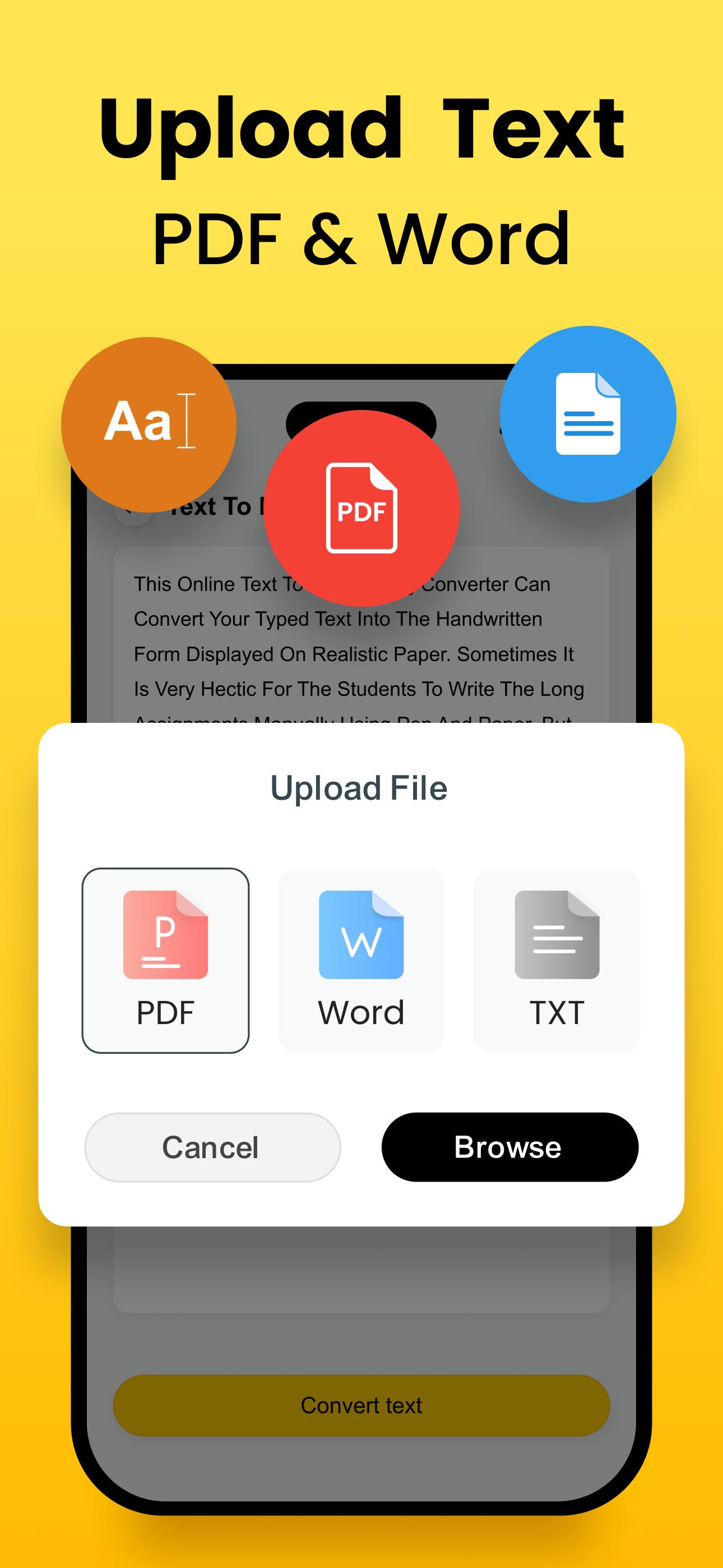
1. Enter text in the input box or upload a file from your device storage.
2. Click on the “Convert Text” button.
3. Our text to handwriting app will turn your digital text into handwriting style.
4. Choose the font, color, and page style.
5. After personalization, you can download the output.
Key Features of Handwriting To Text Converter App🎯
The text to handwriting converter comes up with these useful features:
⭐ Simple User Interface
Effortless Navigation! Our app offers a simple UI (user interface) to ensure a seamless conversion experience. You can customize settings and make conversions in just a few clear steps.
⭐ OCR Technology
Handwriting to Text converter uses advanced OCR technology. This feature helps our app to precisely recognize handwriting from images and convert it into digital text.
⭐ Various Handwriting Fonts
It provides a wide range of handwriting fonts, allowing you to choose the one that perfectly matches your personal handwriting.
⭐ File Upload Options
The text-to-handwriting converter supports multiple file formats, including: TXT, MS Word, and PDF.
⭐ Customization
It allows you to customize the page design, font style, and text size after text to handwriting conversion. Plus, it offers various font colors from which you can choose the desired one.
⭐ Multilingual
Another standout feature of the app is its support for multiple languages, such as English, Spanish, Portuguese, French, Turkish, Japanese, Indonesian, and more.
⭐ Fast Conversion
Whether it is handwriting to text or text to handwriting conversion, this app can do it instantly without any delay. So, you can convert a large number of images of handwritten notes, documents, etc., into text in no time.
Why Choose the Handwriting to Text Converter?
Below are reasons to choose our handwriting to text converter:
💡 It can help you save a lot of time, avoid errors, and streamline tasks.
💡 This app is strongly encrypted to ensure your data is secure and protected.
💡 You can use it for free without paying a single penny.
💡 All the features are easily accessible to all users.
💡 Our app stores users’ History, allowing them to access previous conversions anytime.
💡 You can set either Dark or Light mode as per your preferences.
Whether you are a student, teacher, professional, or data entry worker, you can use this app to convert handwriting into text and vice versa. It will save your precious time and effort that you might need for manual conversion.
Download our Text to Handwriting Converter app and start converting your handwriting images into text and vice versa.
預覽
標籤
教育訊息
開發商
Softo Ltd
最新版本
1.1.18
更新時間
2025-10-14
類別
教育
同時可用
Google Play
更多
如何在電腦上用 GameLoop 玩 Text to Handwriting Converter
1. 從官網下載GameLoop,然後運行exe文件安裝GameLoop
2. 打開GameLoop,搜索“Text to Handwriting Converter”,在搜索結果中找到Text to Handwriting Converter,點擊“安裝”
3. 享受在 GameLoop 上玩 Text to Handwriting Converter 的樂趣
Minimum requirements
OS
Windows 8.1 64-bit or Windows 10 64-bit
GPU
GTX 1050
CPU
i3-8300
Memory
8GB RAM
Storage
1GB available space
Recommended requirements
OS
Windows 8.1 64-bit or Windows 10 64-bit
GPU
GTX 1050
CPU
i3-9320
Memory
16GB RAM
Storage
1GB available space