
Android Studio Tutorial 電腦版
AS APPS
用GameLoop模拟器在電腦上玩Android Studio Tutorial
Android Studio Tutorial 電腦版
來自發行商 AS APPS 的 Android Studio Tutorial 能夠在安卓系統上運行。
現在,您可以在電腦上使用 GameLoop 模擬器流暢地玩 Android Studio Tutorial。
在 GameLoop 遊戲庫或搜索結果中下載。 不需要再暢玩遊戲時盯著電池電量或被令人懊惱的來電打斷。
只需在電腦大屏幕上免費下載暢玩Android Studio Tutorial 電腦版!
Android Studio Tutorial 簡介
What is Android Studio Tutorial app?
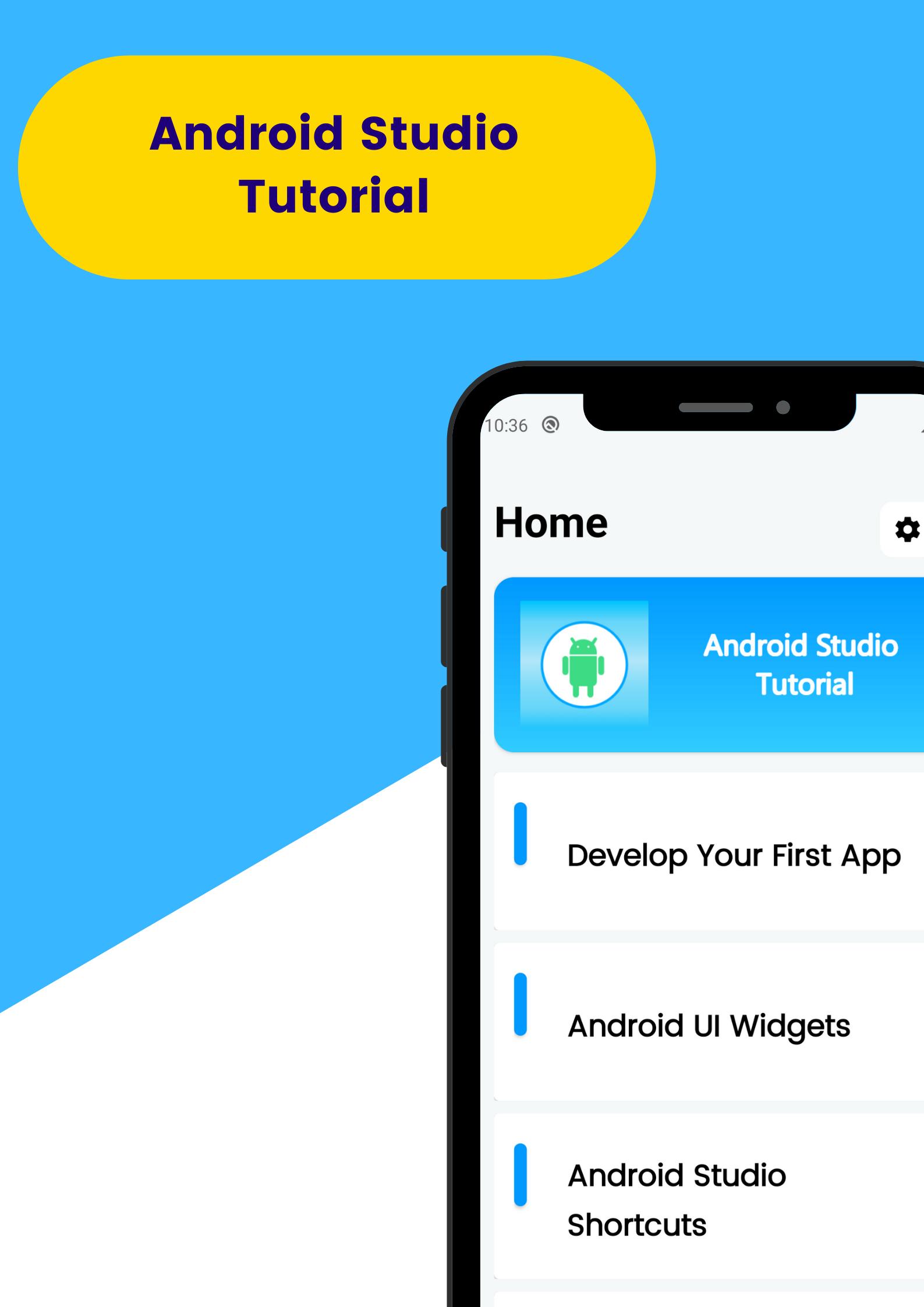
Android Studio Tutorial app is the best way to learn android app development with tutorials and examples. Because the app contains over 100 tutorials & it will help you learn to develop an android application in Android Studio.
Additionally, the Android Studio Tutorial app contains source code for every example. You can easily develop an android application with examples. You can start the android app development with basic knowledge of Java with the android studio tutorial app.
All Examples in the Android Studio Tutorial consist of 3 tabs. The first tab shows the XML code for the example. And the second shows the Java code. At last, you can see the output of both the first and second parts. Then you can easily understand codes with real-time practical & it'll be easier to learn android app development.
The following contents are available in the android studio tutorial app
Develop your first app. In this part, you can learn how to install the Android studio and more like developing your first app.
Android UI Widgets. In this, You can view the android UI widgets like buttons, textview and etc. You can view codes of XML and Java codes for these and see the output and test them.
You can also check the part of Android Studio Shortcuts. From there you can view keyboard shortcuts and their uses.
Notification tutorials for android studio. Notifications are used to inform something user. You can learn how to do it by checking tutorials of notifications in Android Studio Tutorials.
Android local Databases. You can store users' data in local databases. Check the android studio tutorial app to learn them.
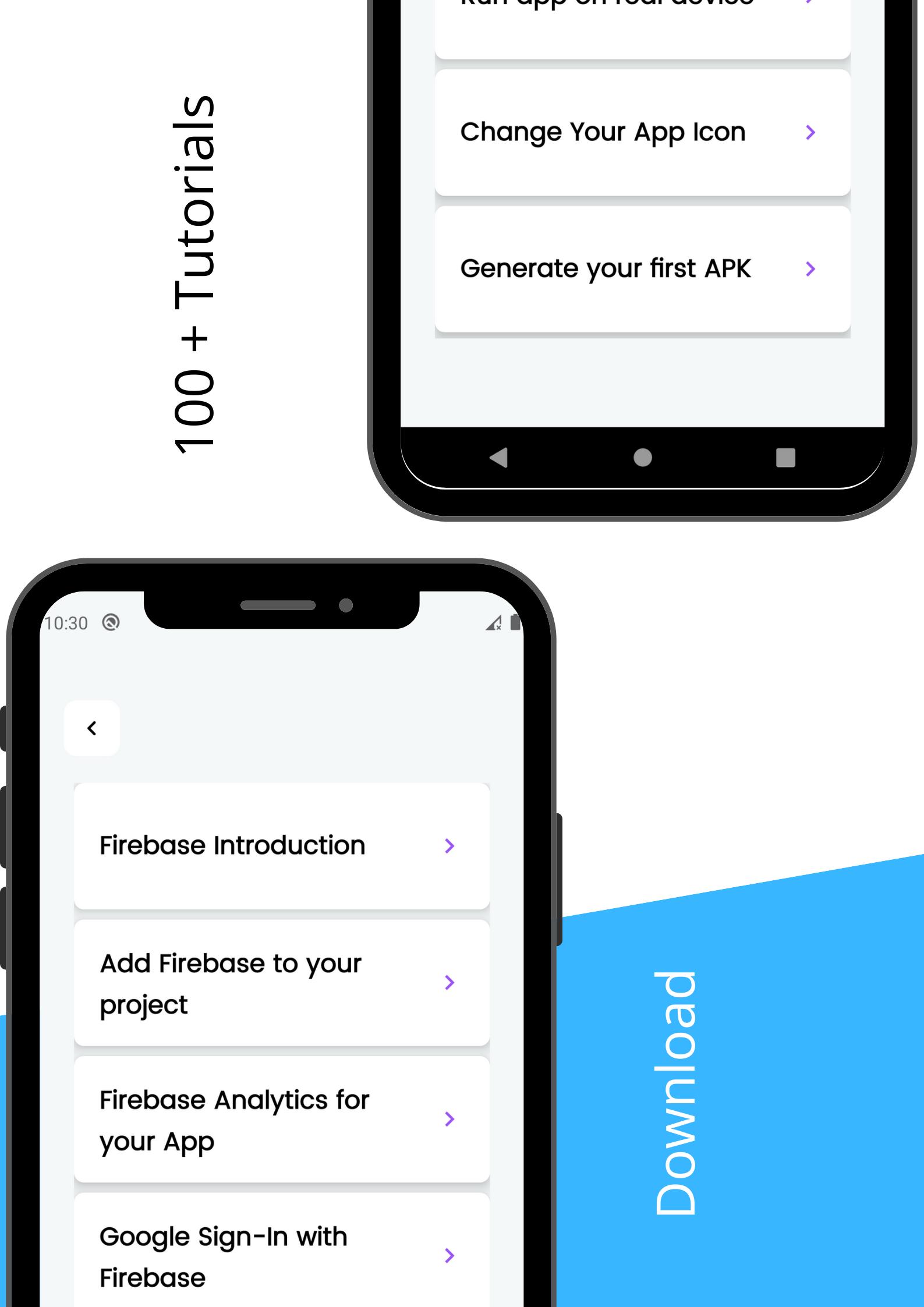
Firebase tutorials for Android Studio. On this part, you can check some firebase tutorials like Firebase Analytics and databases.
And much more content is available for the android app development in the app. You can check 100+ tutorials after installing the app. You can view XML & Java codes above all tutorials and you can copy all source codes as you like. You can test the tutorial's codes output too, give some input and check the output. Also if you prefer to use the app in offline mode you can also use it in that mode too.
You can easily install the Android Studio Tutorial app for free.
預覽
標籤
教育Books-&訊息
開發商
AS APPS
最新版本
4.2.1
更新時間
2023-09-03
類別
教育
同時可用
Google Play
更多
如何在電腦上用 GameLoop 玩 Android Studio Tutorial
1. 從官網下載GameLoop,然後運行exe文件安裝GameLoop
2. 打開GameLoop,搜索“Android Studio Tutorial”,在搜索結果中找到Android Studio Tutorial,點擊“安裝”
3. 享受在 GameLoop 上玩 Android Studio Tutorial 的樂趣
Minimum requirements
OS
Windows 8.1 64-bit or Windows 10 64-bit
GPU
GTX 1050
CPU
i3-8300
Memory
8GB RAM
Storage
1GB available space
Recommended requirements
OS
Windows 8.1 64-bit or Windows 10 64-bit
GPU
GTX 1050
CPU
i3-9320
Memory
16GB RAM
Storage
1GB available space