
Book Builder 電腦版
Education.com
用GameLoop模拟器在電腦上玩Book Builder
Book Builder 電腦版
來自發行商 Education.com 的 Book Builder 能夠在安卓系統上運行。
現在,您可以在電腦上使用 GameLoop 模擬器流暢地玩 Book Builder。
在 GameLoop 遊戲庫或搜索結果中下載。 不需要再暢玩遊戲時盯著電池電量或被令人懊惱的來電打斷。
只需在電腦大屏幕上免費下載暢玩Book Builder 電腦版!
Book Builder 簡介
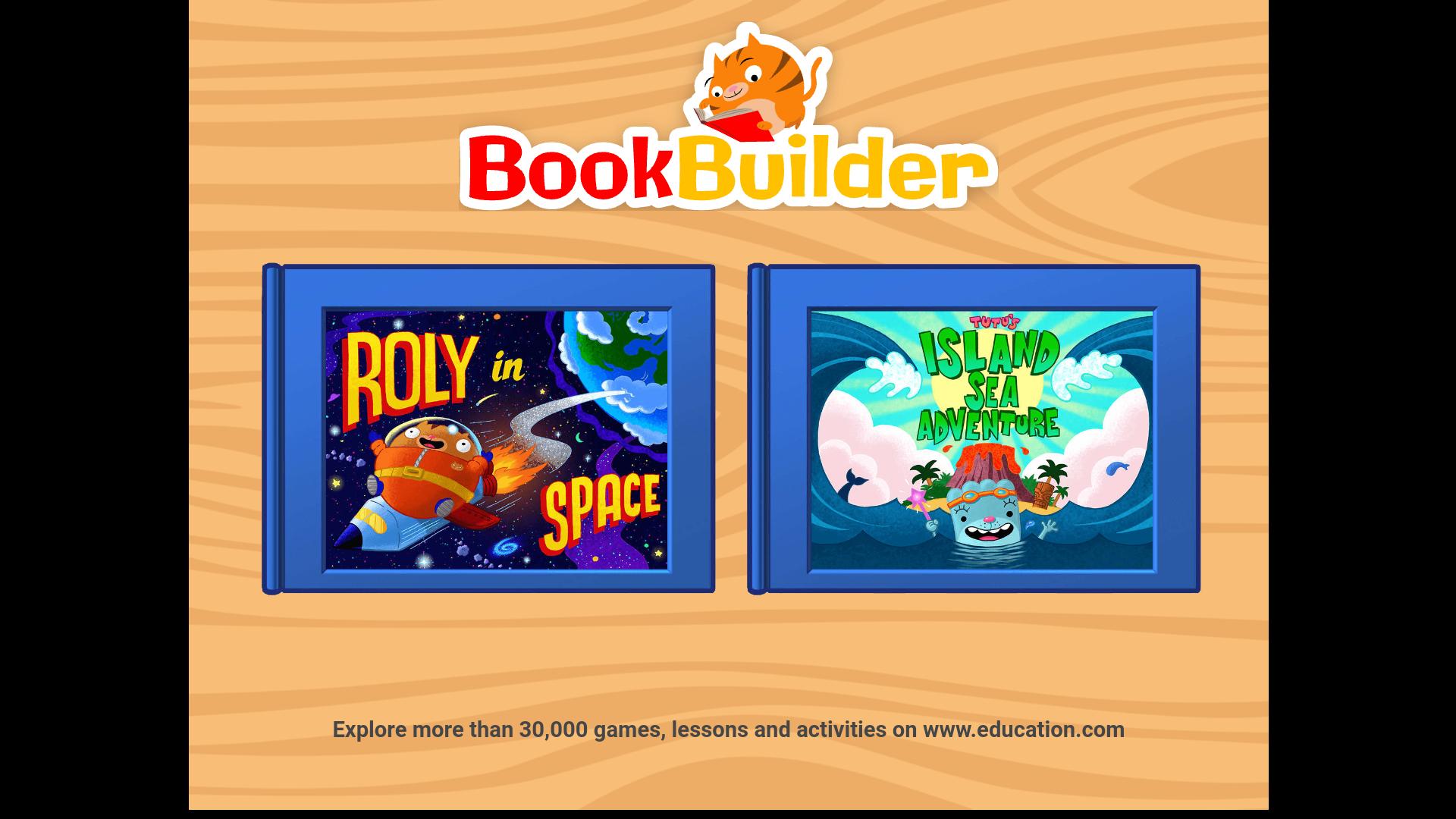
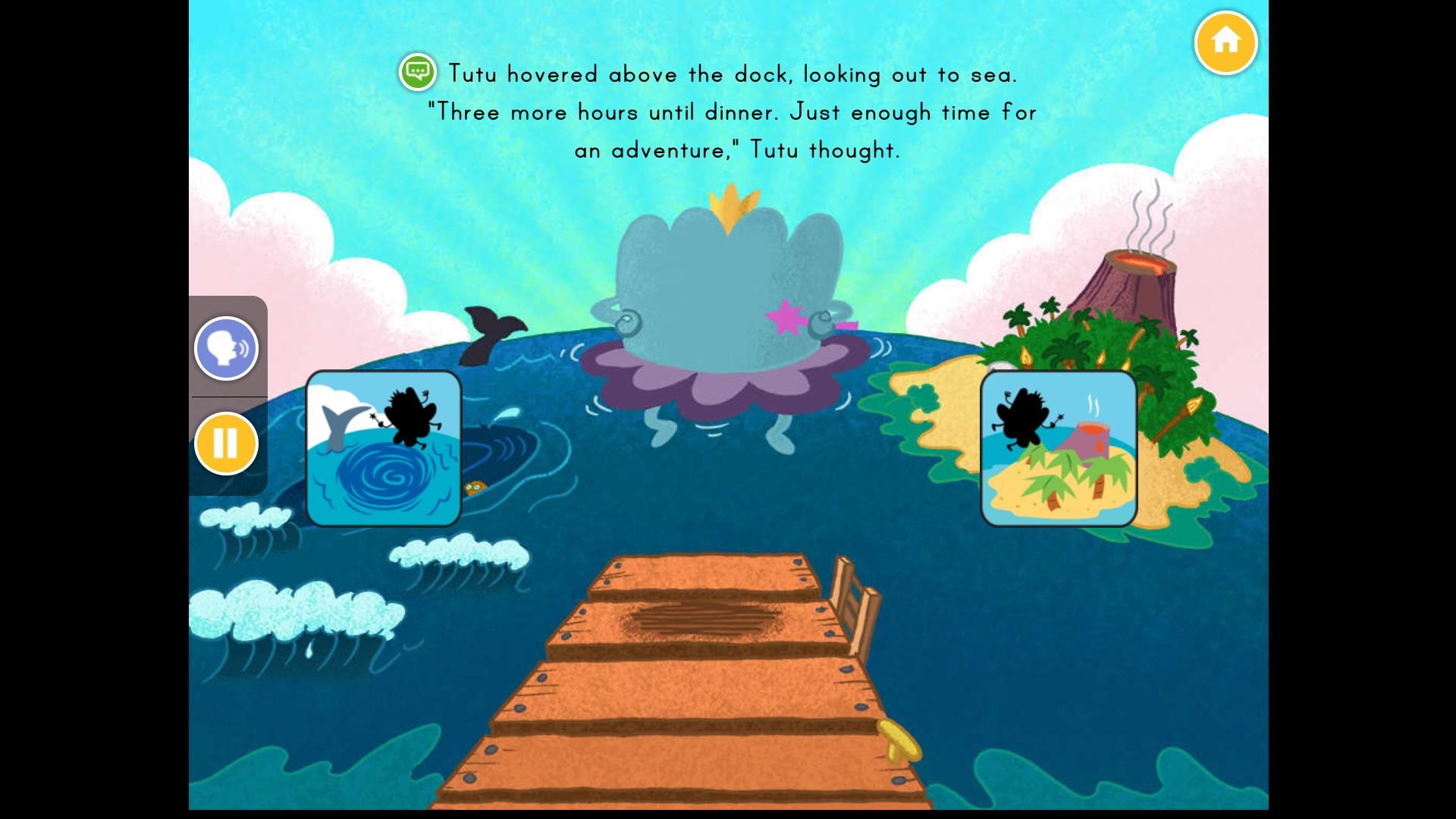
Pick your own path through fun and interactive storybooks for kids. Perfect for early readers, this app encourages kids to follow the read-along text as they navigate through exciting stories. Kids can explore oceans, exotic islands, outer space, and fantasy worlds as they pick their path to build exciting stories.
Stories are aligned with school standards to help kids learn skills teachers say are most important.
* Choose from two different storybooks, and over 30 endings.
* Make screen time matter with stories that are both fun and educational.
* Playing with Book Builder helps kids build essential early literacy and reading skills.
預覽
標籤
教育訊息
開發商
Education.com
最新版本
1.0.11
更新時間
2019-09-03
類別
教育
同時可用
Google Play
更多
如何在電腦上用 GameLoop 玩 Book Builder
1. 從官網下載GameLoop,然後運行exe文件安裝GameLoop
2. 打開GameLoop,搜索“Book Builder”,在搜索結果中找到Book Builder,點擊“安裝”
3. 享受在 GameLoop 上玩 Book Builder 的樂趣
Minimum requirements
OS
Windows 8.1 64-bit or Windows 10 64-bit
GPU
GTX 1050
CPU
i3-8300
Memory
8GB RAM
Storage
1GB available space
Recommended requirements
OS
Windows 8.1 64-bit or Windows 10 64-bit
GPU
GTX 1050
CPU
i3-9320
Memory
16GB RAM
Storage
1GB available space