
AR Universe 電腦版
ООО "Краснокамская Фабрика Деревянной Игрушки"
用GameLoop模拟器在電腦上玩AR Universe
AR Universe 電腦版
來自發行商 ООО "Краснокамская Фабрика Деревянной Игрушки" 的 AR Universe 能夠在安卓系統上運行。
現在,您可以在電腦上使用 GameLoop 模擬器流暢地玩 AR Universe。
在 GameLoop 遊戲庫或搜索結果中下載。 不需要再暢玩遊戲時盯著電池電量或被令人懊惱的來電打斷。
只需在電腦大屏幕上免費下載暢玩AR Universe 電腦版!
AR Universe 簡介
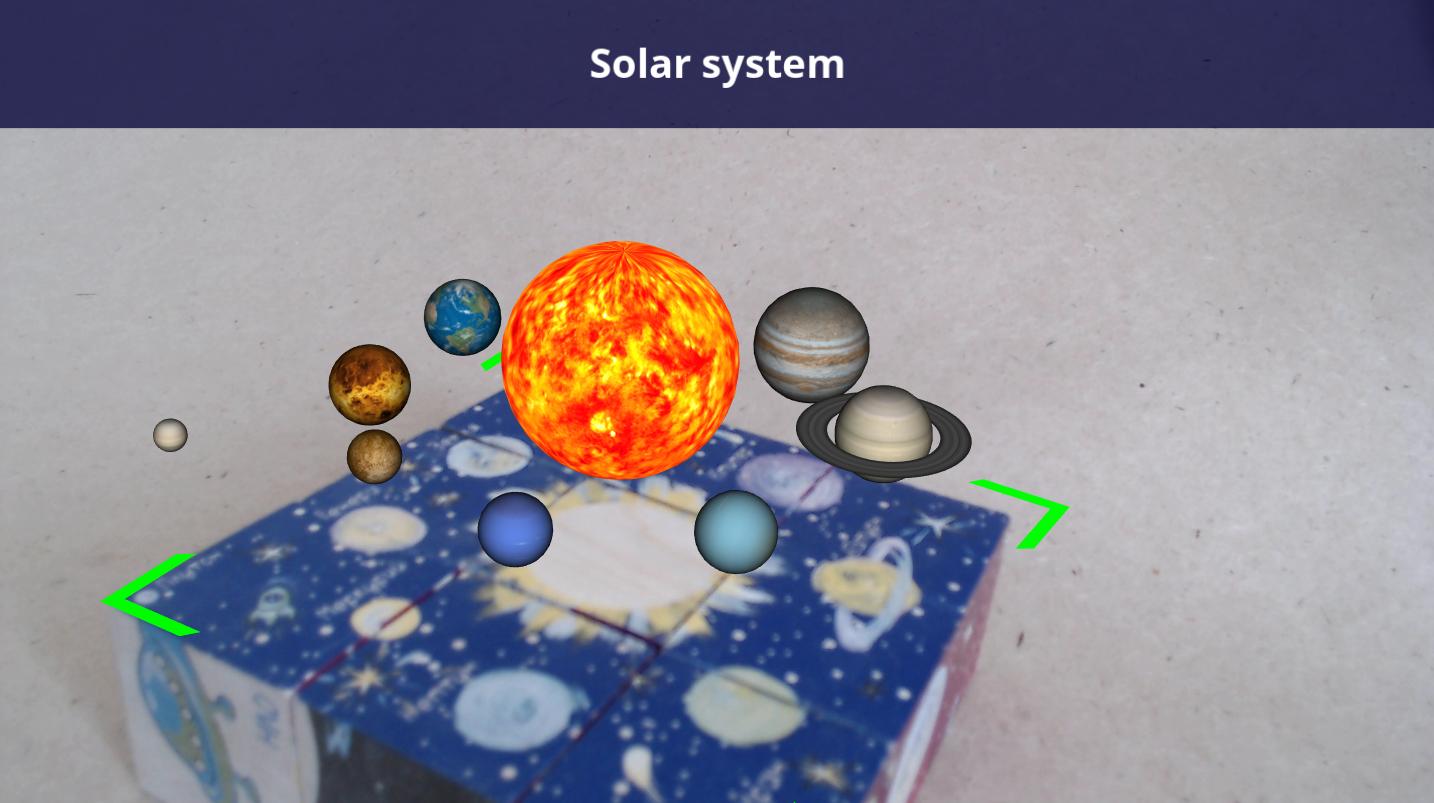
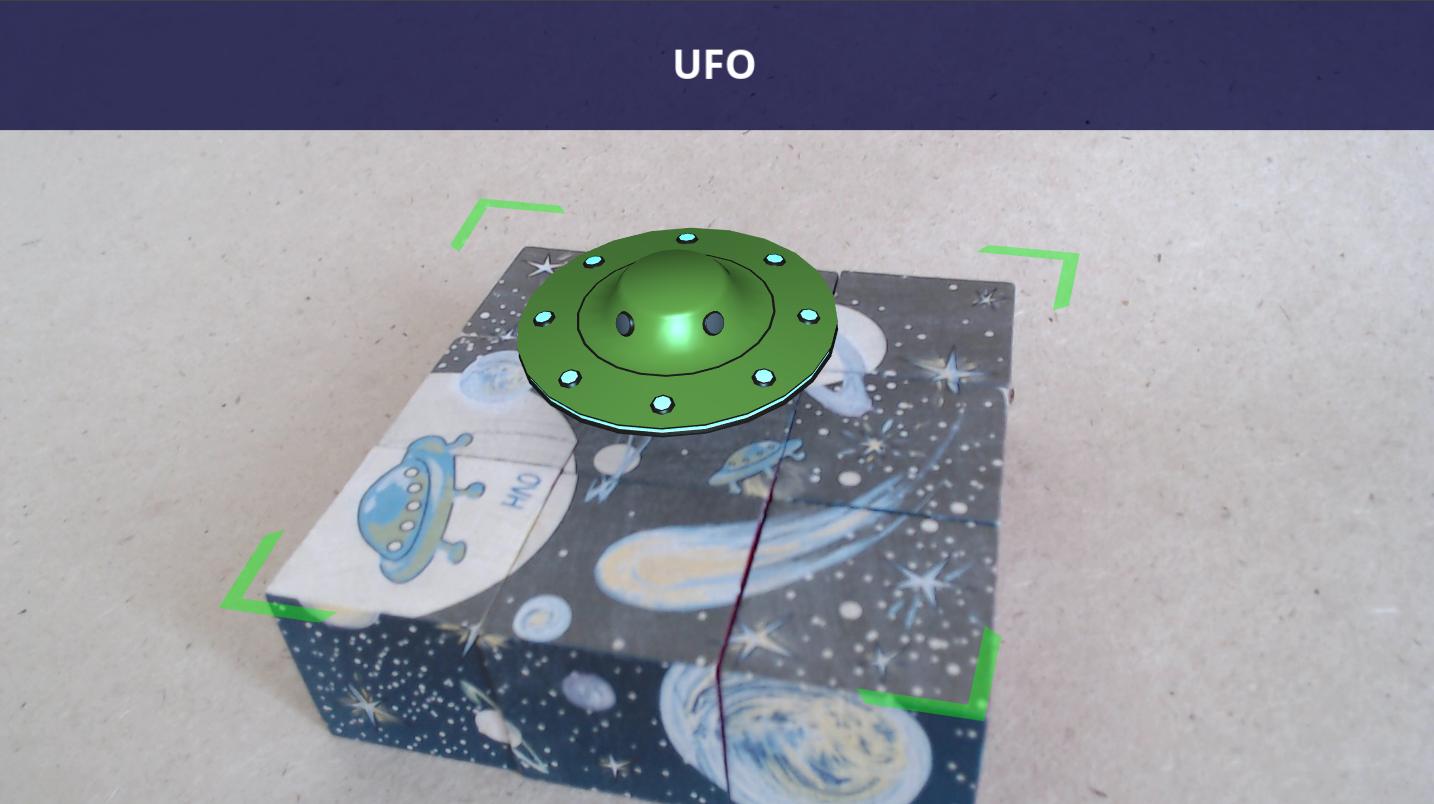
Having created “AR Universe” cubes we “have made alive” a traditional wooden cube! Children are surrounded by technologies and gadgets almost from their birth and they get interested in them at the same time as they start playing with toys. Wooden cubes play a very important role in the child’s growing and are irreplaceable for development of logical, visual thinking and spatial intelligence, fine motor skills and coordination. But how is it possible to combine traditional cubes and a modern gadget? Very simple: with the help of augmented reality technology common wooden cubes suddenly get alive on the gadget’s screen telling about space bodies and objects – it’s real magic!
Download the mobile application and assemble 6 images correctly with 9 cubes and you will go on an unforgettable journey around the Solar system, will watch a carrier rocket operation and learn interesting facts about the planets and space ships. The trip will be accompanied with 6 vivid bright animated 3D models and stories about them.
The Russian, English and German lanquages are provided in the application, a text description of each animation and a test consisting of 5 questions.
預覽
標籤
教育訊息
開發商
ООО "Краснокамская Фабрика Деревянной Игрушки"
最新版本
2.3
更新時間
2025-04-17
類別
教育
同時可用
Google Play
更多
如何在電腦上用 GameLoop 玩 AR Universe
1. 從官網下載GameLoop,然後運行exe文件安裝GameLoop
2. 打開GameLoop,搜索“AR Universe”,在搜索結果中找到AR Universe,點擊“安裝”
3. 享受在 GameLoop 上玩 AR Universe 的樂趣
Minimum requirements
OS
Windows 8.1 64-bit or Windows 10 64-bit
GPU
GTX 1050
CPU
i3-8300
Memory
8GB RAM
Storage
1GB available space
Recommended requirements
OS
Windows 8.1 64-bit or Windows 10 64-bit
GPU
GTX 1050
CPU
i3-9320
Memory
16GB RAM
Storage
1GB available space