
Addition Memorizer 電腦版
MATH Domain Development
用GameLoop模拟器在電腦上玩Addition Memorizer
Addition Memorizer 電腦版
來自發行商 MATH Domain Development 的 Addition Memorizer 能夠在安卓系統上運行。
現在,您可以在電腦上使用 GameLoop 模擬器流暢地玩 Addition Memorizer。
在 GameLoop 遊戲庫或搜索結果中下載。 不需要再暢玩遊戲時盯著電池電量或被令人懊惱的來電打斷。
只需在電腦大屏幕上免費下載暢玩Addition Memorizer 電腦版!
Addition Memorizer 簡介
Addition Memorizer helps you memorize the 9 x 9 addition tables.
General Features
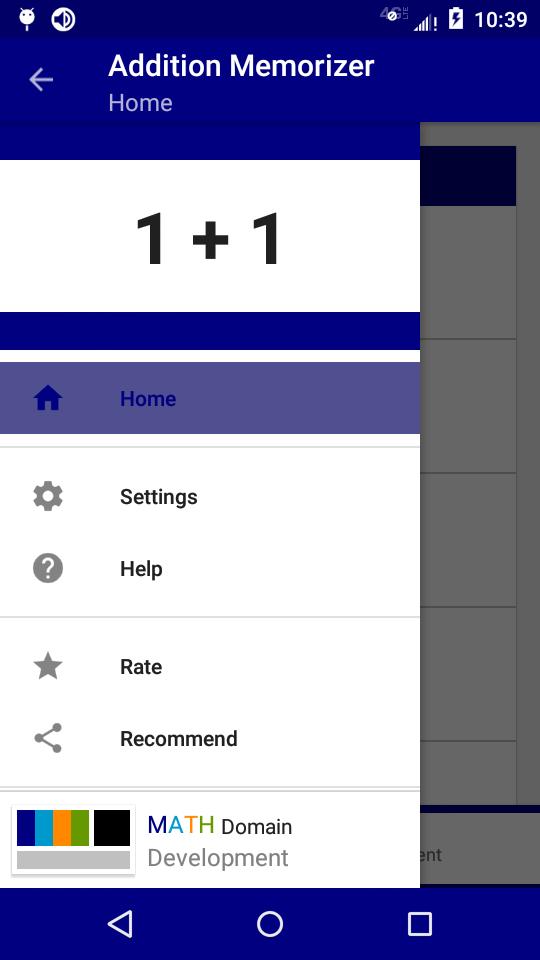
+ Provides interactive lists covering the first 9 addition tables.
+ A practice area to improve accuracy.
+ A timed area to improve speed.
+ Keeps track of overall progress and best times.
There are five general areas:
Times Tables provides a stress free learning environment. It's a modern take on addition flash cards. This area displays the entire addition table, a "row" at a time. You can show or hide the answers to any addition problem at any time. There are no questions, no time limit, no data tracking.
Practice is where your addition memorization is tested. Questions are randomly generated. It's your job to enter the answer digit by digit (there is no multiple choice). The number of correct and incorrect attempts are tracked and saved for each addition fact. Incorrect problems are listed at the end of each session and you'll have the option to repeat all the questions, repeat only on the incorrect attempts, or shuffle the questions all together.
Time Trials is where you put all that practice to the test: How fast can you answer 10 addition questions? Compete against yourself or compare your times with friends and people all over the world!
Time Records keeps track of your top 10 fastest completion times for each addition problem set attempted in the Time Trials area. Displays your rank, initials, time, and date for each record. Note: to set a record, you must answer 8 of the 10 questions correctly!
Data is where you can see how you're doing for each addition fact. The result for each fact is displayed as a colored box inside an addition chart. The colors range from green to red (with green meaning good and red meaning not-so-good). Pressing a box will show more details for that fact: Number Correct, Total Attempts, Percentage, and Grade.
Look for more addition games and features to be added in the future!
This is a free-to-download, ad-supported app.
Thanks for recommending and leaving a review.
MATH Domain Development
預覽
標籤
教育訊息
開發商
MATH Domain Development
最新版本
1.0.13
更新時間
2023-04-09
類別
教育
同時可用
Google Play
更多
如何在電腦上用 GameLoop 玩 Addition Memorizer
1. 從官網下載GameLoop,然後運行exe文件安裝GameLoop
2. 打開GameLoop,搜索“Addition Memorizer”,在搜索結果中找到Addition Memorizer,點擊“安裝”
3. 享受在 GameLoop 上玩 Addition Memorizer 的樂趣
Minimum requirements
OS
Windows 8.1 64-bit or Windows 10 64-bit
GPU
GTX 1050
CPU
i3-8300
Memory
8GB RAM
Storage
1GB available space
Recommended requirements
OS
Windows 8.1 64-bit or Windows 10 64-bit
GPU
GTX 1050
CPU
i3-9320
Memory
16GB RAM
Storage
1GB available space