1 to 100 spelling game kids 電腦版
Kids Learn With Fun
用GameLoop模拟器在電腦上玩1 to 100 spelling game kids
1 to 100 spelling game kids 電腦版
來自發行商 Kids Learn With Fun 的 1 to 100 spelling game kids 能夠在安卓系統上運行。
現在,您可以在電腦上使用 GameLoop 模擬器流暢地玩 1 to 100 spelling game kids。
在 GameLoop 遊戲庫或搜索結果中下載。 不需要再暢玩遊戲時盯著電池電量或被令人懊惱的來電打斷。
只需在電腦大屏幕上免費下載暢玩1 to 100 spelling game kids 電腦版!
1 to 100 spelling game kids 簡介
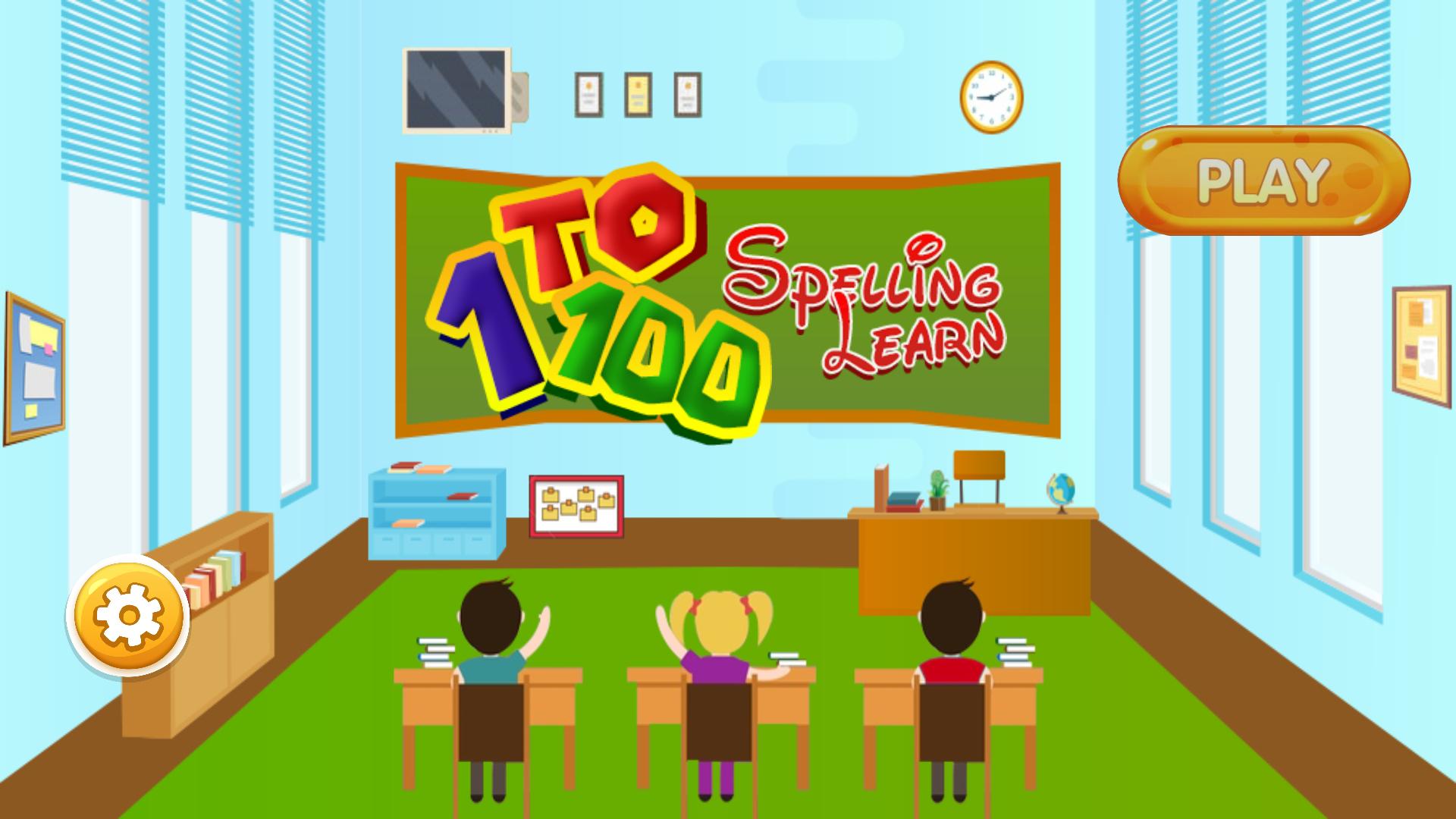
Our goal is to learn with fun and games that are an easy way to teach kids. 1 to 100 spelling game kids for toddlers and kindergarten. Kids Learn With Fun provides a new way to educate our children that's called edutainment (education + entertainment).
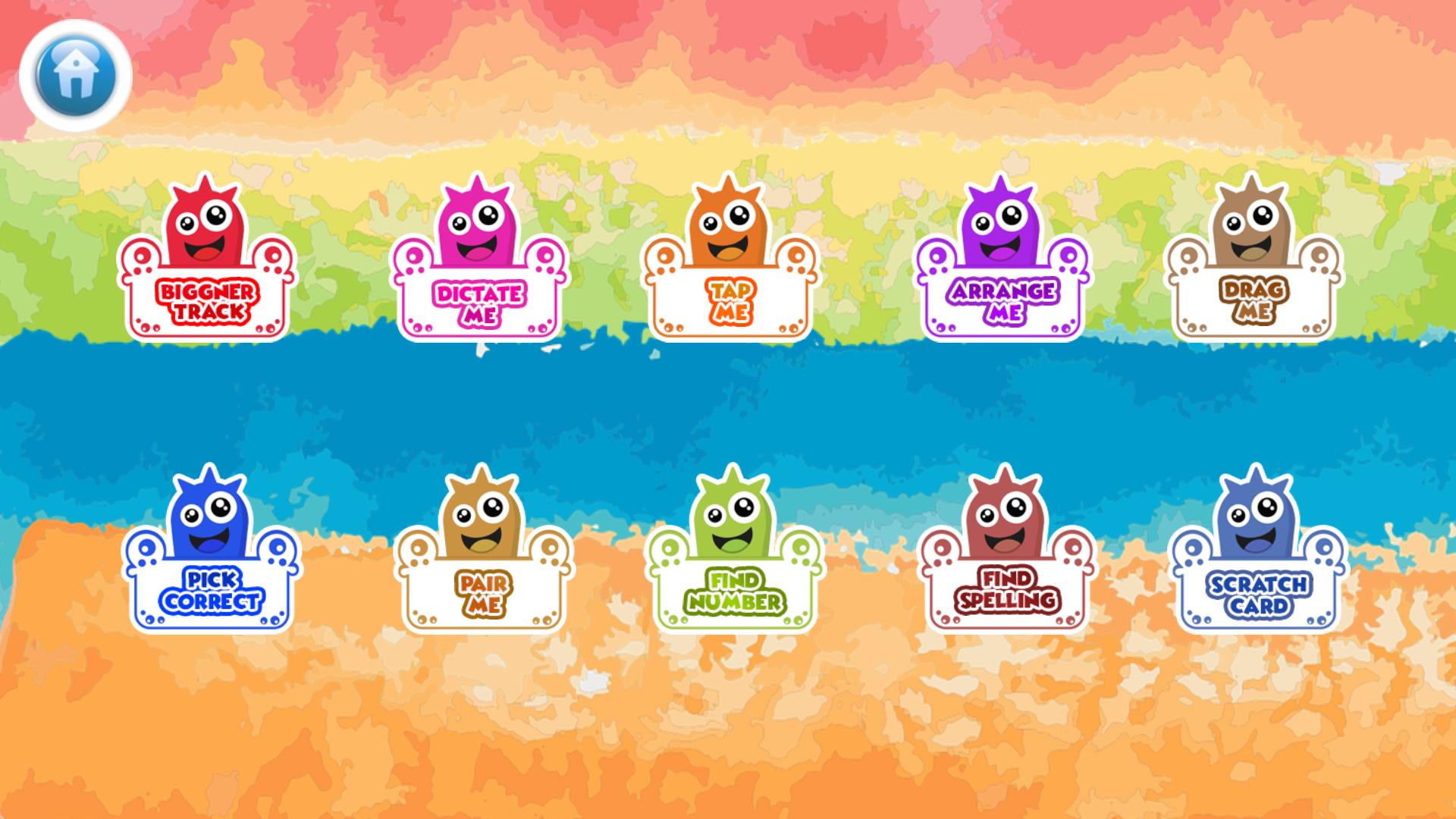
A great kids’ game for learning Number game 1 to 100 spelling game kids to improve our toddler's IQ training. It's the best way to increase our kid's knowledge through our different 10 activities where Kids learn how to spell and it is the best spelling game for grade 1. Many people recommended it for classroom spelling math games to learn a spell of numbers.
By practicing with kids’ number 1 to 100 free game baby's easily converted numbers to words with spelling game playing by spelling word practice. This is an easy way to learning numbers, numeric and spelled out. 1 to 100 spelling learning games can help to learn numbers very quickly and effectively way and also practice have fun with other games like Dictate, Tap, arrange, drag, pick, pair, find, spelling finding and also fun game scratchpad spelling board games.
Features:
1. Beginner track (Beginner): Kids learn how to spell by spelling games of 1 to 100 numbers.
2. Dictate with me (Beginner): Kids will improve power on spelling where kids also speak spelling with it. It also knows as spelling word practice games.
3. Tap me (Beginner): Kids will make confident in spelling game of 1 to 100 kids numbers as classroom spelling learning.
4. Arrange me (Intermediate & Expert): Now your kids have an intermediate level. Kids can identify the correct spelling and arrange it in the correct order like spelling board games.
5. Drag me (Intermediate): Kids understand the correct spelling of numbers like a grade 1 student.
6. Pick correct (Intermediate): Kids feel confident in spelling
7. Pair me (Expert): Now your kids is/are experts in the spelling of numbers. The perfect exercise to remember the number's spelling.
8. Find number (Expert & Fun): Kids identify the number, so they can have confidence in numbers
9. Find spelling (Expert & Fun): kids identify the spelling of numbers, so they can have confidence in the spelling of numbers. This is the final stage where finally Kids learn how to spell.
10. Scratchpad (Fun and Learn Game): Numbers fun game to learn and fun. Kids Enjoy it.
Parents also customize settings for numbers in settings option like 1 to 10, 11 to 20, 21 to 30 .... 91 to 100 through multiple option choice and the application made to enable that selection for your kids to play with it.
預覽
標籤
教育訊息
開發商
Kids Learn With Fun
最新版本
2.0.2.0
更新時間
2024-04-19
類別
教育
同時可用
Google Play
更多
如何在電腦上用 GameLoop 玩 1 to 100 spelling game kids
1. 從官網下載GameLoop,然後運行exe文件安裝GameLoop
2. 打開GameLoop,搜索“1 to 100 spelling game kids”,在搜索結果中找到1 to 100 spelling game kids,點擊“安裝”
3. 享受在 GameLoop 上玩 1 to 100 spelling game kids 的樂趣
Minimum requirements
OS
Windows 8.1 64-bit or Windows 10 64-bit
GPU
GTX 1050
CPU
i3-8300
Memory
8GB RAM
Storage
1GB available space
Recommended requirements
OS
Windows 8.1 64-bit or Windows 10 64-bit
GPU
GTX 1050
CPU
i3-9320
Memory
16GB RAM
Storage
1GB available space