
آموزش SPSS 25 電腦版
Learninweb.com | انیاک
用GameLoop模拟器在電腦上玩آموزش SPSS 25
آموزش SPSS 25 電腦版
來自發行商 Learninweb.com | انیاک 的 آموزش SPSS 25 能夠在安卓系統上運行。
現在,您可以在電腦上使用 GameLoop 模擬器流暢地玩 آموزش SPSS 25。
在 GameLoop 遊戲庫或搜索結果中下載。 不需要再暢玩遊戲時盯著電池電量或被令人懊惱的來電打斷。
只需在電腦大屏幕上免費下載暢玩آموزش SPSS 25 電腦版!
آموزش SPSS 25 簡介
To use the rest of the SPSS 25 training and educational files for Windows
https://www.learninweb.com/%D8%A2%D9%85%D9%88%D8%B2%D8%B4-spss.php
See.
The following courses are taught in this course:
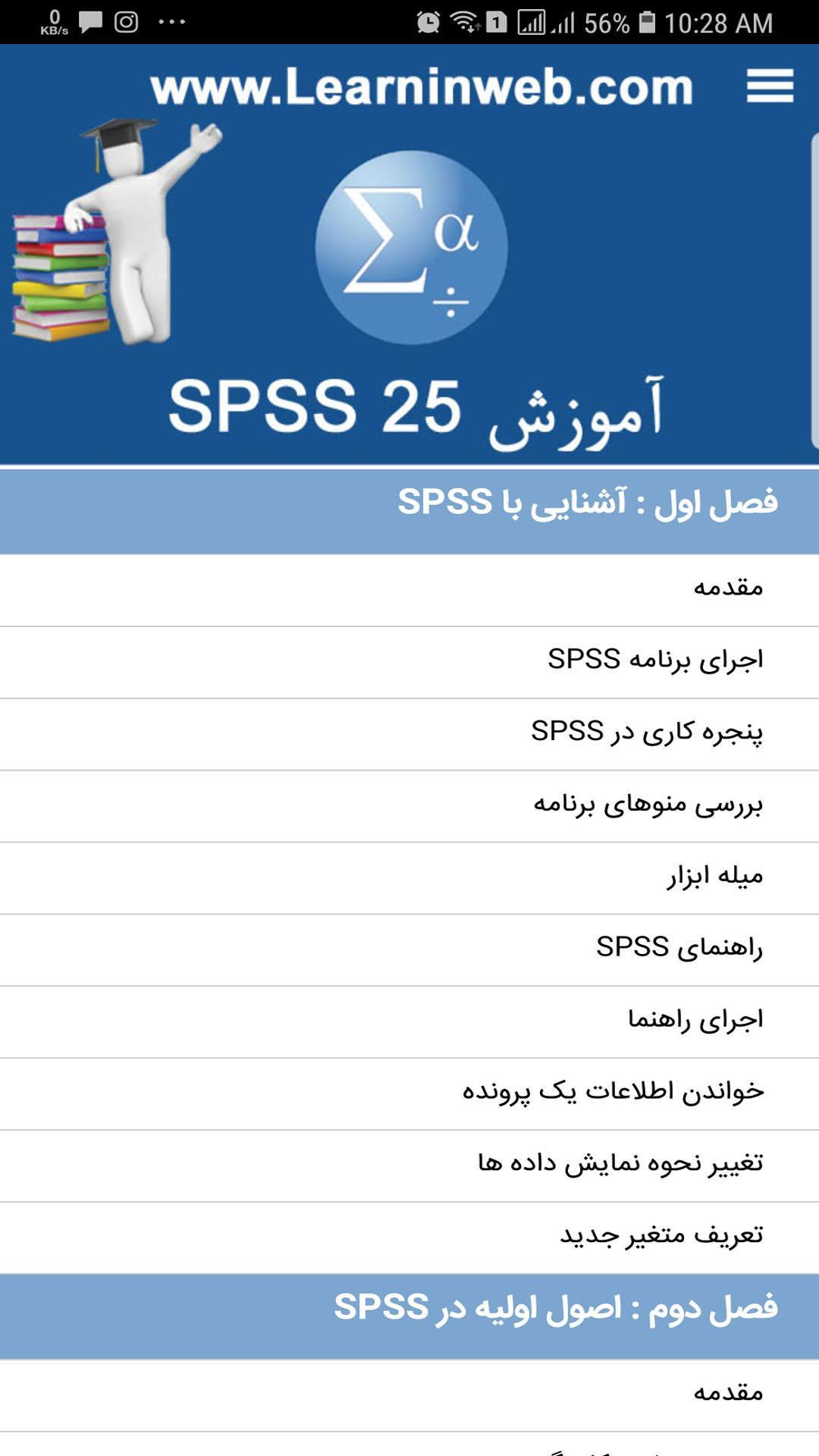
Chapter One: Understanding SPSS (Free)
Introduction
Run SPSS program
Window on SPSS
Check out the app's menus
Toolbars
SPSS guide
Guidance execution
Read the information of a file
Change the way data is displayed
Define a new variable
Chapter Two: Basics in SPSS (Free)
Introduction
Check the worksheet page
Create a new project
Variable definition in SPSS
Values of a variable
View the defined variable
Changed information entered
Information storage
Create a new row or case
Create a new variable
Delete row
Delete variables in SPSS
Chapter Three: Work with the data file in SPSS
Introduction
Export information to SPSS
Reading information from other software and entering data in SPSS
Chapter Four: Working with Data in SPSS
Introduction
Search for a variable in SPSS
Jump to a row
Search for a value
Data Recovery in SPSS
Calculate quantities
Calculate the values using the formula
Calculate the values using the function
Convert rows and variables
Data Ratings
Split the case
Combine files in SPSS
Chapter 5: Charts in SPSS
Introduction
Create Linear Chart
Chart storage
Print the chart in SPSS
Build Bar Chart
Create 3D graph
Create Peripheral Chart
Create circular graphs
Edit charts
Chapter Six: Describing Data and Defining Variables in SPSS
Introduction
Definition of the problem in SPSS
Create variable
Scale reversal
Create variable
Create standard values
Chapter Seven: Descriptive statistics of a variable for qualitative and quantitative variables
Descriptive statistics of a variable for qualitative variables
Examining an example
Calculation of the frequency in the qualitative variable
Bar Results Table
Circular diagram results
Descriptive statistics of a variable for quantitative variables
Descriptive statistics using the Explore method
Grading scores with the assumption of abnormal distribution
Converts scores to standard Z
Risk rating based on standard Z scores
View multiple charts based on standard Z scores
Chapter 8: T tests in SPSS
T test with one sample in SPSS
Test run t test with one sample in SPSS
T test with two samples in SPSS
T-test with two samples in SPSS
T test with independent samples in SPSS
T test run with independent samples in SPSS
Chapter 9: One and Multivariate Analysis of Variance
One-way variance analysis
Examining an example in SPSS
Two-way variance analysis
Examining an example in SPSS
One-way covariance analysis
Examining an example in SPSS
Chapter 10: Correlation, Regression and Audit Analysis in SPSS
Pearson Prediction Correlation Coefficient
Examining an example in SPSS
Partial correlation
Examining an example in SPSS
Two-variable linear regression in SPSS
Examining an example in SPSS
Multivariate linear regression
Examining an example in SPSS
Audit analysis
Examining an example in SPSS
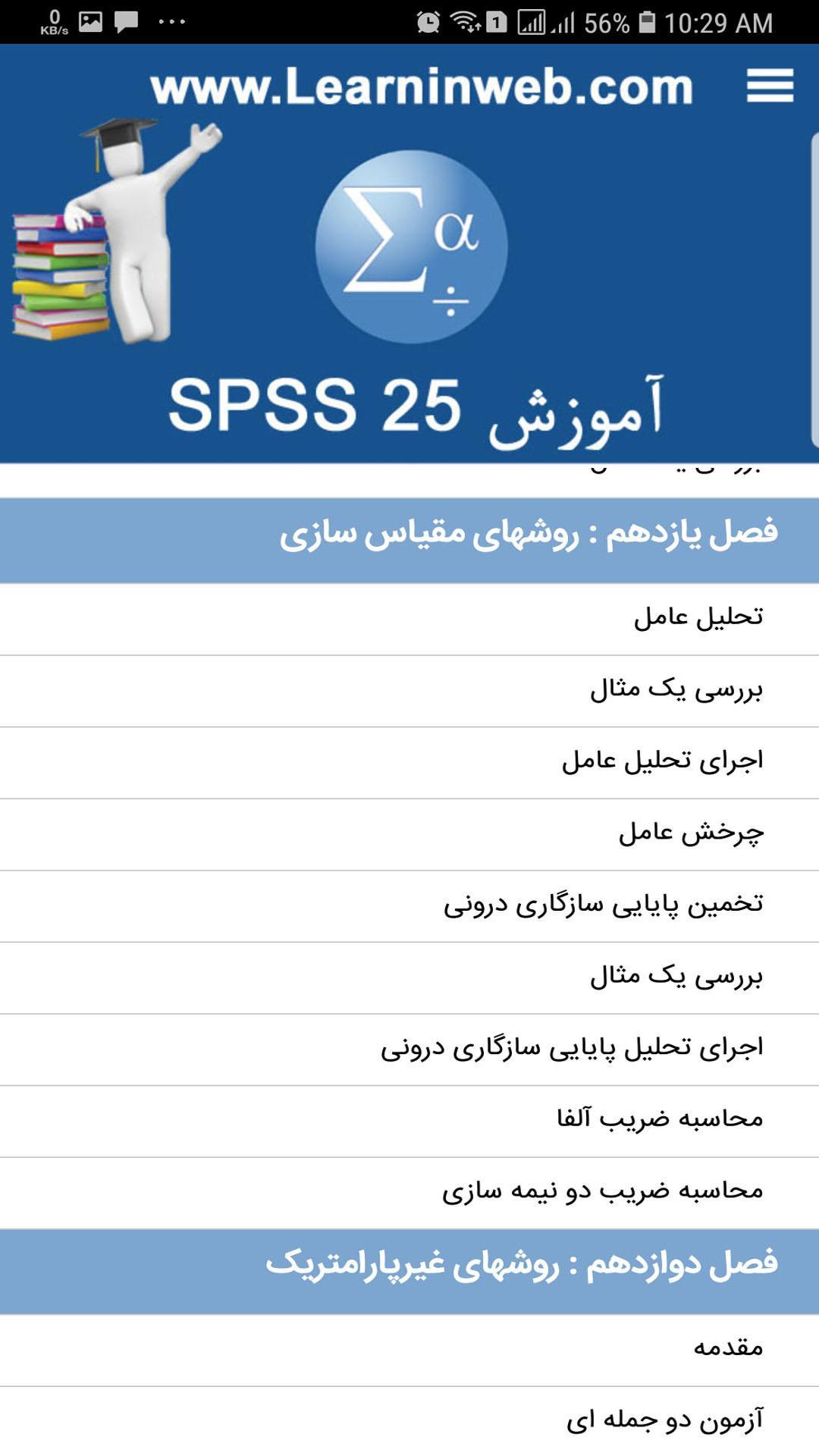
Chapter 11: Scaling Methods in SPSS
Factor analysis
Examining an example
Implementing factor analysis
Operating Rotation
Estimation of internal consistency
Examining an example in SPSS
Implementation of internal consistency reliability analysis
Calculate alpha coefficient
Calculate the half-life coefficient
Chapter 12: Nonparametric Methods in SPSS
Introduction
Binomial test
Chi-square test sample
Chi square test with the expected frequencies equal
Chi-square test with unpredictable frequency
Two-way agreement analysis
Implementing a two-way agreement analysis table
Execution of supplementary tests
U Mann Whitney U test
Independent sample k tests
Test two related samples
Run the McNemar test
Run Wilcoxon Test
Related K test
And several other points in SPSS 25 training
預覽
標籤
教育訊息
開發商
Learninweb.com | انیاک
最新版本
1.0
更新時間
2018-09-22
類別
教育
同時可用
Google Play
更多
如何在電腦上用 GameLoop 玩 آموزش SPSS 25
1. 從官網下載GameLoop,然後運行exe文件安裝GameLoop
2. 打開GameLoop,搜索“آموزش SPSS 25”,在搜索結果中找到آموزش SPSS 25,點擊“安裝”
3. 享受在 GameLoop 上玩 آموزش SPSS 25 的樂趣
Minimum requirements
OS
Windows 8.1 64-bit or Windows 10 64-bit
GPU
GTX 1050
CPU
i3-8300
Memory
8GB RAM
Storage
1GB available space
Recommended requirements
OS
Windows 8.1 64-bit or Windows 10 64-bit
GPU
GTX 1050
CPU
i3-9320
Memory
16GB RAM
Storage
1GB available space