
Threema OnPrem. Self-Hosted 電腦版
Threema GmbH
用GameLoop模拟器在電腦上玩Threema OnPrem. Self-Hosted
Threema OnPrem. Self-Hosted 電腦版
來自發行商 Threema GmbH 的 Threema OnPrem. Self-Hosted 能夠在安卓系統上運行。
現在,您可以在電腦上使用 GameLoop 模擬器流暢地玩 Threema OnPrem. Self-Hosted。
在 GameLoop 遊戲庫或搜索結果中下載。 不需要再暢玩遊戲時盯著電池電量或被令人懊惱的來電打斷。
只需在電腦大屏幕上免費下載暢玩Threema OnPrem. Self-Hosted 電腦版!
Threema OnPrem. Self-Hosted 簡介
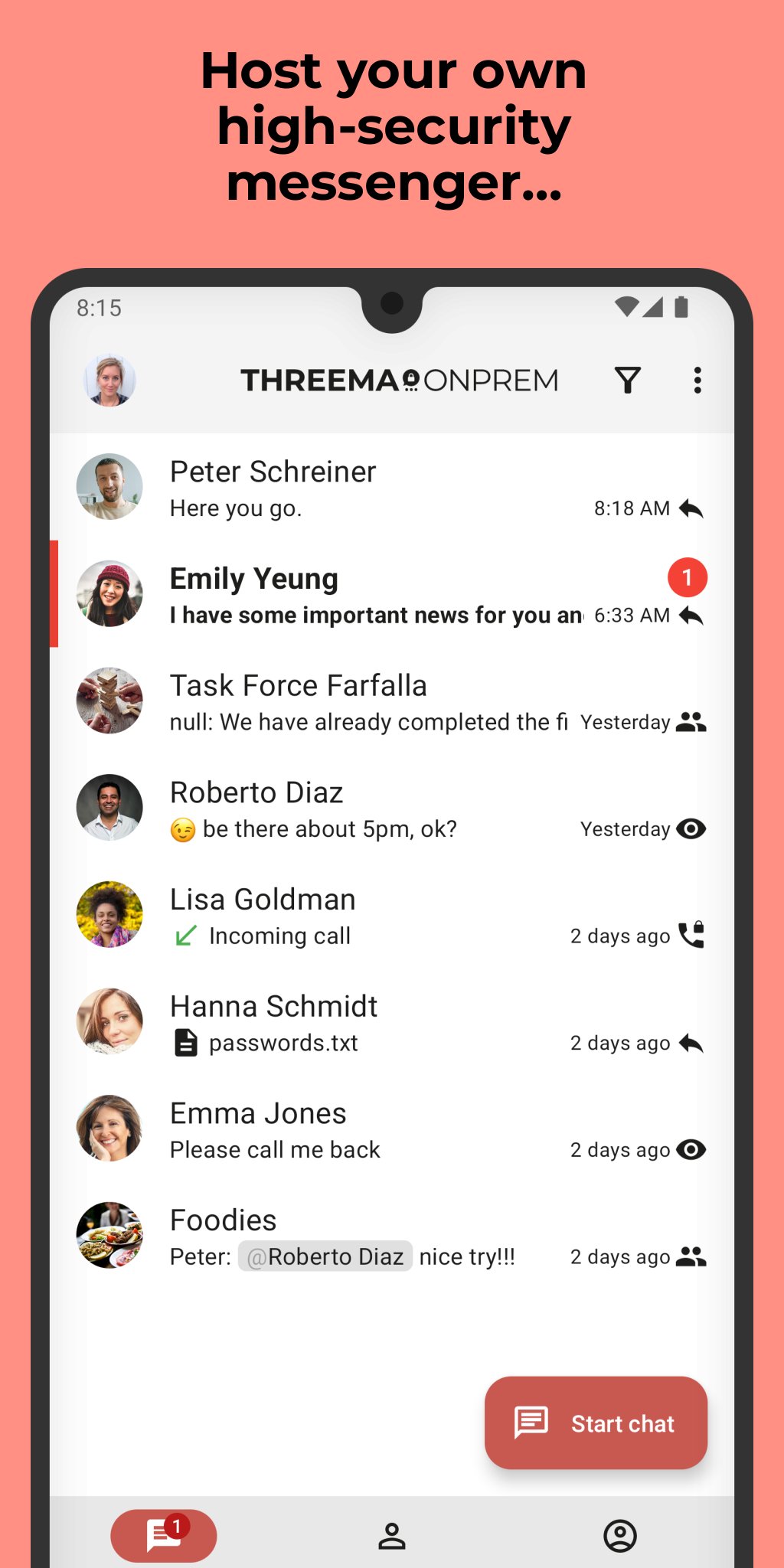
Threema OnPrem is the self-hosted communication solution for organizations with the highest security requirements. The combination of Threema’s proven security architecture and complete data sovereignty creates an independent communication environment that is unmatched in terms of confidentiality – ideal for government agencies, police forces, and industrial companies.
Advantages of Threema OnPrem:
• 100% data sovereignty through hosting on your own servers
• Proven Threema security architecture
• Confidential communication in teams, groups, and projects
• End-to-end encrypted voice and video calls
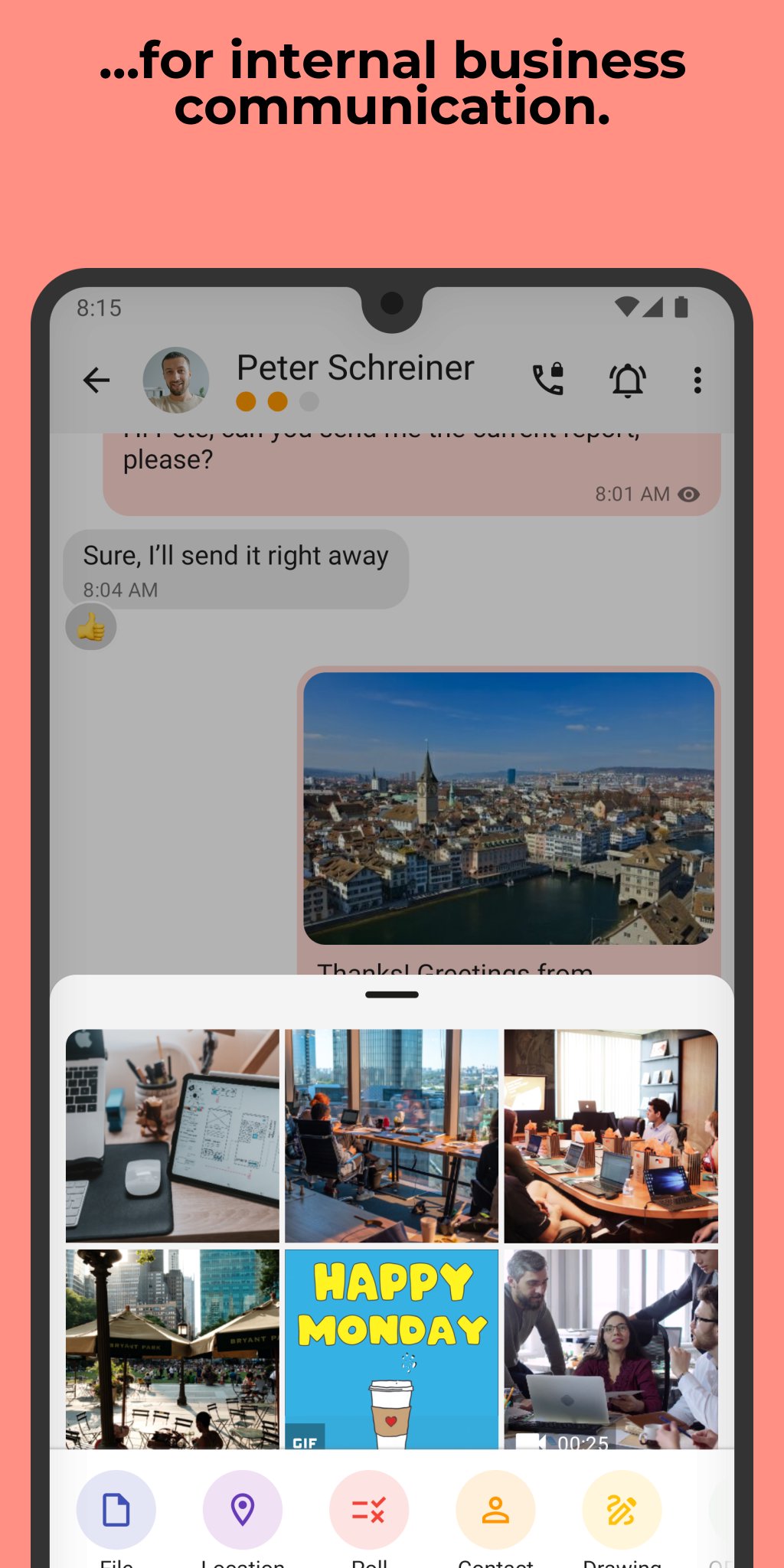
• Secure exchange of files and documents in all formats
• Cross-platform use thanks to mobile app, desktop app, and web client
• Additional protection of confidential chats with PIN or fingerprint
NOTE: Before you can use this app, Threema OnPrem must be set up on your company server. For more information, visit threema.com/onprem.
Enjoy using Threema OnPrem!
預覽
標籤
通訊訊息
開發商
Threema GmbH
最新版本
6.3.2o
更新時間
2026-04-30
類別
通訊
同時可用
Google Play
更多
如何在電腦上用 GameLoop 玩 Threema OnPrem. Self-Hosted
1. 從官網下載GameLoop,然後運行exe文件安裝GameLoop
2. 打開GameLoop,搜索“Threema OnPrem. Self-Hosted”,在搜索結果中找到Threema OnPrem. Self-Hosted,點擊“安裝”
3. 享受在 GameLoop 上玩 Threema OnPrem. Self-Hosted 的樂趣
Minimum requirements
OS
Windows 8.1 64-bit or Windows 10 64-bit
GPU
GTX 1050
CPU
i3-8300
Memory
8GB RAM
Storage
1GB available space
Recommended requirements
OS
Windows 8.1 64-bit or Windows 10 64-bit
GPU
GTX 1050
CPU
i3-9320
Memory
16GB RAM
Storage
1GB available space