
Talk meeting messages 電腦版
WhatPills
用GameLoop模拟器在電腦上玩Talk meeting messages
Talk meeting messages 電腦版
來自發行商 WhatPills 的 Talk meeting messages 能夠在安卓系統上運行。
現在,您可以在電腦上使用 GameLoop 模擬器流暢地玩 Talk meeting messages。
在 GameLoop 遊戲庫或搜索結果中下載。 不需要再暢玩遊戲時盯著電池電量或被令人懊惱的來電打斷。
只需在電腦大屏幕上免費下載暢玩Talk meeting messages 電腦版!
Talk meeting messages 簡介
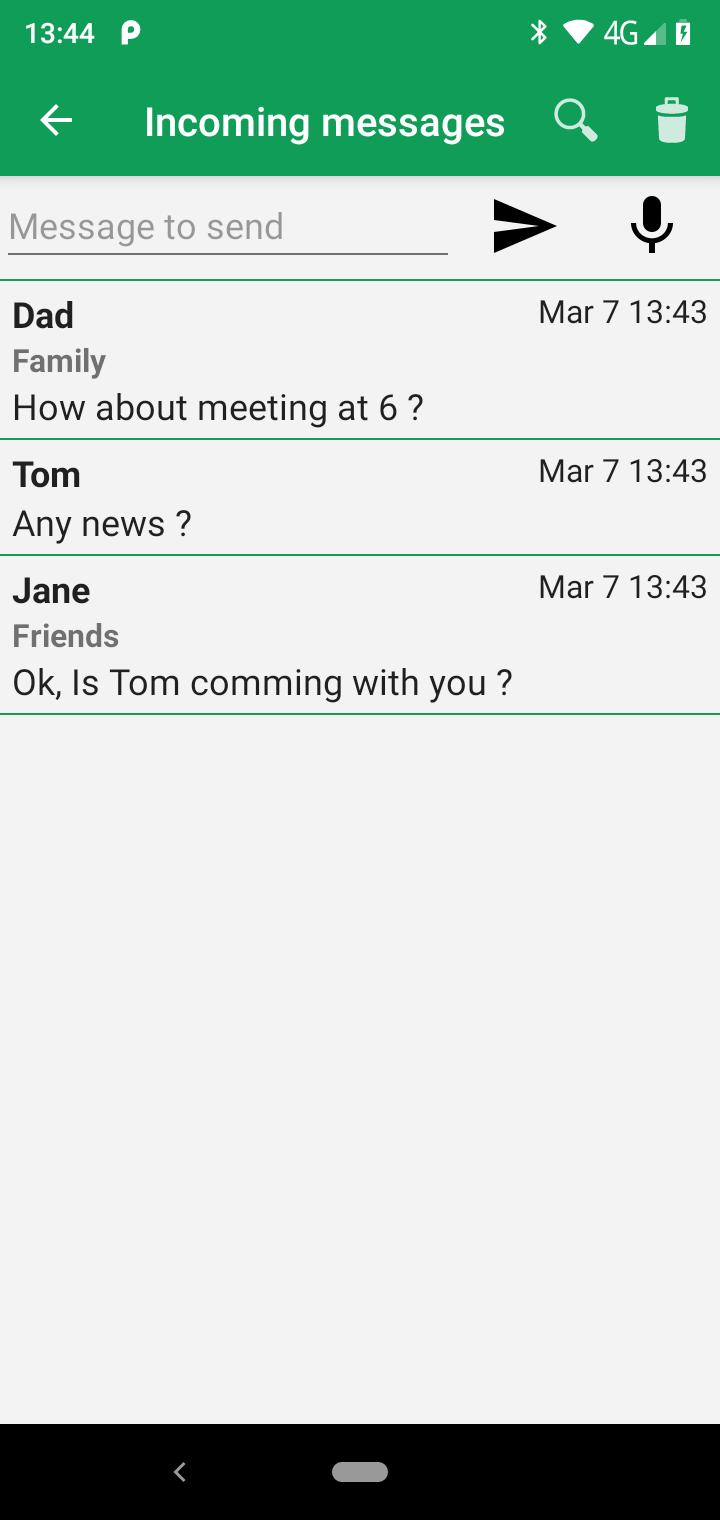
Download this free app to listen Google meet and Google chat messenger messages. Perfect as a hands free driving mode chat messenger reader, no need to reach or view your phone, just listen to the voice of your Google messenger chat and googlemeet messages.
• Listen to your google chat and googlemeet messenger's messages in incognito mode and and go to messaging chat or google meet messaging app when you're ready to reply.
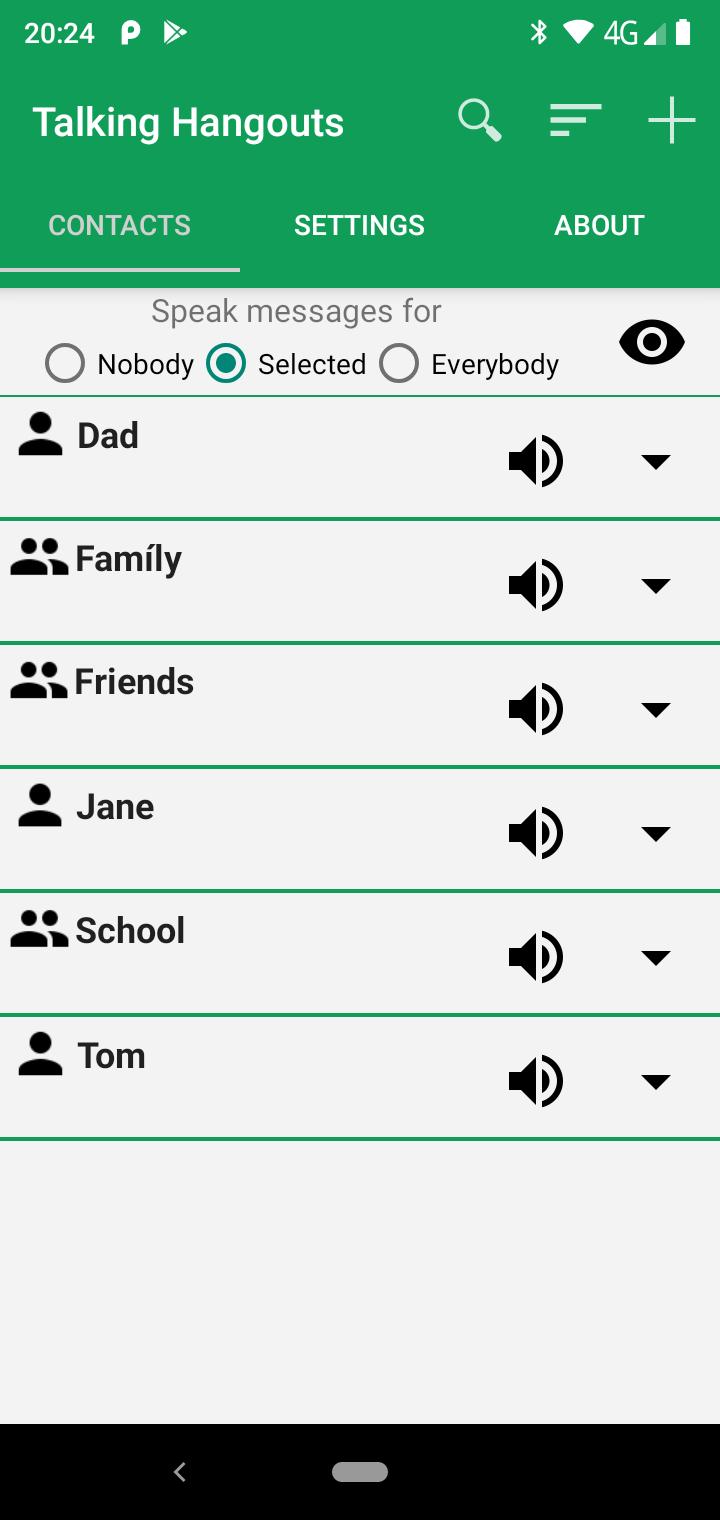
• Speak aloud your contacts for nobody, only for the selected contacts or groups or for everybody.
• Your chat and meet app status is hidden while you listen to your chat voice messages.
• Settings to speak group name, chat multimedia messages duration, emoticons,stickers or emojis.
• Privately listen your google chat and google meet messenger messages.
• Download Google Chat or googlemeet as your messenger app first and then use this app to listen to your google chat and meet messages.
Disclaimer: Talking Chat is not in any way officially connected with Google Chat nor google meet apps.
預覽
標籤
通訊訊息
開發商
WhatPills
最新版本
1.3
更新時間
2023-11-29
類別
通訊
同時可用
Google Play
更多
如何在電腦上用 GameLoop 玩 Talk meeting messages
1. 從官網下載GameLoop,然後運行exe文件安裝GameLoop
2. 打開GameLoop,搜索“Talk meeting messages”,在搜索結果中找到Talk meeting messages,點擊“安裝”
3. 享受在 GameLoop 上玩 Talk meeting messages 的樂趣
Minimum requirements
OS
Windows 8.1 64-bit or Windows 10 64-bit
GPU
GTX 1050
CPU
i3-8300
Memory
8GB RAM
Storage
1GB available space
Recommended requirements
OS
Windows 8.1 64-bit or Windows 10 64-bit
GPU
GTX 1050
CPU
i3-9320
Memory
16GB RAM
Storage
1GB available space