
Portable Wi-Fi hotspot Free 電腦版
CORE TECHNOLOGY
用GameLoop模拟器在電腦上玩Portable Wi-Fi hotspot Free
Portable Wi-Fi hotspot Free 電腦版
來自發行商 CORE TECHNOLOGY 的 Portable Wi-Fi hotspot Free 能夠在安卓系統上運行。
現在,您可以在電腦上使用 GameLoop 模擬器流暢地玩 Portable Wi-Fi hotspot Free。
在 GameLoop 遊戲庫或搜索結果中下載。 不需要再暢玩遊戲時盯著電池電量或被令人懊惱的來電打斷。
只需在電腦大屏幕上免費下載暢玩Portable Wi-Fi hotspot Free 電腦版!
Portable Wi-Fi hotspot Free 簡介
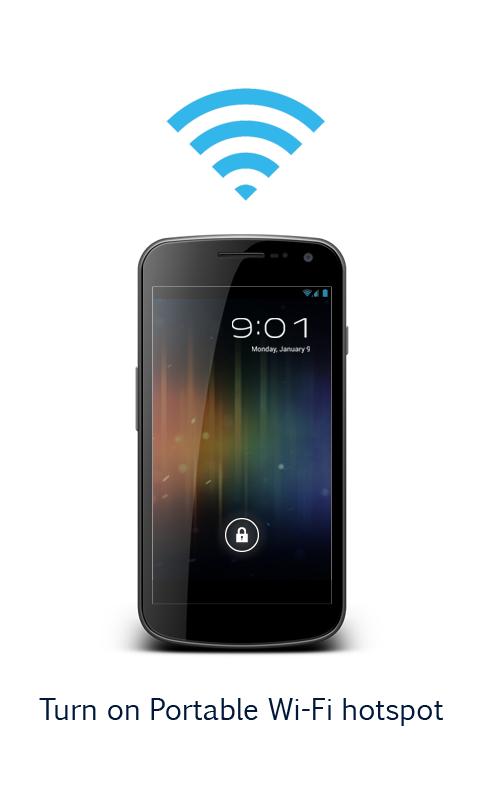
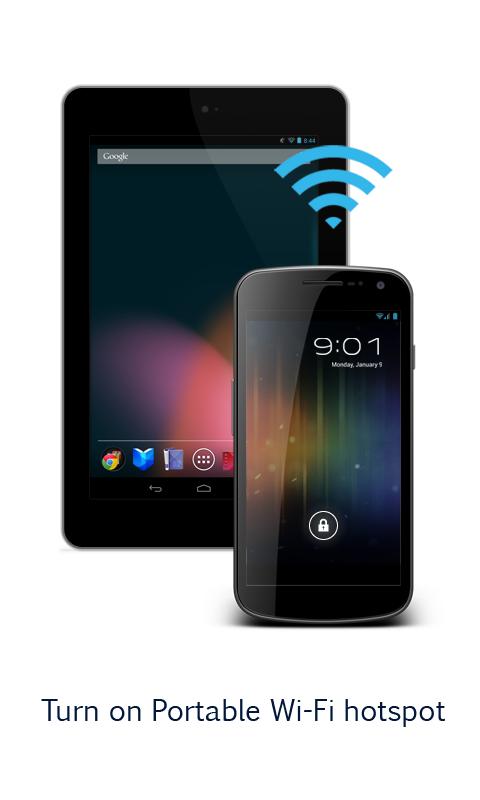
Turn on Portable Wi-Fi hotspot
Improve your mobile computing experience.
Simple and fast.
**Before running the application configuration is required.
SETTING: Settings->More..->Tethering & portable hotspot->Set up Wi-Fi hotspot
https://support.google.com/android/answer/182134
Rename or secure your portable hotspot
You can change the name of your phone's Wi-Fi network name (SSID) and secure its Wi-Fi network when it's acting as a portable hotspot.
Go to Settings > Wireless & networks > More > Tethering & portable hotspot.
Make sure Portable Wi-Fi hotspot is checked.
Touch Configure Wi-Fi hotspot.
The Configure Wi-Fi hotspot dialog opens.
Set your name and security options as follows:
Change the Network
TO USE: Just touch Play button on / off
*Subscribing to smartphone data plan is needed for users of some telecommunication firms.
預覽
標籤
通訊訊息
開發商
CORE TECHNOLOGY
最新版本
1.2.5.4-12
更新時間
2018-09-01
類別
通訊
同時可用
Google Play
更多
如何在電腦上用 GameLoop 玩 Portable Wi-Fi hotspot Free
1. 從官網下載GameLoop,然後運行exe文件安裝GameLoop
2. 打開GameLoop,搜索“Portable Wi-Fi hotspot Free”,在搜索結果中找到Portable Wi-Fi hotspot Free,點擊“安裝”
3. 享受在 GameLoop 上玩 Portable Wi-Fi hotspot Free 的樂趣
Minimum requirements
OS
Windows 8.1 64-bit or Windows 10 64-bit
GPU
GTX 1050
CPU
i3-8300
Memory
8GB RAM
Storage
1GB available space
Recommended requirements
OS
Windows 8.1 64-bit or Windows 10 64-bit
GPU
GTX 1050
CPU
i3-9320
Memory
16GB RAM
Storage
1GB available space