Omnistream Live Video Creator 電腦版
Omnistream
用GameLoop模拟器在電腦上玩Omnistream Live Video Creator
Omnistream Live Video Creator 電腦版
來自發行商 Omnistream 的 Omnistream Live Video Creator 能夠在安卓系統上運行。
現在,您可以在電腦上使用 GameLoop 模擬器流暢地玩 Omnistream Live Video Creator。
在 GameLoop 遊戲庫或搜索結果中下載。 不需要再暢玩遊戲時盯著電池電量或被令人懊惱的來電打斷。
只需在電腦大屏幕上免費下載暢玩Omnistream Live Video Creator 電腦版!
Omnistream Live Video Creator 簡介
Broadcast Like a Pro — Right From Your Android Device
Whether you're streaming IRL, capturing live events, or running a professional broadcast, Omnistream gives you everything you need to produce, stream, and share high-quality video content.
Stream to Any Platform
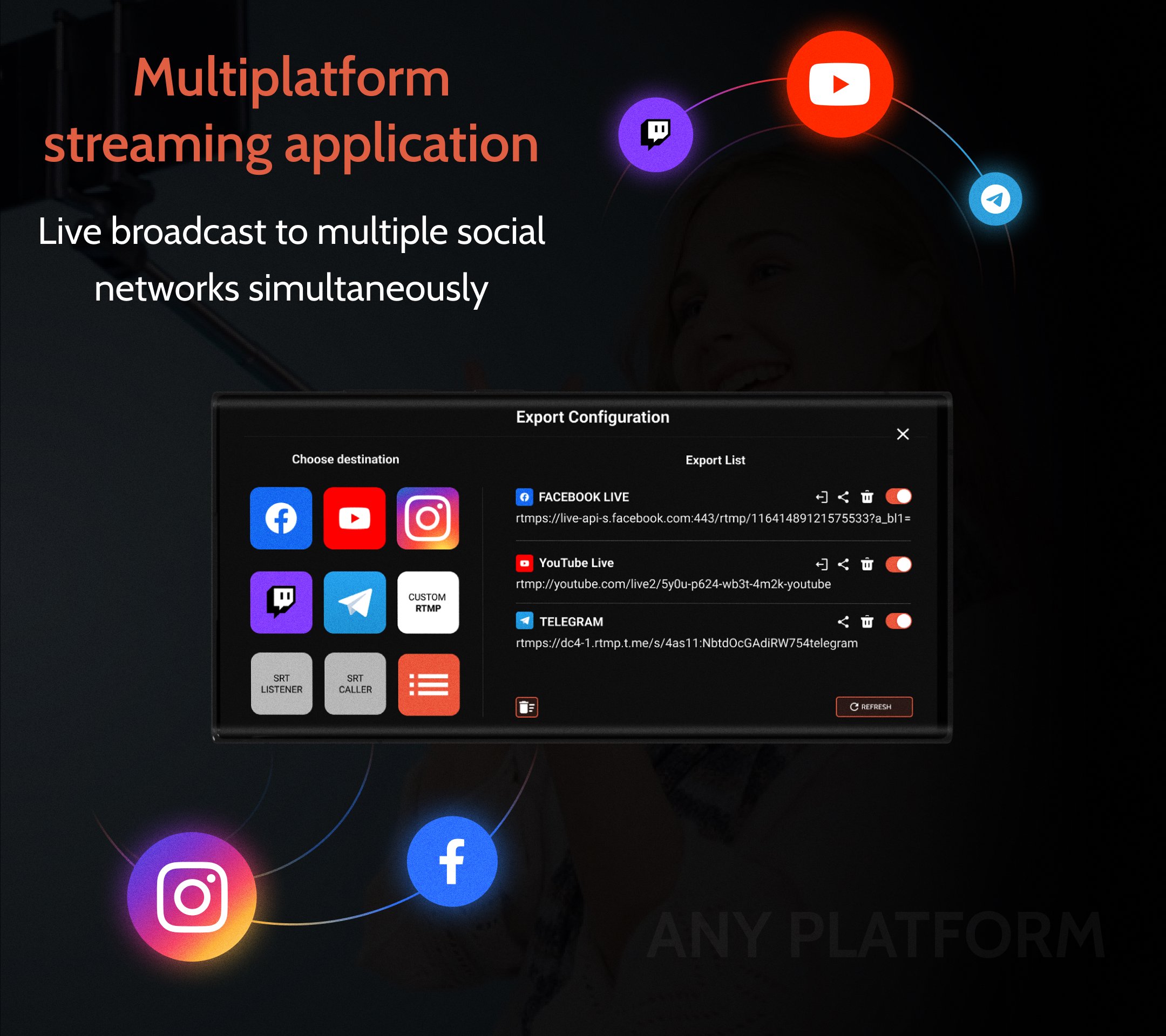
Go live in up to UHD quality to Facebook, YouTube, Instagram, Twitch, Telegram, or any RTMP/SRT-compatible platform. Stream to multiple destinations at once and expand your reach instantly.
Stable, Reliable Streaming With Cellular Bonding
Combine Wi-Fi and mobile data connections — or even multiple devices — for ultra-stable streaming in unpredictable environments.
External Camera Support (HDMI to USB-C)
Connect your DSLR or HDMI camera using a supported USB-C adapter for cinematic visuals and enhanced control. Unlock professional-quality optics — right from your Android phone.
Professional Tools Built In
Stream with HEVC (H.265) encoding for maximum quality at lower bandwidth. Adjust your bitrate in real time based on your network conditions. Connect an external microphone for professional-grade audio and record locally with selectable quality.
Omnistream also supports custom overlays and on-screen graphics to enhance your live broadcasts with logos, lower thirds, and branded visuals.
Remote Dashboard / Controller App
Manage your production from anywhere with the Omnistream Dashboard.
Control connected devices, monitor streaming status, adjust settings in real time, and collaborate with your team — all from a single, intuitive remote interface.
Advanced Production Features
Power your studio-grade productions with SDI output via the Omnistream Recipient app and Decklink Blackmagic integration.
Designed for professional workflows, this feature set includes remote file storage, store-and-forward capability for low-connectivity environments or flexible content delivery, a full remote production dashboard, guest invitation tools for managing multi-source streams, multiple licenses, or reporters simultaneously, and IFB (Interruptible Foldback) for real-time communication with on-air talent.
Perfect For
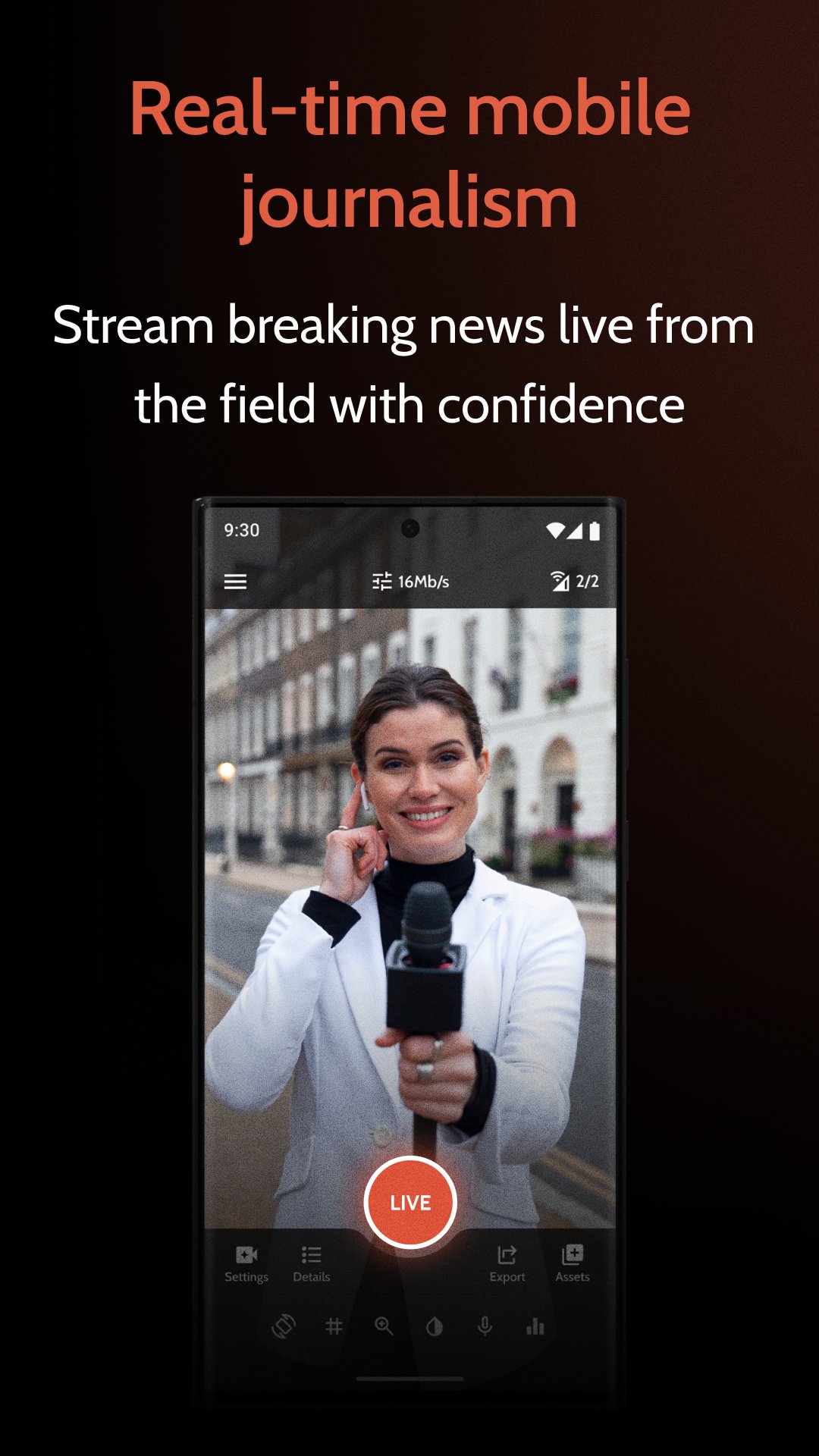
IRL streamers, Content creators and influencers, Videographers and production teams, Broadcasters and mobile journalists.
Flexible Options for Every Creator
Whether you're going live regularly or just for a one-time event, Omnistream offers flexible access: choose a 1-week license, or go with monthly or annual subscriptions to match your workflow.
Account Required
An Omnistream account is required to manage licenses, sync purchases across devices, and receive updates.
Try Omnistream free and experience the future of mobile live streaming.
預覽
標籤
通訊訊息
開發商
Omnistream
最新版本
2.4.22
更新時間
2026-02-17
類別
通訊
同時可用
Google Play
更多
如何在電腦上用 GameLoop 玩 Omnistream Live Video Creator
1. 從官網下載GameLoop,然後運行exe文件安裝GameLoop
2. 打開GameLoop,搜索“Omnistream Live Video Creator”,在搜索結果中找到Omnistream Live Video Creator,點擊“安裝”
3. 享受在 GameLoop 上玩 Omnistream Live Video Creator 的樂趣
Minimum requirements
OS
Windows 8.1 64-bit or Windows 10 64-bit
GPU
GTX 1050
CPU
i3-8300
Memory
8GB RAM
Storage
1GB available space
Recommended requirements
OS
Windows 8.1 64-bit or Windows 10 64-bit
GPU
GTX 1050
CPU
i3-9320
Memory
16GB RAM
Storage
1GB available space