
iPECS ONE 電腦版
Ericsson-LG Enterprise Co., Ltd.
用GameLoop模拟器在電腦上玩iPECS ONE
iPECS ONE 電腦版
來自發行商 Ericsson-LG Enterprise Co., Ltd. 的 iPECS ONE 能夠在安卓系統上運行。
現在,您可以在電腦上使用 GameLoop 模擬器流暢地玩 iPECS ONE。
在 GameLoop 遊戲庫或搜索結果中下載。 不需要再暢玩遊戲時盯著電池電量或被令人懊惱的來電打斷。
只需在電腦大屏幕上免費下載暢玩iPECS ONE 電腦版!
iPECS ONE 簡介
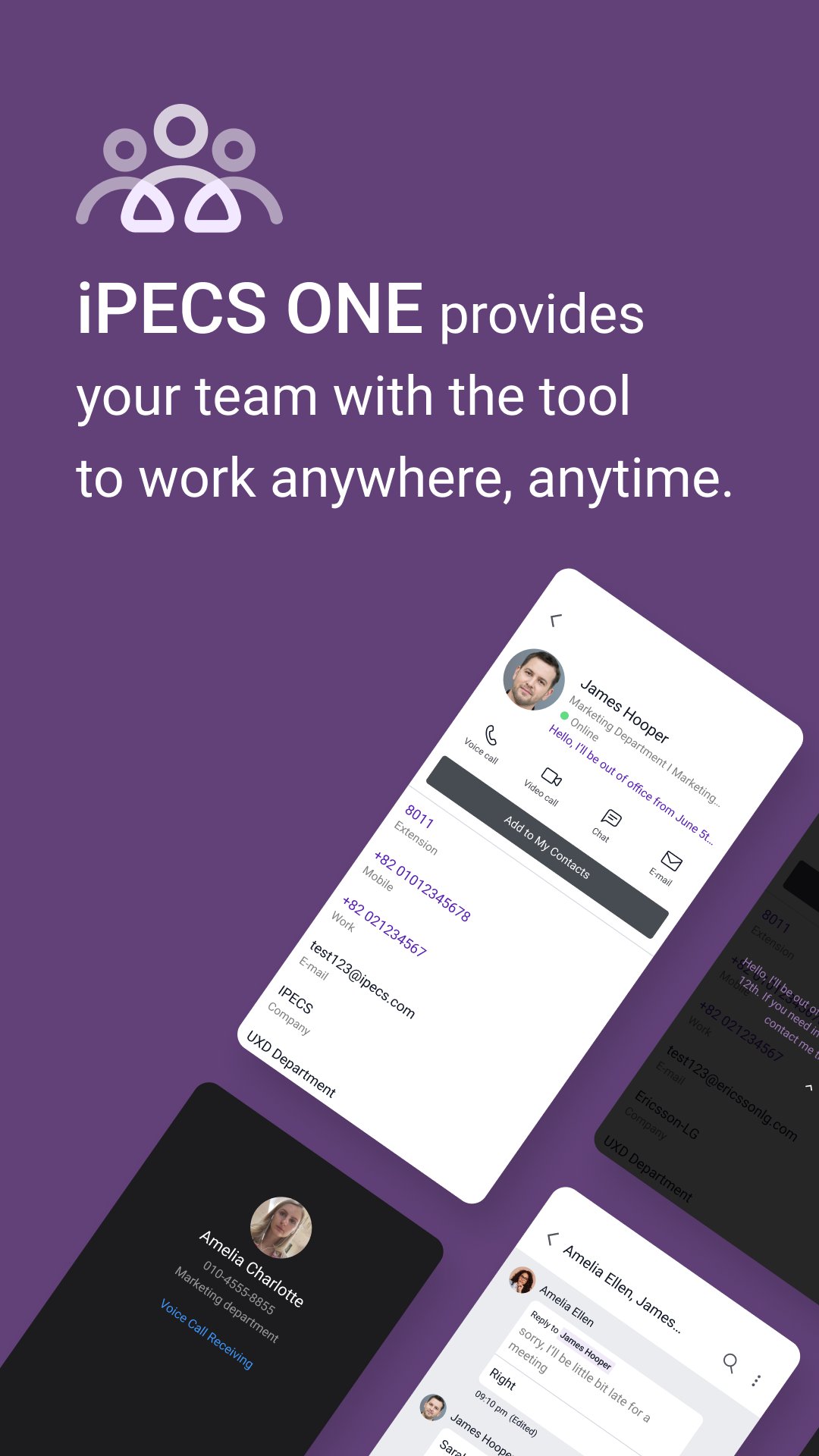
iPECS Cloud Unified Communication & Collaboration will be enabled by iPECS ONE mobile app as well as Chrome browser for desktop PC – Windows, Mac.
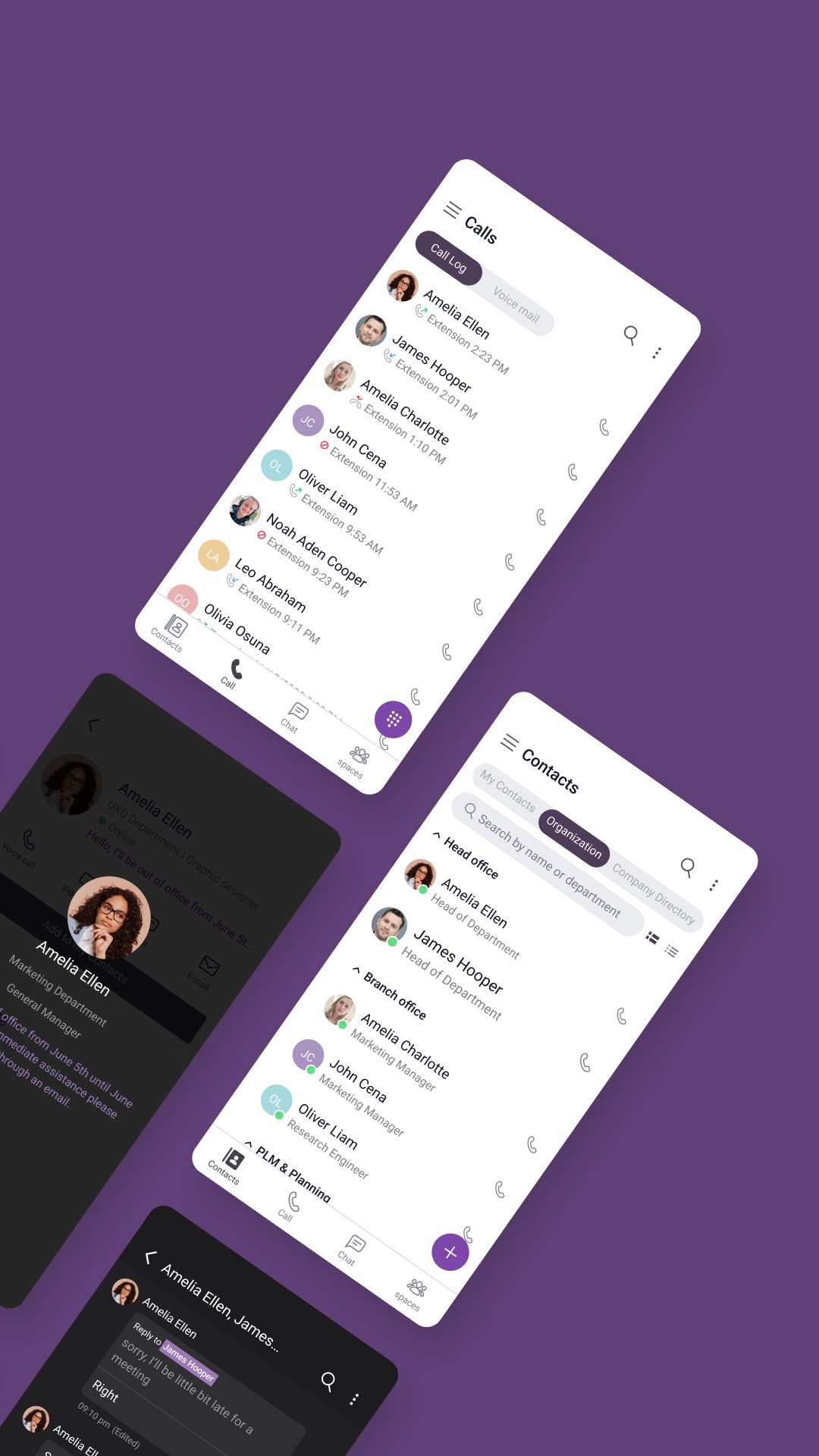
The key features will be given thru 3 menus consisting of contacts, calls, and chats.
- Contacts – shows a buddy list/favorites for users’ own setting and company’s organization
- Calls – provides call logs, telephony voice/video call features including server based call recording
- Chats – gives 1:1 or group chat, group call and file attachment status.
A user can log-in thru multiple platforms of Chrome, Android, iPhone simultaneously with following capabilities
- A single telephone number (+ a desktop phone)
- Simultaneous incoming call ringing
- Representative Presence (On-line/ Off-line/ Busy / DND)
- Call log/history
- Voice Mail Link
- On-going chat messages shown in all logged-in clients
- Synchronized contacts
For premium license users, Spaces features such as team collaboration and video conference are supported.
預覽
標籤
通訊訊息
開發商
Ericsson-LG Enterprise Co., Ltd.
最新版本
6.0.6
更新時間
2025-12-10
類別
通訊
同時可用
Google Play
更多
如何在電腦上用 GameLoop 玩 iPECS ONE
1. 從官網下載GameLoop,然後運行exe文件安裝GameLoop
2. 打開GameLoop,搜索“iPECS ONE”,在搜索結果中找到iPECS ONE,點擊“安裝”
3. 享受在 GameLoop 上玩 iPECS ONE 的樂趣
Minimum requirements
OS
Windows 8.1 64-bit or Windows 10 64-bit
GPU
GTX 1050
CPU
i3-8300
Memory
8GB RAM
Storage
1GB available space
Recommended requirements
OS
Windows 8.1 64-bit or Windows 10 64-bit
GPU
GTX 1050
CPU
i3-9320
Memory
16GB RAM
Storage
1GB available space