Business Telephony 電腦版
Swisscom (Switzerland) Ltd
用GameLoop模拟器在電腦上玩Business Telephony
Business Telephony 電腦版
來自發行商 Swisscom (Switzerland) Ltd 的 Business Telephony 能夠在安卓系統上運行。
現在,您可以在電腦上使用 GameLoop 模擬器流暢地玩 Business Telephony。
在 GameLoop 遊戲庫或搜索結果中下載。 不需要再暢玩遊戲時盯著電池電量或被令人懊惱的來電打斷。
只需在電腦大屏幕上免費下載暢玩Business Telephony 電腦版!
Business Telephony 簡介
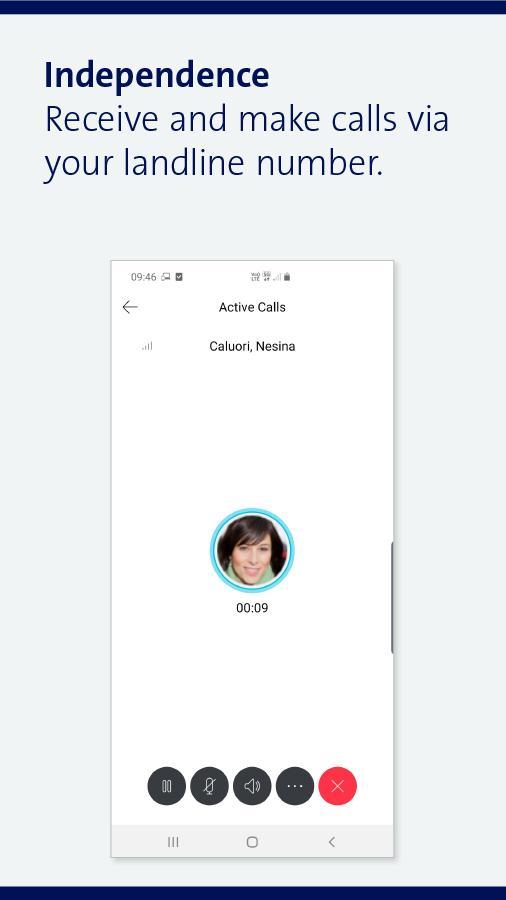
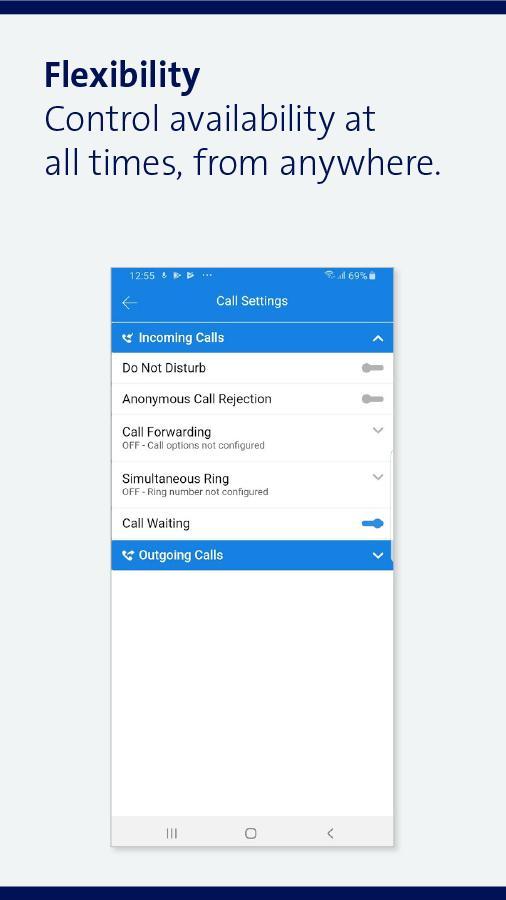
With the Business Telephony app and client, you can make calls from your business landline number with your mobile, PC or laptop, even when you are away from the office. You can also receive incoming calls to your landline number on your mobile, PC or laptop. You can control your availability at all times, wherever you are. With the app, you can also use all your usual landline functions, regardless of your location, via your mobile, PC and laptop.
Fixed-network telephony is being reinvented and is no longer limited to the office. Using Business Telephony on your smartphone, PC or Mac creates new possibilities:
> No more hassle with call diversion: set your call diversion preferences wherever you are.
> Your private NATEL® number stays private. Business calls during a family meal or holiday are a thing of the past. Now you can protect your private life.
> Make a good impression with a landline number. Now you only have to give out your business number, which will create a professional appearance.
In order to wake up the app from the energy saving mode and to ensure the availability for incoming calls, a network-based wake-up service ("push notification") from the respective app store operator is used.
With the Business Telephony app, your phone calls go over the Internet. We recommend therefore that if you intend to use the Business Telephony app on a smartphone, you should purchase an Infinity subscription (at least infinity M) with an Internet flat rate. This way you will have full control over your Internet costs.
Business telephony is included only in the product inOne myKMU Office. Tablet is not supported
預覽
標籤
通訊訊息
開發商
Swisscom (Switzerland) Ltd
最新版本
23.9.22.200
更新時間
2021-09-22
類別
通訊
同時可用
Google Play
更多
如何在電腦上用 GameLoop 玩 Business Telephony
1. 從官網下載GameLoop,然後運行exe文件安裝GameLoop
2. 打開GameLoop,搜索“Business Telephony”,在搜索結果中找到Business Telephony,點擊“安裝”
3. 享受在 GameLoop 上玩 Business Telephony 的樂趣
Minimum requirements
OS
Windows 8.1 64-bit or Windows 10 64-bit
GPU
GTX 1050
CPU
i3-8300
Memory
8GB RAM
Storage
1GB available space
Recommended requirements
OS
Windows 8.1 64-bit or Windows 10 64-bit
GPU
GTX 1050
CPU
i3-9320
Memory
16GB RAM
Storage
1GB available space