
Retro Solitaire Collection 電腦版
Miroslav Kisly
用GameLoop模拟器在電腦上玩Retro Solitaire Collection
Retro Solitaire Collection 電腦版
來自發行商 Miroslav Kisly 的 Retro Solitaire Collection 能夠在安卓系統上運行。
現在,您可以在電腦上使用 GameLoop 模擬器流暢地玩 Retro Solitaire Collection。
在 GameLoop 遊戲庫或搜索結果中下載。 不需要再暢玩遊戲時盯著電池電量或被令人懊惱的來電打斷。
只需在電腦大屏幕上免費下載暢玩Retro Solitaire Collection 電腦版!
Retro Solitaire Collection 簡介
Many people refer to Klondike as Patience or Solitaire, it being one of the better known of the family of patience games.
Features:
+ Three types of solitaire games: Klondike, Spider and Freecell
+ OLD classic playing cards!!!
+ High resolution playing board
+ No smart animations - reduce battery usage
+ Undo
+ Auto-save
+ Timer
Short game rules:
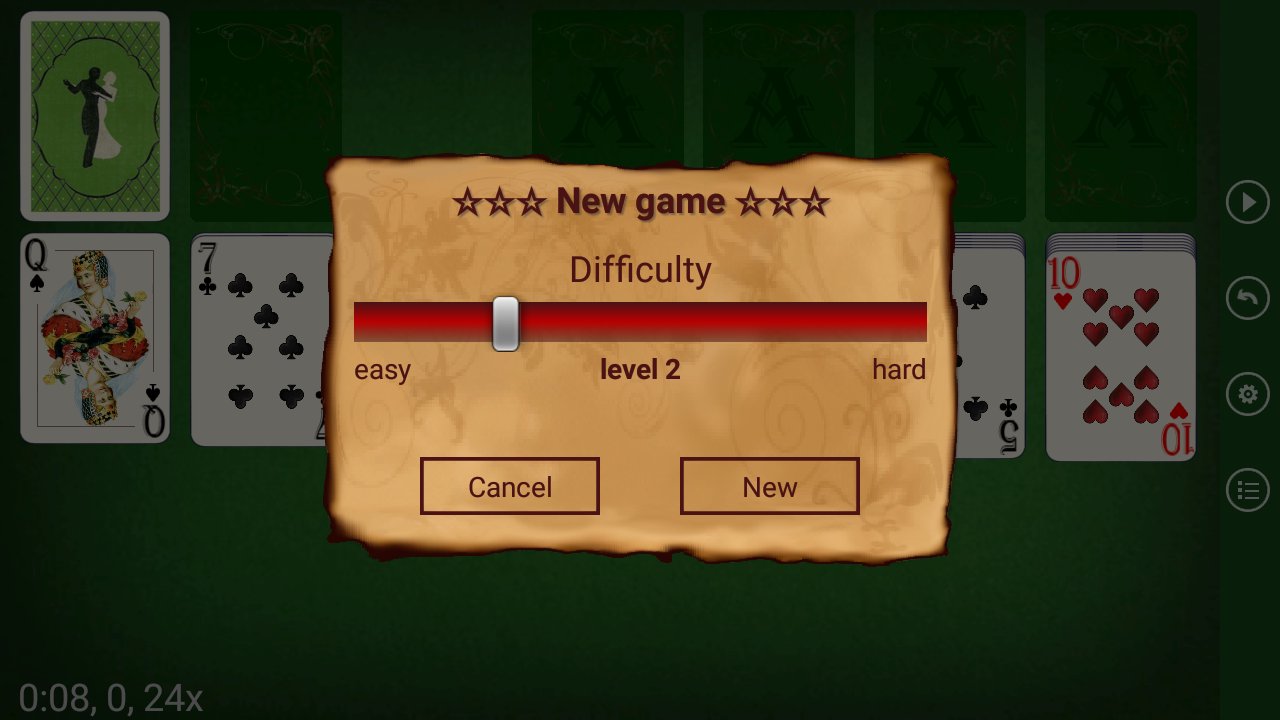
Taking a shuffled standard 52-card deck of playing cards, one upturned card is dealt on the left of the playing area, then six downturned cards. On top of the downturned cards, an upturned card is dealt on the left-most downturned pile, and downturned cards on the rest until all piles have an upturned card. The piles should look like the figure to the right.
預覽

標籤
接龍休閒單人遊戲現實單機遊戲訊息
開發商
Miroslav Kisly
最新版本
6.1.1
更新時間
2026-09-24
類別
紙牌
同時可用
Google Play
更多
如何在電腦上用 GameLoop 玩 Retro Solitaire Collection
1. 從官網下載GameLoop,然後運行exe文件安裝GameLoop
2. 打開GameLoop,搜索“Retro Solitaire Collection”,在搜索結果中找到Retro Solitaire Collection,點擊“安裝”
3. 享受在 GameLoop 上玩 Retro Solitaire Collection 的樂趣
Minimum requirements
OS
Windows 8.1 64-bit or Windows 10 64-bit
GPU
GTX 1050
CPU
i3-8300
Memory
8GB RAM
Storage
1GB available space
Recommended requirements
OS
Windows 8.1 64-bit or Windows 10 64-bit
GPU
GTX 1050
CPU
i3-9320
Memory
16GB RAM
Storage
1GB available space