Romi Lite 電腦版
Patrick Roy
用GameLoop模拟器在電腦上玩Romi Lite
Romi Lite 電腦版
來自發行商 Patrick Roy 的 Romi Lite 能夠在安卓系統上運行。
現在,您可以在電腦上使用 GameLoop 模擬器流暢地玩 Romi Lite。
在 GameLoop 遊戲庫或搜索結果中下載。 不需要再暢玩遊戲時盯著電池電量或被令人懊惱的來電打斷。
只需在電腦大屏幕上免費下載暢玩Romi Lite 電腦版!
Romi Lite 簡介
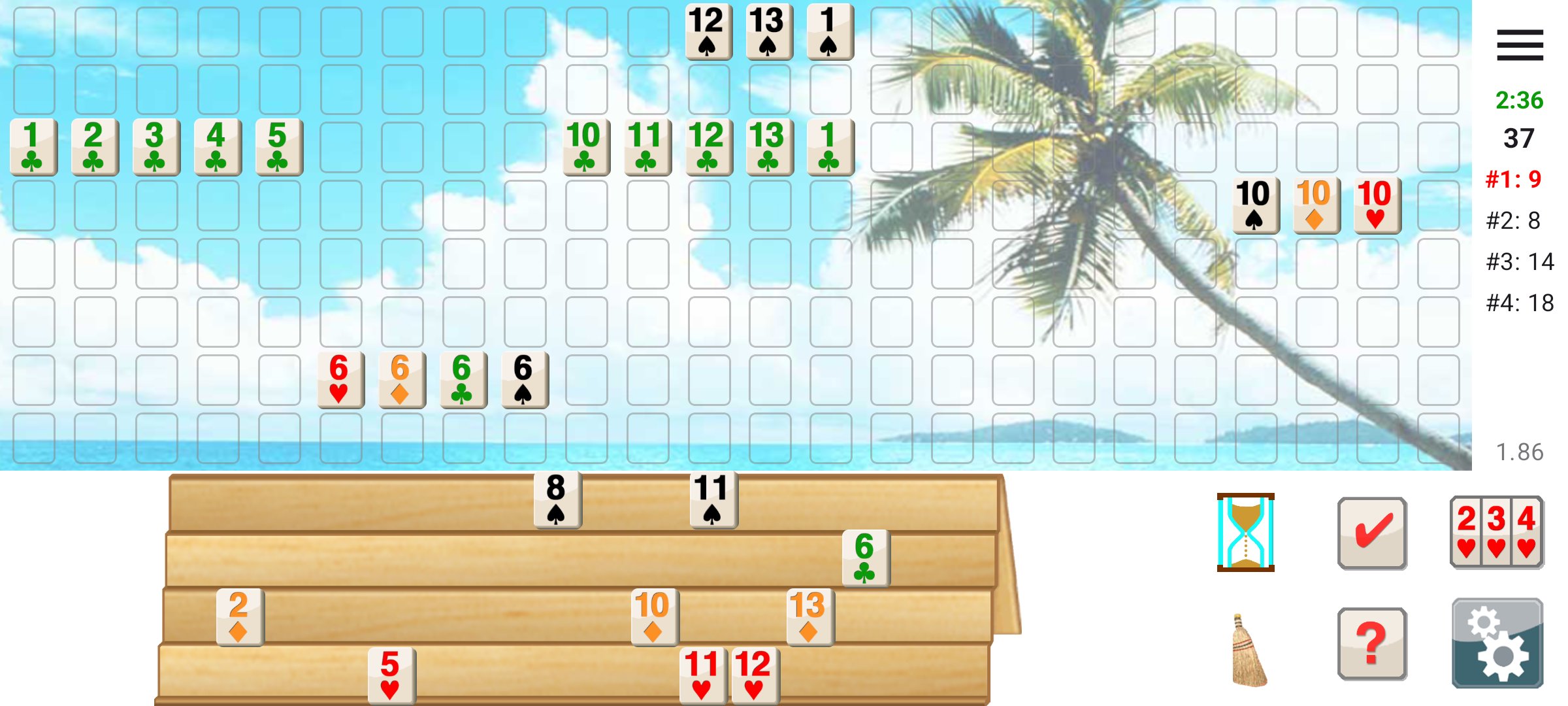
Romi lets you play Rummy Tile (RummyCube, Rummikub, Rami) games against the computer at three different levels. Romi is played with two sets of 52 cards and with two wild cards. The purpose of this game is to form groups of three or more cards, which contain either consecutive cards of the same suit or cards of the same number value but of differing suits.
**What's New in 2.00:**
- Local multiplayer: play with 2-4 players on nearby Android devices
- Automatic reconnection if connection is lost during a game
- PIN protection for multiplayer lobbies
- Pause functionality during multiplayer games
- Option for the winner to start the next game
**Pass and Play mode:**
Play with friends on a single device! In Settings, uncheck the boxes next to player names to make them human-controlled. Pass the device after each turn.
**About Romi Lite:**
Remove advertisements by purchasing the full version of Romi.
預覽
標籤
紙牌訊息
開發商
Patrick Roy
最新版本
2.00
更新時間
2026-01-10
類別
紙牌
同時可用
Google Play
更多
如何在電腦上用 GameLoop 玩 Romi Lite
1. 從官網下載GameLoop,然後運行exe文件安裝GameLoop
2. 打開GameLoop,搜索“Romi Lite”,在搜索結果中找到Romi Lite,點擊“安裝”
3. 享受在 GameLoop 上玩 Romi Lite 的樂趣
Minimum requirements
OS
Windows 8.1 64-bit or Windows 10 64-bit
GPU
GTX 1050
CPU
i3-8300
Memory
8GB RAM
Storage
1GB available space
Recommended requirements
OS
Windows 8.1 64-bit or Windows 10 64-bit
GPU
GTX 1050
CPU
i3-9320
Memory
16GB RAM
Storage
1GB available space