
Call Break - Ace 電腦版
TechnoGuff
用GameLoop模拟器在電腦上玩Call Break - Ace
Call Break - Ace 電腦版
來自發行商 TechnoGuff 的 Call Break - Ace 能夠在安卓系統上運行。
現在,您可以在電腦上使用 GameLoop 模擬器流暢地玩 Call Break - Ace。
在 GameLoop 遊戲庫或搜索結果中下載。 不需要再暢玩遊戲時盯著電池電量或被令人懊惱的來電打斷。
只需在電腦大屏幕上免費下載暢玩Call Break - Ace 電腦版!
Call Break - Ace 簡介
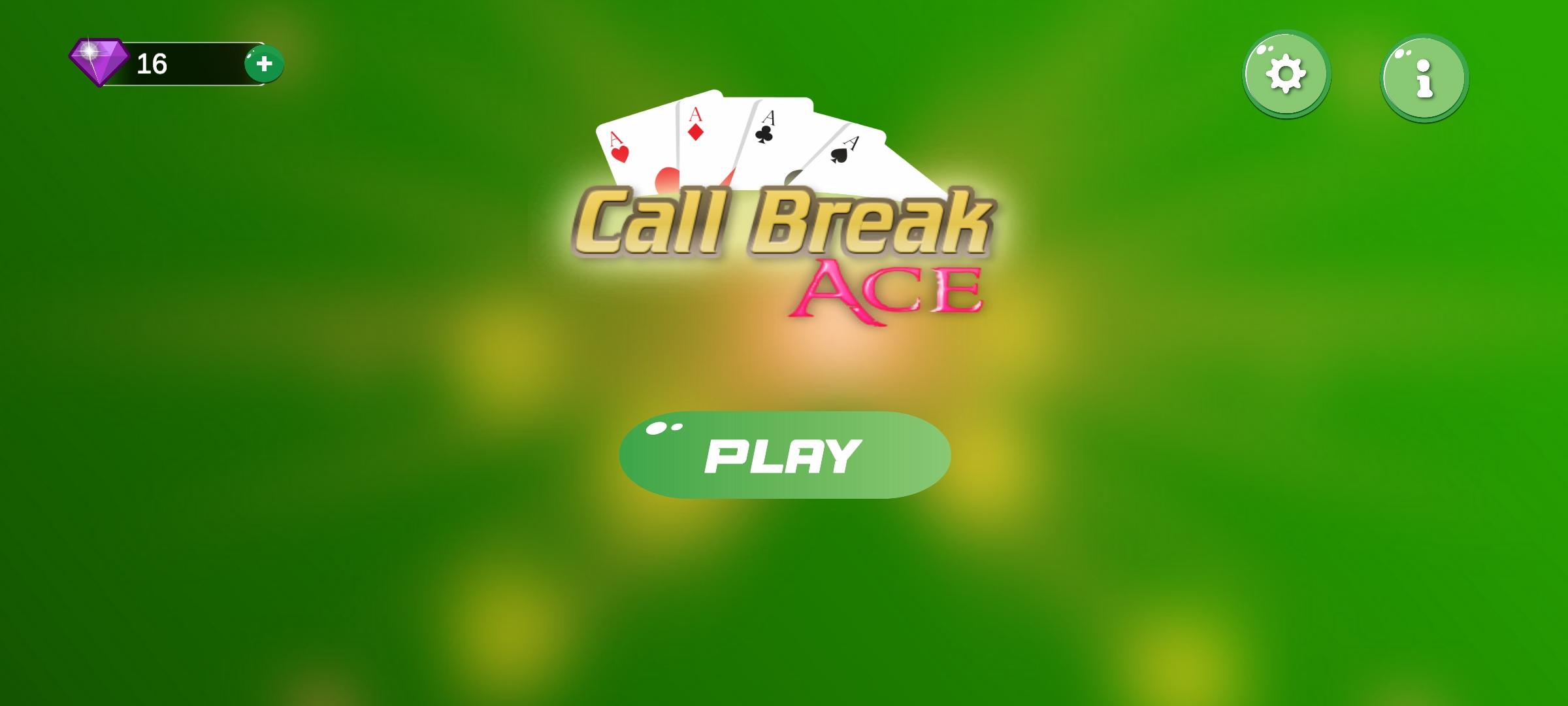
Call Break Ace is Android version of popular card game played widely in South Asian Community especially in Nepal, India and neighboring countries. Call Break is also known as Lakdi or Lakadi in India. Call Break is a trick taking card game played with a single deck of cards.
-- GamePlay --
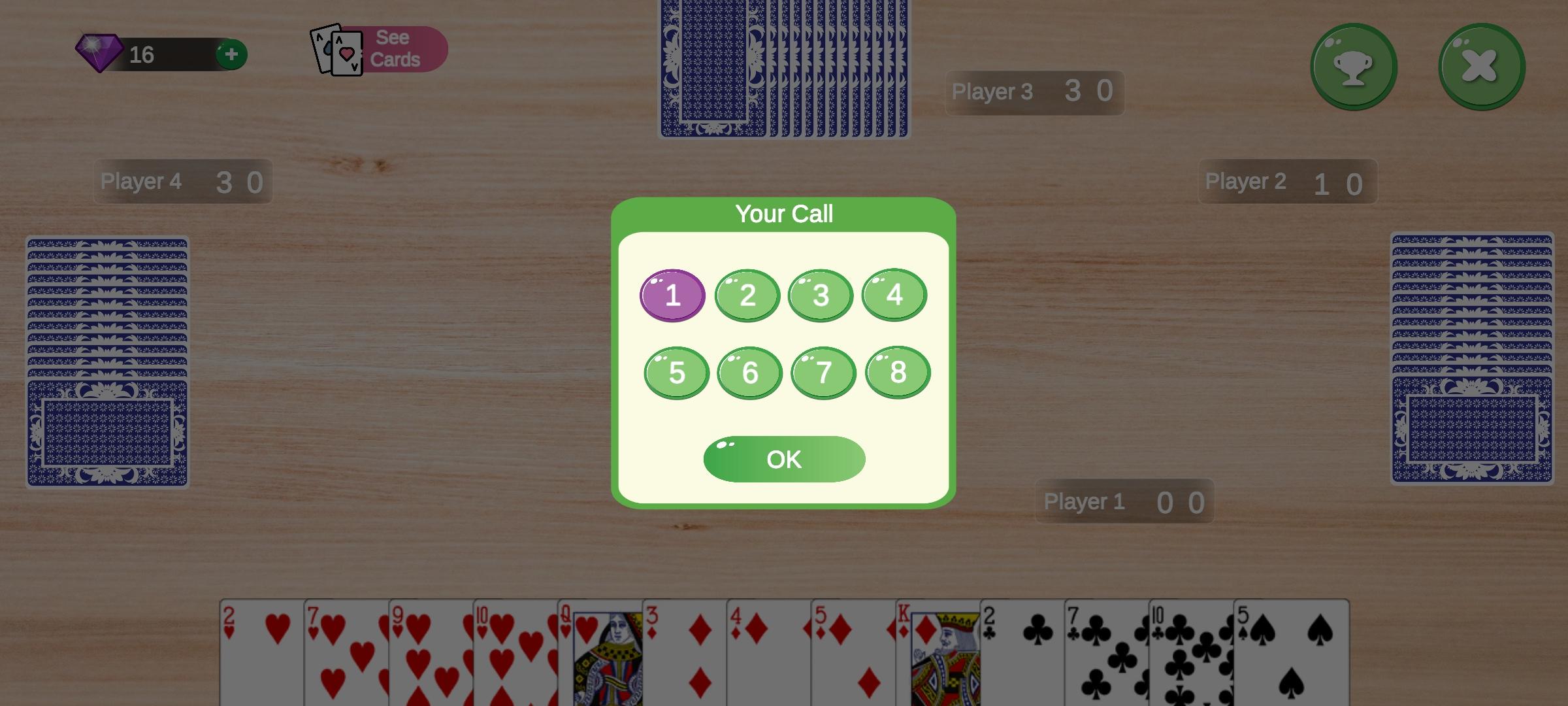
Call Break is played among exactly four players with 52 cards. In each deal 13 cards are dealt to each player in each ROUND. There are total Five rounds in the game. Cards are dealt facing upside down to each player in anti-clockwise direction to every player.
- After Dealing is done BIDS are collected from each player. The players after checking their cards bid with the expected number of winning hands. If player fails to secure the bid, the negative score of the bid number is assigned to the player in that round.
- The Player to the dealers right leads the round by playing the first trick and the turns follow in anti-clockwise direction following the same suite of cards.
- Among the four cards in the trick the Highest card of the trick-suite wins. If the user doesn't have any card of that suite He can ether use Trump card (Spade) or any card if he doesn't have any card from Trump suite.
- Player with Highest Rank wins the trick and one point per trick is given to the player. Thus, in the entire round if the user secures the number of tricks he expected in the bid. He gets the points that he bid and any additional tricks(Often called OT or Over Tricks) worth 0.1 each. If player bids 3 and wins 5 tricks his score is recorded as 3.2 in that round. However if he wins less then 3 tricks his score in that round becomes -3.
- Scores across 5 rounds are added and highest scorer in 5 rounds wins the Game.
Enjoy Playing Call Break Ace !
預覽
標籤
紙牌訊息
開發商
TechnoGuff
最新版本
23.03.19
更新時間
2023-03-18
類別
紙牌
同時可用
Google Play
更多
如何在電腦上用 GameLoop 玩 Call Break - Ace
1. 從官網下載GameLoop,然後運行exe文件安裝GameLoop
2. 打開GameLoop,搜索“Call Break - Ace”,在搜索結果中找到Call Break - Ace,點擊“安裝”
3. 享受在 GameLoop 上玩 Call Break - Ace 的樂趣
Minimum requirements
OS
Windows 8.1 64-bit or Windows 10 64-bit
GPU
GTX 1050
CPU
i3-8300
Memory
8GB RAM
Storage
1GB available space
Recommended requirements
OS
Windows 8.1 64-bit or Windows 10 64-bit
GPU
GTX 1050
CPU
i3-9320
Memory
16GB RAM
Storage
1GB available space