
Streamon 電腦版
Streamon Technologies
用GameLoop模拟器在電腦上玩Streamon
Streamon 電腦版
來自發行商 Streamon Technologies 的 Streamon 能夠在安卓系統上運行。
現在,您可以在電腦上使用 GameLoop 模擬器流暢地玩 Streamon。
在 GameLoop 遊戲庫或搜索結果中下載。 不需要再暢玩遊戲時盯著電池電量或被令人懊惱的來電打斷。
只需在電腦大屏幕上免費下載暢玩Streamon 電腦版!
Streamon 簡介
FEATURES:
• Advance slides and animations (capability available to both Presenters and Hosts) (B)
• Start and end meetings (B)
• Converse via telephone conference (if available) or VoIP (B)
• Invite others to the meeting
• Start, stop and manage meeting audio (B)
• Start and stop recordings
• Accept or deny guests from entering meetings (B)
• Enable or disable participant’s ability to broadcast their cameras and audio (VoIP) (B)
• Multi-point video conferencing; 2 live cameras, and unlimited cameras cycled through live / paused feeds (B)
• Promote or demote user roles to and from Host, Presenter, and Participant (B)
• Remove users from meetings (B)
• Control all active pods (B)
• Switch between layouts in the meeting room
• Share content from share history (B)
• Share content from Adobe Connect content library
• Share content from local device photo library
• Start and stop content and screen sharing (B)
• Use drawing tools (pencil, highlighter, shapes) on whiteboard and on top of shared files
• Create and edit content in the Notes pod (B)
• View all activity happening in the meeting at once (B)
• View meeting background imagery, enabling personalization and branding (B)
• Focus on an activity to enter input in Public Chat, Private Chat, and Polls (B)
• Use emoticons: Raise Hand, Agree / Disagree (B)
• Use additional emoticons: Speak Louder / Speak Softer, Speed Up / Slow Down, Laughter, Applause
• Stepped away indication appears when multi-tasking away from app
• Device phone number detected and populated when joining audio (N America phone prefixes only)
• Participate in breakout rooms
• Share, control, and interact with Adobe Presenter presentations ('Content') and quizzes within Meetings, Virtual Classrooms, and Seminars (B)
• Control and interact with Adobe Presenter Courses ('Courses') and quizzes, including interaction tracking and quiz scoring to the Training system, from Virtual Classrooms (B)
• Connect via WiFi, 3G or 4G connection (B)
預覽
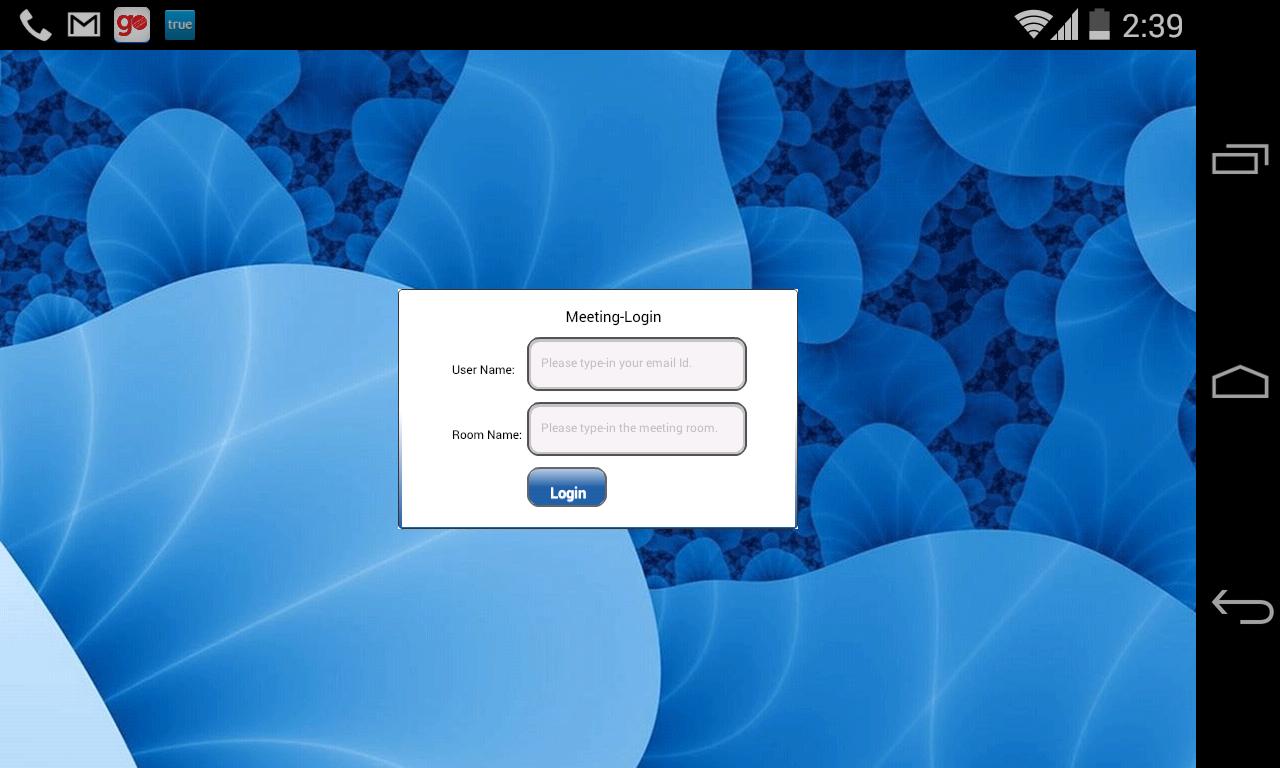
訊息
開發商
Streamon Technologies
最新版本
1.0.0
更新時間
2014-08-09
類別
商業
同時可用
Google Play
更多
如何在電腦上用 GameLoop 玩 Streamon
1. 從官網下載GameLoop,然後運行exe文件安裝GameLoop
2. 打開GameLoop,搜索“Streamon”,在搜索結果中找到Streamon,點擊“安裝”
3. 享受在 GameLoop 上玩 Streamon 的樂趣
Minimum requirements
OS
Windows 8.1 64-bit or Windows 10 64-bit
GPU
GTX 1050
CPU
i3-8300
Memory
8GB RAM
Storage
1GB available space
Recommended requirements
OS
Windows 8.1 64-bit or Windows 10 64-bit
GPU
GTX 1050
CPU
i3-9320
Memory
16GB RAM
Storage
1GB available space