
Orion PosDroid 電腦版
ORION POS Sistemleri A.Ş.
用GameLoop模拟器在電腦上玩Orion PosDroid
Orion PosDroid 電腦版
來自發行商 ORION POS Sistemleri A.Ş. 的 Orion PosDroid 能夠在安卓系統上運行。
現在,您可以在電腦上使用 GameLoop 模擬器流暢地玩 Orion PosDroid。
在 GameLoop 遊戲庫或搜索結果中下載。 不需要再暢玩遊戲時盯著電池電量或被令人懊惱的來電打斷。
只需在電腦大屏幕上免費下載暢玩Orion PosDroid 電腦版!
Orion PosDroid 簡介
Orion Point of Sale Systems; Orders, sales, product development, account, addition, payment, tracking and detailed reporting on inventory costs of your business can solve all your needs from a single source has a very solid infrastructure.
ORION posdroid application of all sizes of restaurants, cafes, bars, fast-food, takeaway, bakery, snack, bakery, restaurant, hotel, resort, club, association, amusement park, as well as businesses use it confidently in and your every moment in your palm can hold.
In this version:
The system input,
account opening and invocation,
and the addition products for sale,
Cancellation of products and processes,
discounts and payment options
a detailed list of open accounts,
account information input,
Sending orders,
account printing,
product or account transfer,
accounts division,
staff account transfer,
printing options.
Using the information system for the demonstration,
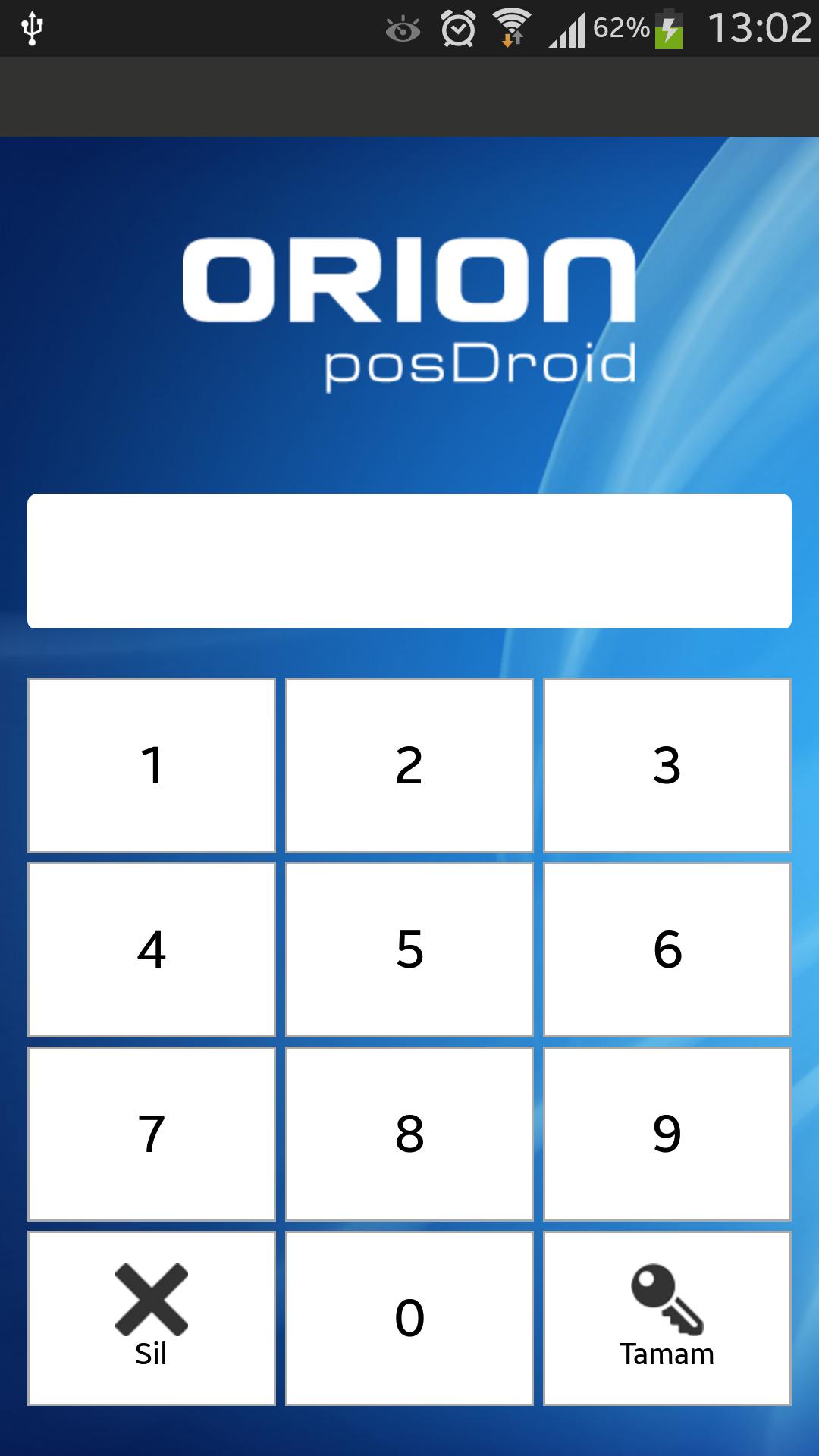
In Demo mode and user-defined passwords are as follows. (To log in to the program only need to enter the password.)
Cashier Authorization Level (all functions),
'Ahmed' password: 1
'Jack' Password ': 2
The waiter Authorization Level (Discount, pulled off payment and cancellation restricted, can see only their own checks.)
'Bob' Password: 3
'Honour' Password: 4
'Bahadir' Password: 5
'Flood' Password: 6
Help (Summary):
Buttons:
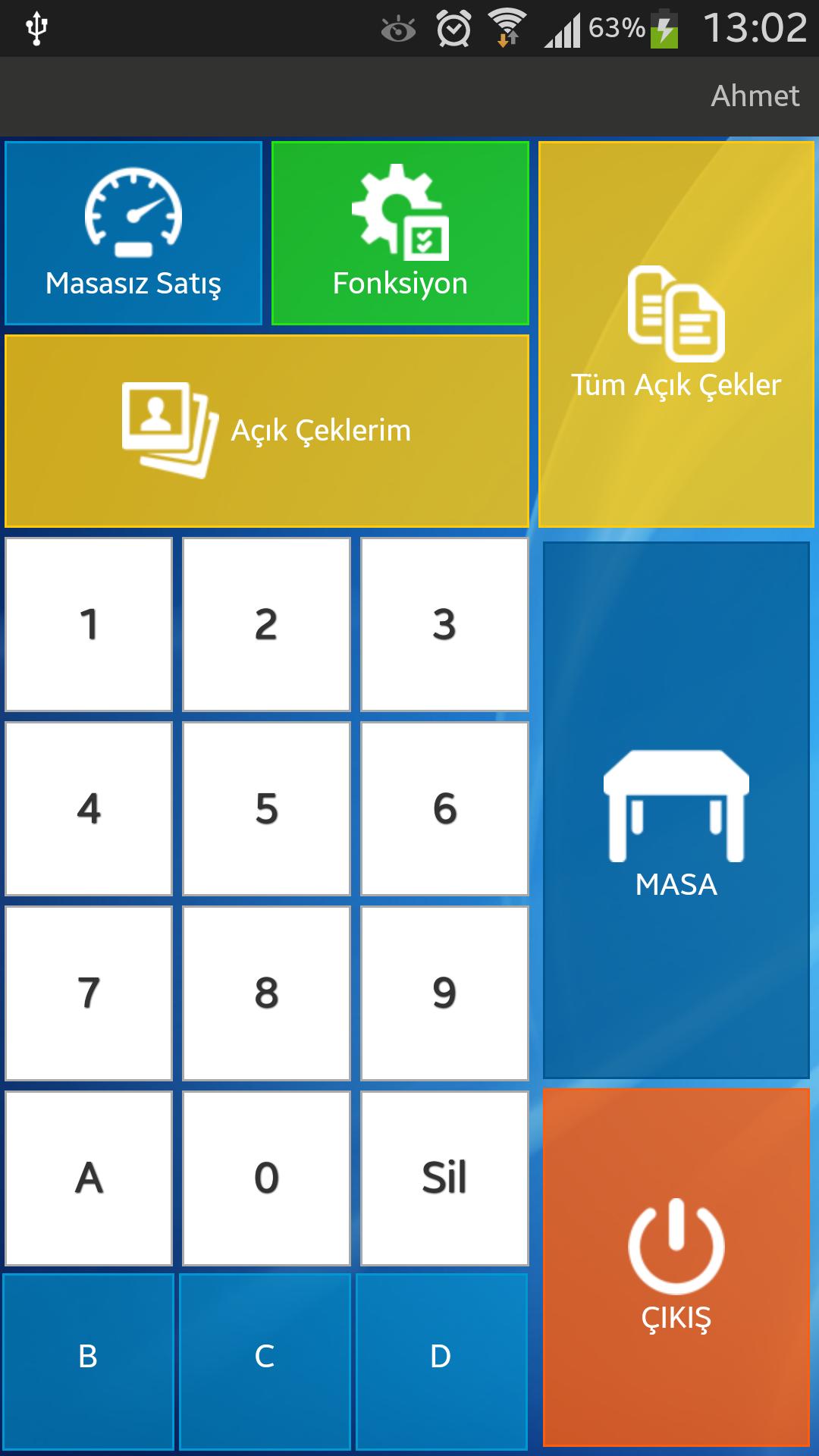
- TABLES: Table pulled open. After you enter the table number from the keyboard, press this button. A1, B12, 24 can be used as table numbers.
- Panel Sales: Table be used to open without number.
- Function: Opens the other system functions.
- Checks all open: Open all checks shows.
- On my checks: Only logged in users belonging to pull the show.
- EXIT: Log out from the system for users who have used.
Operation Display Functions:
- Mobile Info: IP, version information displays and terminals.
- Printer Profile: Basic printer settings.
Sales Screen:
- Product group buttons (light blue buttons örn. main courses): Product group lists. When selected, opens the product in that group.
- Item buttons (white buttons): Czech adds to the product.
- Transaction Cancel: exit without saving.
- Cancel: Product, additions, reductions or cancellation of payment provides.
- Function: Other checks functions.
- Send: Send Order, Send Account. Save the server sends the data entered.
- Addition: Adds additional product.
- Auction Check-in: Check-out products and price menu makes manual input.
- On Message: The product message to the input.
- Discount: Czech apply discount.
- Payment: Czech apply and pay off.
Sales Screen Function,
- Couvert: People used to enter the number.
- No Change Tables: Table number changes.
- Transfer: Czech combines cross-product transfers or checks.
- Table Divide: Czech is used to divide.
- Staff Czech Transfer: Users belonging transfer between the checks are made.
- Czech Info: Czech allows information to be entered.
預覽
標籤
商業訊息
開發商
ORION POS Sistemleri A.Ş.
最新版本
8.2.28
更新時間
2025-04-23
類別
商業
同時可用
Google Play
更多
如何在電腦上用 GameLoop 玩 Orion PosDroid
1. 從官網下載GameLoop,然後運行exe文件安裝GameLoop
2. 打開GameLoop,搜索“Orion PosDroid”,在搜索結果中找到Orion PosDroid,點擊“安裝”
3. 享受在 GameLoop 上玩 Orion PosDroid 的樂趣
Minimum requirements
OS
Windows 8.1 64-bit or Windows 10 64-bit
GPU
GTX 1050
CPU
i3-8300
Memory
8GB RAM
Storage
1GB available space
Recommended requirements
OS
Windows 8.1 64-bit or Windows 10 64-bit
GPU
GTX 1050
CPU
i3-9320
Memory
16GB RAM
Storage
1GB available space