
Nexchar POS : Sales & Billing 電腦版
Nexchar Tech
用GameLoop模拟器在電腦上玩Nexchar POS : Sales & Billing
Nexchar POS : Sales & Billing 電腦版
來自發行商 Nexchar Tech 的 Nexchar POS : Sales & Billing 能夠在安卓系統上運行。
現在,您可以在電腦上使用 GameLoop 模擬器流暢地玩 Nexchar POS : Sales & Billing。
在 GameLoop 遊戲庫或搜索結果中下載。 不需要再暢玩遊戲時盯著電池電量或被令人懊惱的來電打斷。
只需在電腦大屏幕上免費下載暢玩Nexchar POS : Sales & Billing 電腦版!
Nexchar POS : Sales & Billing 簡介
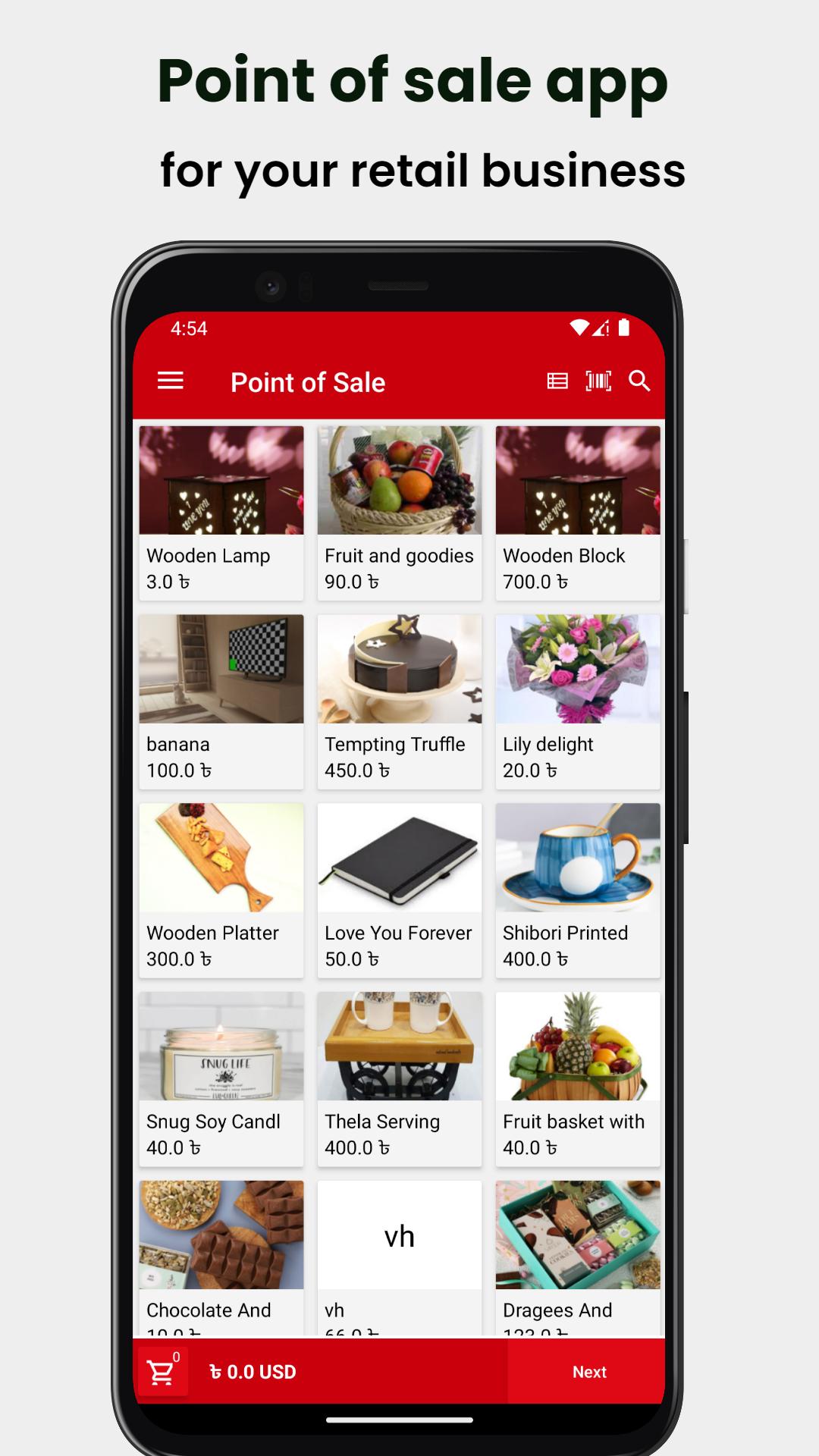
Nexchar POS is the free POS (point of sale) software perfect for your retail store, cafe & restaurant, bakery, food truck, pharmacy, grocery, clothing store, salon, spa, and more.
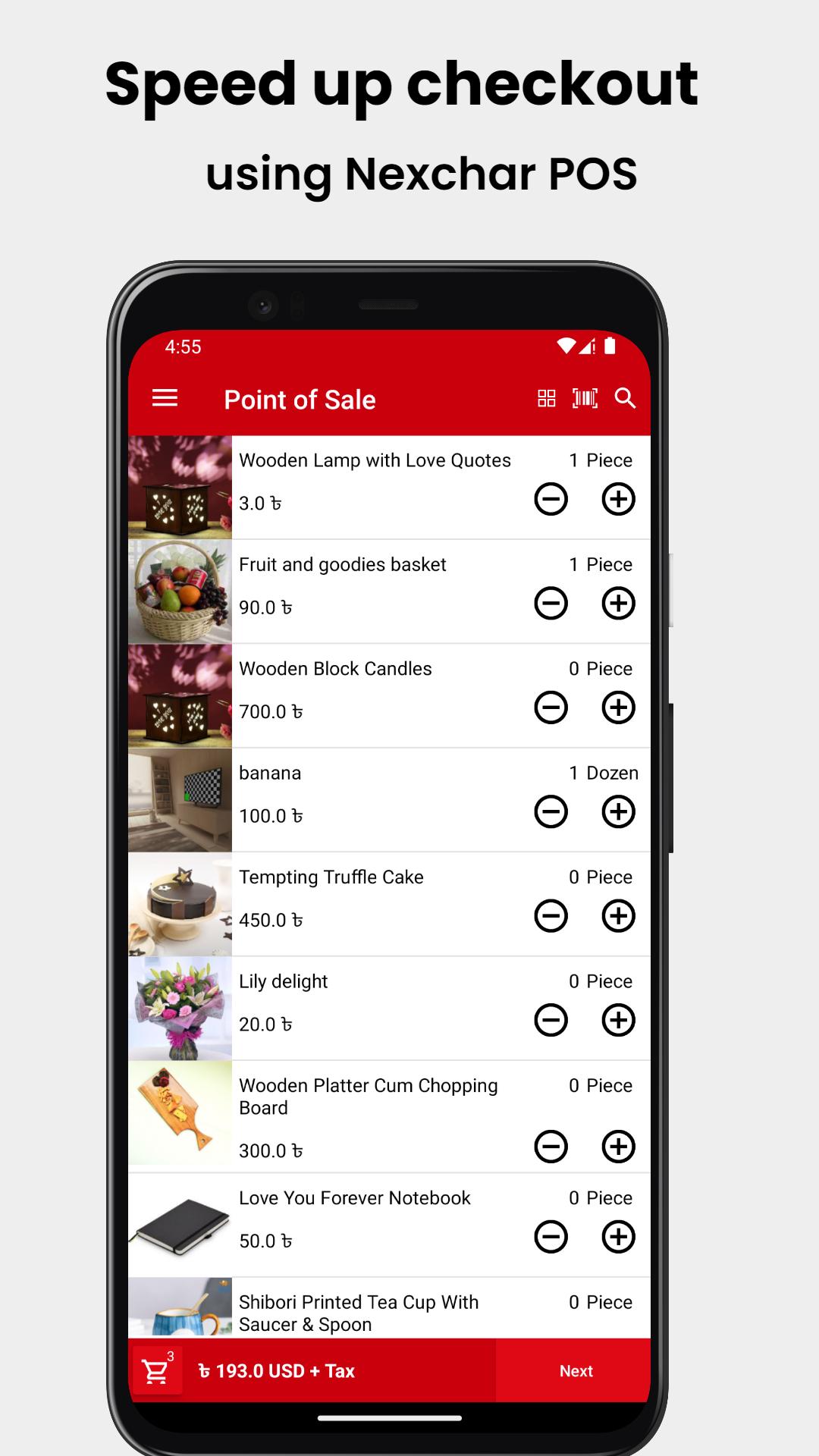
Transform your smartphone into a reliable point-of-sale system (a cash register), manage sales, inventory, and employees easily, and run your business smoothly.
The powerful back-office web-based system allows you to manage the entire business operation online.
Use the Nexchar POS point of sale system instead of a cash register to track sales and inventory in real-time, manage employees and stores, engage customers, and increase your revenue.
Whether you have a single business or multiple businesses, online or offline, you can manage and track them wherever you are.
Mobile POS System
- Sell from a smartphone
- Issue printed or electronic receipts
- Support 80mm and 57mm POS printer
- Accept multiple payment methods
- Apply discounts and issue refunds
- Track cash movements
- Scan barcodes with the built-in camera
- Keep recording sales even while offline
- Connect a receipt printer, barcode scanner, and cash drawer
Inventory Management
- Track inventory in real time
- Set stock levels and receive automatic low stock alerts
- Bulk import and export inventory from/to a CSV file
- Manage items that have different sizes, colors, and other options
- Raise Purchase Orders and accept Goods Received based on PO
- View/ adjust stock levels through Stock Adjustments. Rectify difference.
Sales Analytics
- View profit loss statement real time.
- Determine best-selling items and categories
- View complete sales history
- Browse reports on payment types, modifiers, discounts and taxes
- Export sales data to the csv
CRM and Customer Loyalty Program
- Build a customer base
- Keep track of customer data, purchase history, and feedback
- Run loyalty program to reward customers for their recurring purchases.
- Instantly identify customers during a sale by scanning loyalty card barcodes.
- Print customer address on receipt.
Online Selling:
- Create your own store website or create direct checkout link and start selling online
- Get instant order notification.
- Manage your delivery status
Check out all our plans (Free, Start-up, Standard, and Essential) and see which one is best for your store.
Sign in to the Nexchar back office, then set up your store and products and add the suitable features. You can easily view the real-time dashboard report, which comes up with powerful analytics that will help you improve your business.
預覽
標籤
商業訊息
開發商
Nexchar Tech
最新版本
2.5.1
更新時間
2025-10-01
類別
商業
同時可用
Google Play
更多
如何在電腦上用 GameLoop 玩 Nexchar POS : Sales & Billing
1. 從官網下載GameLoop,然後運行exe文件安裝GameLoop
2. 打開GameLoop,搜索“Nexchar POS : Sales & Billing”,在搜索結果中找到Nexchar POS : Sales & Billing,點擊“安裝”
3. 享受在 GameLoop 上玩 Nexchar POS : Sales & Billing 的樂趣
Minimum requirements
OS
Windows 8.1 64-bit or Windows 10 64-bit
GPU
GTX 1050
CPU
i3-8300
Memory
8GB RAM
Storage
1GB available space
Recommended requirements
OS
Windows 8.1 64-bit or Windows 10 64-bit
GPU
GTX 1050
CPU
i3-9320
Memory
16GB RAM
Storage
1GB available space