
miBox 電腦版
invida
用GameLoop模拟器在電腦上玩miBox
miBox 電腦版
來自發行商 invida 的 miBox 能夠在安卓系統上運行。
現在,您可以在電腦上使用 GameLoop 模擬器流暢地玩 miBox。
在 GameLoop 遊戲庫或搜索結果中下載。 不需要再暢玩遊戲時盯著電池電量或被令人懊惱的來電打斷。
只需在電腦大屏幕上免費下載暢玩miBox 電腦版!
miBox 簡介
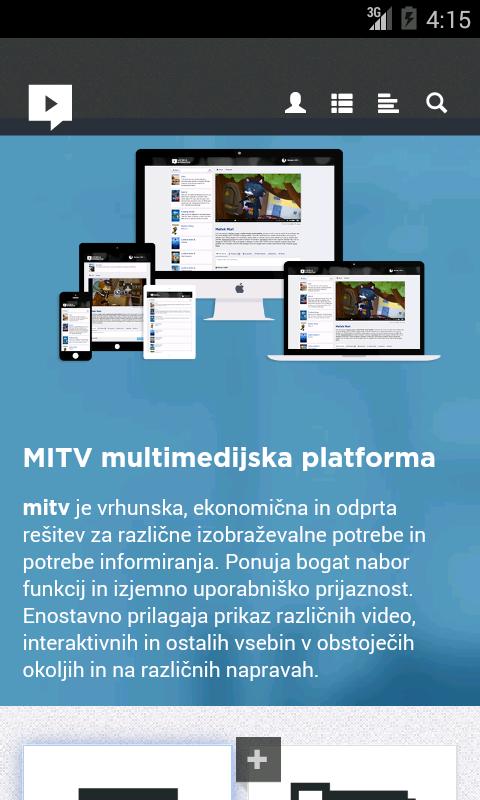
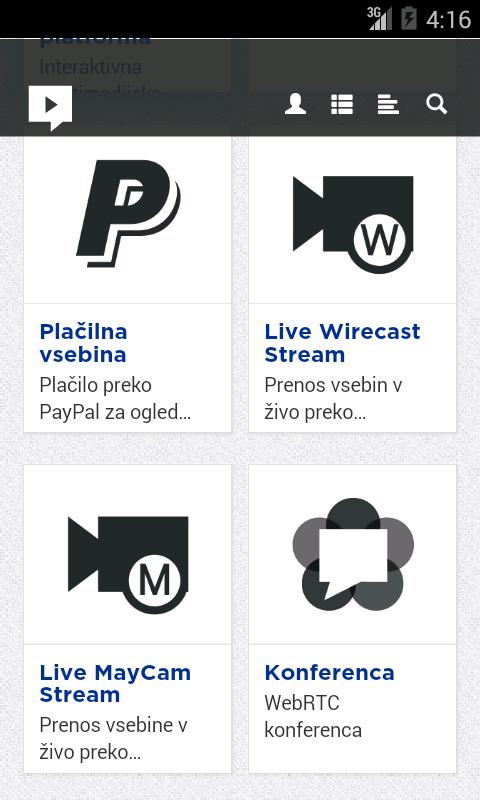
The application offers simple and quick access to MITV media platform.
MITV platform has been architected to provide highly innovative, yet practical and cost effective solutions for this multimedia “tsunami”. It integrates unique interactive multimedia system architecture with advanced state of the art functional components into flexible and scalable platform.
It is combining the best of Web interaction, TV simplicity and social collaboration with video and voice services, multimedia production and distribution capabilities into a viewer friendly, production friendly and cost friendly solution.
MITV platform architecture consists of a number of building blocks interconnected with open protocols. It includes production tools and components from leading vendors integrated into complete workflows and metadata structure and supported by knowledgeable MediaInteractive team.
Main fields of application:
- Lecture capture (school and business environment)
- Medical recording (record or stream operation)
- eLibrary (in private user friendly environment offer different tips of content)
預覽
標籤
商業訊息
開發商
invida
最新版本
2.4
更新時間
2018-12-07
類別
商業
同時可用
Google Play
更多
如何在電腦上用 GameLoop 玩 miBox
1. 從官網下載GameLoop,然後運行exe文件安裝GameLoop
2. 打開GameLoop,搜索“miBox”,在搜索結果中找到miBox,點擊“安裝”
3. 享受在 GameLoop 上玩 miBox 的樂趣
Minimum requirements
OS
Windows 8.1 64-bit or Windows 10 64-bit
GPU
GTX 1050
CPU
i3-8300
Memory
8GB RAM
Storage
1GB available space
Recommended requirements
OS
Windows 8.1 64-bit or Windows 10 64-bit
GPU
GTX 1050
CPU
i3-9320
Memory
16GB RAM
Storage
1GB available space