
iCapture PowerScan 電腦版
iCapture
用GameLoop模拟器在電腦上玩iCapture PowerScan
iCapture PowerScan 電腦版
來自發行商 iCapture 的 iCapture PowerScan 能夠在安卓系統上運行。
現在,您可以在電腦上使用 GameLoop 模擬器流暢地玩 iCapture PowerScan。
在 GameLoop 遊戲庫或搜索結果中下載。 不需要再暢玩遊戲時盯著電池電量或被令人懊惱的來電打斷。
只需在電腦大屏幕上免費下載暢玩iCapture PowerScan 電腦版!
iCapture PowerScan 簡介
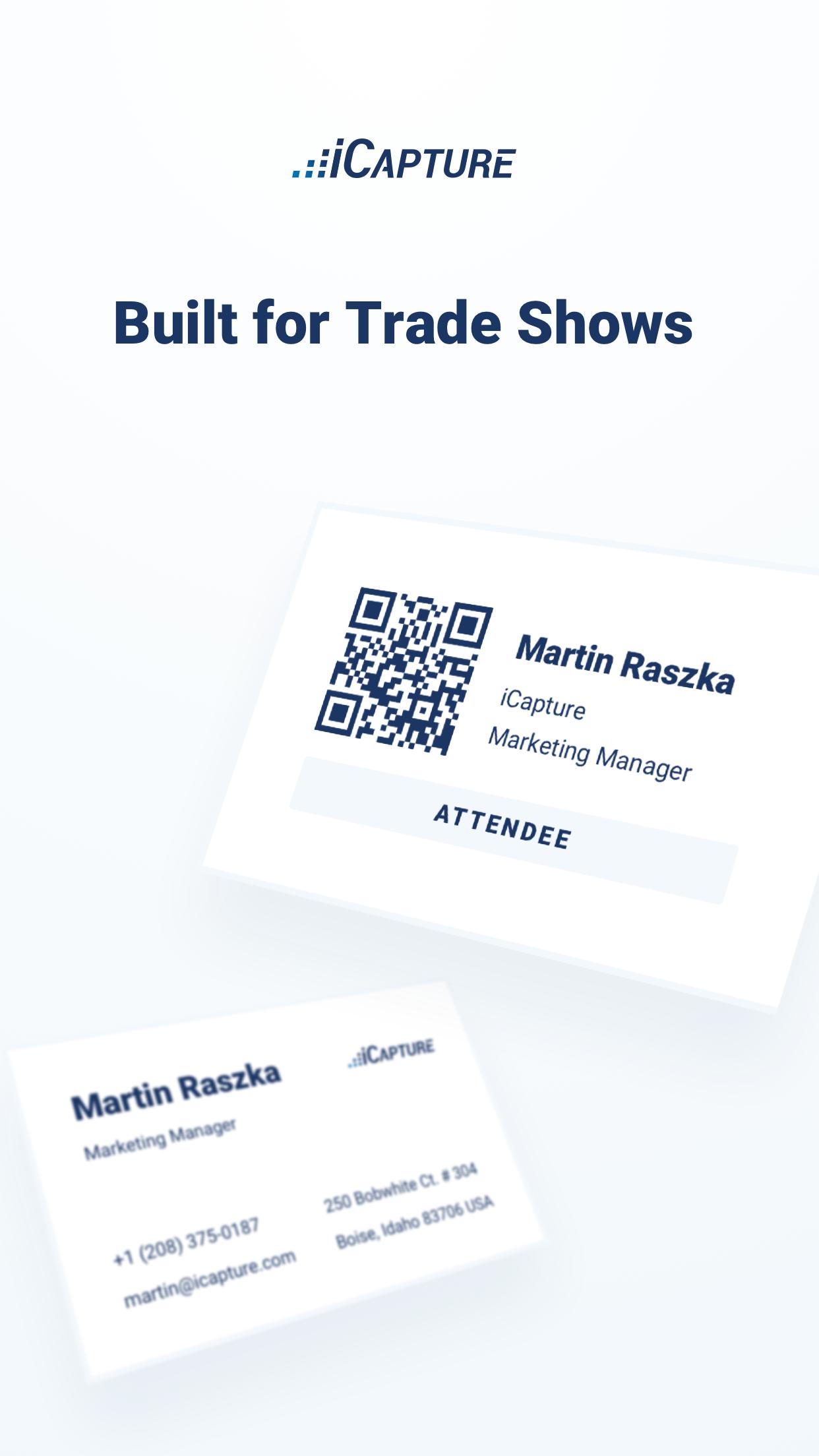
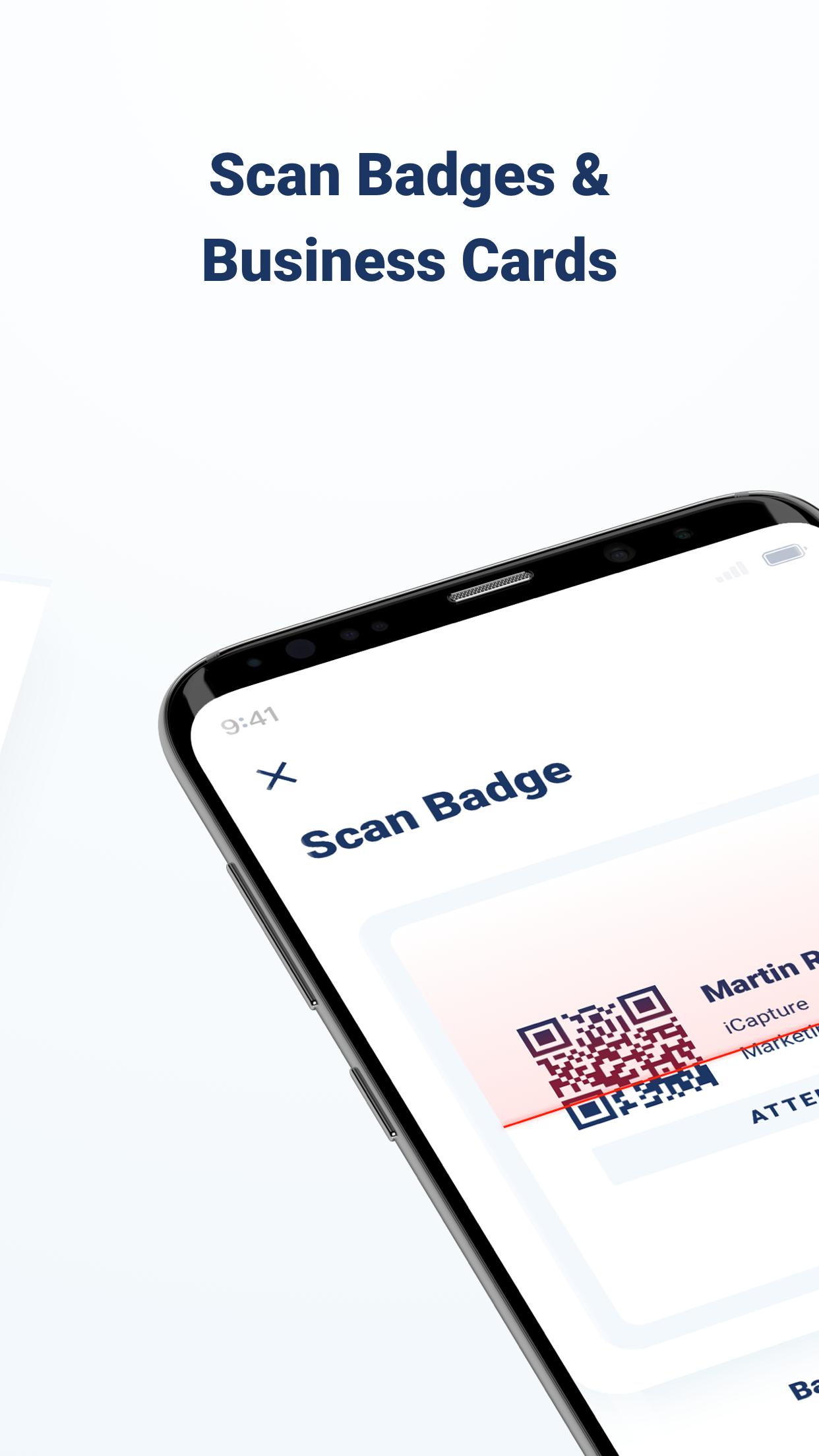
Designed to quickly snap a photo of a business card or scan barcodes on a trade show badge, iCapture PowerScan is the perfect solution to your data capture needs.
Ideal for trade shows, conferences, events or anywhere you need to be mobile... an Internet Connection IS NOT REQUIRED!
Discover how iCapture can turn your mobile device into a magnet for new leads and automatically send those emails directly to your favorite Email or CRM system with the touch of a button.
NOTE: An iCapture Power Plan subscription is required to utilize the functionality in this app.
HOW IT WORKS
* SETUP * - Sign up for an iCapture account online and create a questionnaire with our quick and easy web-based admin. Upload your logo in seconds and proudly display your brand on the screen. Install on your tablet or smartphone.
* CAPTURE * - Works on your phone or tablet... with or without an Internet Connection.
* RETRIEVE * - export your data to a spreadsheet via our secure web-based admin.
PUT AUTOMATION TO WORK FOR YOU
** Scan Barcodes / QR Codes -- use the camera on your phone or tablet to instantly scan barcodes of all types
** Snap Photos of Business Cards -- capture a picture of a business card and you're done.
** Send Auto-Reply Emails -- say “Thank You” or automatically deliver requested information.
** Sync to your Email Provider -- Constant Contact, MailChimp, iContact, AWeber and more.
** Sync to your CRM -- Salesforce.com, SugarCRM, Microsoft Dynamics and more.
** Sync to your Database -- MySQL, SQL Server
WHERE CAN YOU iCAPTURE?
** Trade Shows - Exhibitions
** Retail - Showroom - Point-of-Sale - Kiosks
** Outdoor Events - Concerts - Fairs
** Mobile Sales Teams
** Events - Conferences
TOP 10 - MOST POPULAR FEATURES
1. Auto-Reply Emails
2. No Internet Required
3. Branded with your Logo
4. Email / CRM Integrations
5. Kiosk Mode
» Lock your tablet and leave it unattended. Your questionnaire will loop over and over.
6. Pick-A-Winner
» Randomly select a winner from all your captures (across multiple devices)
7. Quick Entry Screens
» Custom-built Screens for Email, Phone, Numbers, etc. allow for rapid data entry.
8. “HOT LEAD” Questions
» Copy proven question templates that help you uncover who’s HOT and who’s NOT
9. Skip Logic
» Easily show or hide questions based on previous answers
10. Transferable Licenses
» Need to use iCapture on a different device? Simply delete from one device and install on another.
POWERFUL INTEGRATIONS
After your data is captured, iCapture can automatically send your data to the following platforms:
** Constant Contact
** Salesforce.com
** Infusionsoft
** MailChimp
** iContact
** AWeber
** ExactTarget
** ... and many more!
預覽
標籤
商業訊息
開發商
iCapture
最新版本
7.1.43
更新時間
2024-10-25
類別
商業
同時可用
Google Play
更多
如何在電腦上用 GameLoop 玩 iCapture PowerScan
1. 從官網下載GameLoop,然後運行exe文件安裝GameLoop
2. 打開GameLoop,搜索“iCapture PowerScan”,在搜索結果中找到iCapture PowerScan,點擊“安裝”
3. 享受在 GameLoop 上玩 iCapture PowerScan 的樂趣
Minimum requirements
OS
Windows 8.1 64-bit or Windows 10 64-bit
GPU
GTX 1050
CPU
i3-8300
Memory
8GB RAM
Storage
1GB available space
Recommended requirements
OS
Windows 8.1 64-bit or Windows 10 64-bit
GPU
GTX 1050
CPU
i3-9320
Memory
16GB RAM
Storage
1GB available space