
eVoice - Business Phone System 電腦版
eVoice
用GameLoop模拟器在電腦上玩eVoice - Business Phone System
eVoice - Business Phone System 電腦版
來自發行商 eVoice 的 eVoice - Business Phone System 能夠在安卓系統上運行。
現在,您可以在電腦上使用 GameLoop 模擬器流暢地玩 eVoice - Business Phone System。
在 GameLoop 遊戲庫或搜索結果中下載。 不需要再暢玩遊戲時盯著電池電量或被令人懊惱的來電打斷。
只需在電腦大屏幕上免費下載暢玩eVoice - Business Phone System 電腦版!
eVoice - Business Phone System 簡介
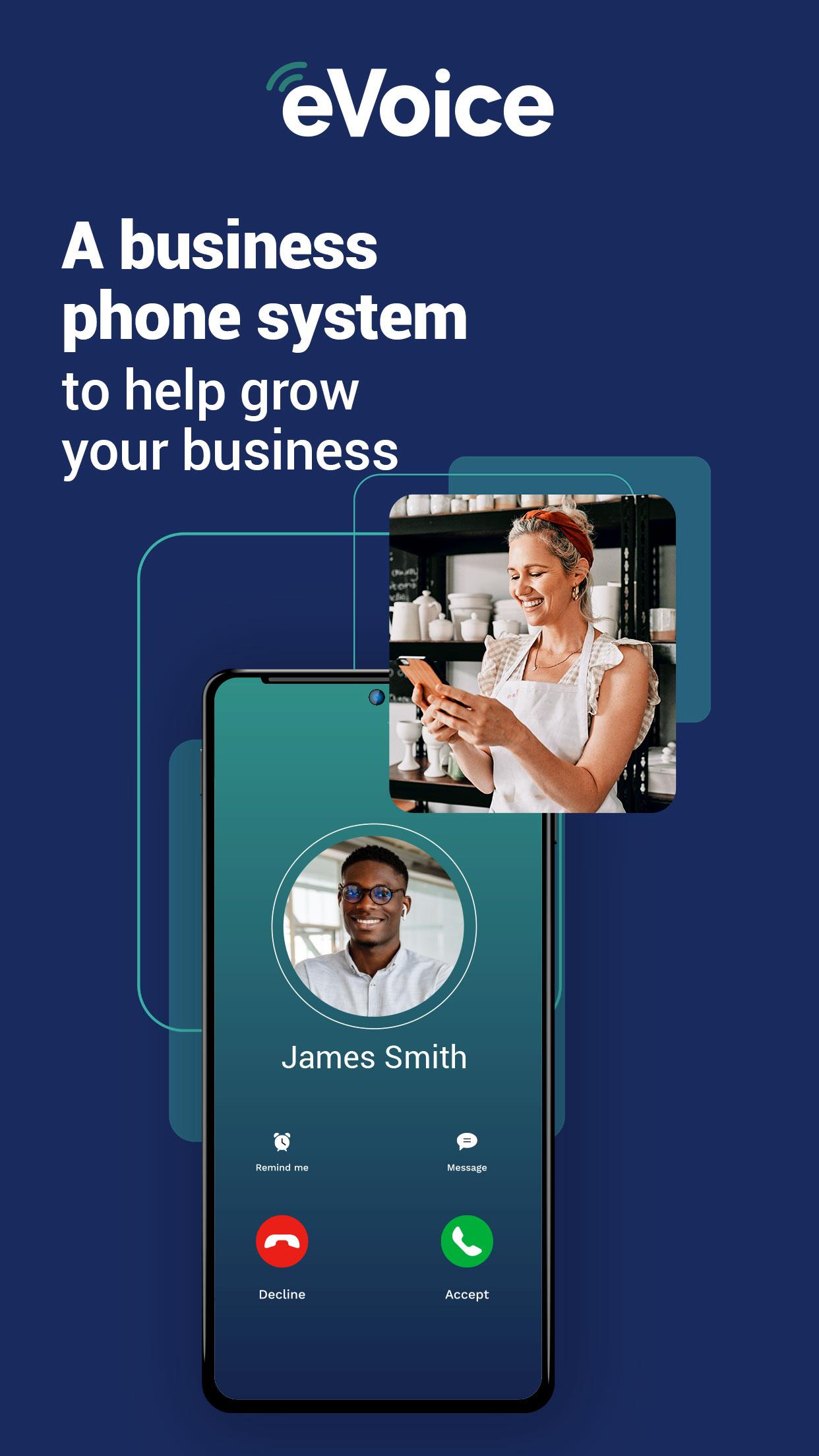
Transform your smartphone or tablet into a powerful business communication hub with eVoice.
eVoice provides a simple, reliable virtual phone system that centralizes all your business communication within a single app. Easily equip your team with multiple local or toll-free phone numbers and create multiple extensions, all managed effortlessly from any device.
Start making and receiving calls from your new business number in minutes, with no complicated setup or additional hardware required. It's a reliable communications solution that runs seamlessly on your existing devices, ensuring your business is always with you, wherever you are.
Key Features to Elevate Your Business:
• Your Business, In Your Pocket: eVoice plans allow you to harness multiple business numbers and extensions for your entire team, accessible anytime, anywhere.
• Customizable Caller Settings: Reroute your business calls directly to the eVoice app, ensuring you never miss an important client call.
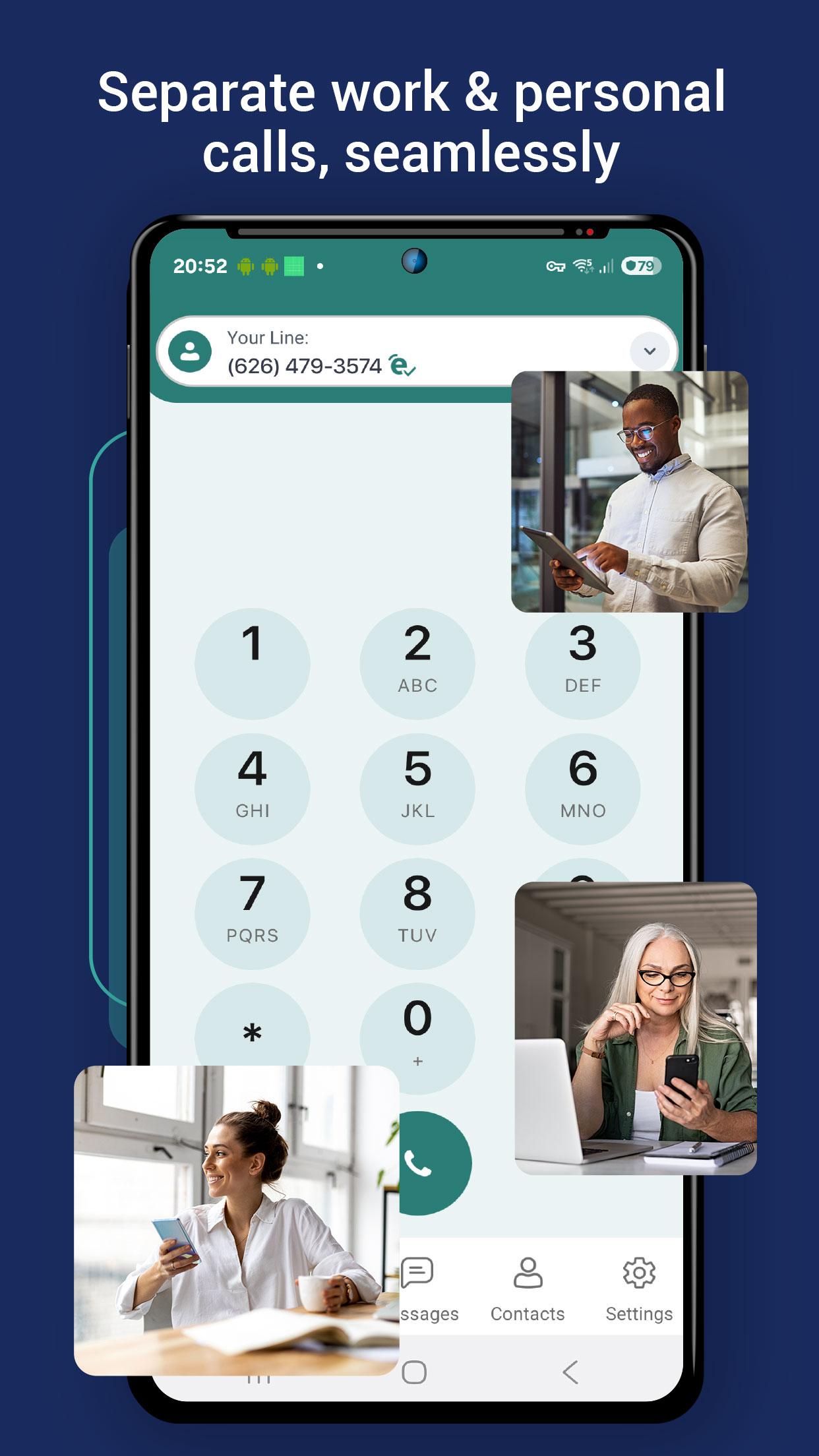
• Organized Voicemail Management: All business voicemails are sent directly to the app with full text transcription. Quickly scan messages on the go while keeping your work and personal communications distinct.
• Effortless Call Handling: Instantly decide where calls go: send them to voicemail, forward them to any external number, or select custom schedules that automatically route calls.
Flexible Phone Numbers for Your Business:
• Create localized, vanity, and toll-free phone numbers that perfectly fit your business.
• Export your existing phone number to eVoice for a smooth and seamless transition, maintaining your established business presence.
• Set up any new numbers quickly to stay connected and scale your business with ease.
Stay Connected Without Cellular Data Expenses:
• Leverage VoIP technology to make and receive calls and texts using Wi-Fi.
• Say goodbye to cellular data expenses with eVoice’s WiFi calls, providing a cost-effective communication solution for your business.
• Seamlessly send and receive text messages using your eVoice business number with the Elite Plus plan.
Powerful Tools to Boost Your Team's Productivity:
• Access Phone Contacts: Easily call and text your existing phone contacts directly from within the eVoice app, simplifying your workflow.
• One Address Book for Your Whole Team: Import and share contacts across all users and extensions, giving your team seamless visibility and a single source of truth for all business contacts.
• Track the Full Journey of Every Call: Review call logs at a glance to see whether a call was answered by a specific user, forwarded to an external number, or sent to voicemail, so you always know the outcome and can optimize your business communication.
eVoice offers flexible plans designed to fit your business needs, all backed by a 30-day Money Back Guarantee if you are not satisfied with our services.
• Elite Plan:
◦ Monthly: $14
◦ Yearly: $144
• Elite Plus Plan:
◦ Monthly: $21
◦ Yearly: $228
Need Support? We’re here to help! Visit https://evoice.zendesk.com/ for assistance.
Important Notes: Please be aware that your cellular provider may prohibit or restrict VoIP (Voice over Internet Protocol) on their network. It's your responsibility to check with your cellular provider about their VoIP functionality and any additional charges it may incur. eVoice is not responsible for any additional cellular charges that may occur as a result of using the eVoice service.
The eVoice app cannot be used for emergency calls (911).
Elite Plus users who send SMS/MMS to U.S. numbers must complete a registration process after purchase, as required by U.S. mobile carriers. Business messages sent from unregistered numbers may be subject to non-delivery by mobile carriers. eVoice does not provide refunds or credits due to issues with messaging from unregistered numbers. Please visit https://try.evoice.com/10dlc-faq/ for more information.
Privacy Policy: https://www.evoice.com/privacy/
預覽
標籤
商業訊息
開發商
eVoice
最新版本
5.0.3
更新時間
2025-09-06
類別
商業
同時可用
Google Play
更多
如何在電腦上用 GameLoop 玩 eVoice - Business Phone System
1. 從官網下載GameLoop,然後運行exe文件安裝GameLoop
2. 打開GameLoop,搜索“eVoice - Business Phone System”,在搜索結果中找到eVoice - Business Phone System,點擊“安裝”
3. 享受在 GameLoop 上玩 eVoice - Business Phone System 的樂趣
Minimum requirements
OS
Windows 8.1 64-bit or Windows 10 64-bit
GPU
GTX 1050
CPU
i3-8300
Memory
8GB RAM
Storage
1GB available space
Recommended requirements
OS
Windows 8.1 64-bit or Windows 10 64-bit
GPU
GTX 1050
CPU
i3-9320
Memory
16GB RAM
Storage
1GB available space