
Device Diagnostics Tool 電腦版
Zebra Technologies
用GameLoop模拟器在電腦上玩Device Diagnostics Tool
Device Diagnostics Tool 電腦版
來自發行商 Zebra Technologies 的 Device Diagnostics Tool 能夠在安卓系統上運行。
現在,您可以在電腦上使用 GameLoop 模擬器流暢地玩 Device Diagnostics Tool。
在 GameLoop 遊戲庫或搜索結果中下載。 不需要再暢玩遊戲時盯著電池電量或被令人懊惱的來電打斷。
只需在電腦大屏幕上免費下載暢玩Device Diagnostics Tool 電腦版!
Device Diagnostics Tool 簡介
Device Diagnostic Tool is useful for quickly troubleshooting device issues, resulting to increased worker productivity, limited device downtime, and unnecessary returns to the Zebra Repair Center. Hardware features tested:
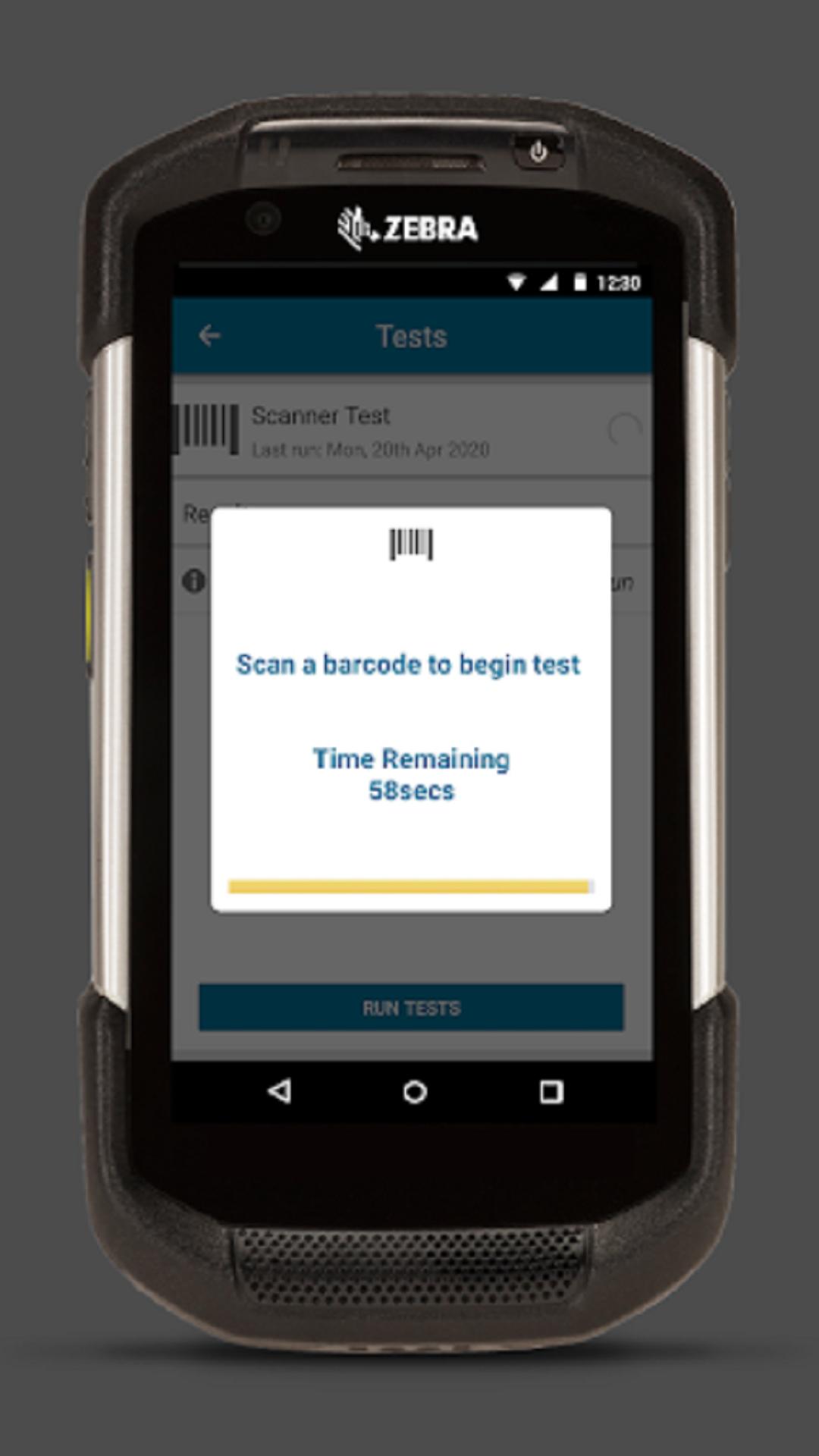
• Scanner Test: checks whether the scanner is operable.
• Button Test: checks the operation of push-to-talk, left or right scan trigger, volume up and volume down device buttons.
• Touch Screen Test: checks for operation of the device touch display.
• Bluetooth Tests: checks whether the Bluetooth radio is operable and returns Bluetooth related information: Bluetooth name, radio power cycle result, radio functional/non-functional, and discoverable/connectable.
• WiFi Tests: checks for operation of the WiFi radio and returns WiFi related information: MAC address, Network test for specified address, radio power cycle result, signal strength, ESSID, IP address, BSSID, and speed.
• Battery Tests: checks the battery status and returns battery related information: part number, serial number, model number, decommission status, voltage, current, and temperature.
• WWAN Tests: checks for operation of the WWAN radio and returns related WWAN information: SIM state, voice state, data state, WAN type, signal strength, phone number, and device ID.
• Audio Test: checks for operation of the device microphone and speaker.
Device Diagnostic Tool is available worldwide. Currently Device Diagnostic Tool is available in English, with localization being investigated as a future enhancement.
For more information on how to use Zebra’s Device Diagnostic Tool , please review our Admin Guide
The administrator guide can be found at: https://techdocs.zebra.com/ddt/
Important Note:
DDT package name has been modified from “com.symbol.selfdiagnostics” to “com.zebra.mdna.selfdiagnostics”. Due to this change, uninstallation of any prior version of DDT is required before installing this latest version.
Supported Zebra BSP Details:
Android 10 Lifeguard update 10-16-10.00-QG-U120-STD-HEL-04 or later Android 11 SDM660 requires Lifeguard update 11-30-24.00-RG-U00-STD-HEL-04 and Android 11 TC73,TC78 requires Lifeguard update 11-19-15.00-RG-U00-STD-ATH-04 or later versions.
For more details refer to https://techdocs.zebra.com/ddt/2-8/guide/about/#newin28
預覽
標籤
商業訊息
開發商
Zebra Technologies
最新版本
2.8.0.18
更新時間
2023-05-25
類別
商業
同時可用
Google Play
更多
如何在電腦上用 GameLoop 玩 Device Diagnostics Tool
1. 從官網下載GameLoop,然後運行exe文件安裝GameLoop
2. 打開GameLoop,搜索“Device Diagnostics Tool”,在搜索結果中找到Device Diagnostics Tool,點擊“安裝”
3. 享受在 GameLoop 上玩 Device Diagnostics Tool 的樂趣
Minimum requirements
OS
Windows 8.1 64-bit or Windows 10 64-bit
GPU
GTX 1050
CPU
i3-8300
Memory
8GB RAM
Storage
1GB available space
Recommended requirements
OS
Windows 8.1 64-bit or Windows 10 64-bit
GPU
GTX 1050
CPU
i3-9320
Memory
16GB RAM
Storage
1GB available space