
CEMOS Advisor 電腦版
CLAAS KGaA mbH
用GameLoop模拟器在電腦上玩CEMOS Advisor
CEMOS Advisor 電腦版
來自發行商 CLAAS KGaA mbH 的 CEMOS Advisor 能夠在安卓系統上運行。
現在,您可以在電腦上使用 GameLoop 模擬器流暢地玩 CEMOS Advisor。
在 GameLoop 遊戲庫或搜索結果中下載。 不需要再暢玩遊戲時盯著電池電量或被令人懊惱的來電打斷。
只需在電腦大屏幕上免費下載暢玩CEMOS Advisor 電腦版!
CEMOS Advisor 簡介
CEMOS Advisor is making good drivers even better. This optimisation aid for the smartphone helps the driver to configure his combine harvester even more efficiently.
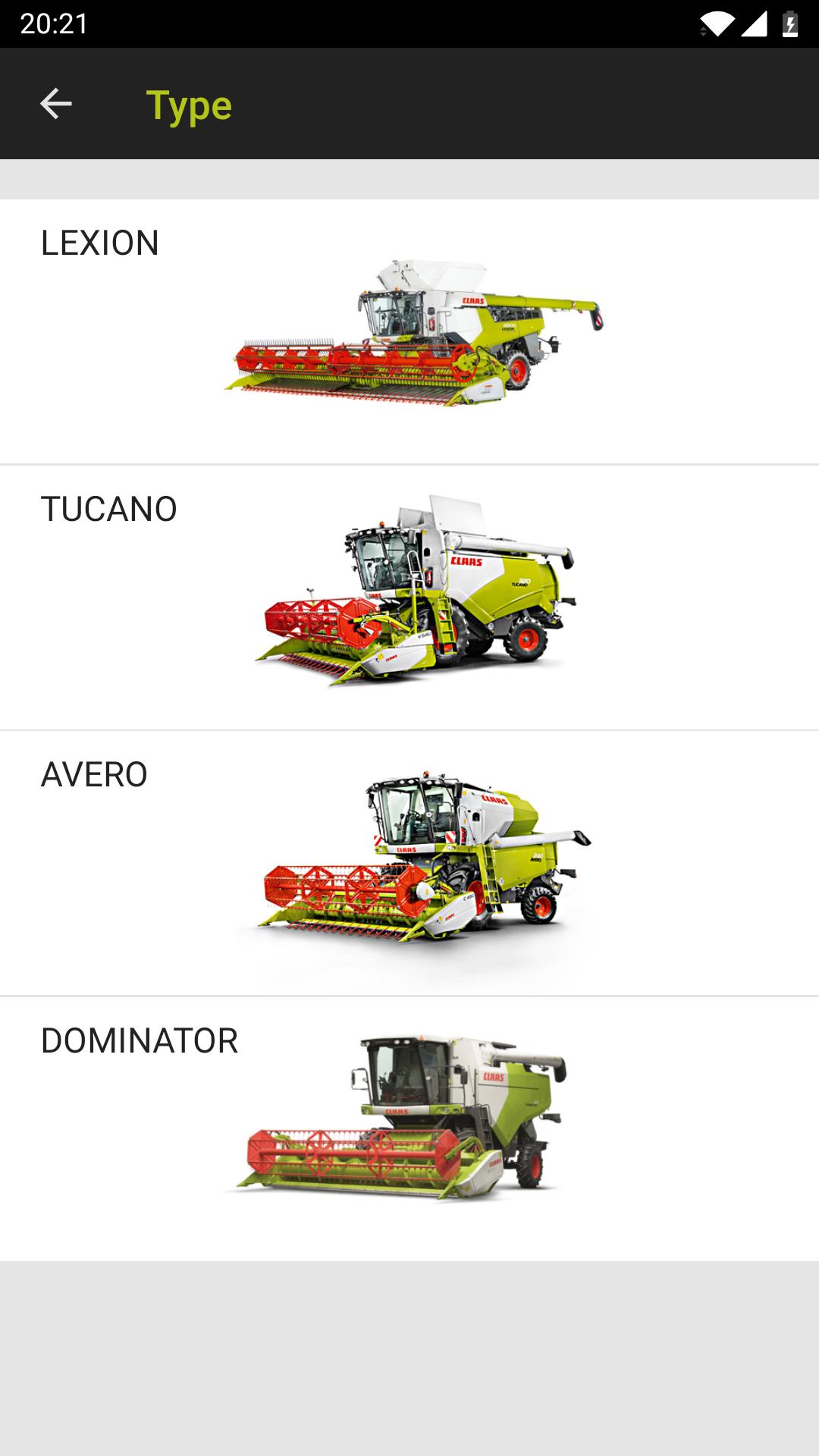
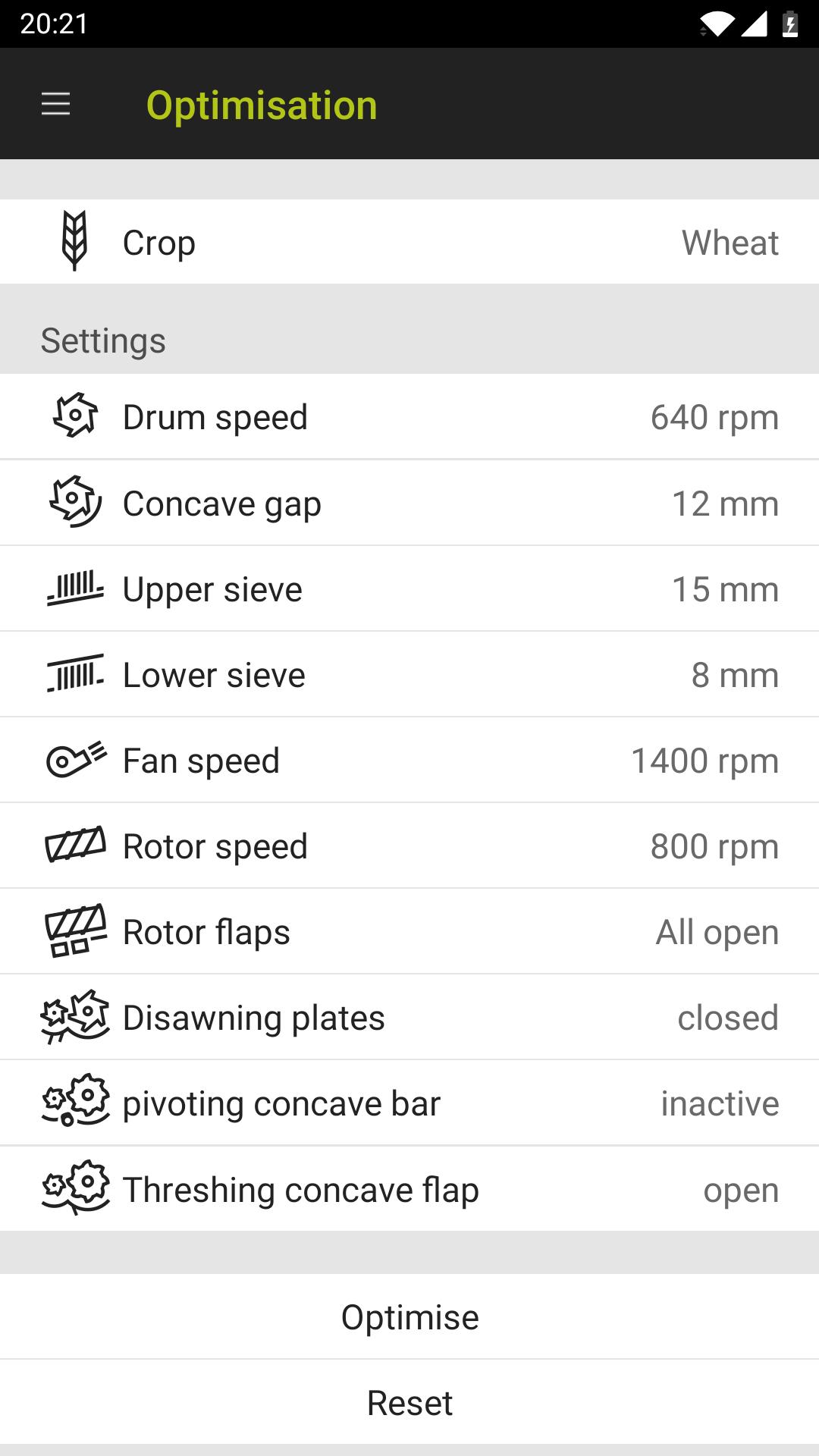
The default values in the crop log for your CLAAS combine harvester provide a useful average for almost all harvesting conditions, although they generally also offer some scope for optimisation. The CEMOS Advisor app gives the driver recommendations for optimising the machine settings during the harvest and can be used with the LEXION, TUCANO and AVERO model series. The app guides the driver through the configuration process and therefore improves as a result of continuous learning.
The optimisation takes place in three stages:
- A problem is detected during the harvest, e.g. high losses
- CEMOS Advisor makes a logical suggestion in terms of settings
- The driver adjusts the settings on the machine, checks the results and, if necessary, asks for another suggestion.
As soon as your machine is optimised, you can save your machine settings in the app and call them up again if required.
CEMOS Advisor also includes a calculation tool for loss analysis.
預覽
標籤
商業訊息
開發商
CLAAS KGaA mbH
最新版本
1.2.42
更新時間
2020-07-20
類別
商業
同時可用
Google Play
更多
如何在電腦上用 GameLoop 玩 CEMOS Advisor
1. 從官網下載GameLoop,然後運行exe文件安裝GameLoop
2. 打開GameLoop,搜索“CEMOS Advisor”,在搜索結果中找到CEMOS Advisor,點擊“安裝”
3. 享受在 GameLoop 上玩 CEMOS Advisor 的樂趣
Minimum requirements
OS
Windows 8.1 64-bit or Windows 10 64-bit
GPU
GTX 1050
CPU
i3-8300
Memory
8GB RAM
Storage
1GB available space
Recommended requirements
OS
Windows 8.1 64-bit or Windows 10 64-bit
GPU
GTX 1050
CPU
i3-9320
Memory
16GB RAM
Storage
1GB available space