
BluePiano 電腦版
TEC-IT
用GameLoop模拟器在電腦上玩BluePiano
BluePiano 電腦版
來自發行商 TEC-IT 的 BluePiano 能夠在安卓系統上運行。
現在,您可以在電腦上使用 GameLoop 模擬器流暢地玩 BluePiano。
在 GameLoop 遊戲庫或搜索結果中下載。 不需要再暢玩遊戲時盯著電池電量或被令人懊惱的來電打斷。
只需在電腦大屏幕上免費下載暢玩BluePiano 電腦版!
BluePiano 簡介
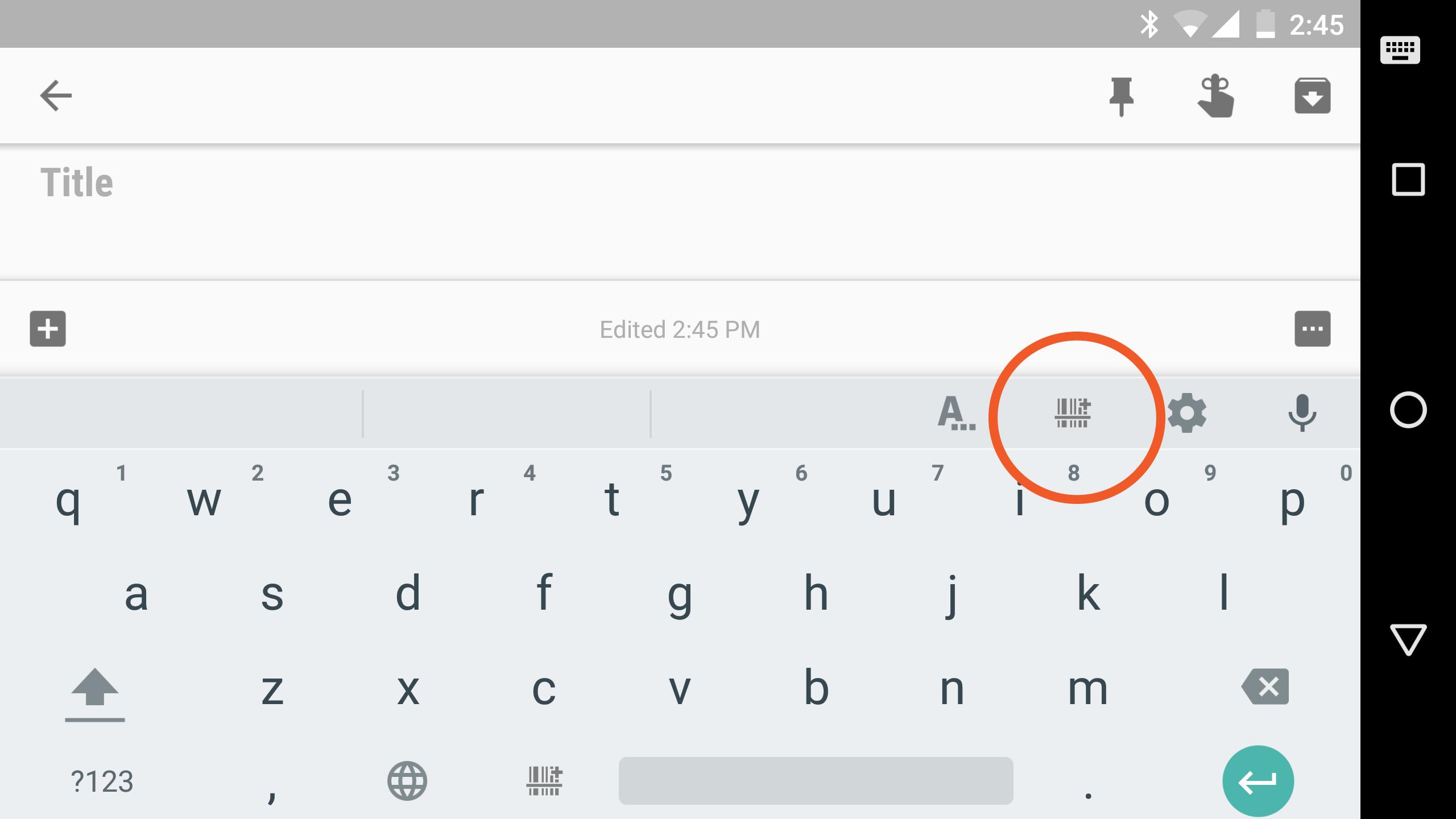
This soft-keyboard enables any app to capture and process data from arbitrary Bluetooth devices. BluePiano works as a so-called Bluetooth keyboard wedge: in addition to manual typing or voice input, this keyboard is able to receive and process data from external Bluetooth devices (e.g. barcode scanners, Bluetooth scales, Raspberry Pis, any data collection, measurement- or scientific equipment supporting the Bluetooth Serial Port Profile / Bluetooth SPP). App modifications are not required.
DATA ACQUISITION
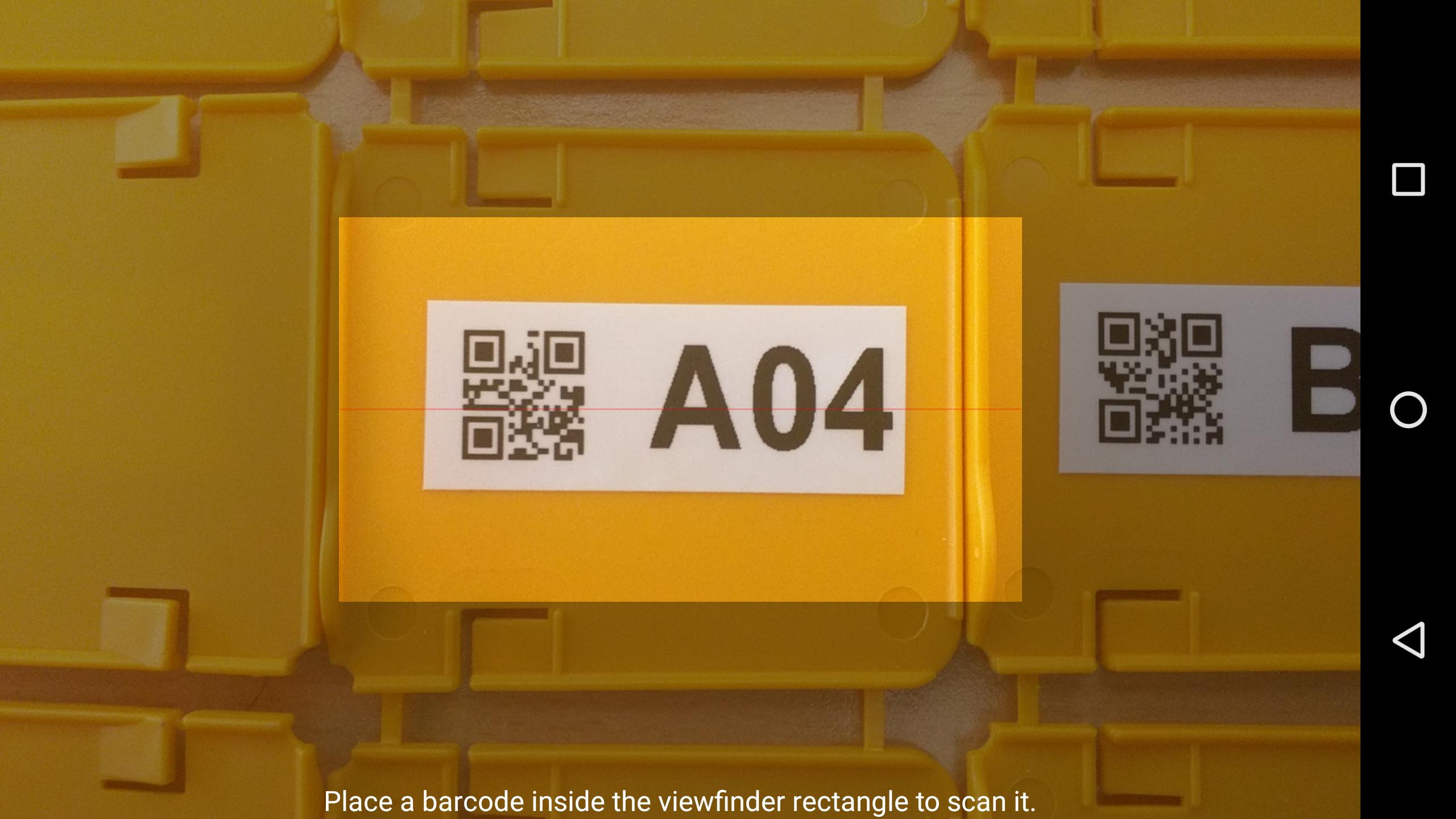
The received data is immediately converted into virtual keystrokes, which are then forwarded to the currently active input field of your target app. Voilà - the data appears in your app as typed by yourself. Another benefit of BluePiano is the capability to scan barcodes with the built-in camera scanner and its ability to read NFC tags. Again – the scanned data is inserted into the active app like keyed in by the user.
FREE DEMO
Just give it a try and test the free demo version. The free version displays a demo text in random intervals. You may upgrade to the full/paid version at any time.
FEATURES
◾ Ensures automated, fast and accurate data collection
◾ Works with almost any target app
◾ Data acquisition without copy/paste or manual typing
◾ Reduces typing efforts and input errors
◾ No modifications of the target apps are required
◾ Compatible with all Bluetooth devices supporting the serial port profile (SPP, RFCOMM)
◾ Built-in camera barcode scanner
◾ Built-in NFC tag reader
◾ State-of-the-art keyboard layout
◾ Multiple input languages, voice input, word suggestions, dictionary support
◾ Advanced features like swipe to scan (ideal for operation with work gloves)
◾ Fully customizable
◾ Device-command support (send trigger sequences to external devices)
◾ Always show keyboard option
SUPPORT
In case of problems, questions or requests please contact our free support: support@tec-it.com (mail) / TECITSupport (Skype).
預覽
標籤
商業訊息
開發商
TEC-IT
最新版本
2.2.1
更新時間
2019-11-06
類別
商業
同時可用
Google Play
更多
如何在電腦上用 GameLoop 玩 BluePiano
1. 從官網下載GameLoop,然後運行exe文件安裝GameLoop
2. 打開GameLoop,搜索“BluePiano”,在搜索結果中找到BluePiano,點擊“安裝”
3. 享受在 GameLoop 上玩 BluePiano 的樂趣
Minimum requirements
OS
Windows 8.1 64-bit or Windows 10 64-bit
GPU
GTX 1050
CPU
i3-8300
Memory
8GB RAM
Storage
1GB available space
Recommended requirements
OS
Windows 8.1 64-bit or Windows 10 64-bit
GPU
GTX 1050
CPU
i3-9320
Memory
16GB RAM
Storage
1GB available space