
BLK Live 電腦版
Leica Geosystems AG
用GameLoop模拟器在電腦上玩BLK Live
BLK Live 電腦版
來自發行商 Leica Geosystems AG 的 BLK Live 能夠在安卓系統上運行。
現在,您可以在電腦上使用 GameLoop 模擬器流暢地玩 BLK Live。
在 GameLoop 遊戲庫或搜索結果中下載。 不需要再暢玩遊戲時盯著電池電量或被令人懊惱的來電打斷。
只需在電腦大屏幕上免費下載暢玩BLK Live 電腦版!
BLK Live 簡介
Take control with BLK Live.
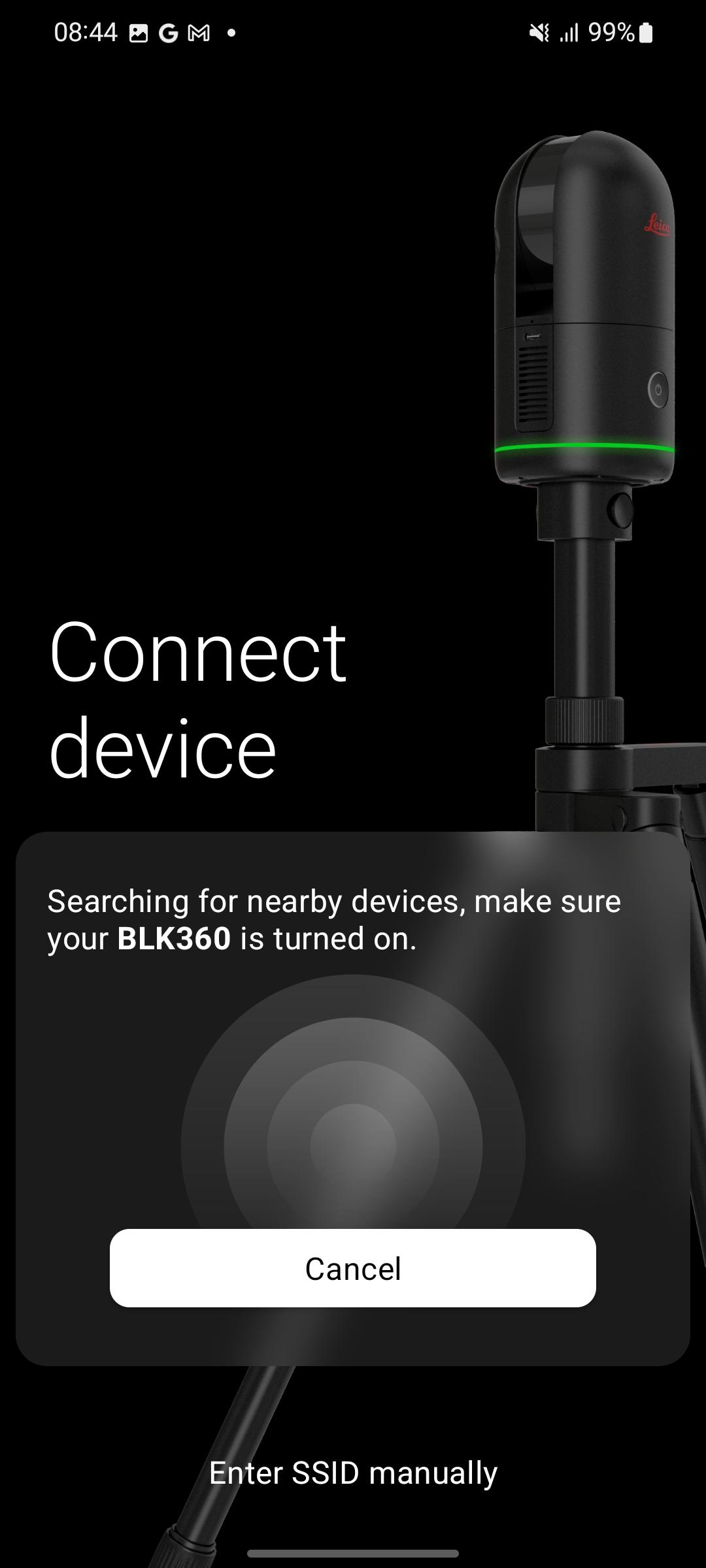
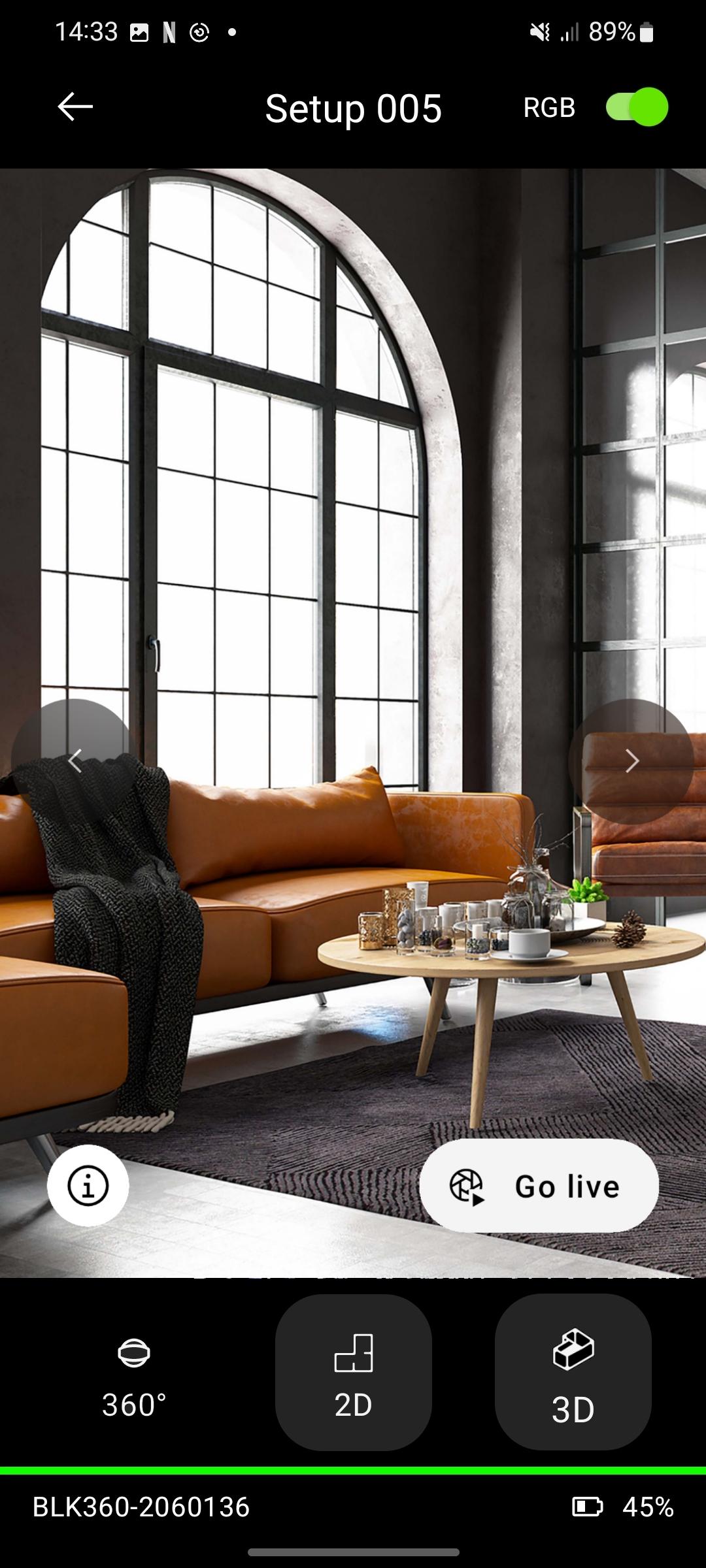
Leica Geosystems introduces BLK Live, together with the ALL-NEW Leica BLK360 imaging laser scanner, BLK2GO and BLK2GO PULSE. BLK Live is optimized to offer the simplest and most effortless path to your data. Connect to your BLK, control scanner settings and organize your data in jobs. 3D viewing options allow you to inspect what was scanned, so you can make sure that you captured everything you need. BLK360 keeps track of its motion between two setups using its built in cameras and the VIS system. BLK Live shows you this path in real time so you always know where the device is, relative to the previous setup. When your Job is done, simply export your scans to e57, or upload to Reality Cloud Studio - directly from BLK Live.
預覽
標籤
商業訊息
開發商
Leica Geosystems AG
最新版本
2.2.0
更新時間
2024-09-16
類別
商業
同時可用
Google Play
更多
如何在電腦上用 GameLoop 玩 BLK Live
1. 從官網下載GameLoop,然後運行exe文件安裝GameLoop
2. 打開GameLoop,搜索“BLK Live”,在搜索結果中找到BLK Live,點擊“安裝”
3. 享受在 GameLoop 上玩 BLK Live 的樂趣
Minimum requirements
OS
Windows 8.1 64-bit or Windows 10 64-bit
GPU
GTX 1050
CPU
i3-8300
Memory
8GB RAM
Storage
1GB available space
Recommended requirements
OS
Windows 8.1 64-bit or Windows 10 64-bit
GPU
GTX 1050
CPU
i3-9320
Memory
16GB RAM
Storage
1GB available space