
At Work EMM 電腦版
MobileIron
用GameLoop模拟器在電腦上玩At Work EMM
At Work EMM 電腦版
來自發行商 MobileIron 的 At Work EMM 能夠在安卓系統上運行。
現在,您可以在電腦上使用 GameLoop 模擬器流暢地玩 At Work EMM。
在 GameLoop 遊戲庫或搜索結果中下載。 不需要再暢玩遊戲時盯著電池電量或被令人懊惱的來電打斷。
只需在電腦大屏幕上免費下載暢玩At Work EMM 電腦版!
At Work EMM 簡介
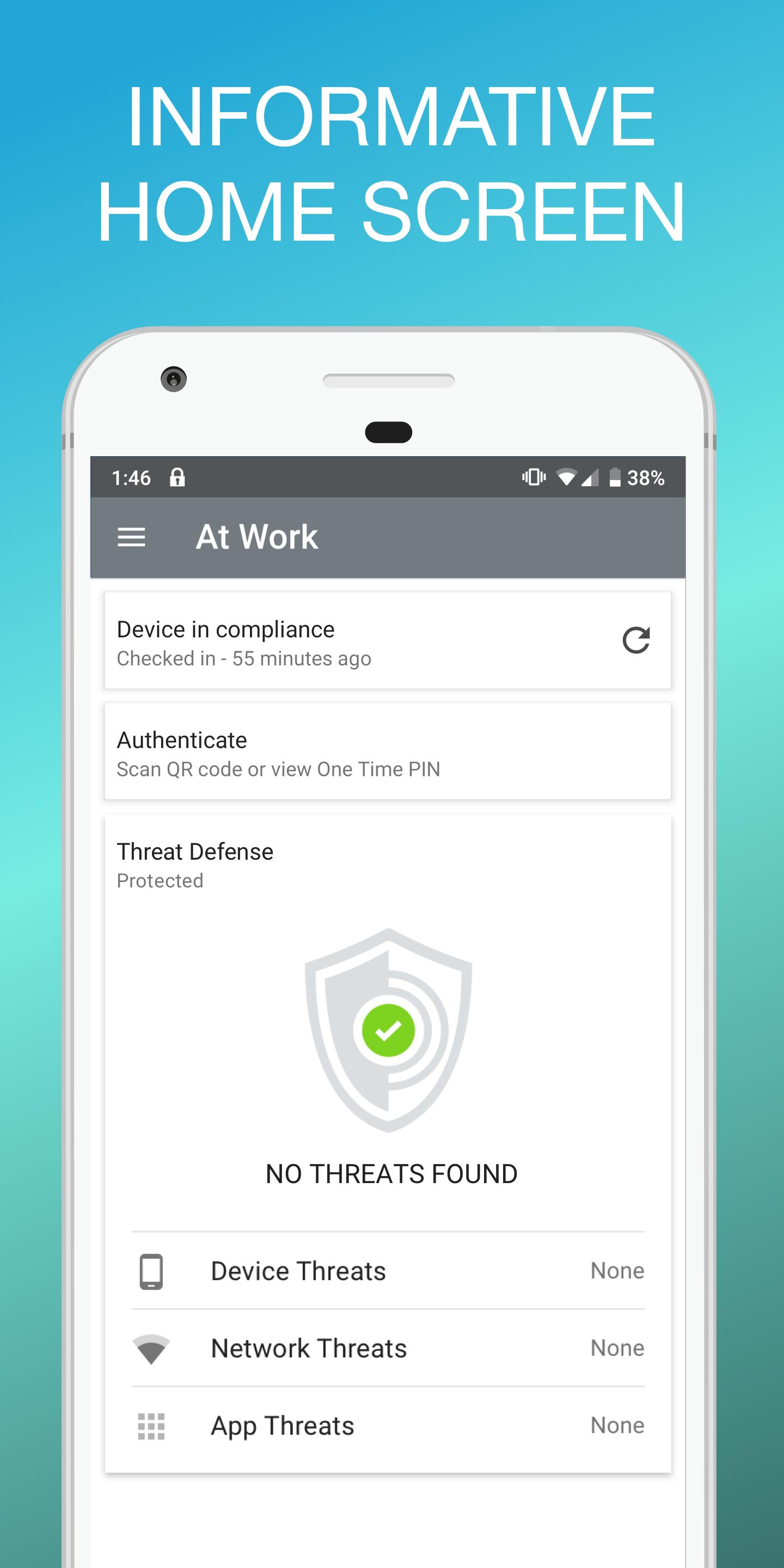
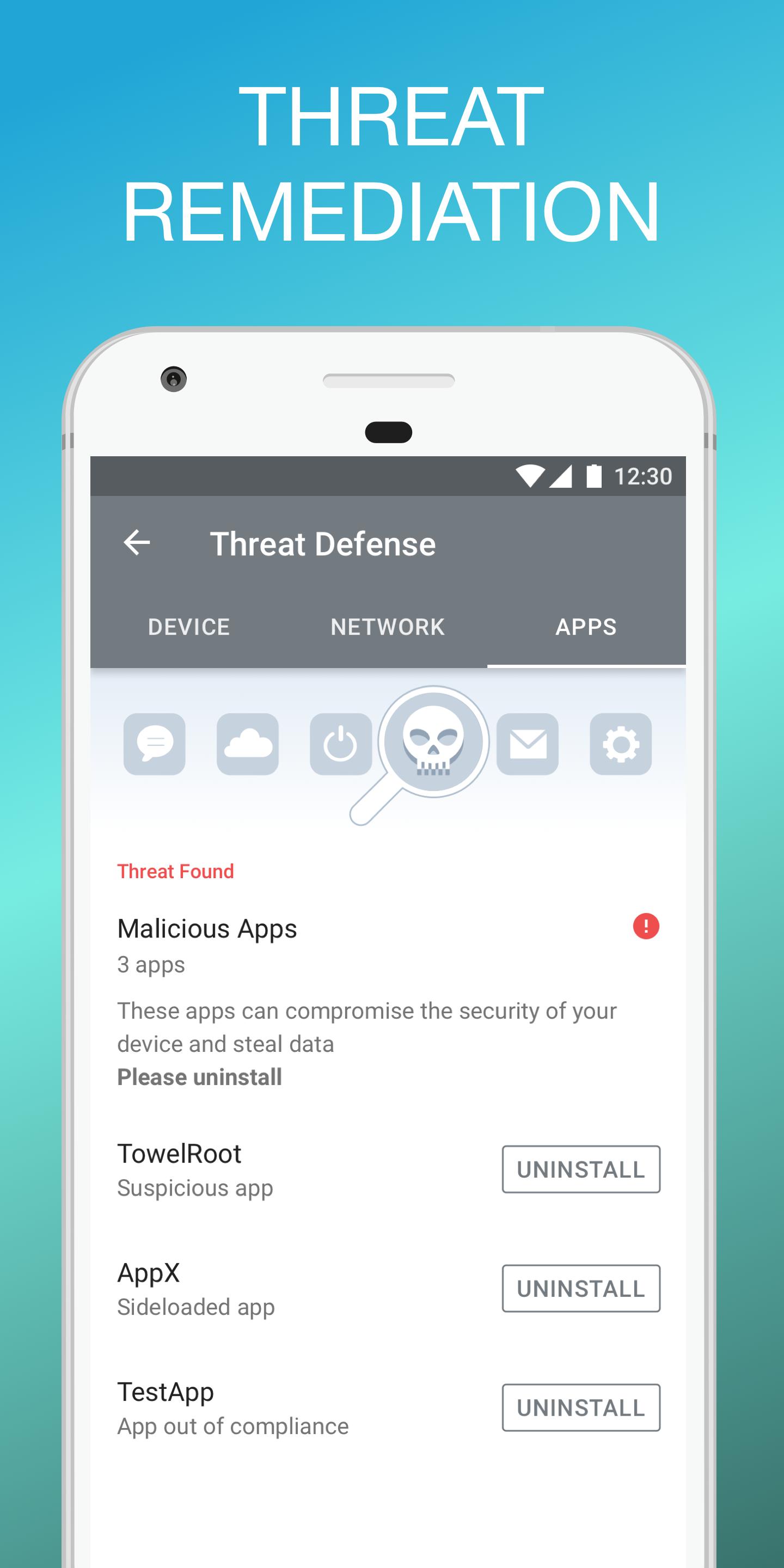
The Mobile Device Management app connects your mobile device to your company's resources and is
the mobile work place that makes it easy to find the documents, photos, and presentations your company uses most. There's no need to hunt for documents on confusing wikis, hard-to-navigate file servers, and bloated inboxes.
With just a few quick steps, you get easy access to your company documents right on your mobile device.
NOTE: In order to log into the app, you must have an account on
your company's compatible mobility management service.
Key features:
Quickly connect to your company's network
Get easy access to company email and the documents your team uses most
Easily find documents by author, description, and preview
Stop navigating confusing folders to find things by file name and extension
Mark your most important documents as Favorite to quickly access offline
Stay current by always having access to the most recent versions of your documents.
A VPN service may be used to provide anti-phishing capabilities, if configured.
Ivanti Privacy Policy is available at https://www.ivanti.com/company/legal/privacy-policy
預覽
標籤
商業訊息
開發商
MobileIron
最新版本
112.0.0.8
更新時間
2025-01-15
類別
商業
同時可用
Google Play
更多
如何在電腦上用 GameLoop 玩 At Work EMM
1. 從官網下載GameLoop,然後運行exe文件安裝GameLoop
2. 打開GameLoop,搜索“At Work EMM”,在搜索結果中找到At Work EMM,點擊“安裝”
3. 享受在 GameLoop 上玩 At Work EMM 的樂趣
Minimum requirements
OS
Windows 8.1 64-bit or Windows 10 64-bit
GPU
GTX 1050
CPU
i3-8300
Memory
8GB RAM
Storage
1GB available space
Recommended requirements
OS
Windows 8.1 64-bit or Windows 10 64-bit
GPU
GTX 1050
CPU
i3-9320
Memory
16GB RAM
Storage
1GB available space