Maxi Craft Exploration 3D 2019 電腦版
Suras Crafting 3D Building Games Inc
用GameLoop模拟器在電腦上玩Maxi Craft Exploration 3D 2019
Maxi Craft Exploration 3D 2019 電腦版
來自發行商 Suras Crafting 3D Building Games Inc 的 Maxi Craft Exploration 3D 2019 能夠在安卓系統上運行。
現在,您可以在電腦上使用 GameLoop 模擬器流暢地玩 Maxi Craft Exploration 3D 2019。
在 GameLoop 遊戲庫或搜索結果中下載。 不需要再暢玩遊戲時盯著電池電量或被令人懊惱的來電打斷。
只需在電腦大屏幕上免費下載暢玩Maxi Craft Exploration 3D 2019 電腦版!
Maxi Craft Exploration 3D 2019 簡介
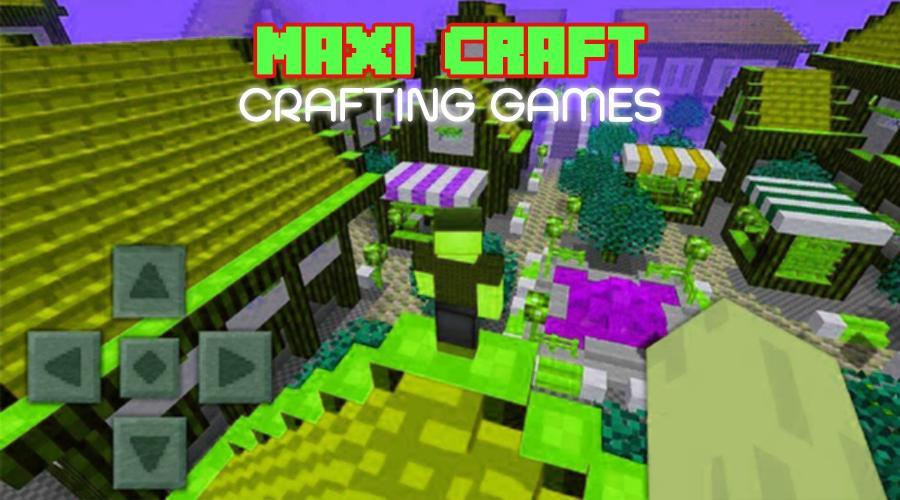
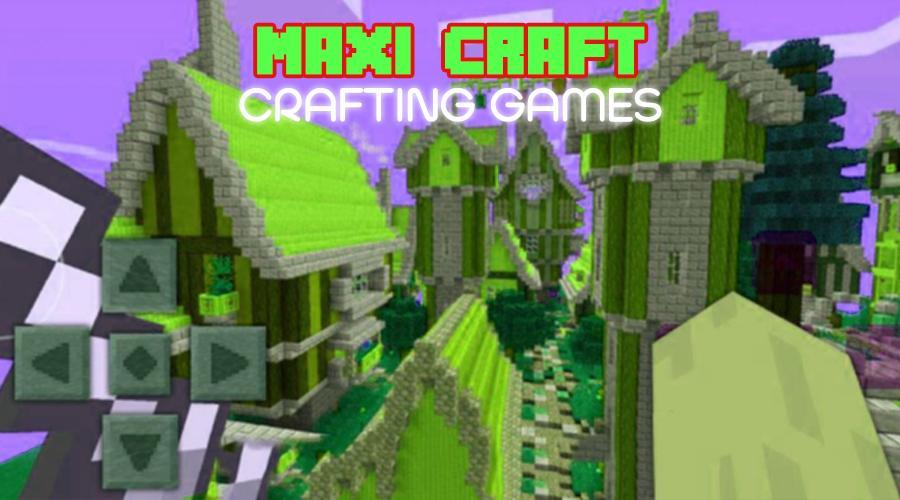
Maxi Craft 3D 2019 is the best game with creative multiplayer modes and survival modes. Plunge into the magical world of crafts. Discover the maximum opportunities for building and exciting adventures.
Explore all the places of the world, gather resources, hunt, plant animals and grow plants. Create tools and weapons for construction and complete protection from predators and monsters.
Multiplayer for you and your friend on one Wi-Fi
Create your own worlds and upload them to multiplayer mode for others.
You can turn off monsters and predators.
There is a flight mode and much more.
This game will reveal your creativity, and contribute to the development of your creativity!
Features :
- Very nice texture in high resolution
- Unsurpassed interface
- Very handy and convenient game controls
- High FPS, without compromise
- Even more options for creativity without limits
- For children and adults
Graphics Super 3D !!!
預覽
訊息
開發商
Suras Crafting 3D Building Games Inc
最新版本
3.0
更新時間
2018-09-20
類別
桌遊
同時可用
Google Play
更多
如何在電腦上用 GameLoop 玩 Maxi Craft Exploration 3D 2019
1. 從官網下載GameLoop,然後運行exe文件安裝GameLoop
2. 打開GameLoop,搜索“Maxi Craft Exploration 3D 2019”,在搜索結果中找到Maxi Craft Exploration 3D 2019,點擊“安裝”
3. 享受在 GameLoop 上玩 Maxi Craft Exploration 3D 2019 的樂趣
Minimum requirements
OS
Windows 8.1 64-bit or Windows 10 64-bit
GPU
GTX 1050
CPU
i3-8300
Memory
8GB RAM
Storage
1GB available space
Recommended requirements
OS
Windows 8.1 64-bit or Windows 10 64-bit
GPU
GTX 1050
CPU
i3-9320
Memory
16GB RAM
Storage
1GB available space