
ChessEye: Chessboard Scanner 電腦版
minilogic
用GameLoop模拟器在電腦上玩ChessEye: Chessboard Scanner
ChessEye: Chessboard Scanner 電腦版
來自發行商 minilogic 的 ChessEye: Chessboard Scanner 能夠在安卓系統上運行。
現在,您可以在電腦上使用 GameLoop 模擬器流暢地玩 ChessEye: Chessboard Scanner。
在 GameLoop 遊戲庫或搜索結果中下載。 不需要再暢玩遊戲時盯著電池電量或被令人懊惱的來電打斷。
只需在電腦大屏幕上免費下載暢玩ChessEye: Chessboard Scanner 電腦版!
ChessEye: Chessboard Scanner 簡介
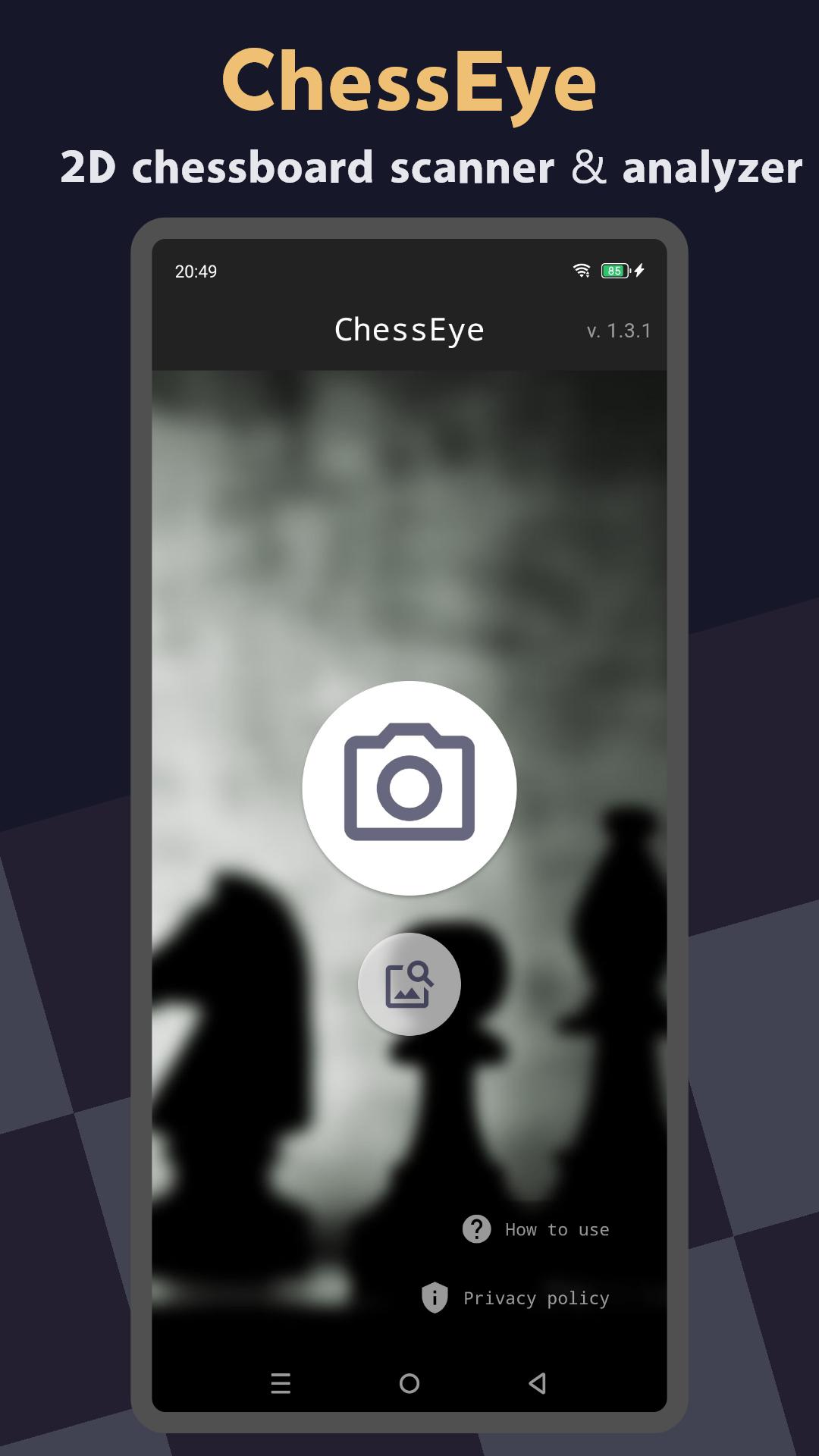
ChessEye is an intelligent app that helps players of all levels to scan and analyze chess positions from printed materials, 2D sources, or screenshots right on your smartphone or tablet.
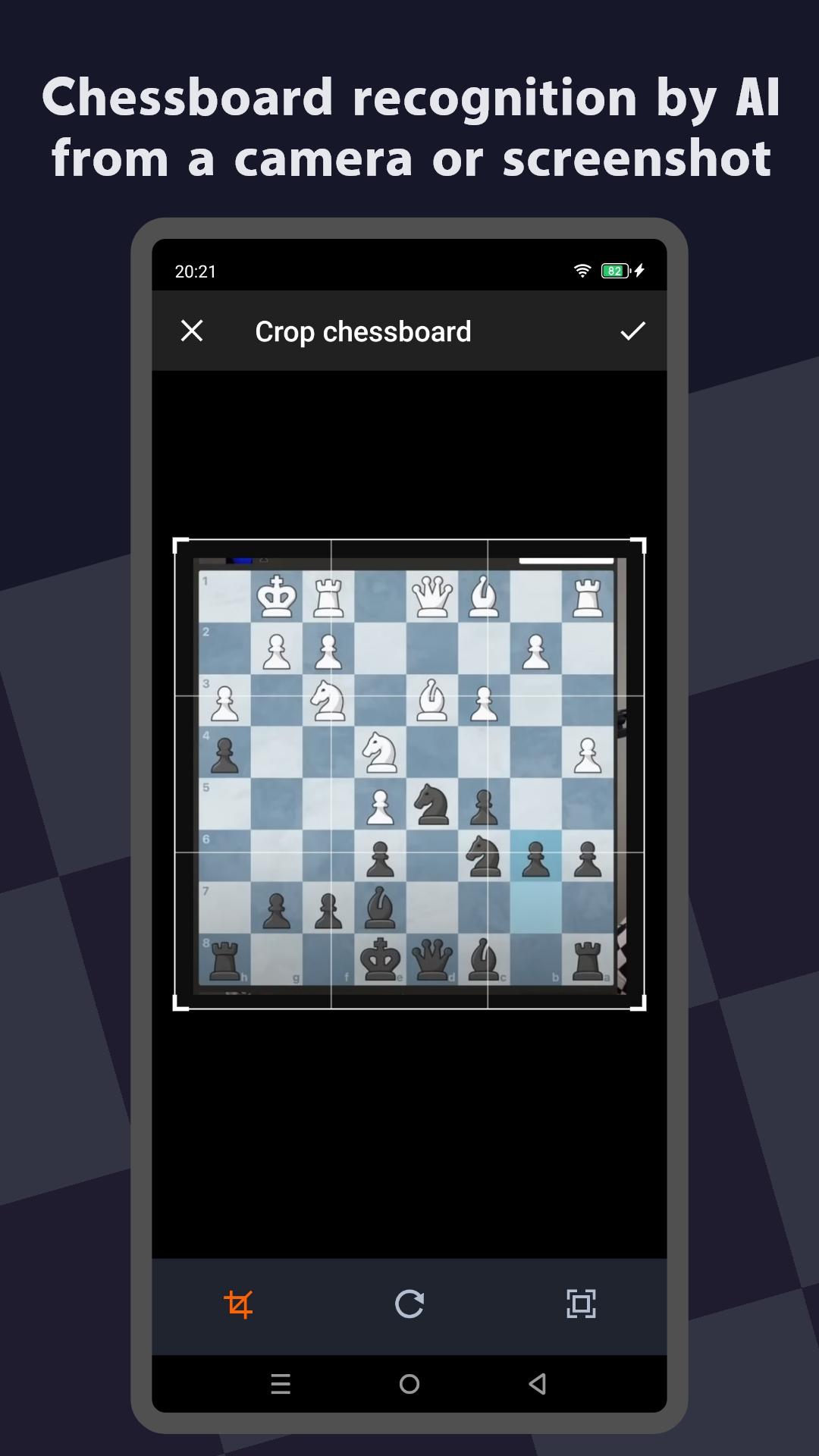
Using advanced AI-powered image recognition, ChessEye quickly identifies and interprets board layouts from photos or images. Simply point your device's camera at a chess board in a book, magazine, or even a digital source like a screenshot, and let ChessEye extract the exact position in seconds.
Once scanned, you can view detailed analysis, suggested moves, and in-depth game insights powered by a robust chess engine. Perfect for analyzing complex scenarios, reviewing classic games, or practicing openings, ChessEye is your essential companion for mastering chess, anytime, anywhere.
Main Features:
- Chessboard recognition by AI from a camera or screenshot
- Calculate the best next move for a position
- Analyse any chess position with the Stockfish
Enjoy ✌️♟️
預覽
標籤
桌遊訊息
開發商
minilogic
最新版本
1.3.1
更新時間
2024-11-01
類別
桌遊
同時可用
Google Play
更多
如何在電腦上用 GameLoop 玩 ChessEye: Chessboard Scanner
1. 從官網下載GameLoop,然後運行exe文件安裝GameLoop
2. 打開GameLoop,搜索“ChessEye: Chessboard Scanner”,在搜索結果中找到ChessEye: Chessboard Scanner,點擊“安裝”
3. 享受在 GameLoop 上玩 ChessEye: Chessboard Scanner 的樂趣
Minimum requirements
OS
Windows 8.1 64-bit or Windows 10 64-bit
GPU
GTX 1050
CPU
i3-8300
Memory
8GB RAM
Storage
1GB available space
Recommended requirements
OS
Windows 8.1 64-bit or Windows 10 64-bit
GPU
GTX 1050
CPU
i3-9320
Memory
16GB RAM
Storage
1GB available space