
Chess - Classic Chess Offline 電腦版
Connect Word Games
用GameLoop模拟器在電腦上玩Chess - Classic Chess Offline
Chess - Classic Chess Offline 電腦版
來自發行商 Connect Word Games 的 Chess - Classic Chess Offline 能夠在安卓系統上運行。
現在,您可以在電腦上使用 GameLoop 模擬器流暢地玩 Chess - Classic Chess Offline。
在 GameLoop 遊戲庫或搜索結果中下載。 不需要再暢玩遊戲時盯著電池電量或被令人懊惱的來電打斷。
只需在電腦大屏幕上免費下載暢玩Chess - Classic Chess Offline 電腦版!
Chess - Classic Chess Offline 簡介
The Chess app with powerful AI engine to develop your skills such as tactics, strategy and visual memory.
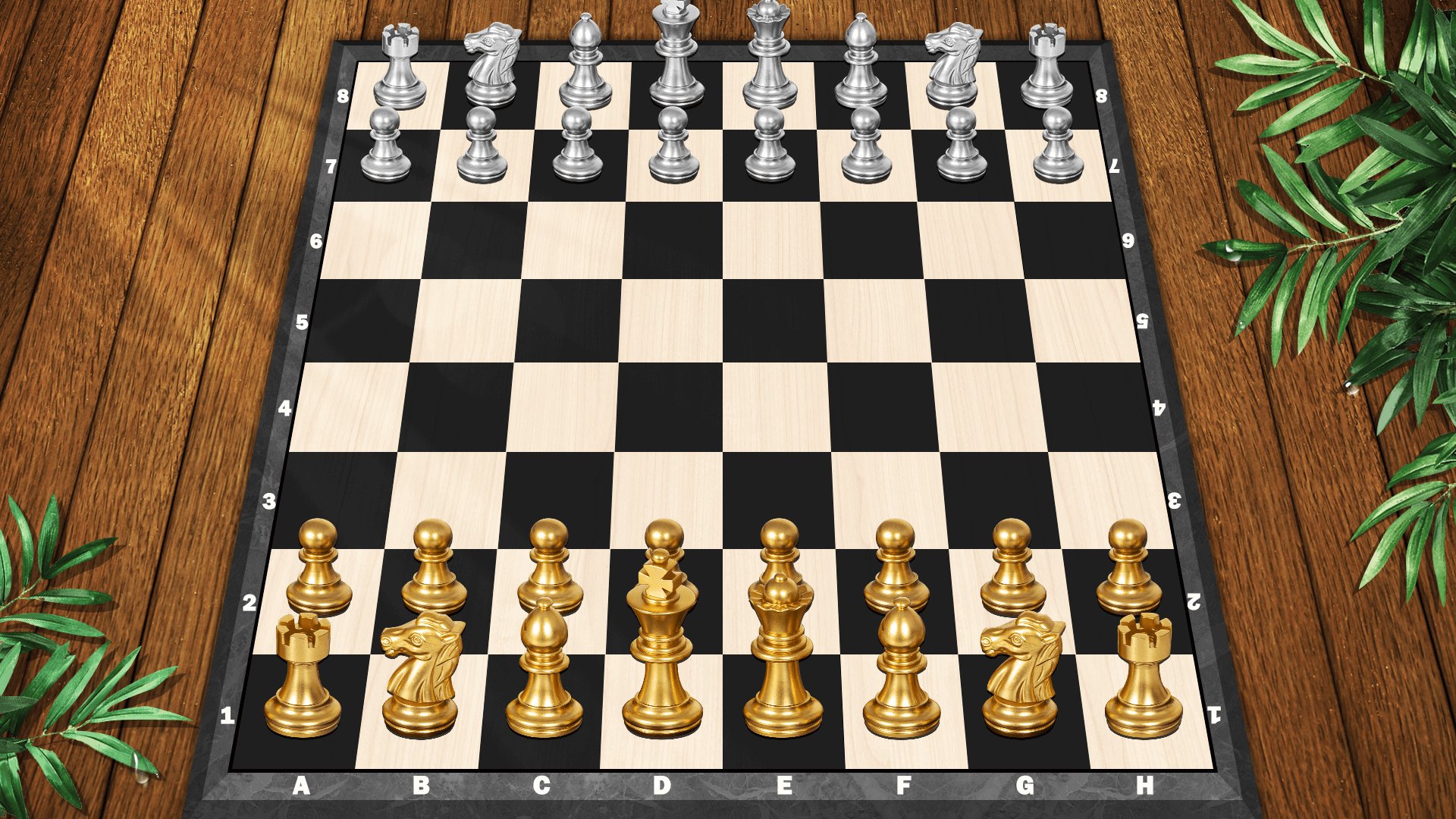
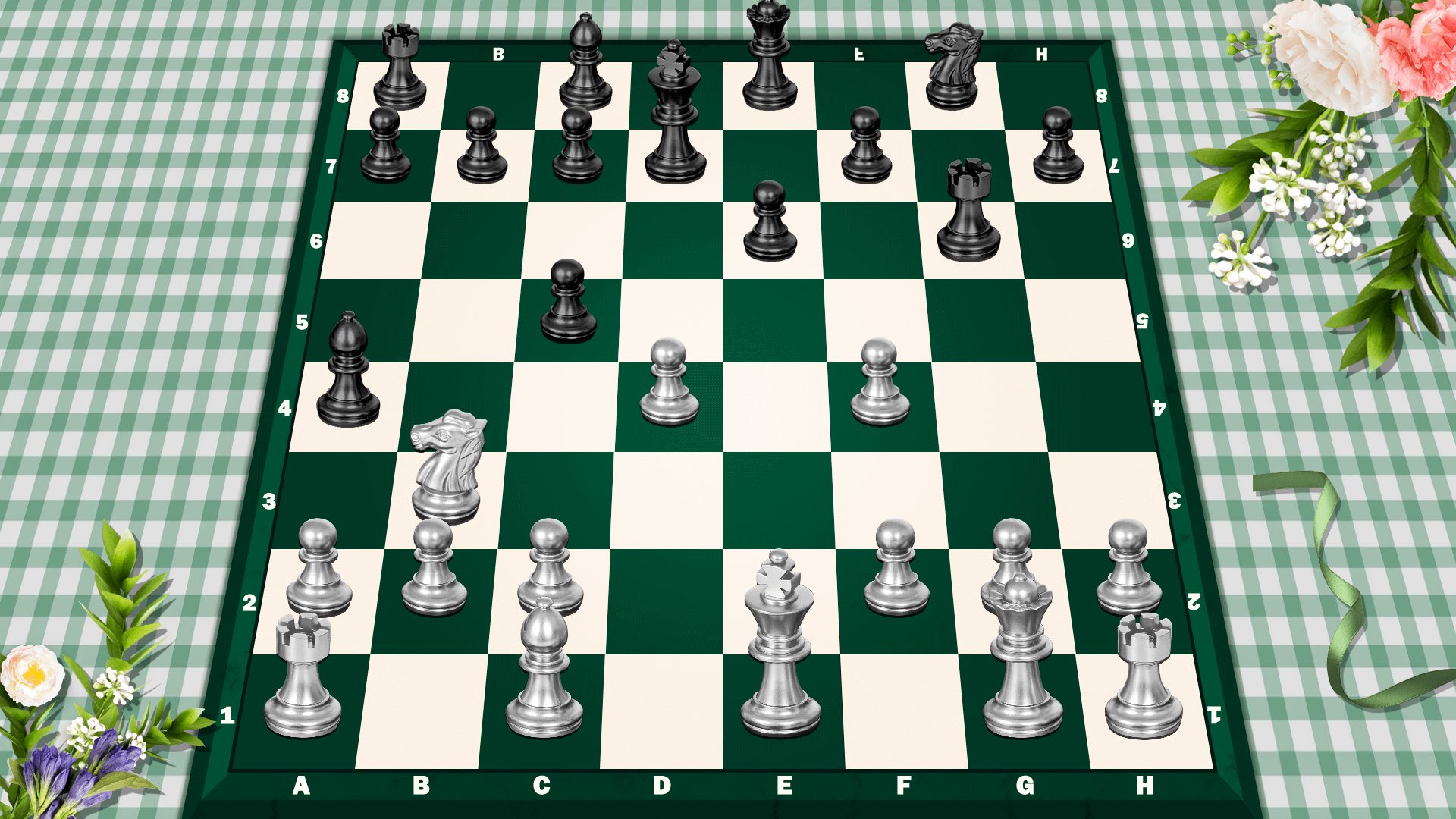
In the vast board games world, chess is a timeless classic, and among chess games, this app stands out—powered by a top-tier AI engine and sleek 3d games design, it hones your tactics, strategy, and visual memory, perfect for beginners and aspiring masters alike.
Play anytime, anywhere: Enjoy 2 player chess with friends, compete chess online with random players, or use Chess Offline mode to play against the computer without Wi-Fi. It turns your device into a portable chess hub, blending the joy of board games with flexibility.
How to Play:Chess Basics for Beginners
New to chess? This app makes learning easy! Chess is a 2-player strategy board game on an 8x8 grid of 64 black-and-white squares. Players take turns moving 16 unique pieces each (1 king, 1 queen, 2 rooks, 2 knights, 2 bishops, 8 pawns). Here’s how each piece moves:
-King: Moves 1 square in any direction (key to protect—losing it means checkmate!).
-Queen: Moves any number of squares horizontally, vertically, or diagonally (most powerful piece).
-Rooks: Move any number of squares horizontally or vertically (great for controlling lines).
-Knights: Jump in an L-shape (2 squares in one direction + 1 square perpendicular—only piece that leaps over others).
-Bishops: Move any number of squares diagonally (stay on their starting color).
-Pawns: Move 1 square forward (2 squares on their first move); capture diagonally forward. Reach the opponent’s back rank? Promote it to a queen/rook/knight/bishop!
-Goal: Achieve checkmate—trap the opponent’s king so it can’t escape capture. The app’s hints to learn chess and tips will guide you as you practice!
Craving a bigger challenge? Want to be a Chess master fast? This app is your training partner, turning every game into skill-building progress.
Key Features
1. Powerful AI Engine
Trained on millions of pro games, it adapts to your level: gentle for beginners, advanced for pros. It pushes you to grow—your personal chess coach to boost chess force.
2. 10 Difficulty Levels
From easy levels to difficulty levels. Progress at your own pace—never feel overwhelmed or bored, perfect for this free casual setup.
3. Hints to Learn Chess
Don't know what to do next? It's okay, just follow the hint. Accept a hint, and you’ll learn the logic behind it, not just copy.
4. Undo Move
Fix mistakes or explore alternatives. Use it to review games—turn errors into lessons.
5. Diverse 3d Games Themes
Choose different 3d chess themes and refresh your experience in seconds—match your mood!
6. Seamless 2 Player Chess
Play with nearby friends on one device.
7. Works on Phone And Tablet
Optimized for both: Phones offer on-the-go convenience; tablets showcase detailed 3d games graphics for immersion.
8. Realistic graphics and exciting sound effects
Realistic visuals and exciting sounds boost focus—stay alert to critical moments.
9. Helpful Tips And Highlights
Get timely, tailored guidance as you play—insights that align with where you are in your chess journey. It points out key moments in the game, offers gentle nudges about impactful choices, and highlights details that help you build a stronger grasp of how to play well. Whether you’re just starting out or have some experience, these tips and highlights add value without taking over your decision-making.
10. Automatic Save
Never lose progress—saves game state, move history, and settings. Pick up where you left off after interruptions.
Most of all: It’s a free board game! Download the free chess game now!
Android users: Download now! Start your journey—play chess online, practice Chess Offline, or enjoy 2 player chess. We built this to sharpen your strategy, refine tactics, and boost chess force. With practice, you’ll grow into a top expert.
Thank you for choosing our Chess app. Let the games begin!
預覽
標籤
抽象策略棋牌休閒多人遊戲競技多人單人遊戲現實單機遊戲Competitive訊息
開發商
Connect Word Games
最新版本
3.1
更新時間
2025-11-25
類別
桌遊
同時可用
Google Play
更多
如何在電腦上用 GameLoop 玩 Chess - Classic Chess Offline
1. 從官網下載GameLoop,然後運行exe文件安裝GameLoop
2. 打開GameLoop,搜索“Chess - Classic Chess Offline”,在搜索結果中找到Chess - Classic Chess Offline,點擊“安裝”
3. 享受在 GameLoop 上玩 Chess - Classic Chess Offline 的樂趣
Minimum requirements
OS
Windows 8.1 64-bit or Windows 10 64-bit
GPU
GTX 1050
CPU
i3-8300
Memory
8GB RAM
Storage
1GB available space
Recommended requirements
OS
Windows 8.1 64-bit or Windows 10 64-bit
GPU
GTX 1050
CPU
i3-9320
Memory
16GB RAM
Storage
1GB available space