تجميل الصورة الشخصية - مكياج س 電腦版
1B Studio Ltd
用GameLoop模拟器在電腦上玩تجميل الصورة الشخصية - مكياج س
تجميل الصورة الشخصية - مكياج س 電腦版
來自發行商 1B Studio Ltd 的 تجميل الصورة الشخصية - مكياج س 能夠在安卓系統上運行。
現在,您可以在電腦上使用 GameLoop 模擬器流暢地玩 تجميل الصورة الشخصية - مكياج س。
在 GameLoop 遊戲庫或搜索結果中下載。 不需要再暢玩遊戲時盯著電池電量或被令人懊惱的來電打斷。
只需在電腦大屏幕上免費下載暢玩تجميل الصورة الشخصية - مكياج س 電腦版!
تجميل الصورة الشخصية - مكياج س 簡介
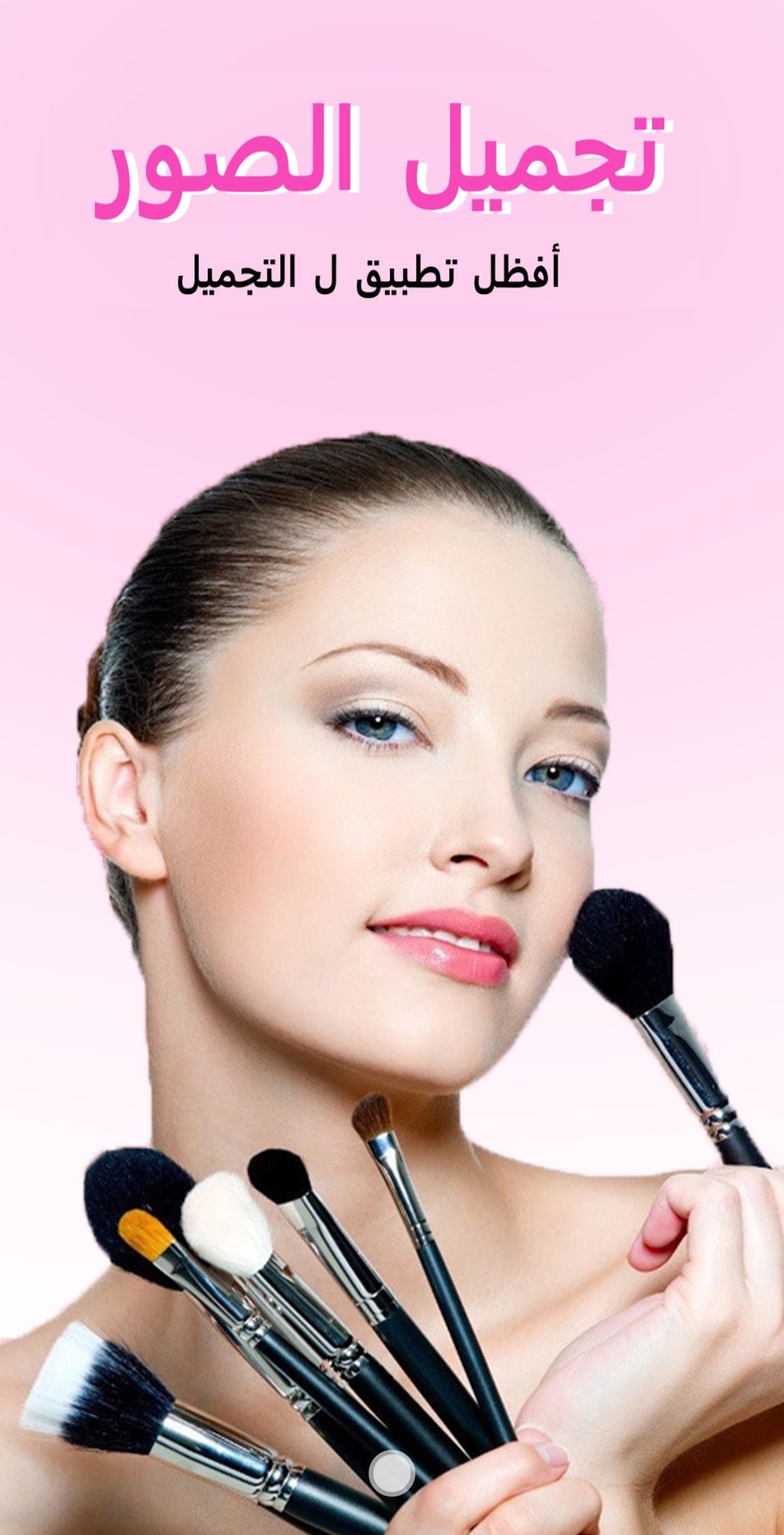
The personal photo beautification application contains many features that help you to decorate and beautify the image of your face, from the cheeks to the eyes, passing through the lips. Where you can change its color to several colors, including violet, red, pink...
The application, a complete photo makeup program, first determines the features of the face using artificial intelligence, and from that you can use all the makeup and adornment tools available in the next stage. We will explain each tool and its role:
The face makeup program enables you to first choose the image size that you want the appropriate ratio for your image, consisting of a circle and a vertical and horizontal rectangular square.
The tool that added the turbidity on the lips, first the complete photo makeup program and lenses without the net automatically locate the lips, and it gives you to choose the right color for the lips. It contains many colors and you can also determine the percentage and amount of color on the lips. When you are finished, save using the arrow above. Right sign.
The tool for changing the color of the eyes determines the location of your eyes in the face, and from that you add the color you want to the pupil of the eye, there are several colors, you can also control the intensity of the lighting, click on the right sign below. You can also enlarge or reduce the lighting circle. You can also control the color of the eyelids.
The cheek color change tool helps you to change the skin color on the cheeks side from red to pink and many colors where a light color increases on the side of the cheeks automatically and you can control the brightness and brightness.
The following tool is characterized by changing the color of the skin completely. There are many colors similar to the color of the skin that help you decorate your face.
The face beautification program in the picture contains a whitening tool that helps whiten the face to appear more shiny and attractive.
The blur tool or the so-called crystal, which enables you to blur the background or delete anything you want.
After you finish, click on the check mark above, and you will go to a page where you can add writing on the image, text of all kinds of fonts, and also you can add filters, you can choose several colors, and the beautiful thing is that you can also add many stickers, wigs, accessories, waves, hats, and many more You can also flip the image from top to bottom or from right to left.
Finally, the face in the picture program enables you to share your image on social networking sites immediately after completion.
預覽

標籤
美容訊息
開發商
1B Studio Ltd
最新版本
1.3
更新時間
2021-09-19
類別
美容
同時可用
Google Play
更多
如何在電腦上用 GameLoop 玩 تجميل الصورة الشخصية - مكياج س
1. 從官網下載GameLoop,然後運行exe文件安裝GameLoop
2. 打開GameLoop,搜索“تجميل الصورة الشخصية - مكياج س”,在搜索結果中找到تجميل الصورة الشخصية - مكياج س,點擊“安裝”
3. 享受在 GameLoop 上玩 تجميل الصورة الشخصية - مكياج س 的樂趣
Minimum requirements
OS
Windows 8.1 64-bit or Windows 10 64-bit
GPU
GTX 1050
CPU
i3-8300
Memory
8GB RAM
Storage
1GB available space
Recommended requirements
OS
Windows 8.1 64-bit or Windows 10 64-bit
GPU
GTX 1050
CPU
i3-9320
Memory
16GB RAM
Storage
1GB available space