MSHARP 電腦版
Mahindra & Mahindra Ltd
用GameLoop模拟器在電腦上玩MSHARP
MSHARP 電腦版
來自發行商 Mahindra & Mahindra Ltd 的 MSHARP 能夠在安卓系統上運行。
現在,您可以在電腦上使用 GameLoop 模擬器流暢地玩 MSHARP。
在 GameLoop 遊戲庫或搜索結果中下載。 不需要再暢玩遊戲時盯著電池電量或被令人懊惱的來電打斷。
只需在電腦大屏幕上免費下載暢玩MSHARP 電腦版!
MSHARP 簡介
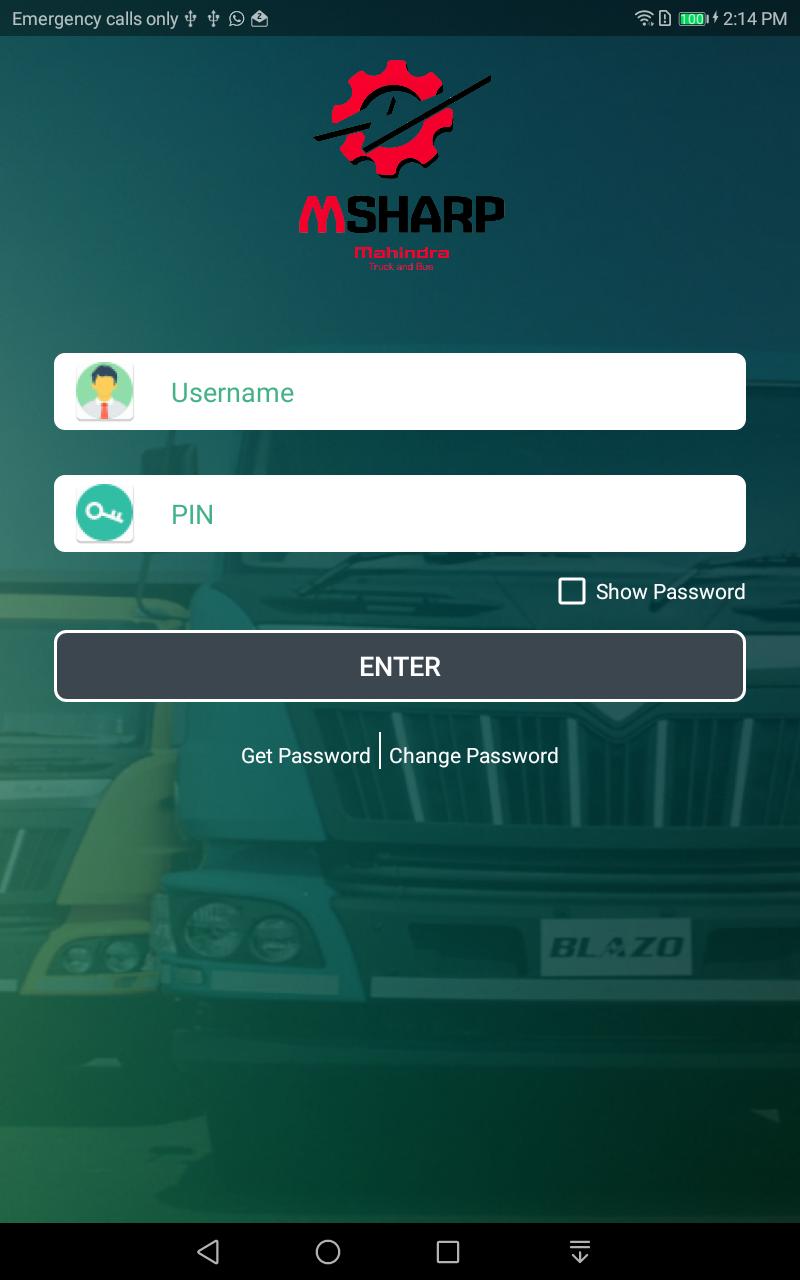
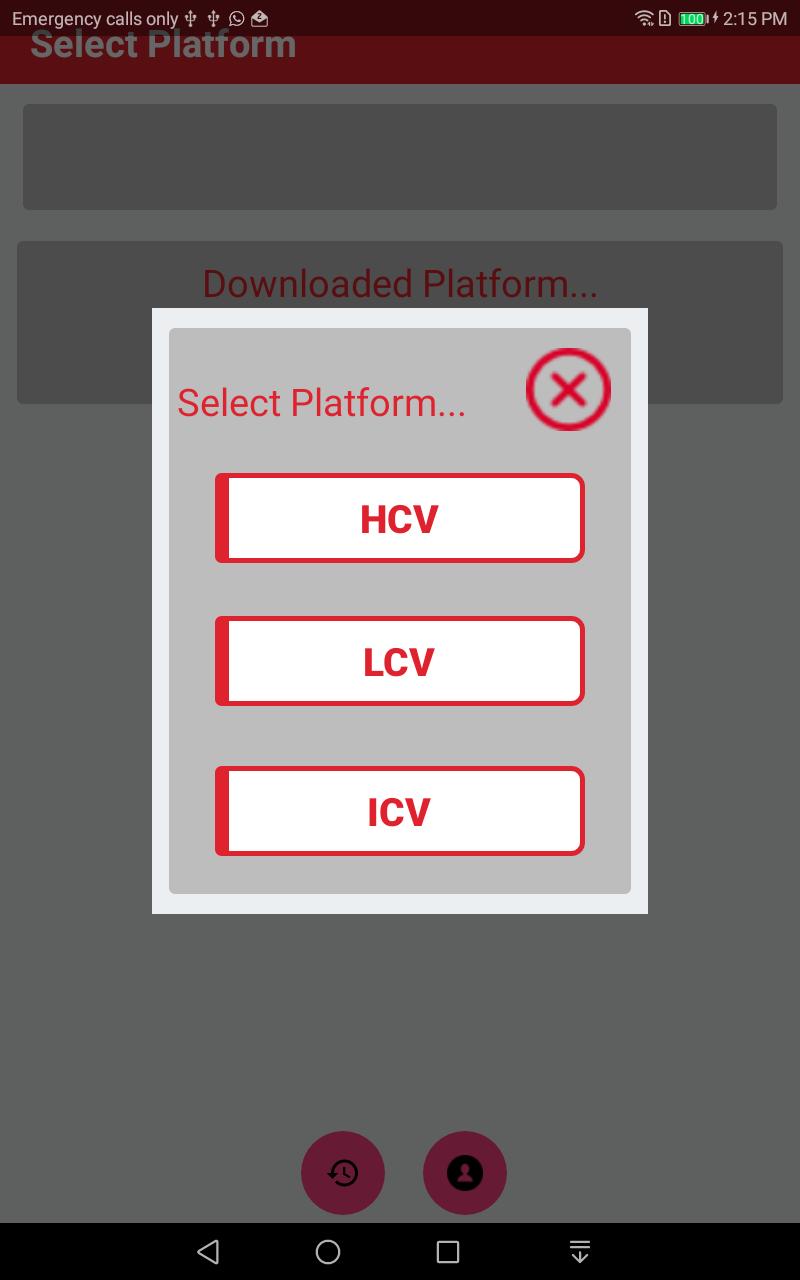
- Mahindra Guided Troubleshooting Software GTSS will be the guide to field technicians to trouble shoot the vehicle with symptoms in addition to P code base. The application will provide step by step guidance for resolution of DTC codes and find out the root cause of the complaint.
GTSS app will be available in English language and later stage Hindi language will be added. The app incorporates the videos, SOP’s Check sheet and wiring diagram’s of the sensors and actuators. Field technician are not adhering to the diagnostics manual for troubleshooting as it is difficult to refer in field. Warranty cost of component increases because wrong troubleshooting. Easy guide to identify root cause of any electronics Engine related issue. Any technician can troubleshoot faults codes effectively. Field team capability will increase and right problem identification & analysis will be assured. Less time required to identify the root cause of failure. Less down time & proper guidance reduces the scope for replacing the components like Injectors, Pump, ECU or Wiring harness.
GTSS fault finding methodology ensures 100% adherence of troubleshooting SOP. Eradicate the trial and error method in field for troubleshooting DTC’s.
預覽
標籤
Auto-&訊息
開發商
Mahindra & Mahindra Ltd
最新版本
3.1.7
更新時間
2018-12-19
類別
Auto-vehicles
同時可用
Google Play
更多
如何在電腦上用 GameLoop 玩 MSHARP
1. 從官網下載GameLoop,然後運行exe文件安裝GameLoop
2. 打開GameLoop,搜索“MSHARP”,在搜索結果中找到MSHARP,點擊“安裝”
3. 享受在 GameLoop 上玩 MSHARP 的樂趣
Minimum requirements
OS
Windows 8.1 64-bit or Windows 10 64-bit
GPU
GTX 1050
CPU
i3-8300
Memory
8GB RAM
Storage
1GB available space
Recommended requirements
OS
Windows 8.1 64-bit or Windows 10 64-bit
GPU
GTX 1050
CPU
i3-9320
Memory
16GB RAM
Storage
1GB available space