C'ENTRO CAR SHARING 電腦版
Targa Telematics
用GameLoop模拟器在電腦上玩C'ENTRO CAR SHARING
C'ENTRO CAR SHARING 電腦版
來自發行商 Targa Telematics 的 C'ENTRO CAR SHARING 能夠在安卓系統上運行。
現在,您可以在電腦上使用 GameLoop 模擬器流暢地玩 C'ENTRO CAR SHARING。
在 GameLoop 遊戲庫或搜索結果中下載。 不需要再暢玩遊戲時盯著電池電量或被令人懊惱的來電打斷。
只需在電腦大屏幕上免費下載暢玩C'ENTRO CAR SHARING 電腦版!
C'ENTRO CAR SHARING 簡介
C'ENTRO CAR SHARING:
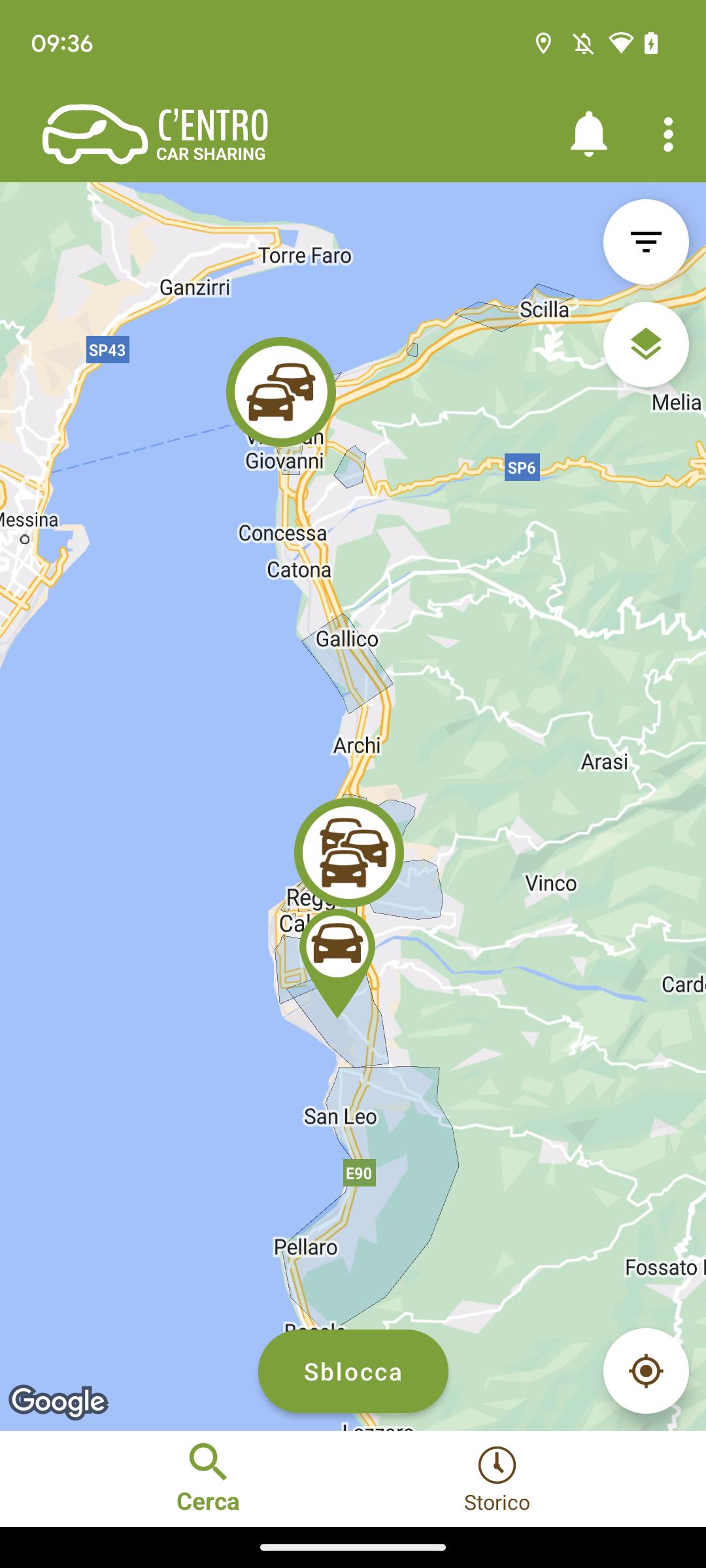
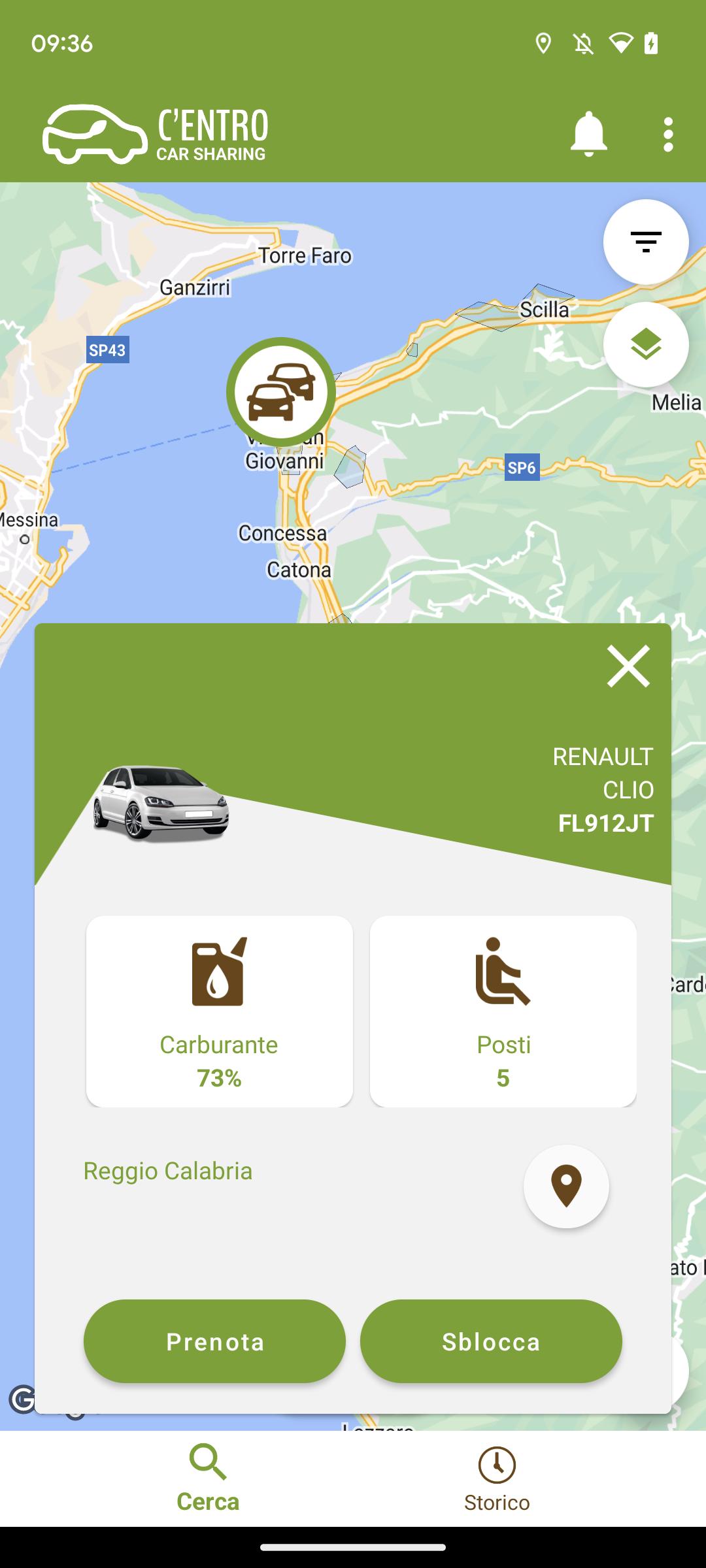
the Car Sharing service of the Metropolitan City of Reggio Calabria. How does it work? First of all REGISTER on the website or directly from the C'ENTRO CAR SHARING APP, entering the requested information: personal data, driving license information and payment method. Done! And then? 1 BOOK
Log in to the app via web or mobile with your credentials and
book your vehicle. 2 COLLECT THE VEHICLE
Approach the car and open it with your app
3 LEAVE
Now that the car is open you can take the keys from the dashboard, check the condition of the car and if everything is in order start your rental. 4 COMPLETE THE RENTAL
To end the rental park the vehicle, insert the keys in the compartment where you found them and get out of the car. Check that you have closed the windows and that the vehicle is in the same condition as when you picked it up. Start the closing procedure with your app to close the vehicle and end your rental.
Based on the provisions of Legislative Decree 76/2020, we have published the accessibility statement of this app on the following web page: https://centro.targatelematics.com/?t=pages&p=a11y-android
預覽
標籤
Auto-&訊息
開發商
Targa Telematics
最新版本
7.8.23
更新時間
2025-10-22
類別
Auto-vehicles
同時可用
Google Play
更多
如何在電腦上用 GameLoop 玩 C'ENTRO CAR SHARING
1. 從官網下載GameLoop,然後運行exe文件安裝GameLoop
2. 打開GameLoop,搜索“C'ENTRO CAR SHARING”,在搜索結果中找到C'ENTRO CAR SHARING,點擊“安裝”
3. 享受在 GameLoop 上玩 C'ENTRO CAR SHARING 的樂趣
Minimum requirements
OS
Windows 8.1 64-bit or Windows 10 64-bit
GPU
GTX 1050
CPU
i3-8300
Memory
8GB RAM
Storage
1GB available space
Recommended requirements
OS
Windows 8.1 64-bit or Windows 10 64-bit
GPU
GTX 1050
CPU
i3-9320
Memory
16GB RAM
Storage
1GB available space