
トラック太郎(スピードメーター付き速度表示灯) 電腦版
HA823
用GameLoop模拟器在電腦上玩トラック太郎(スピードメーター付き速度表示灯)
トラック太郎(スピードメーター付き速度表示灯) 電腦版
來自發行商 HA823 的 トラック太郎(スピードメーター付き速度表示灯) 能夠在安卓系統上運行。
現在,您可以在電腦上使用 GameLoop 模擬器流暢地玩 トラック太郎(スピードメーター付き速度表示灯)。
在 GameLoop 遊戲庫或搜索結果中下載。 不需要再暢玩遊戲時盯著電池電量或被令人懊惱的來電打斷。
只需在電腦大屏幕上免費下載暢玩トラック太郎(スピードメーター付き速度表示灯) 電腦版!
トラック太郎(スピードメーター付き速度表示灯) 簡介
It is installed above the driver's seat of a large truck,
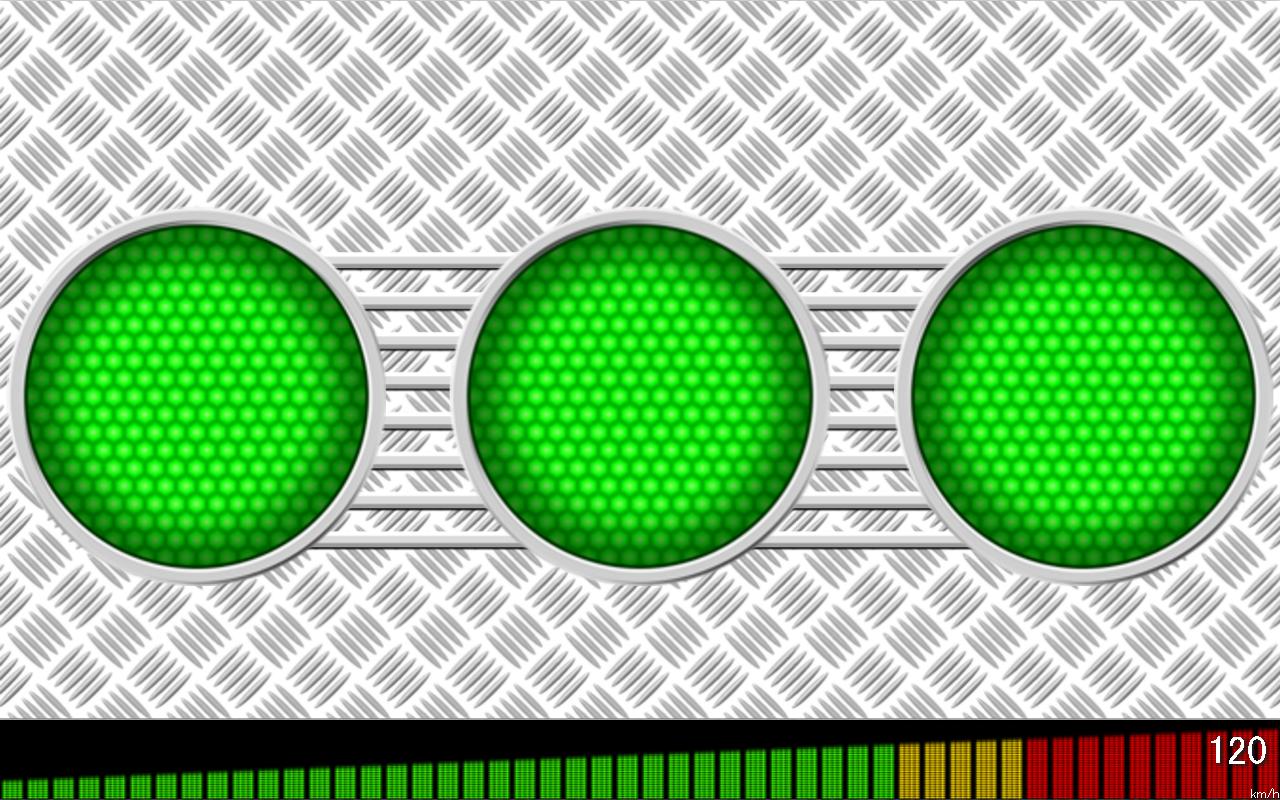
An app that reproduces speed indicators (three lamps lined up).
Lights up according to GPS speed.
○○○ When stopped
○○● 0km/h or more
●○● 40km/h or more
●●● 60km/h or more
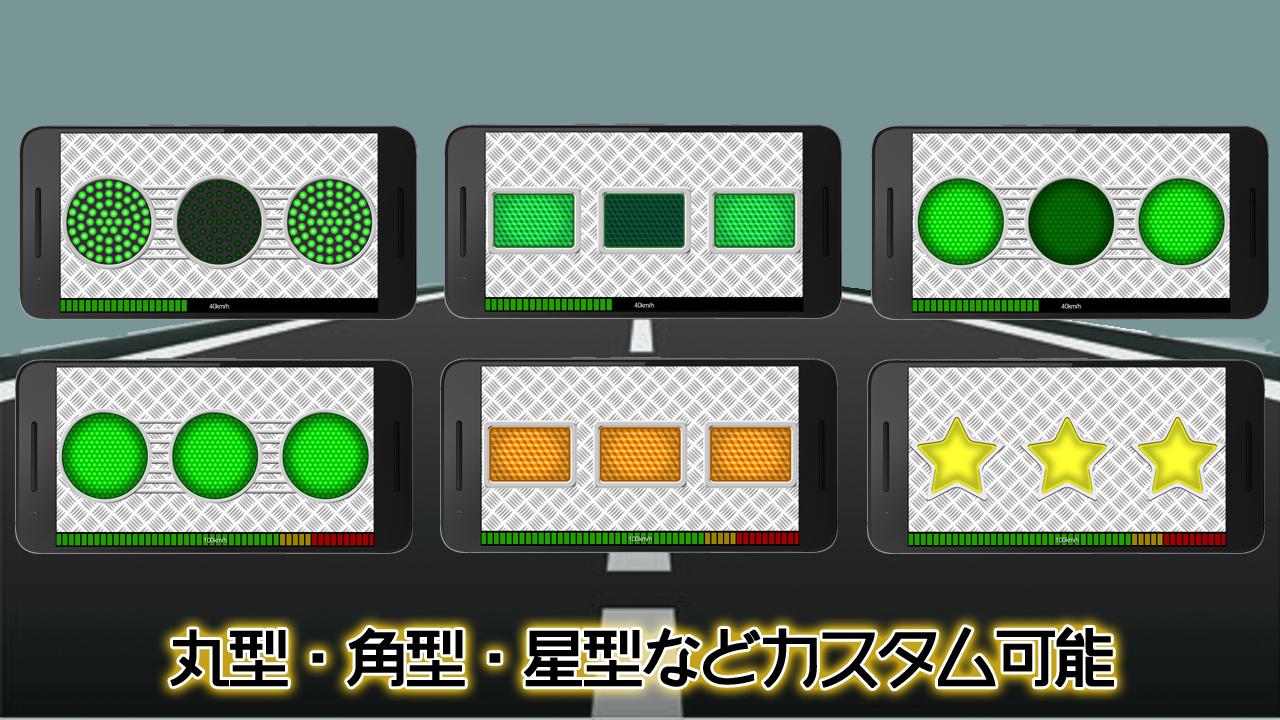
Various settings can be customized on the setting page.
① Background (black, carbon, striped steel, camouflage)
②Lamp shape (LED, round, square, star)
③ Speedometer
④ Speed warning sound (Kinkon when a certain speed is exceeded)
Kurobe trolleybus mode
○ ● ○ Other than the end
● ○ ● Last vehicle
You can switch by tapping the screen.
The developer of this app is certified by Androider's official developer as a developer of safe and secure apps. https://androider.jp/developer/0a50a204c37aa8cb09436a5950c05821/
There is also a brother app.
I'm a little more flashy than this simple Taro
Try out Truck Hachiro, which is full of decorator features.
預覽
標籤
Auto-&訊息
開發商
HA823
最新版本
1.2.1
更新時間
2023-10-03
類別
Auto-vehicles
同時可用
Google Play
更多
如何在電腦上用 GameLoop 玩 トラック太郎(スピードメーター付き速度表示灯)
1. 從官網下載GameLoop,然後運行exe文件安裝GameLoop
2. 打開GameLoop,搜索“トラック太郎(スピードメーター付き速度表示灯)”,在搜索結果中找到トラック太郎(スピードメーター付き速度表示灯),點擊“安裝”
3. 享受在 GameLoop 上玩 トラック太郎(スピードメーター付き速度表示灯) 的樂趣
Minimum requirements
OS
Windows 8.1 64-bit or Windows 10 64-bit
GPU
GTX 1050
CPU
i3-8300
Memory
8GB RAM
Storage
1GB available space
Recommended requirements
OS
Windows 8.1 64-bit or Windows 10 64-bit
GPU
GTX 1050
CPU
i3-9320
Memory
16GB RAM
Storage
1GB available space