
Reesha - Word Cloud Generator 電腦版
Reesha Tech
用GameLoop模拟器在電腦上玩Reesha - Word Cloud Generator
Reesha - Word Cloud Generator 電腦版
來自發行商 Reesha Tech 的 Reesha - Word Cloud Generator 能夠在安卓系統上運行。
現在,您可以在電腦上使用 GameLoop 模擬器流暢地玩 Reesha - Word Cloud Generator。
在 GameLoop 遊戲庫或搜索結果中下載。 不需要再暢玩遊戲時盯著電池電量或被令人懊惱的來電打斷。
只需在電腦大屏幕上免費下載暢玩Reesha - Word Cloud Generator 電腦版!
Reesha - Word Cloud Generator 簡介
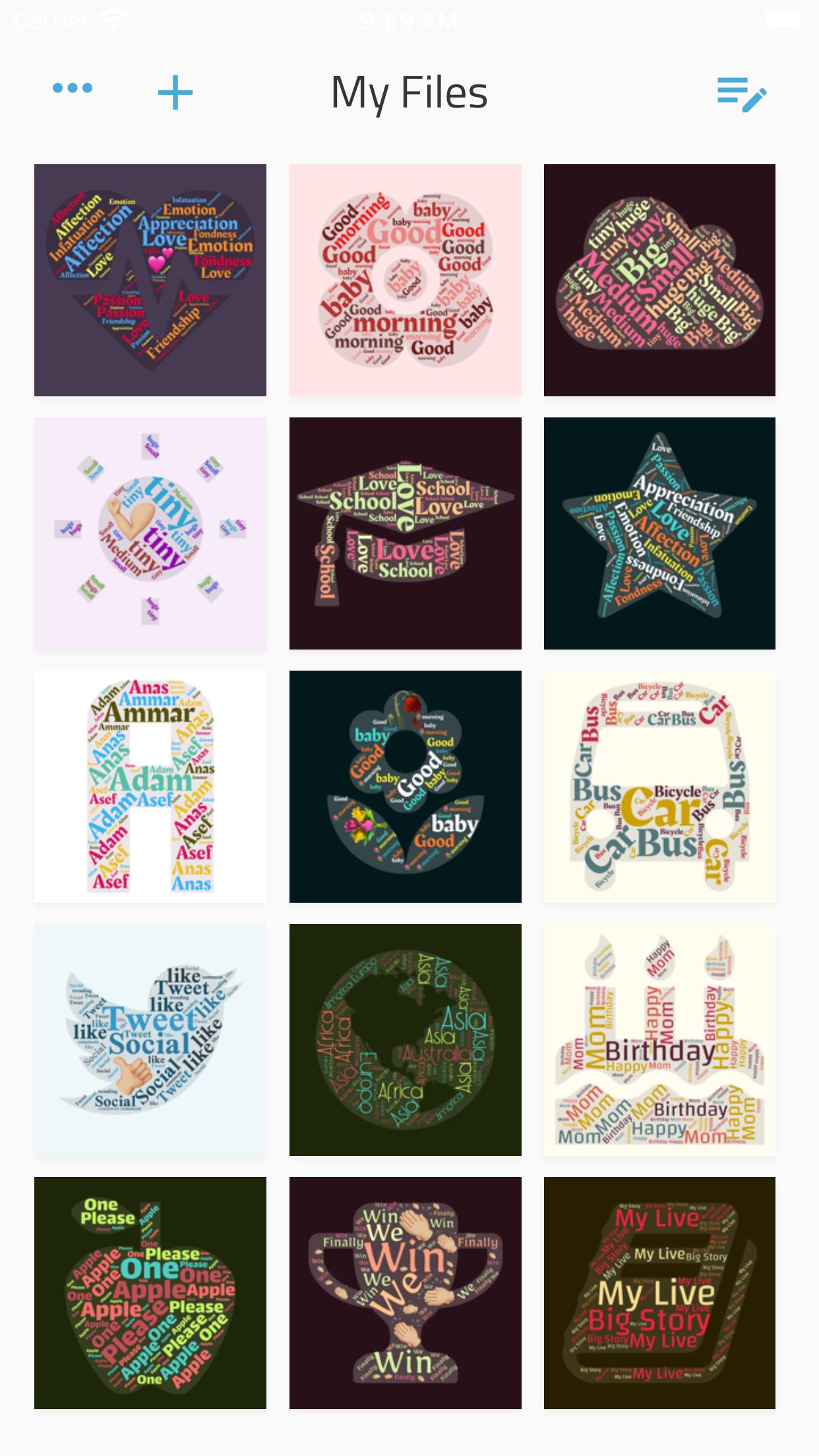
Write your feelings about someone inside a shape that expressing your status.
Whip up a creative status update for your social network page. Type in all your best friends in a pretty card with one or more emojis.
Just enter a few words, and the app will nicely shuffle them inside a bunch of shapes and with different colors.
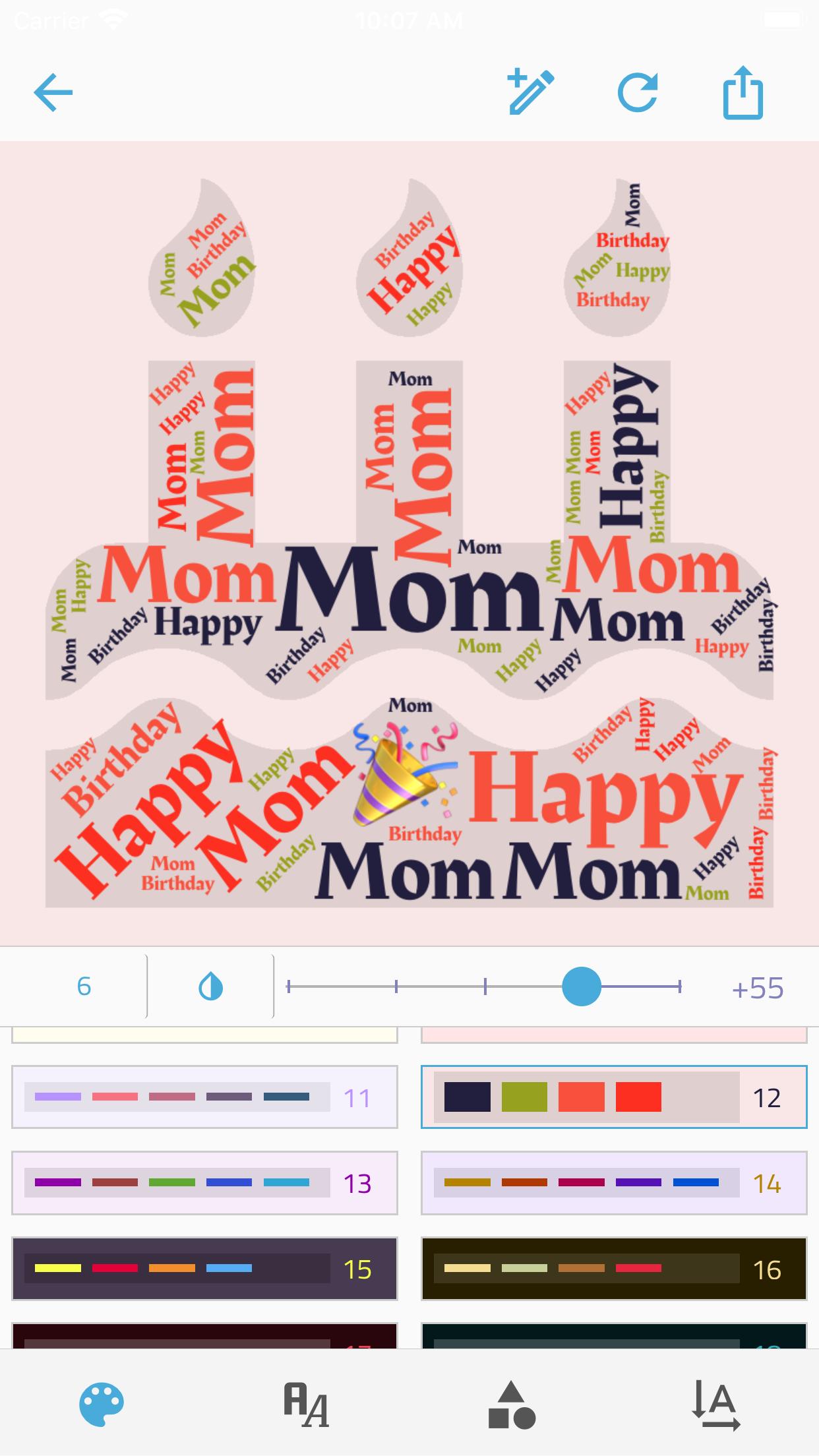
Your creative process:
• Enter as many words and emojis as you like.
• Control the Minimum word number within the shape.
• choose a color group.
• Choose a shape, there're +300 shapes to frame your idea.
• Choose a font from 15 deferent font,
• set the directions of words.
• Control the size of the text within the shape.
And when you're done:
• Export the picture to a high-quality PNG.
• Share the picture directly from the app!
Want something special? App doesn't work as expected? Can't find how to do something? Just want to say thanks? Drop me a message at reesha.app@gmail.com, I'll be happy to help.
預覽
標籤
Art-&訊息
開發商
Reesha Tech
最新版本
1.2.8
更新時間
2021-06-17
類別
Art-design
同時可用
Google Play
更多
如何在電腦上用 GameLoop 玩 Reesha - Word Cloud Generator
1. 從官網下載GameLoop,然後運行exe文件安裝GameLoop
2. 打開GameLoop,搜索“Reesha - Word Cloud Generator”,在搜索結果中找到Reesha - Word Cloud Generator,點擊“安裝”
3. 享受在 GameLoop 上玩 Reesha - Word Cloud Generator 的樂趣
Minimum requirements
OS
Windows 8.1 64-bit or Windows 10 64-bit
GPU
GTX 1050
CPU
i3-8300
Memory
8GB RAM
Storage
1GB available space
Recommended requirements
OS
Windows 8.1 64-bit or Windows 10 64-bit
GPU
GTX 1050
CPU
i3-9320
Memory
16GB RAM
Storage
1GB available space