
Photo Lab Picture Editor 電腦版
Galaxy Launcher
用GameLoop模拟器在電腦上玩Photo Lab Picture Editor
Photo Lab Picture Editor 電腦版
來自發行商 Galaxy Launcher 的 Photo Lab Picture Editor 能夠在安卓系統上運行。
現在,您可以在電腦上使用 GameLoop 模擬器流暢地玩 Photo Lab Picture Editor。
在 GameLoop 遊戲庫或搜索結果中下載。 不需要再暢玩遊戲時盯著電池電量或被令人懊惱的來電打斷。
只需在電腦大屏幕上免費下載暢玩Photo Lab Picture Editor 電腦版!
Photo Lab Picture Editor 簡介
Photo Lab Picture Editor - Creative Photo Editing Made Easy
Give your photos a fresh new look with Photo Lab Picture Editor, packed with exciting tools and effects to turn your ordinary pictures into eye-catching creations.
✨ Main Features:
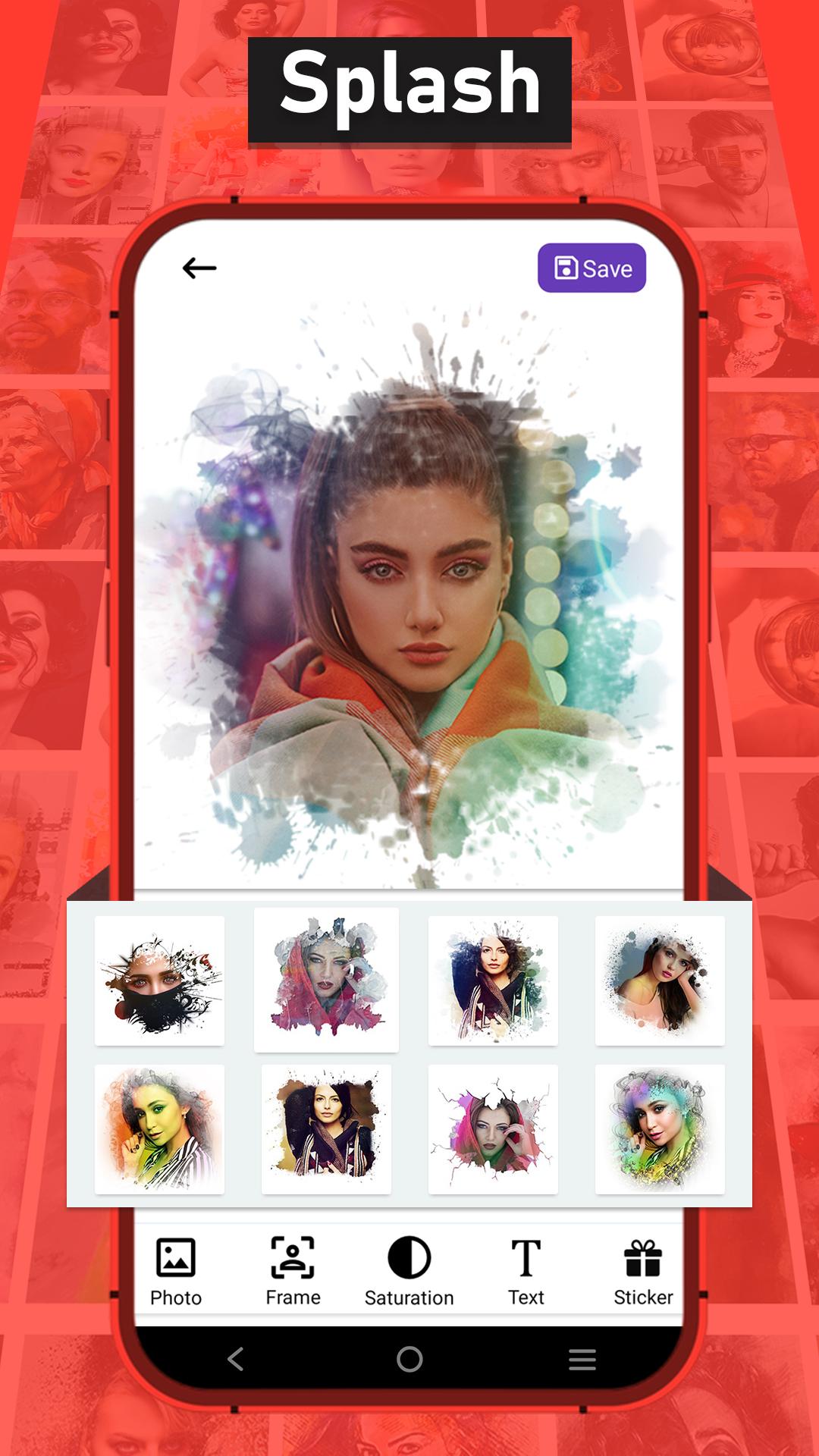
🎨 Splash Frames
Apply artistic splash effects with custom frames to highlight your photos and make them stand out.
🎞 Special Animated GIFs with Photo
Create beautiful animated GIFs using your own photos with unique animation effects.
🎭 Double Exposure
Merge two images creatively to produce stunning double exposure effects with smooth blending.
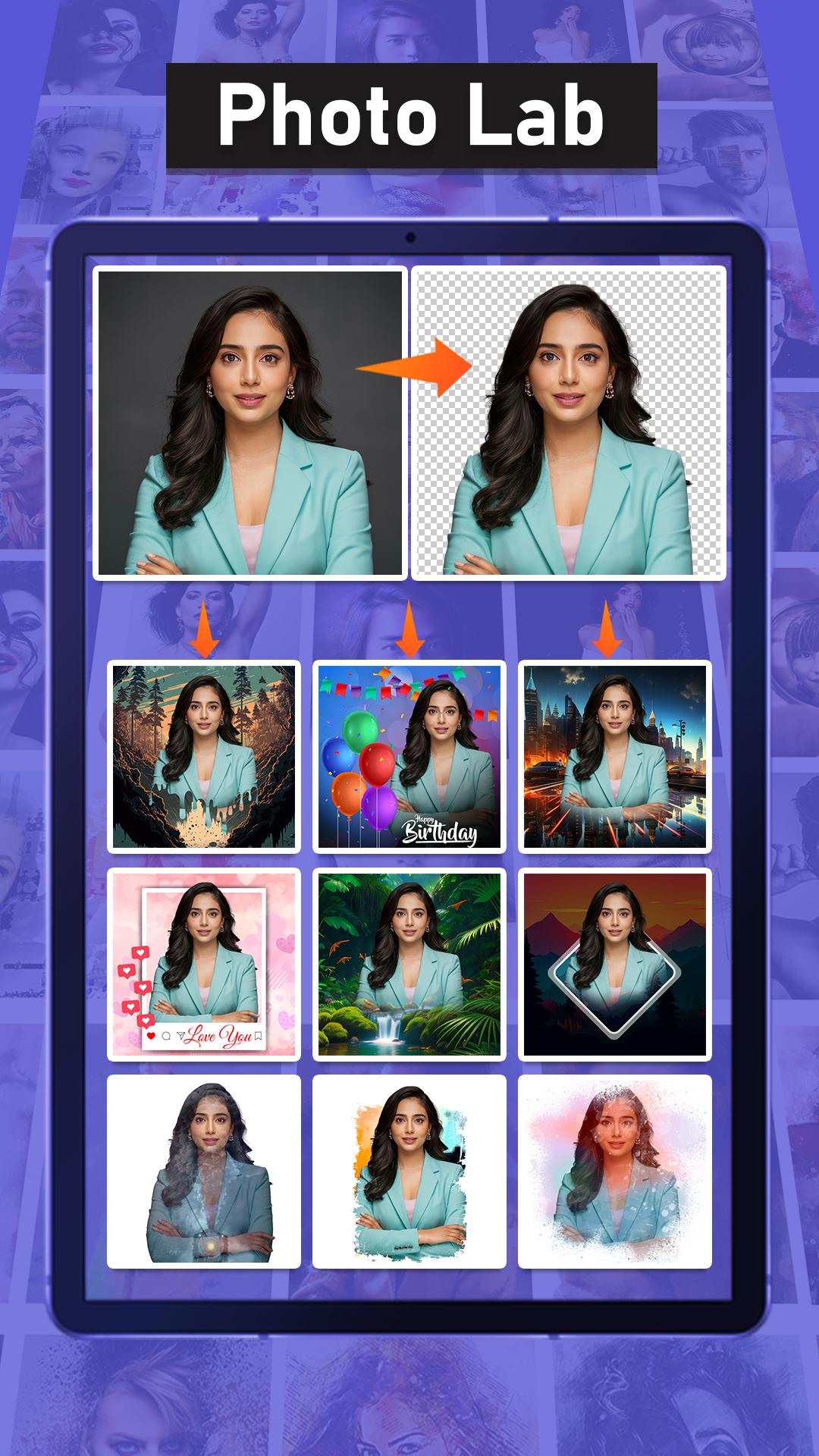
🖼 Ready-to-Use Templates
Choose from a wide variety of professionally designed templates to enhance your photos instantly.
🖌 Complete Editing Tools
Crop, rotate, adjust brightness, contrast, saturation, and sharpen your photos for perfect results.
💬 Text & Stickers
Add text, stickers, and fun elements to personalize your creations.
📷 Simple & User-Friendly
Easy-to-use interface designed for fast, professional-quality editing — no experience needed.
Whether you want to create stunning profile pictures, eye-catching social media posts, or fun animated GIFs, Photo Lab Picture Editor has everything you need in one app.
📥 Download Photo Lab Picture Editor now and start creating amazing photos today!
預覽
標籤
Art-&攝影訊息
開發商
Galaxy Launcher
最新版本
1.6
更新時間
2025-07-04
類別
Art-design
同時可用
Google Play
更多
如何在電腦上用 GameLoop 玩 Photo Lab Picture Editor
1. 從官網下載GameLoop,然後運行exe文件安裝GameLoop
2. 打開GameLoop,搜索“Photo Lab Picture Editor”,在搜索結果中找到Photo Lab Picture Editor,點擊“安裝”
3. 享受在 GameLoop 上玩 Photo Lab Picture Editor 的樂趣
Minimum requirements
OS
Windows 8.1 64-bit or Windows 10 64-bit
GPU
GTX 1050
CPU
i3-8300
Memory
8GB RAM
Storage
1GB available space
Recommended requirements
OS
Windows 8.1 64-bit or Windows 10 64-bit
GPU
GTX 1050
CPU
i3-9320
Memory
16GB RAM
Storage
1GB available space