Laser Graphics Converter 電腦版
DiF Aktuna
用GameLoop模拟器在電腦上玩Laser Graphics Converter
Laser Graphics Converter 電腦版
來自發行商 DiF Aktuna 的 Laser Graphics Converter 能夠在安卓系統上運行。
現在,您可以在電腦上使用 GameLoop 模擬器流暢地玩 Laser Graphics Converter。
在 GameLoop 遊戲庫或搜索結果中下載。 不需要再暢玩遊戲時盯著電池電量或被令人懊惱的來電打斷。
只需在電腦大屏幕上免費下載暢玩Laser Graphics Converter 電腦版!
Laser Graphics Converter 簡介
This is a utility application for laser show users. It was initially developed for LaserOS (Laser Cube) users but can be used for all type of laser image/laser animation conversions.
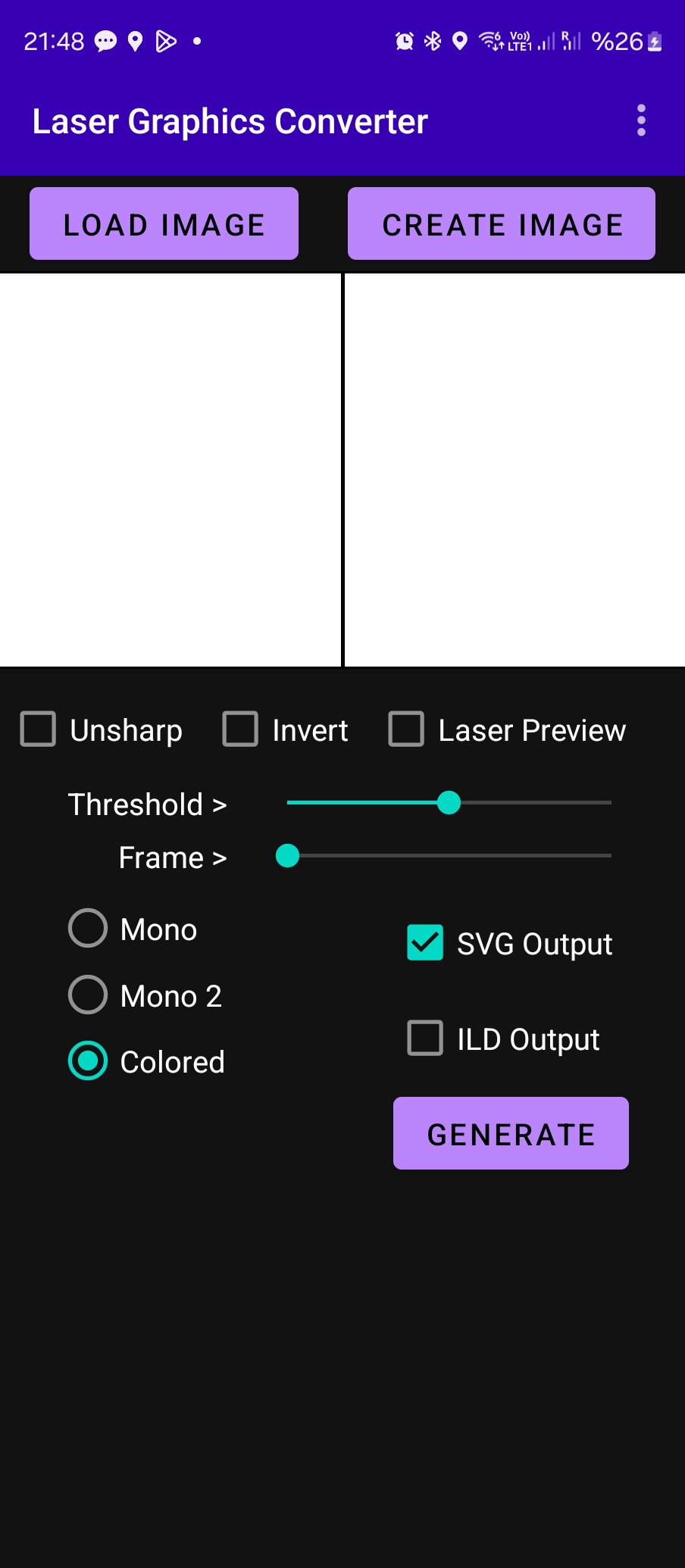
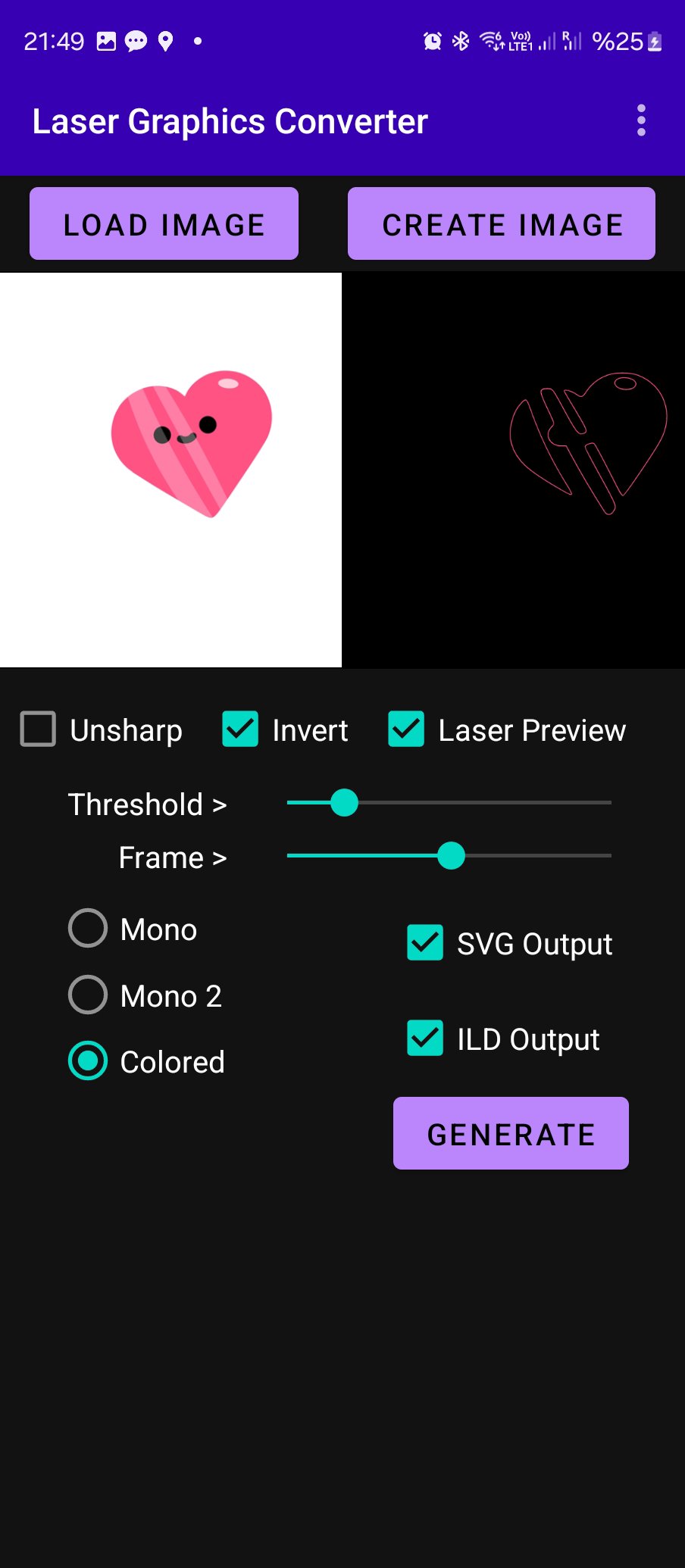
The application can convert still images or animations to vector images (SVG) or ILDA images/animations. As input you can use GIF/PNG/JPG still images or GIF animations. User can also create your own image or animation in the app using the "CREATE" function.
User can preview what the laser will show in the application. Several options are available for adjusting the laser image.
If the input is a GIF animation, the app will produce multiple SVG files as frames of the animation (if SVG output is preferred)
They could be used to produce vector animations.
If ILD output is selected, one ILD file will be created either one frame still image or multi frame animation.
For each format you can select the output folder on your phone storage.
If the user wants to change the destination folder, the output option can be disabled and re-enabled.
The output is useful to be used in laser applications, laser animations.
It is tested with Laser Cube (LaserOS)
Some Features:
1.Multi color animation import
2.Internal Animation Creator
3.Font Support
4.Two methods to try for mono (B&W) tracing
Tips on creating great animations to use with LaserOS:
1. Select simple animations , simple frames with few elements
2. According to the background color (invert) option will add or remove frame outline. Prefer outline removed images when possible.
3. If there is a black outline on the figure, the colors will not appear because the app will take the color from outline.
4. Try mono/mono2 and color options, Invert and Unsharp features to find best results for that specific animation.
5. You can adjust speed of the animation when creating a custom one, setting from delay button.
6. Adjust fps when importing to LaserOS. Each specific animation requires fine tuning.
7. Adjust quality on LaserOS if there are many elements on image.
Pease watch the video for full usage instructions:
https://www.youtube.com/watch?v=BxfLIbqxDFo
https://www.youtube.com/watch?v=79PovFixCTQ
預覽
標籤
Art-&訊息
開發商
DiF Aktuna
最新版本
5.5
更新時間
2025-09-13
類別
Art-design
同時可用
Google Play
更多
如何在電腦上用 GameLoop 玩 Laser Graphics Converter
1. 從官網下載GameLoop,然後運行exe文件安裝GameLoop
2. 打開GameLoop,搜索“Laser Graphics Converter”,在搜索結果中找到Laser Graphics Converter,點擊“安裝”
3. 享受在 GameLoop 上玩 Laser Graphics Converter 的樂趣
Minimum requirements
OS
Windows 8.1 64-bit or Windows 10 64-bit
GPU
GTX 1050
CPU
i3-8300
Memory
8GB RAM
Storage
1GB available space
Recommended requirements
OS
Windows 8.1 64-bit or Windows 10 64-bit
GPU
GTX 1050
CPU
i3-9320
Memory
16GB RAM
Storage
1GB available space