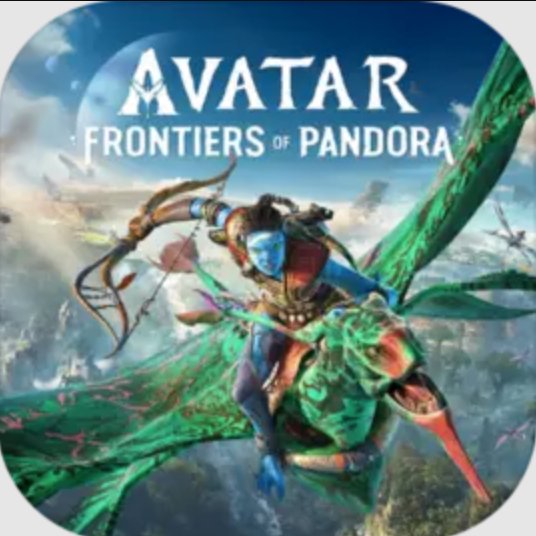
Avatar: Frontiers of Pandora 電腦版
Ubisoft
用GameLoop模拟器在電腦上玩Avatar: Frontiers of Pandora
Avatar: Frontiers of Pandora 電腦版
來自發行商 Ubisoft 的 Avatar: Frontiers of Pandora 能夠在安卓系統上運行。
現在,您可以在電腦上使用 GameLoop 模擬器流暢地玩 Avatar: Frontiers of Pandora。
在 GameLoop 遊戲庫或搜索結果中下載。 不需要再暢玩遊戲時盯著電池電量或被令人懊惱的來電打斷。
只需在電腦大屏幕上免費下載暢玩Avatar: Frontiers of Pandora 電腦版!
Avatar: Frontiers of Pandora 簡介
Set in a new region of Pandora, Avatar: Frontiers of Pandora follows a Na’vi who was raised by the RDA and is now reclaiming their identity. You reconnect with your heritage, unite scattered clans, and confront the RDA alongside the ruthless Ash Clan. The story blends exploration with combat and traversal across a living world. On mobile, there is no native Android build. However, you can stream the game through cloud gaming services to play on your phone or tablet. This page explains availability, features, and how to get started.
Key features
Explore the Western Frontier
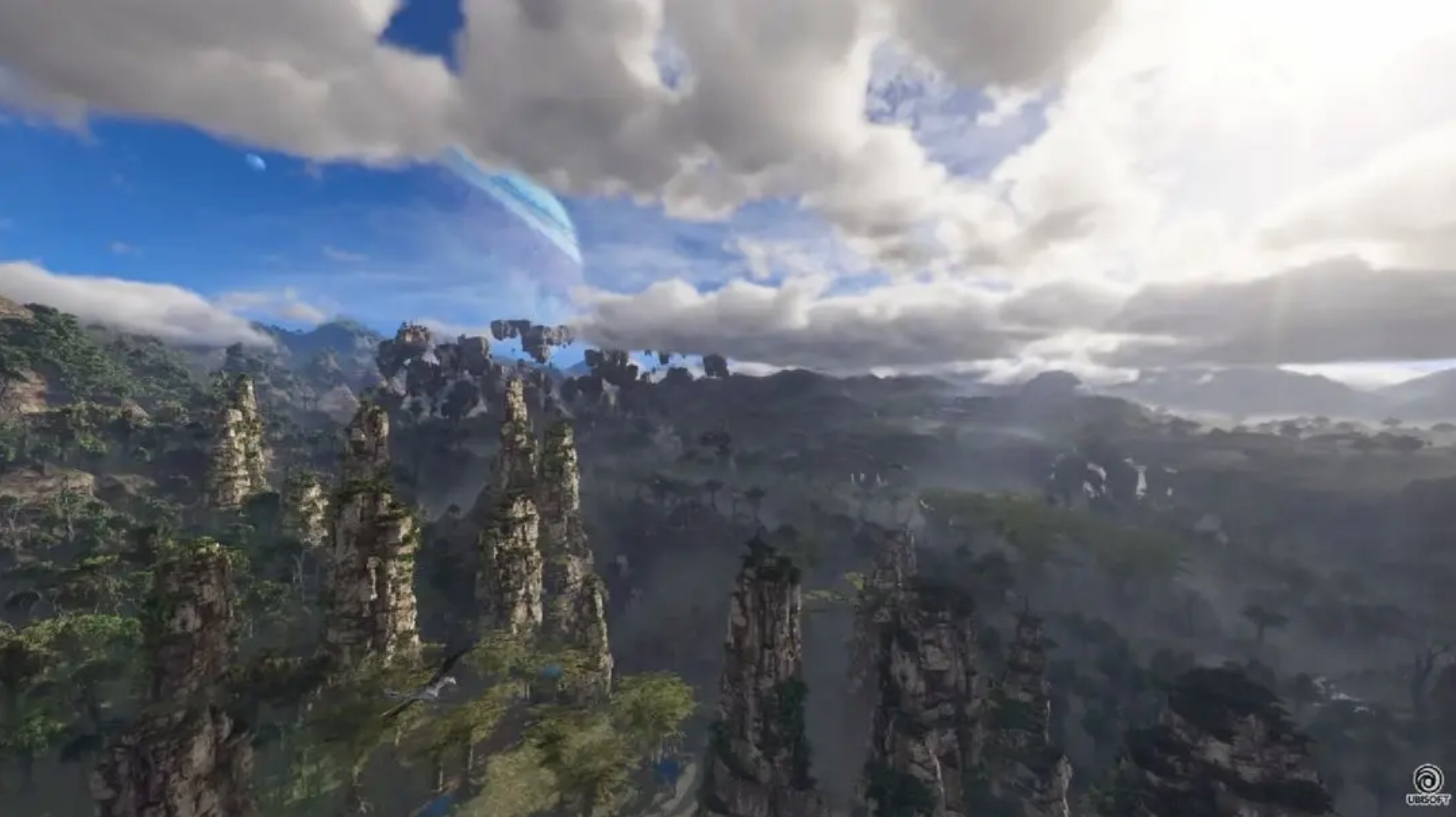
Avatar: Frontiers of Pandora offers a large open world filled with unique biomes, wildlife, and RDA facilities. You scout, gather intel, and uncover secrets that connect story progress with environmental discovery.
Become Na’vi with customization and crafting
You build a Na’vi that fits your style. Avatar: Frontiers of Pandora includes character options, gear crafting, and skill upgrades, so you can tune stealth, survivability, and damage to your needs.
Bond with your banshee for travel and combat
After forming a bond with your banshee, also known as an ikran, you can fly across long distances and engage in aerial encounters. This adds vertical routes and fast traversal between objectives.
Use Na’vi tools and human weapons
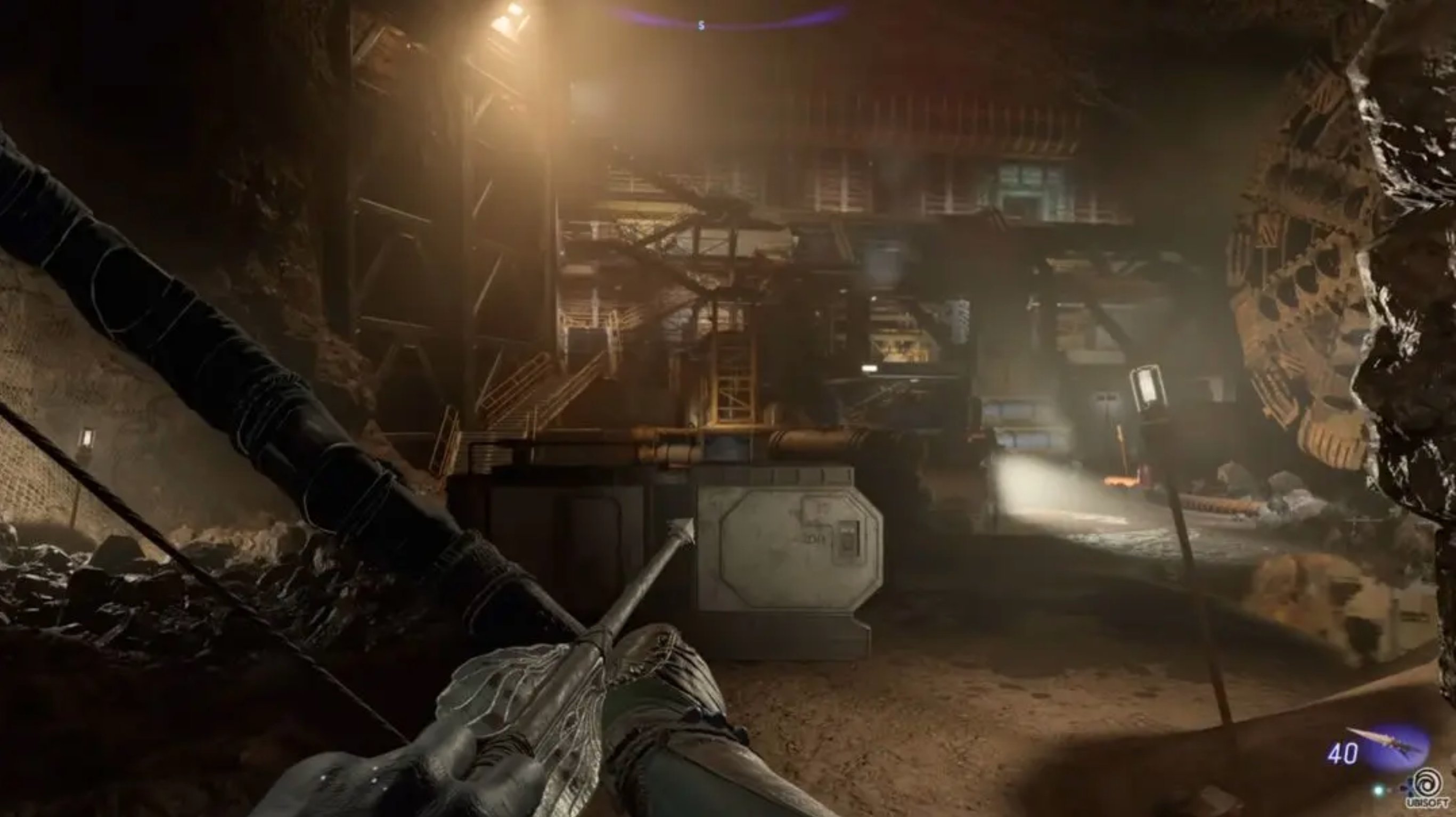
Combat supports bows and spear throwers alongside human firearms such as rifles and shotguns. Therefore, you can switch tactics to handle wildlife threats and armored RDA units with the right tool.
Third person camera and New Game+
Avatar: Frontiers of Pandora now includes a third person perspective and a New Game+ mode. These options help you replay with your build and view combat and traversal from a different angle.
From the Ashes expansion featuring So’lek
In the From the Ashes expansion, you play as So’lek in a storyline connected to the Avatar: Fire and Ash film. You face new enemies while pursuing the RDA and the Ash Clan in a focused narrative arc.
Avatar: Frontiers of Pandora on mobile
There is no official Avatar: Frontiers of Pandora APK or native Android version. You can still play on mobile by streaming through cloud gaming services such as Xbox Cloud Gaming, Amazon Luna, Shadow PC, or GeForce NOW. A stable high speed connection and a compatible controller are recommended for reliable input and image quality.
If you search for download Avatar: Frontiers of Pandora, be aware that unofficial files labeled as Avatar: Frontiers of Pandora APK or Avatar: Frontiers of Pandora APK latest version are not genuine. On APKPure, we provide clear guidance so you can stream the game safely through trusted cloud partners and avoid risky downloads.
Updates and modes in Avatar: Frontiers of Pandora
Recent updates add a third person camera and New Game+. These options broaden how the adventure plays without changing core progression. Moreover, the From the Ashes expansion introduces a separate playable lead, So’lek, and ties into the broader Avatar story universe.
These additions help returning players continue with an endgame build and let new players choose a camera view that fits their preference. Therefore, you can plan your run with more control over perspective and replay value.
How to play Avatar: Frontiers of Pandora on mobile with cloud streaming
You can stream Avatar: Frontiers of Pandora on a phone or tablet by using a supported cloud gaming service. The steps below outline a simple setup that works across the most common providers.
- Choose a cloud platform such as Xbox Cloud Gaming, Amazon Luna, Shadow PC, or GeForce NOW, then create an account if required.
- Install the service’s mobile app or open its mobile web client, then sign in and confirm your subscription or access level.
- After that, pair a Bluetooth controller or use a supported mobile controller accessory. Some services require a controller for this game.
- Then, connect to a stable high speed network. For best results, use 5 GHz Wi‑Fi or strong 5G, and close background downloads.
- Search for Avatar: Frontiers of Pandora inside the cloud service, start the stream, and set in game sensitivity and camera preferences.
Safety notes for Avatar: Frontiers of Pandora APK searches
Searches like download Avatar: Frontiers of Pandora or Avatar: Frontiers of Pandora APK latest version often lead to misleading files. The developer Ubisoft has not released an Android APK. Therefore, avoid installing unknown packages that claim to be the full game. Use the cloud services listed above to play on mobile, and keep your device secure.
Get started now
Avatar: Frontiers of Pandora delivers open world exploration, flexible combat, and flight with your banshee, and it now supports third person and New Game+. Get the latest Avatar: Frontiers of Pandora APK information on APKPure, and follow our guide to stream the game on your mobile device.
FAQs
Is Avatar: Frontiers of Pandora on mobile?
Avatar: Frontiers of Pandora does not have a native mobile version or an official Android APK. You can play on phones and tablets by streaming through Xbox Cloud Gaming, Amazon Luna, Shadow PC, or GeForce NOW with a strong connection and a compatible controller.
How do I download this game?
There is no official Avatar: Frontiers of Pandora APK to download on Android. On APKPure, use this page to learn how to play through supported cloud services and avoid unsafe files that claim to be Avatar: Frontiers of Pandora APK latest version.
Where can I play Avatar: Frontiers of Pandora?
Avatar: Frontiers of Pandora is available on console and PC, and it is playable on mobile via cloud streaming. For phones and tablets, use services like Xbox Cloud Gaming, Amazon Luna, Shadow PC, or GeForce NOW to start playing without a local install.
Does Avatar: Frontiers of Pandora support third person and New Game+?
Yes, Avatar: Frontiers of Pandora includes an optional third person camera and a New Game+ mode. These settings allow you to replay with your build and view traversal and combat from a different perspective.
What is the From the Ashes expansion?
From the Ashes is an expansion for Avatar: Frontiers of Pandora that puts you in the role of So’lek. It introduces new enemies and a storyline connected to the Avatar: Fire and Ash film while continuing the conflict with the RDA and the Ash Clan.
預覽
訊息
開發商
Ubisoft
類別
冒險
更多
如何在電腦上用 GameLoop 玩 Avatar: Frontiers of Pandora
1. 從官網下載GameLoop,然後運行exe文件安裝GameLoop
2. 打開GameLoop,搜索“Avatar: Frontiers of Pandora”,在搜索結果中找到Avatar: Frontiers of Pandora,點擊“安裝”
3. 享受在 GameLoop 上玩 Avatar: Frontiers of Pandora 的樂趣
Minimum requirements
OS
Windows 8.1 64-bit or Windows 10 64-bit
GPU
GTX 1050
CPU
i3-8300
Memory
8GB RAM
Storage
1GB available space
Recommended requirements
OS
Windows 8.1 64-bit or Windows 10 64-bit
GPU
GTX 1050
CPU
i3-9320
Memory
16GB RAM
Storage
1GB available space